


Word Checker for SCRABBLE
Juega en PC con BlueStacks: la plataforma de juegos Android, en la que confían más de 500 millones de jugadores.

Página modificada el: Dec 31, 2024
Play Word Checker for SCRABBLE on PC or Mac
From the innovators and creators at Boondoggle Labs, Word Checker for SCRABBLE is another fun addition to the World of Word games. Go beyond your mobile screen and play it bigger and better on your PC or Mac. An immersive experience awaits you.
About the Game
If you’ve ever played SCRABBLE and wondered, “Is that a real word?”—Word Checker for SCRABBLE has you covered. This handy tool by Boondoggle Labs is your quiet sidekick whenever you’re wrangling tricky tiles or hashing out word disputes with friends. Quick checks, clear results, and detailed definitions mean you’ll spend less time arguing and more time enjoying your Word genre games—whether at home, in a tourney, or between moves on BlueStacks.
Game Features
-
Official SCRABBLE Word Lists:
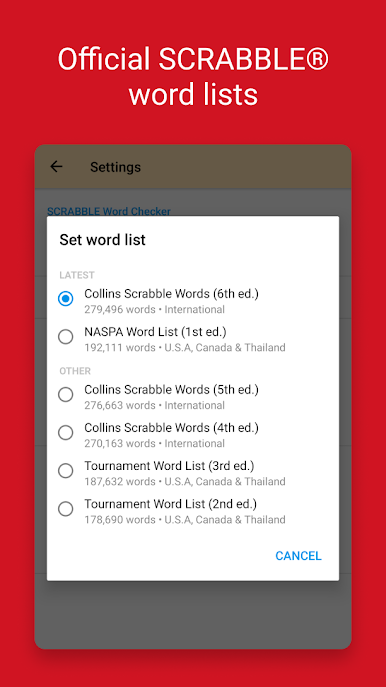
Pick from the most trusted sources, like the Collins Word List for international play or check words against the Tournament Word List if you’re in the U.S., Canada, Israel, or Thailand. You’ll always know what counts, wherever you’re playing. -
Reliable Word Meaning Lookups:
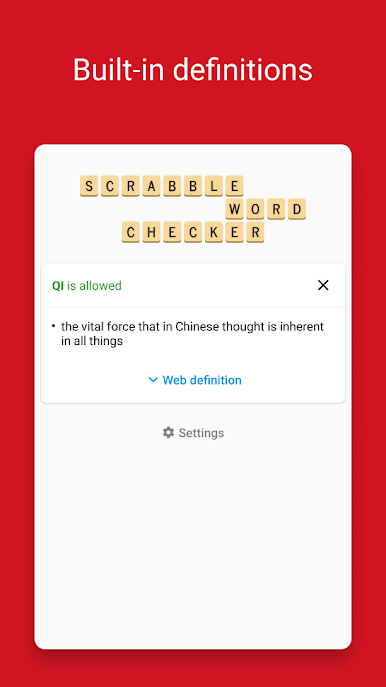
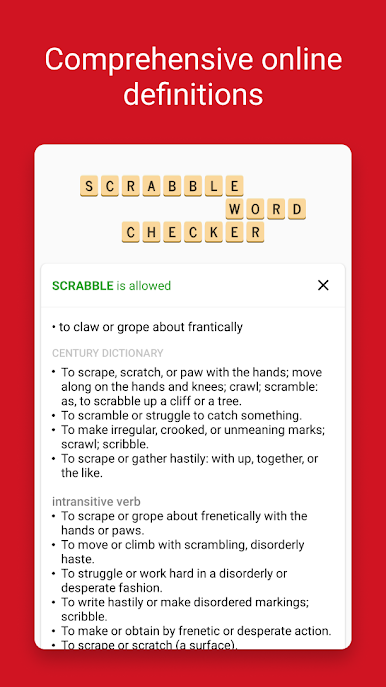
Wanna know exactly what that odd word means? Check out full definitions sourced from The American Heritage Dictionary, Wiktionary, Century Dictionary, Collins Dictionary, and others, all without breaking your stride. -
Use It Offline:
No Wi-Fi? No problem. Word Checker for SCRABBLE works even when there’s no internet—you can play and verify anywhere, anytime. -
Simple and Straightforward:
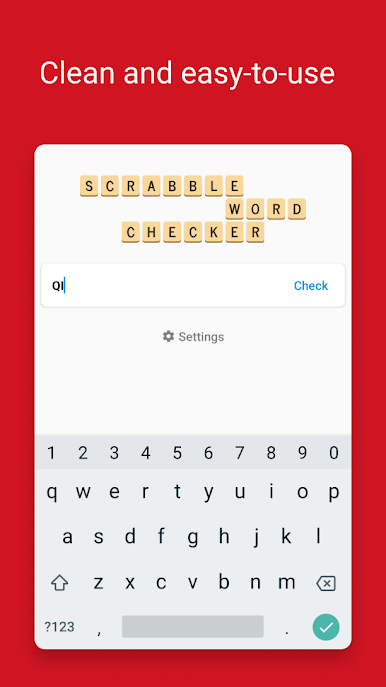
No clutter here. It’s just you, your words, and instant answers. Even heated debates at game night cool down fast.
Get ready for a buttery smooth, high-performance gaming action only on BlueStacks.
Juega Word Checker for SCRABBLE en la PC. Es fácil comenzar.
-
Descargue e instale BlueStacks en su PC
-
Complete el inicio de sesión de Google para acceder a Play Store, o hágalo más tarde
-
Busque Word Checker for SCRABBLE en la barra de búsqueda en la esquina superior derecha
-
Haga clic para instalar Word Checker for SCRABBLE desde los resultados de búsqueda
-
Complete el inicio de sesión de Google (si omitió el paso 2) para instalar Word Checker for SCRABBLE
-
Haz clic en el ícono Word Checker for SCRABBLE en la pantalla de inicio para comenzar a jugar

