


Visite Clienti 4 Lt.
Gioca su PC con BlueStacks: la piattaforma di gioco Android, considerata affidabile da oltre 500 milioni di giocatori.

Pagina modificata il: Nov 19, 2025
Play Customer Appoitments 4 Lt. on PC
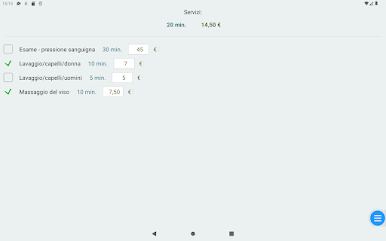
clubs, spa, and other services. The clear presentation of terms prepared for small and large
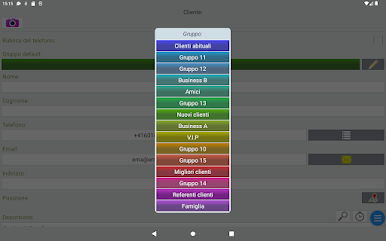
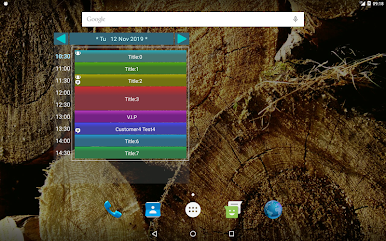
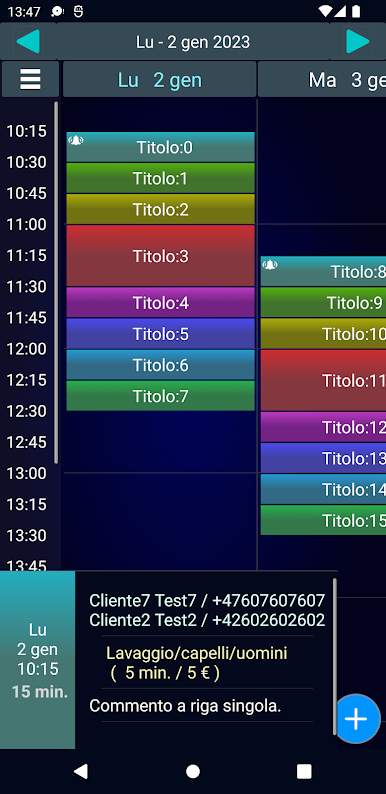
touch screens. Grouping customers and management of group bookings.
Main features:
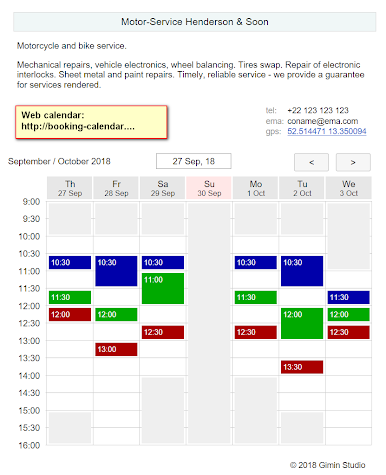
- calendar on the internet http://booking-calendar.eu/demohr (more info: http://www.gimin.eu/webcal-info
- secure ! All data only in the device ( no data in the internet/cloud )
- the ability to work offline (without an internet connection)
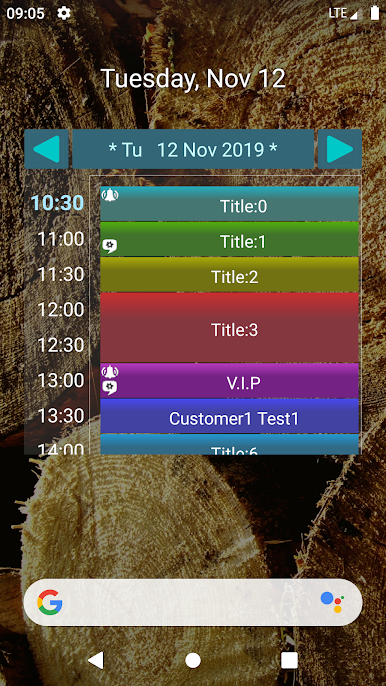
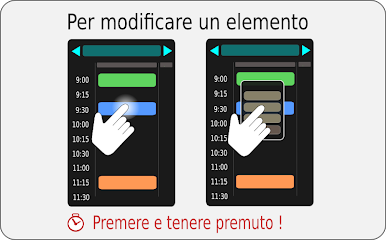
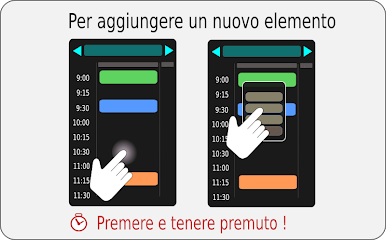
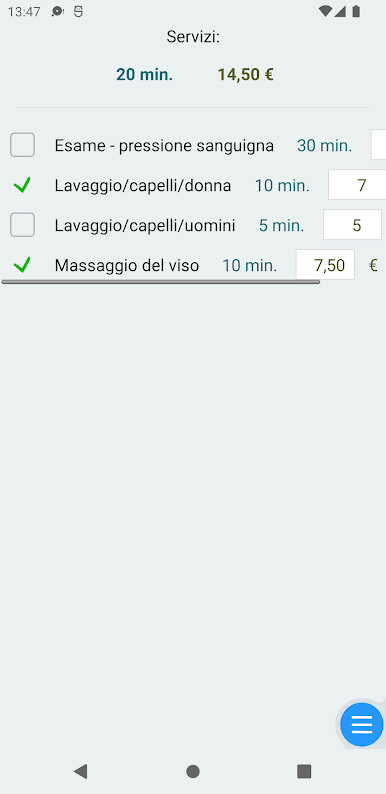
- add, delete, move, or edit terms agreed with the customer,
- different term search modes,
- taking a photo with description,
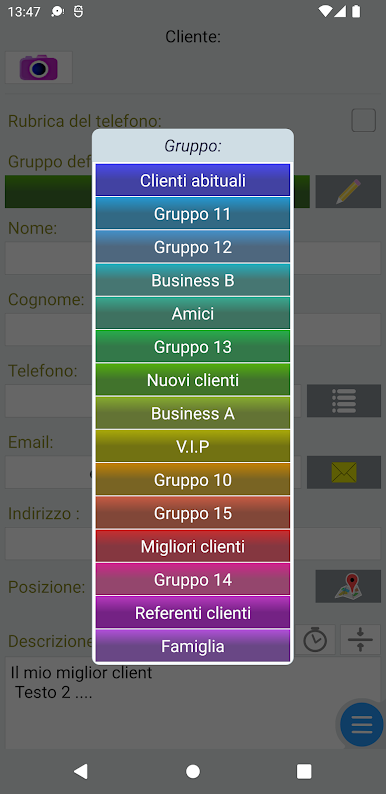
- customer management: contact data, groups, descriptions and notes,
- presentation of different customer groups by colors,
- send messages directly from the application,
- calling customers directly from an application,
- create a copy of the data to a file (backup),
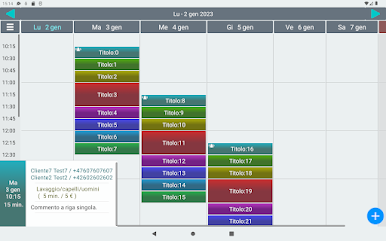
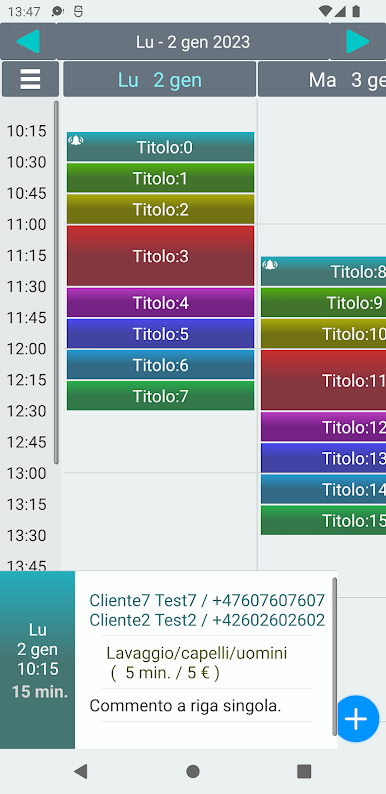
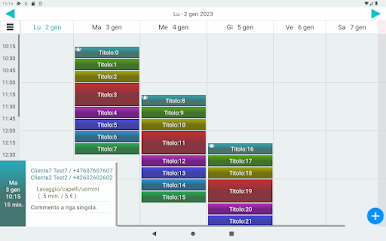
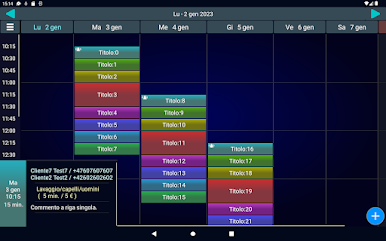
- week view and month view
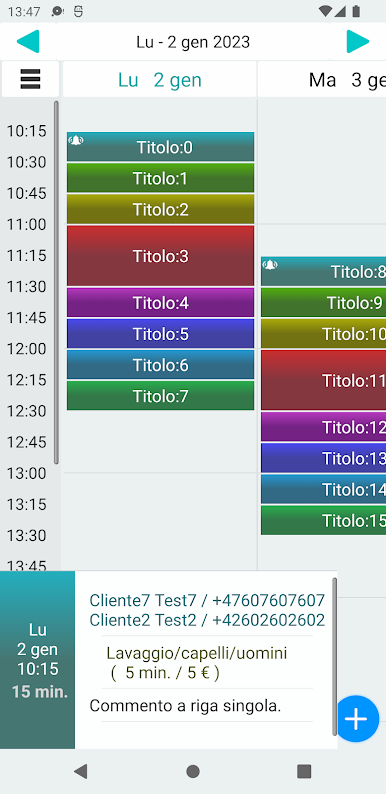
- convenient operation on the phone as well as tablet,
- supports horizontal and vertical screen orientation,
- synchronize data between Phone and tablet via Bluetooth.
- quick ( single click ) SMS messsaginig to many customers selected by group or by events date.
- event reminder.
- SMS reminders (free option) https://play.google.com/store/apps/details?id=gmin.app.libsms
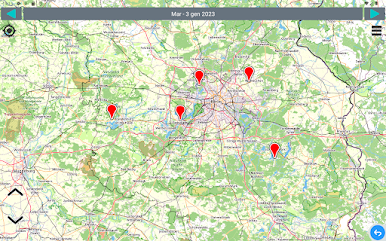
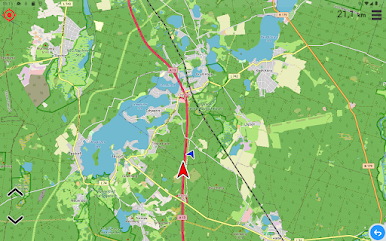
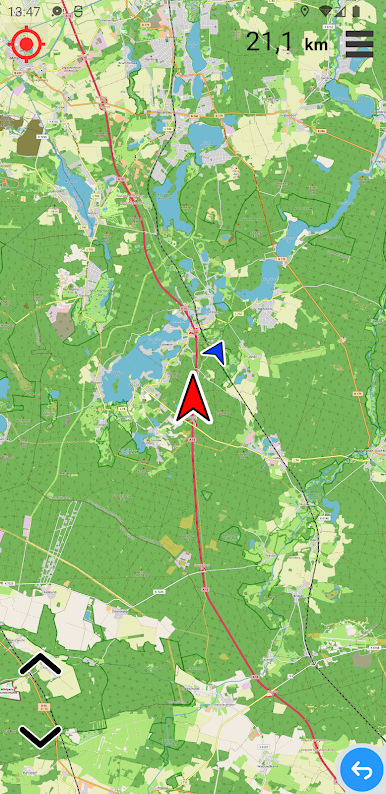
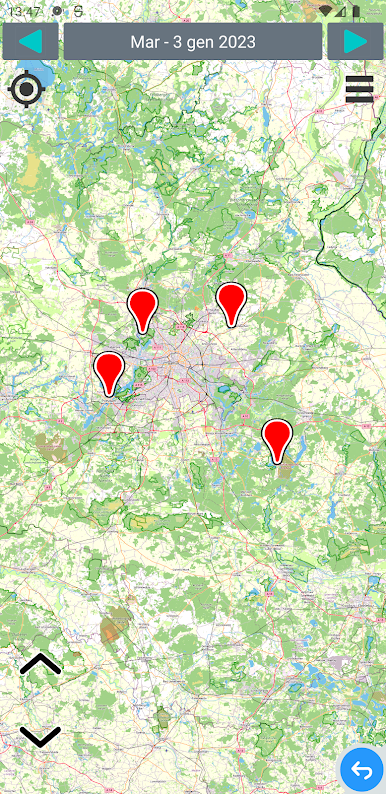
- appointment location on the map (OpenStreetMap).
- customer location on the map
- 4 color themes.
? Frequently Asked Questions :
https://customer-appointments-namager.blogspot.com/2020/02/frequently-asked-questions-for-gimin.html
Copyright © GIMIN Studio.
Gioca Visite Clienti 4 Lt. su PC. È facile iniziare.
-
Scarica e installa BlueStacks sul tuo PC
-
Completa l'accesso a Google per accedere al Play Store o eseguilo in un secondo momento
-
Cerca Visite Clienti 4 Lt. nella barra di ricerca nell'angolo in alto a destra
-
Fai clic per installare Visite Clienti 4 Lt. dai risultati della ricerca
-
Completa l'accesso a Google (se hai saltato il passaggio 2) per installare Visite Clienti 4 Lt.
-
Fai clic sull'icona Visite Clienti 4 Lt. nella schermata principale per iniziare a giocare

