


Brightest Flashlight ®
Mainkan di PC dengan BlueStacks – platform Game-Game Android, dipercaya oleh lebih dari 500 juta gamer.

Play Brightest Flashlight ® on PC
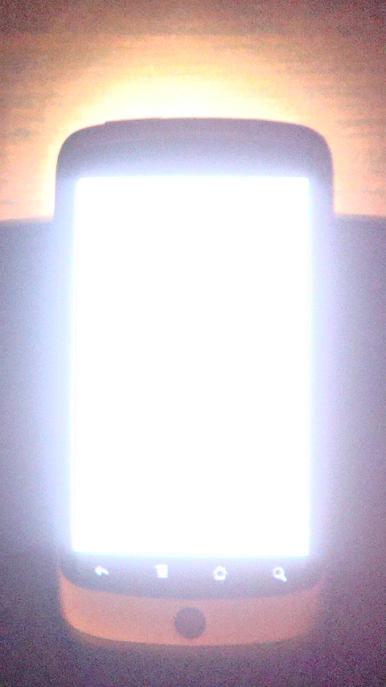
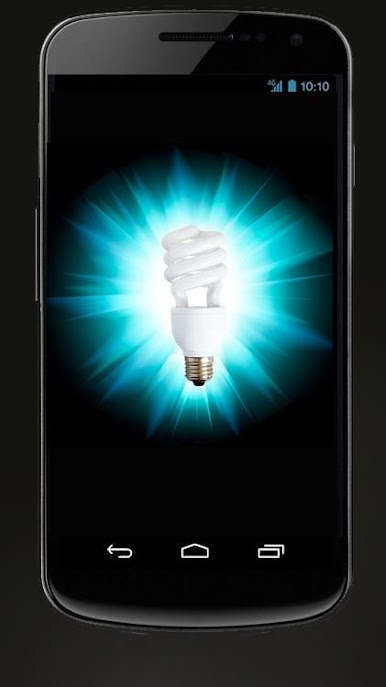
* Turns on all available lights on the device
* Camera Flash LED at Maximum
* Setting for Screen Brightness
* Keyboard Backlight at Maximum
* Soft Keys Backlight at Maximum
* Notification LED at Maximum
* Automatic Timer Exits Application after 2 Minutes
* Audio Effects on Start and Stop
* Please contact the support email for reporting bugs or problems so we can fix them as quickly as possible
* Best Flashlight App for dark conditions, natural LED color provides great contrast
Mainkan Brightest Flashlight ® di PC Mudah saja memulainya.
-
Unduh dan pasang BlueStacks di PC kamu
-
Selesaikan proses masuk Google untuk mengakses Playstore atau lakukan nanti
-
Cari Brightest Flashlight ® di bilah pencarian di pojok kanan atas
-
Klik untuk menginstal Brightest Flashlight ® dari hasil pencarian
-
Selesaikan proses masuk Google (jika kamu melewati langkah 2) untuk menginstal Brightest Flashlight ®
-
Klik ikon Brightest Flashlight ® di layar home untuk membuka gamenya

