

KAI Raileo
Mainkan di PC dengan BlueStacks – platform Game-Game Android, dipercaya oleh lebih dari 500 juta gamer.

Run KAI Raileo on PC or Mac
Get freedom from your phone’s obvious limitations. Use KAI Raileo, made by PT. Kereta Api Indonesia, a Productivity app on your PC or Mac with BlueStacks, and level up your experience.
About the App
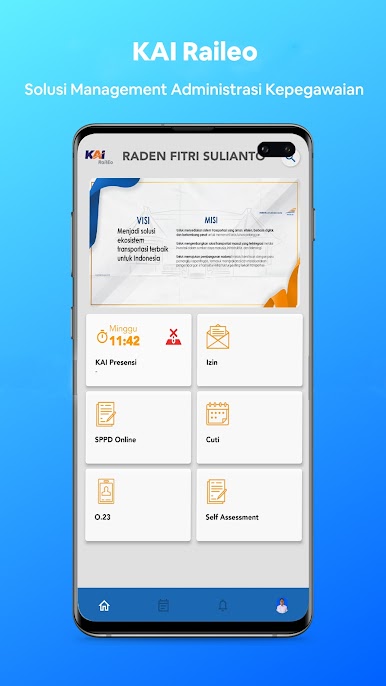
KAI Raileo helps employees of PT. Kereta Api Indonesia handle everyday work admin without the hassle. From clocking in to arranging official business trips, everything’s right on your phone so you can move faster and cut down on paperwork. Like working on a bigger display? You can also use it with BlueStacks.
App Features
-
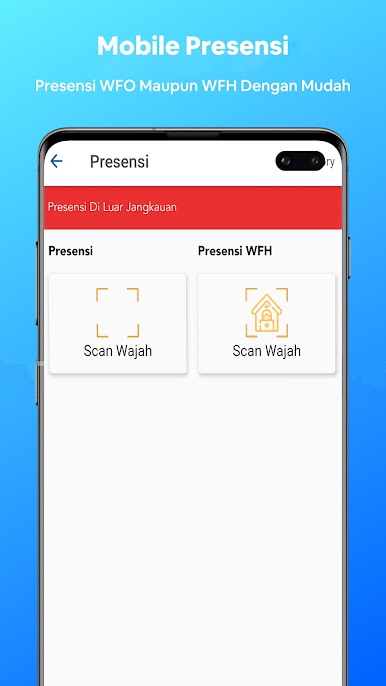
Fast Attendance
Check in and out in a couple of taps and keep your workday record tidy and consistent. -
Clear Attendance History
View your daily logs and status at a glance, so you always know what’s been recorded. -
SPPD Made Simple
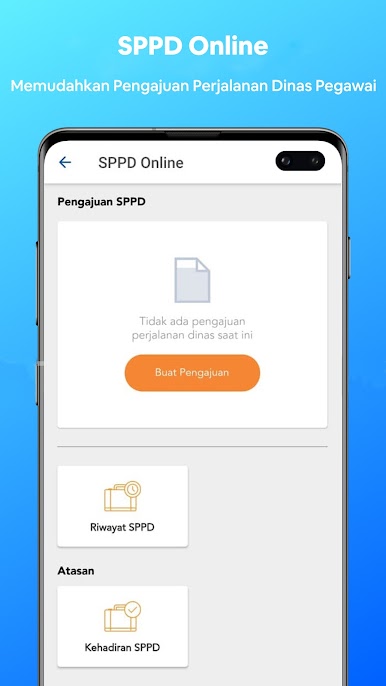
Create and submit SPPD (official travel orders) with trip details, dates, and purpose—no stacks of forms needed. -
Track Request Status
See where your SPPD stands in the process and follow updates without chasing emails. -
Attach Supporting Documents
Add the files your trip request needs and keep everything organized in one place. -
Built for KAI Employees
Designed specifically for PT. Kereta Api Indonesia, with access tailored to internal users. -
Handy Notifications
Get in-app updates when something changes, like a request moving forward or needing a quick fix. -
Work Anywhere
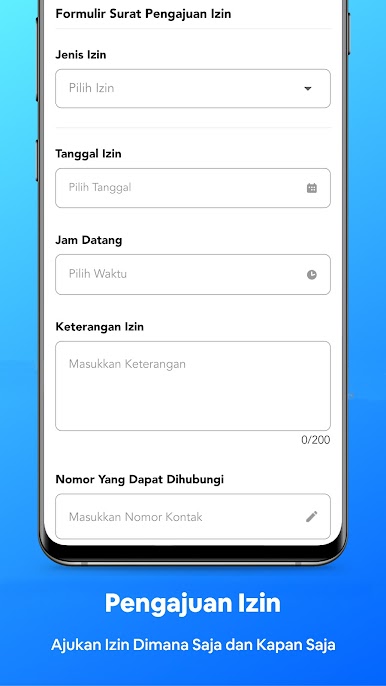
Manage attendance and travel requests on the go from your phone, or run KAI Raileo on BlueStacks when you’re at your desk.
Switch to BlueStacks and make the most of your apps on your PC or Mac.
Mainkan KAI Raileo di PC Mudah saja memulainya.
-
Unduh dan pasang BlueStacks di PC kamu
-
Selesaikan proses masuk Google untuk mengakses Playstore atau lakukan nanti
-
Cari KAI Raileo di bilah pencarian di pojok kanan atas
-
Klik untuk menginstal KAI Raileo dari hasil pencarian
-
Selesaikan proses masuk Google (jika kamu melewati langkah 2) untuk menginstal KAI Raileo
-
Klik ikon KAI Raileo di layar home untuk membuka gamenya

