


ZeroNetX Web3.0 Peer2PeerSites
Juega en PC con BlueStacks: la plataforma de juegos Android, en la que confían más de 500 millones de jugadores.

Página modificada el: Nov 8, 2023
Juega ZeroNetX Web3.0 Peer2PeerSites en PC
TLDR(Short and Simple) Version
Slides : http://bit.ly/howzeronetworks
PEER-TO-PEER
- Your content distributed directly to other visitors without any central server.
Unstopable
- It's nowhere because it's everywhere!
- No hosting costs
- Sites are served by visitors.
- Always accessible
- No single point of failure.
SIMPLE
- No configuration needed:
- Download, unpack and start using it.
.BIT DOMAINS
- Decentralized domains using Namecoin cryptocurrency.
NO PASSWORDS
- Your account is protected by the same cryptography as your Bitcoin wallet.
FAST
- Page response time is not limited by your connection speed.
DYNAMIC CONTENT
- Real-time updated, multi-user websites.
WORKS EVERYWHERE
- Supports any modern browser on
- Windows, Linux or Mac and Android platforms.
ANONYMITY
- You can easily hide your IP address using the Tor network.
OFFLINE
- Browse the sites you're seeding even if your internet connection is down.
OPEN SOURCE
- Developed by the community for the community.
We believe in
open, free, and uncensored
network and communication.
About Mobile Client
ZeroNet Mobile is an Android Client for ZeroNet, Project uses flutter framework for runner and is Open Sourced at https://github.com/ZeroNetX/zeronet_mobile, you can contribute to the app by forking the project.
Contribute
If you want to support project's further development, you can contribute your time or money, If you want to contribute money you can send bitcoin or other supported crypto currencies to above addresses or buy in-app purchases, if want to contribute translations or code, visit official GitHub repo.
Links :
Facebook https://www.facebook.com/HelloZeroNet
Twitter https://twitter.com/HelloZeroNet
Reddit https://www.reddit.com/r/zeronetx/
Github https://github.com/ZeroNetX/ZeroNet
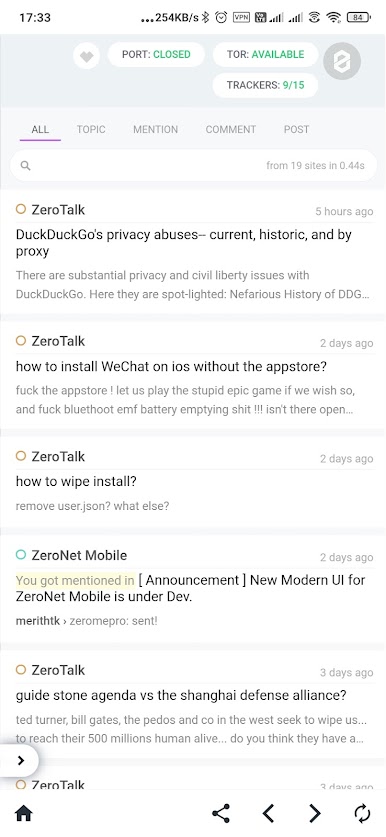
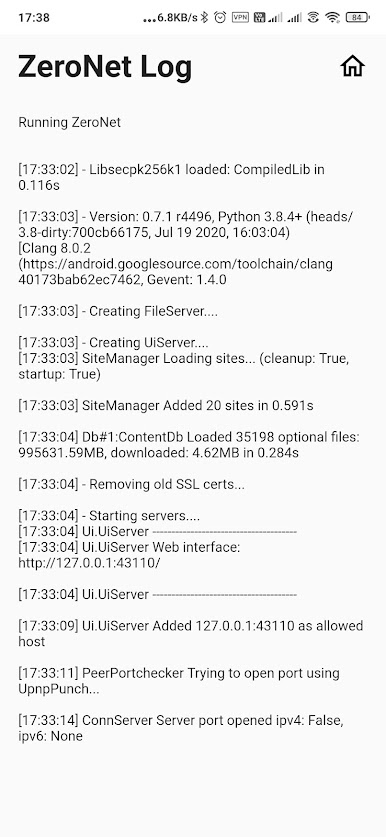
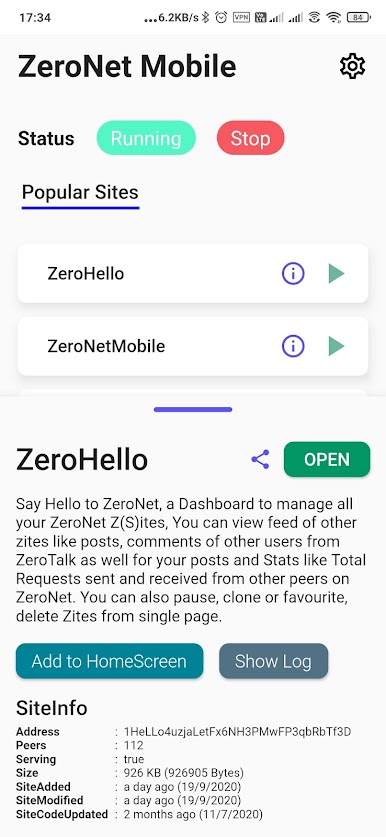
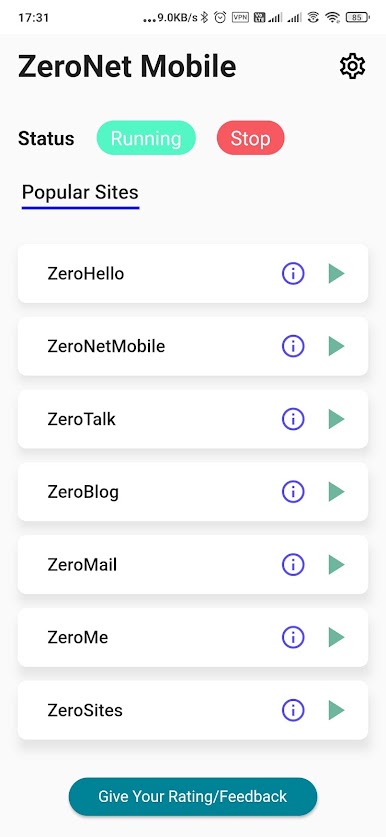
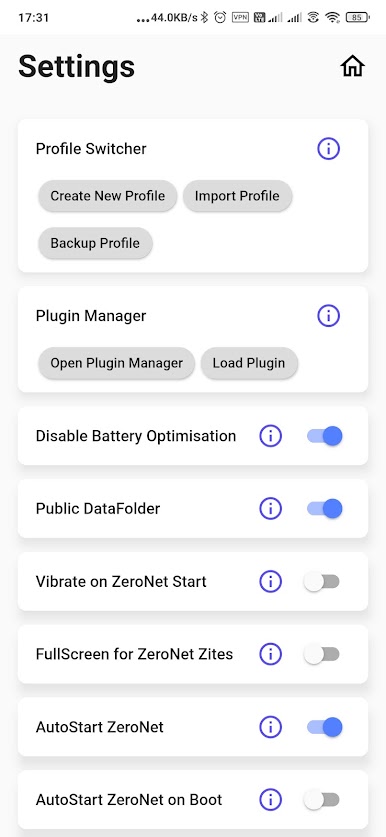
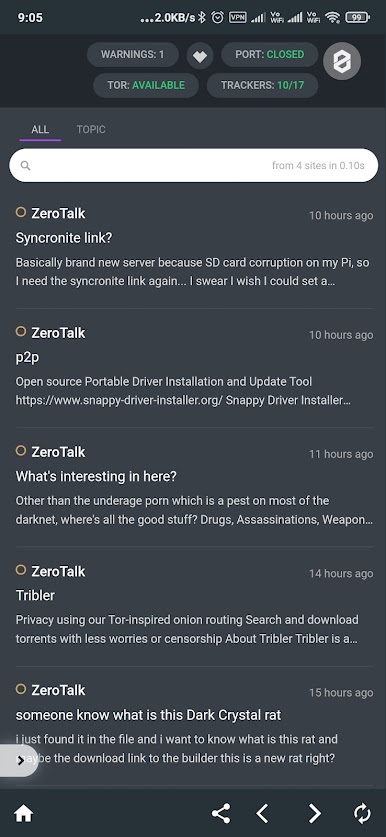
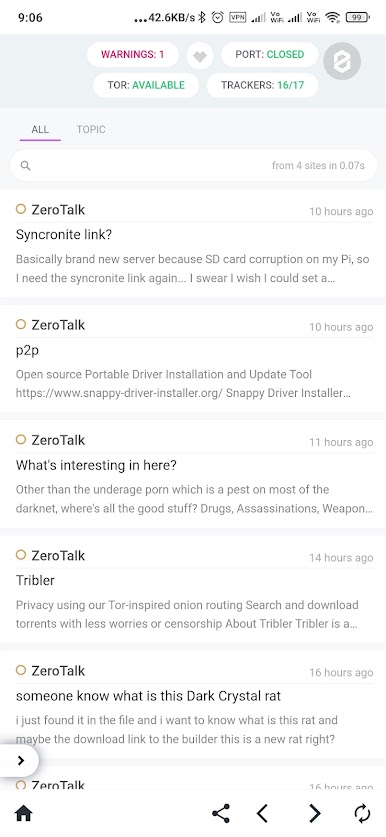
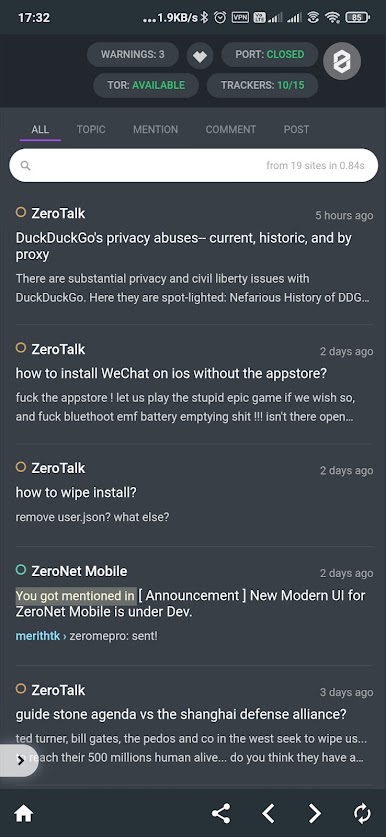
Juega ZeroNetX Web3.0 Peer2PeerSites en la PC. Es fácil comenzar.
-
Descargue e instale BlueStacks en su PC
-
Complete el inicio de sesión de Google para acceder a Play Store, o hágalo más tarde
-
Busque ZeroNetX Web3.0 Peer2PeerSites en la barra de búsqueda en la esquina superior derecha
-
Haga clic para instalar ZeroNetX Web3.0 Peer2PeerSites desde los resultados de búsqueda
-
Complete el inicio de sesión de Google (si omitió el paso 2) para instalar ZeroNetX Web3.0 Peer2PeerSites
-
Haz clic en el ícono ZeroNetX Web3.0 Peer2PeerSites en la pantalla de inicio para comenzar a jugar

