


Timetable (Widget)
Gioca su PC con BlueStacks: la piattaforma di gioco Android, considerata affidabile da oltre 500 milioni di giocatori.

Pagina modificata il: Oct 20, 2025
Play Timetable (Widget) on PC
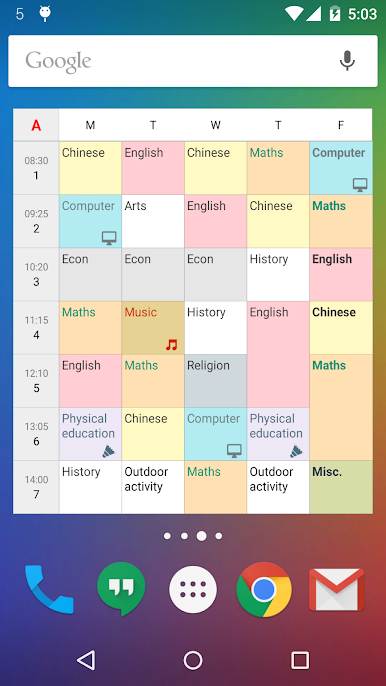
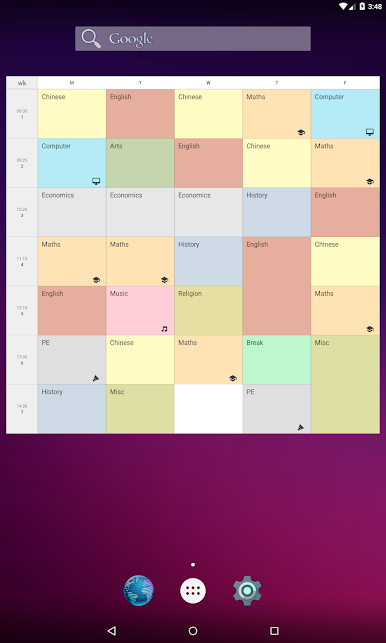
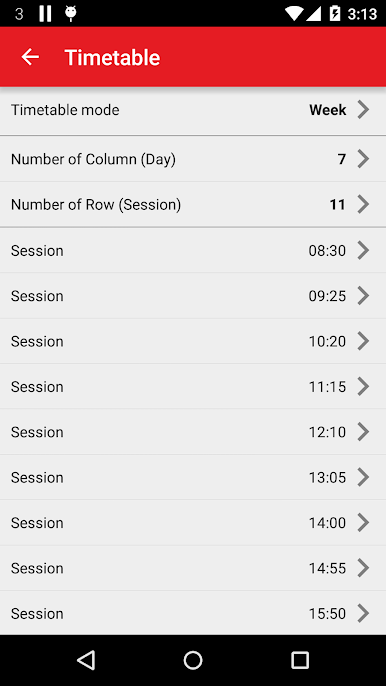
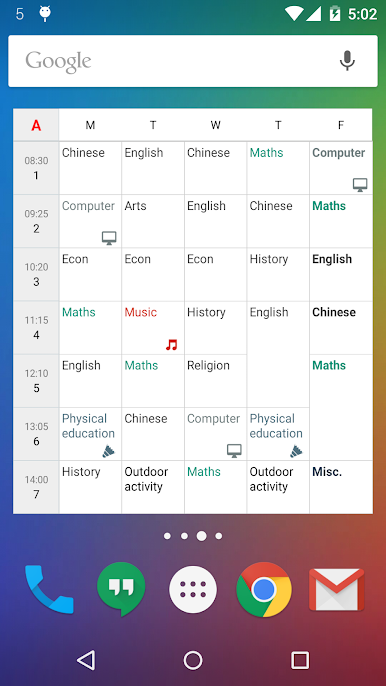
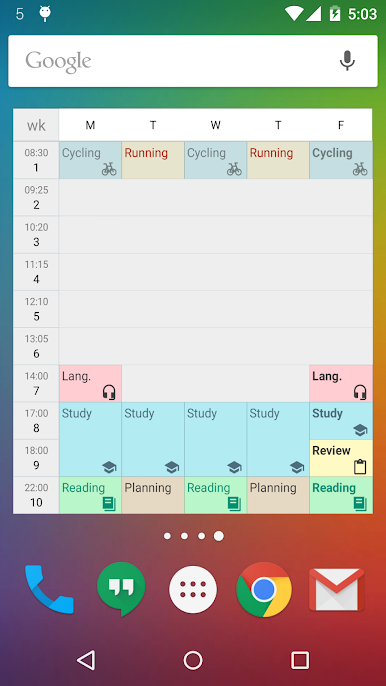
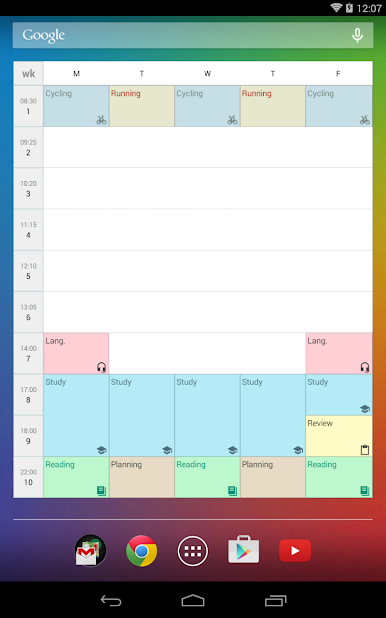
The timetable support different modes. It includes "singe week", "A/B week", "A/B/C week", "A/B/C/D week", "6-day cycle week", and "7-day cycle week". Multiple timetables are supported. You can manage more than one timetable for your family members, or friends. It can help you to plan your life, and develop good habit.
It is highly customizable. You can define your widget's background color, text color, font size, icons, etc.
Back to school now!
If you need calendar or reminder function, please try our "New Calendar" app.
https://play.google.com/store/apps/details?id=info.kfsoft.calendar


Gioca Timetable (Widget) su PC. È facile iniziare.
-
Scarica e installa BlueStacks sul tuo PC
-
Completa l'accesso a Google per accedere al Play Store o eseguilo in un secondo momento
-
Cerca Timetable (Widget) nella barra di ricerca nell'angolo in alto a destra
-
Fai clic per installare Timetable (Widget) dai risultati della ricerca
-
Completa l'accesso a Google (se hai saltato il passaggio 2) per installare Timetable (Widget)
-
Fai clic sull'icona Timetable (Widget) nella schermata principale per iniziare a giocare

