


RetailCRM Mobile
Mainkan di PC dengan BlueStacks – platform Game-Game Android, dipercaya oleh lebih dari 500 juta gamer.

Play RetailCRM Mobile on PC
With RetailCRM Mobile you will be able to:
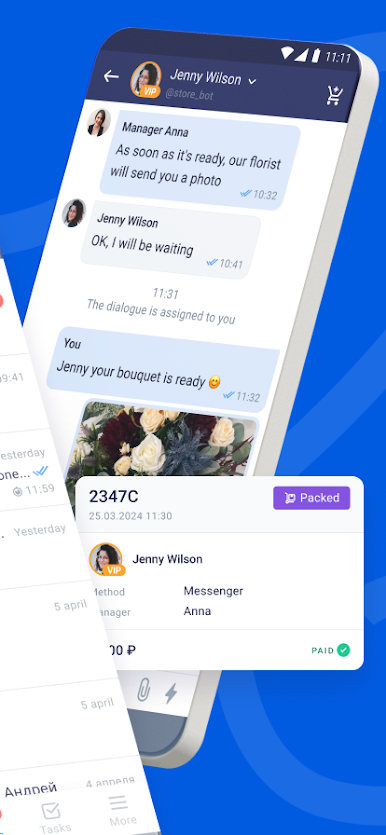
- Communicate with customers from different social networks using only one app. Filter dialogs by channels, managers, tags, and also work with prepared filter templates
- Manage current and new orders. View, enter, and change the data you need
- Keep the customer base at your fingertips. Create, edit customers and view detailed information
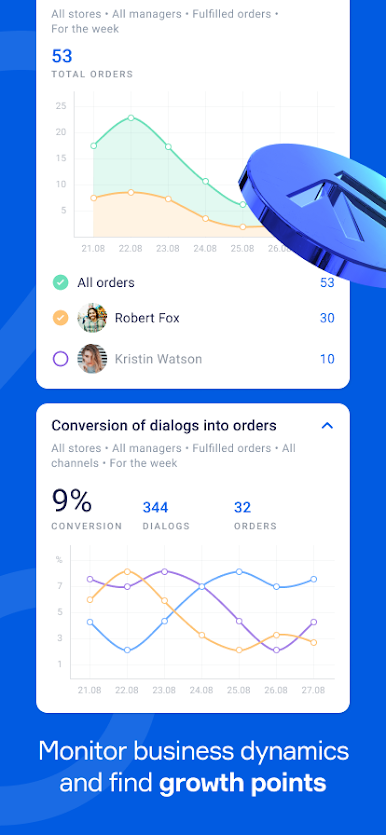
- Track business indicators and monitor employee performance using customizable analytics widgets
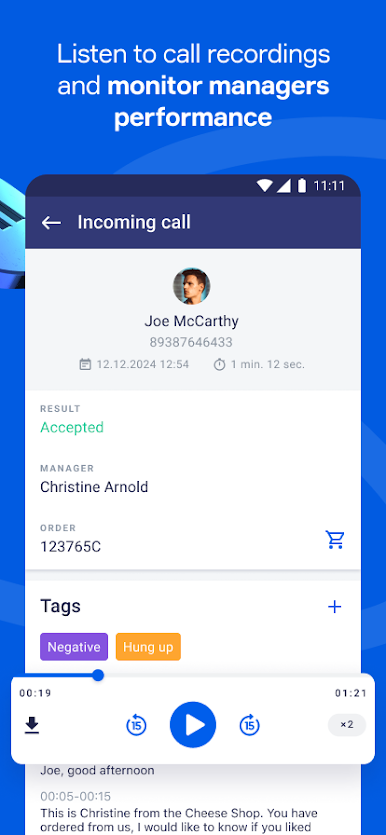
- Listen to recordings of calls made in the web version, tag them and work with transcripts
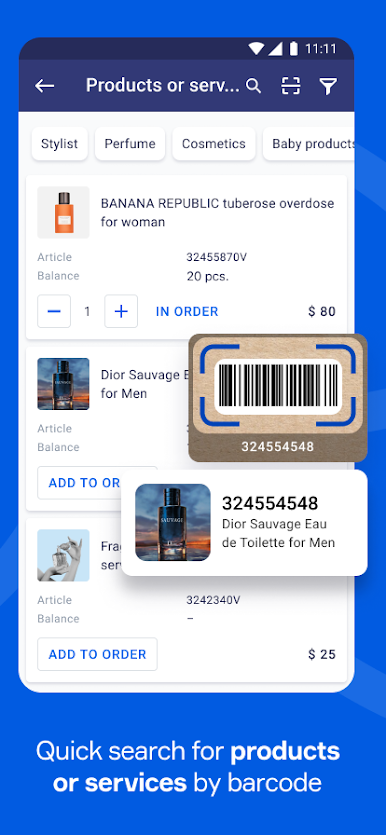
- Search and add products or services to orders using a barcode scanner.
- Control balances, view wholesale and retail prices.
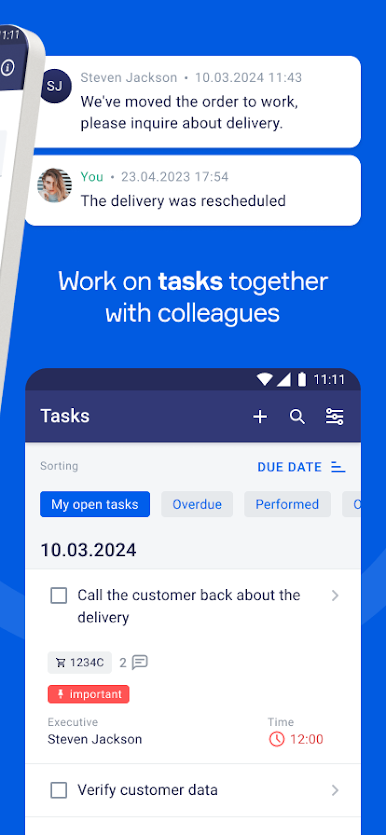
- Create tasks and assign them to user groups or a specific manager, comment and tag tasks
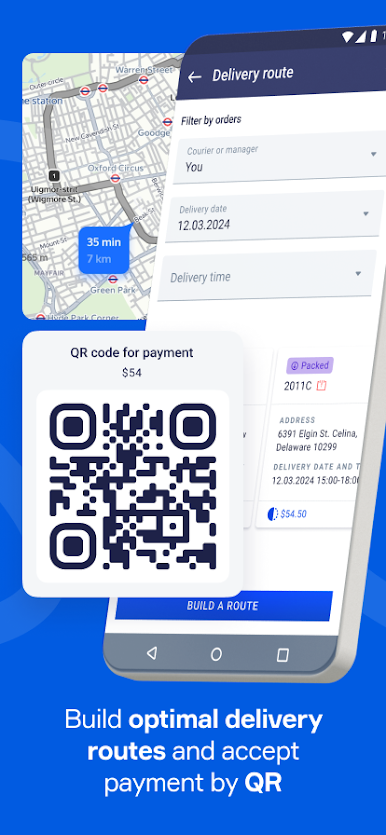
- Build optimal delivery routes for couriers and accept payment using a QR code
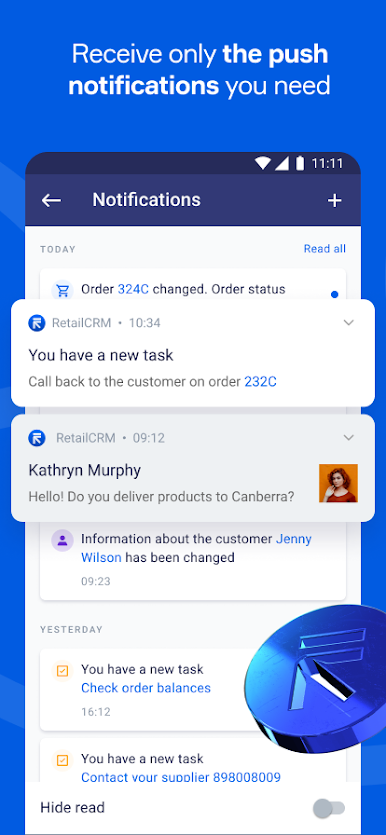
- View and receive only those push notifications that you need, and also create notifications for a group of users in the notification center
- View immediately the number and amount of orders for the selected status, manager and store for a certain period via widgets on the home screen
- Manage the user's global status: "Free", "Busy", "At lunch" and "Taking a break".
- Communicate with technical support. Keep correspondence and view the history of requests directly in the app
Install RetailCRM Mobile and control the operation of the entire store.

Mainkan RetailCRM Mobile di PC Mudah saja memulainya.
-
Unduh dan pasang BlueStacks di PC kamu
-
Selesaikan proses masuk Google untuk mengakses Playstore atau lakukan nanti
-
Cari RetailCRM Mobile di bilah pencarian di pojok kanan atas
-
Klik untuk menginstal RetailCRM Mobile dari hasil pencarian
-
Selesaikan proses masuk Google (jika kamu melewati langkah 2) untuk menginstal RetailCRM Mobile
-
Klik ikon RetailCRM Mobile di layar home untuk membuka gamenya

