


OBAT APPS: Cerdas Farmasi!
Mainkan di PC dengan BlueStacks – platform Game-Game Android, dipercaya oleh lebih dari 500 juta gamer.

Run Obat Apps - Platform Edukasi Farmasi on PC or Mac
Let BlueStacks turn your PC, Mac, or laptop into the perfect home for Obat Apps – Platform Edukasi Farmasi, a fun Education app from PT Obat Inovasi Indonesia.
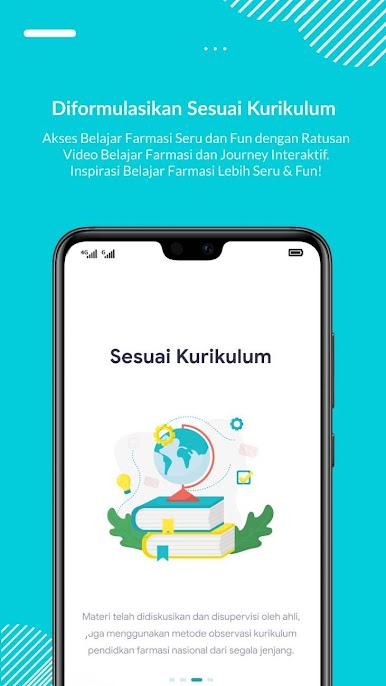
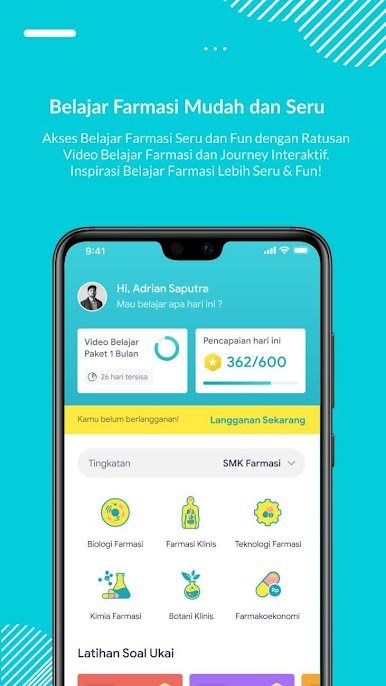
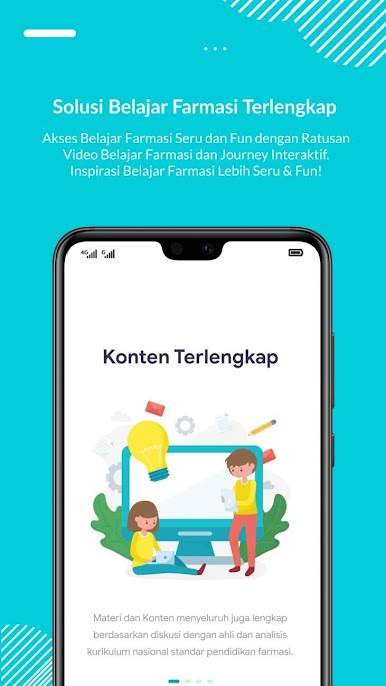
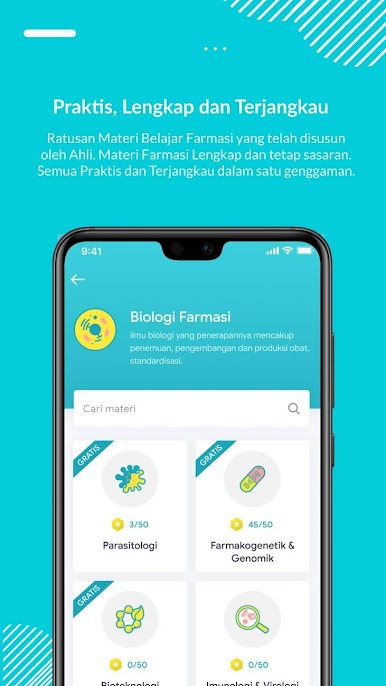
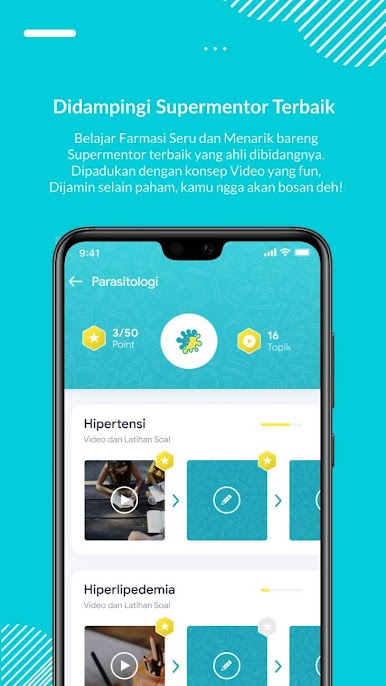
Obat Apps feels like a single place where pharmacy people study, practice, and even look for work without jumping between a bunch of sites. The app lays out paths for SMF, D3, S1, pharmacist, and technician levels, so users pick what fits and the content matches national curriculum stuff. The study flow is simple. short animated videos that run around 5 to 10 minutes, then quizzes with instant scores and clear explanations. There are tryout style tests for longer practice, plus e‑books and trimmed modules that are handy for quick review. Private lessons are there too if someone wants extra help.
What stands out is the mix of learning and career tools. The job section pulls listings from pharma companies, hospitals, pharmacies, and public sector, so a user can finish a topic and peek at openings in the same place. There is also a media side for pharmacy news and updates, which keeps things current rather than only textbook heavy.
On PC with BlueStacks, it works well for longer sessions. The bigger screen helps with formulas, charts, and tiny labels, and typing answers on a keyboard is faster than tapping. Navigation is straightforward with clear categories, so it does not feel cluttered. It suits students prepping for exams, interns getting their basics straight, or pharmacists and TTK who want a quick refresh and a look at jobs in one app.
Big screen. Bigger performance. Use BlueStacks on your PC or Mac to run your favorite apps.



Mainkan OBAT APPS: Cerdas Farmasi! di PC Mudah saja memulainya.
-
Unduh dan pasang BlueStacks di PC kamu
-
Selesaikan proses masuk Google untuk mengakses Playstore atau lakukan nanti
-
Cari OBAT APPS: Cerdas Farmasi! di bilah pencarian di pojok kanan atas
-
Klik untuk menginstal OBAT APPS: Cerdas Farmasi! dari hasil pencarian
-
Selesaikan proses masuk Google (jika kamu melewati langkah 2) untuk menginstal OBAT APPS: Cerdas Farmasi!
-
Klik ikon OBAT APPS: Cerdas Farmasi! di layar home untuk membuka gamenya

