

Introductory Statistics
Juega en PC con BlueStacks: la plataforma de juegos Android, en la que confían más de 500 millones de jugadores.

Página modificada el: Feb 16, 2024
Run Introductory Statistics on PC or Mac
Let BlueStacks turn your PC, Mac, or laptop into the perfect home for Introductory Statistics, a fun Education app from Open Education.
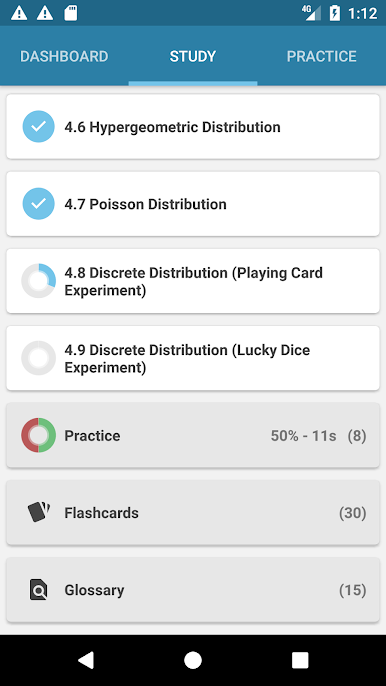
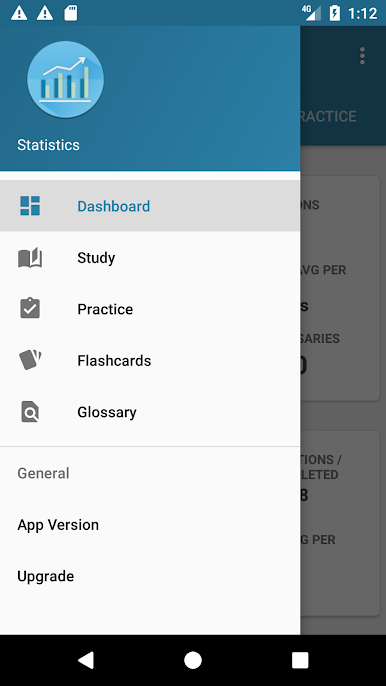
Introductory Statistics feels like a straight‑up study buddy for anyone taking stats without living in a math department. It leans on understanding what the results mean in everyday scenarios instead of drowning the user in theory. Lessons walk through examples step by step, then there is a quick Try It question right after so the idea sticks while it is fresh. There are small labs and collaborative prompts that make it easy to hash things out with classmates. When a topic needs a calculator, the app drops TI‑83 or TI‑84 button paths right where they are needed, which saves a lot of guesswork. The material is split into manageable units, and users can follow the built order or jump to the part their instructor is covering that week, so it does not feel rigid.
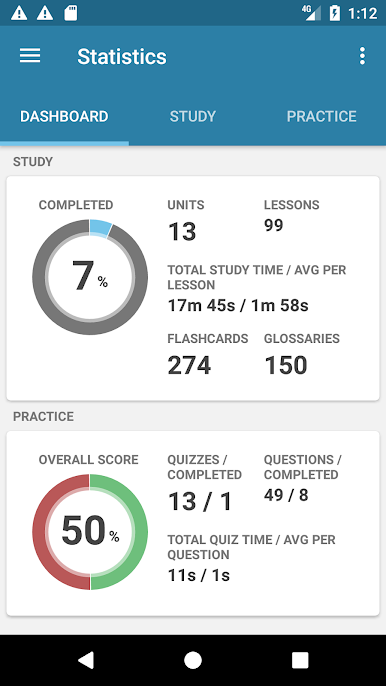
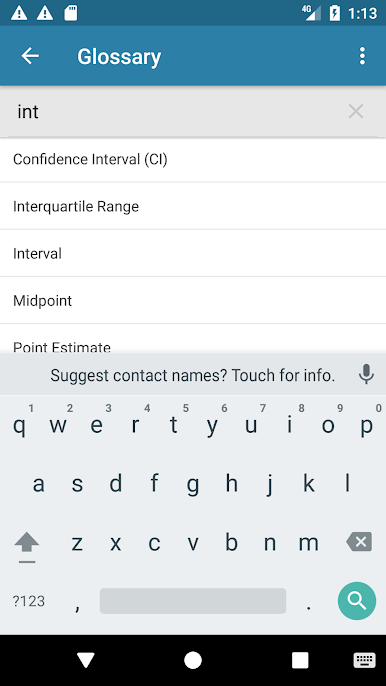
Progress tracking is built in, with simple study and quiz stats that show what has been covered and what needs another pass. The content is broad without feeling overwhelming, roughly a dozen units with close to a hundred short lessons, about a dozen quizzes, plenty of practice questions, hundreds of flashcards, and a big glossary for fast definitions. On a PC through BlueStacks, the pages breathe a bit more, scrolling is smooth, and clicking between a lesson, the Try It, and the calculator notes is quicker with a mouse. It reads more like a clean workbook than a lecture, clear but not dry, and that example then practice rhythm keeps the pace steady even when the topic shifts to formulas or probability rules.
Big screen. Bigger performance. Use BlueStacks on your PC or Mac to run your favorite apps.
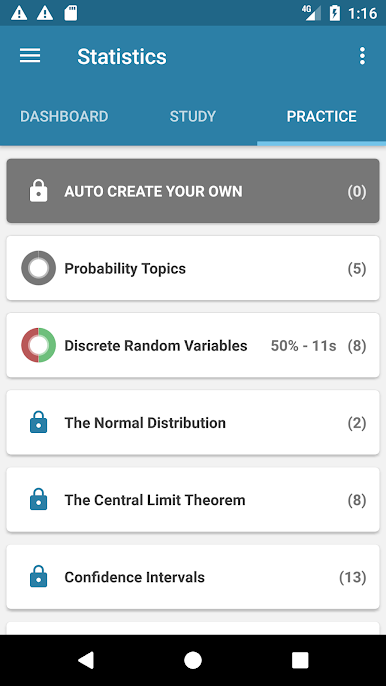
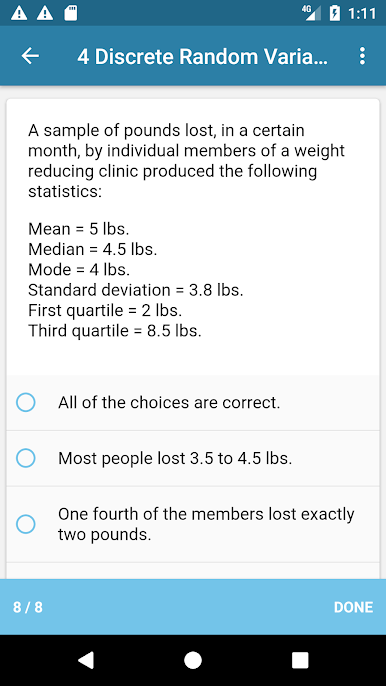
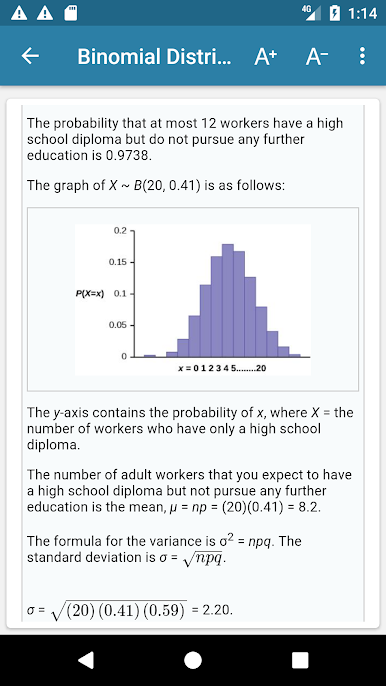
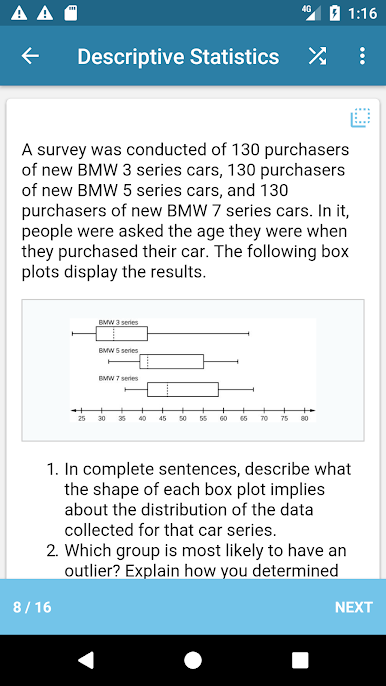
Juega Introductory Statistics en la PC. Es fácil comenzar.
-
Descargue e instale BlueStacks en su PC
-
Complete el inicio de sesión de Google para acceder a Play Store, o hágalo más tarde
-
Busque Introductory Statistics en la barra de búsqueda en la esquina superior derecha
-
Haga clic para instalar Introductory Statistics desde los resultados de búsqueda
-
Complete el inicio de sesión de Google (si omitió el paso 2) para instalar Introductory Statistics
-
Haz clic en el ícono Introductory Statistics en la pantalla de inicio para comenzar a jugar

