


Practice Better
Gioca su PC con BlueStacks: la piattaforma di gioco Android, considerata affidabile da oltre 500 milioni di giocatori.

Pagina modificata il: Dec 11, 2025
Play Practice Better on PC
Make an impact from anywhere
The Practice Better app allows you to support clients anytime from anywhere. Clients love how easy it is to access recommendations, and wellness programs, log journal entries, and complete tasks in just a few taps.
Experience the platform that powers success, for you and your clients
- Access client information on the go
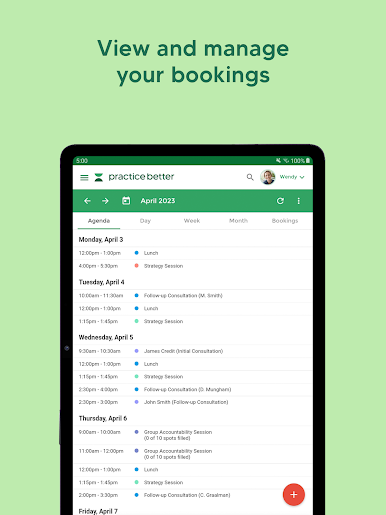
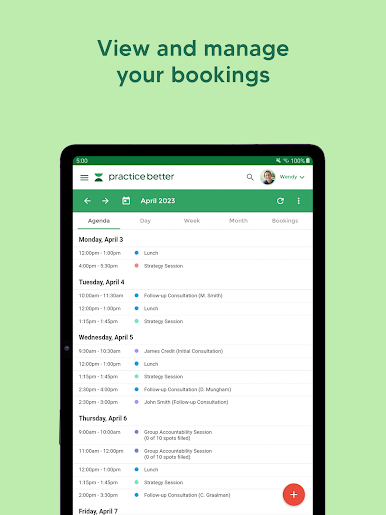
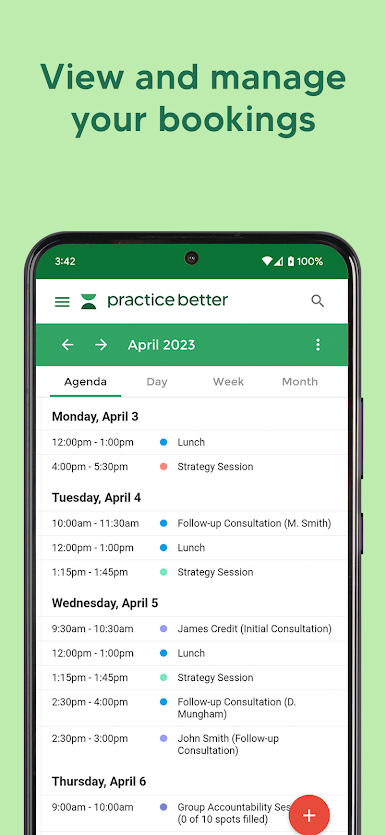
- See and manage your calendar at a glance
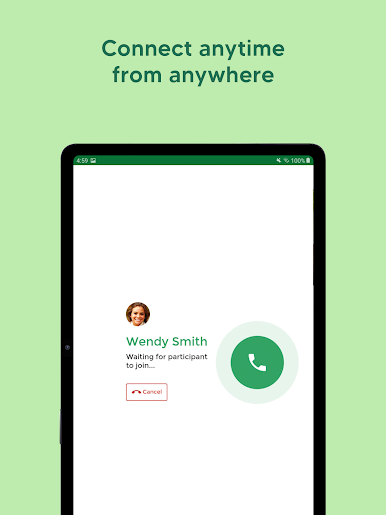
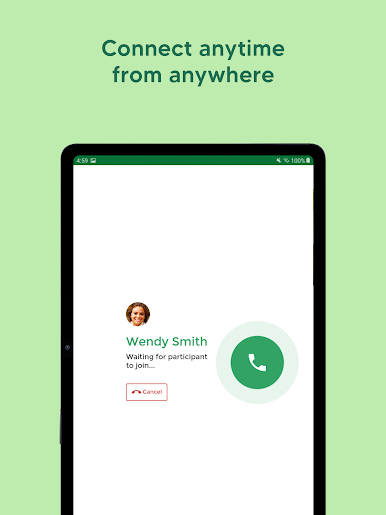
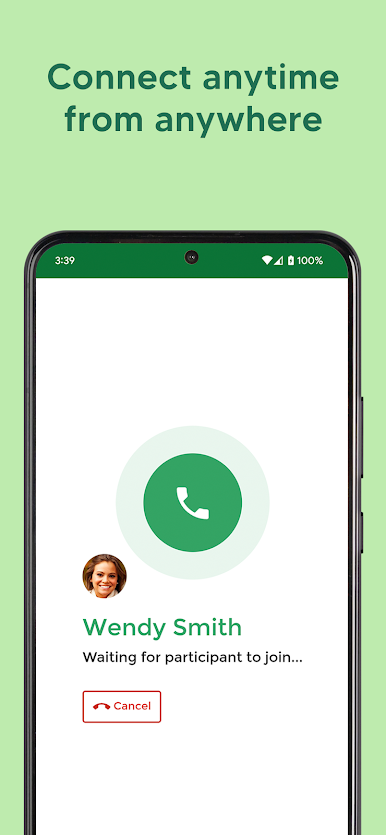
- Connect anytime, anywhere with virtual care
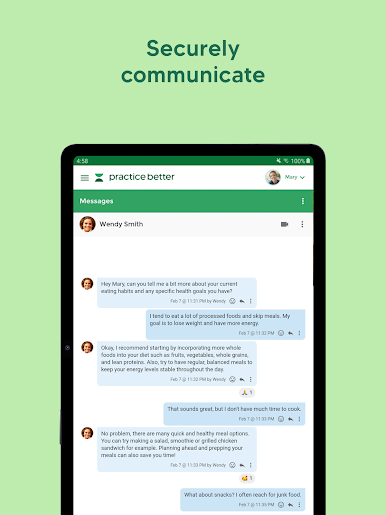
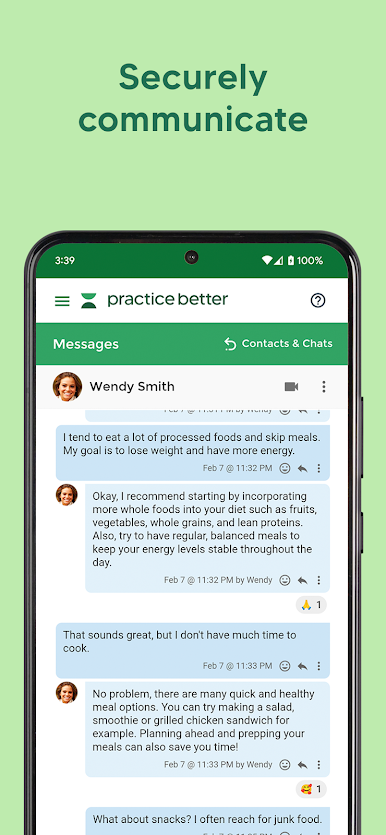
- Securely message clients
- Create tasks and track client progress
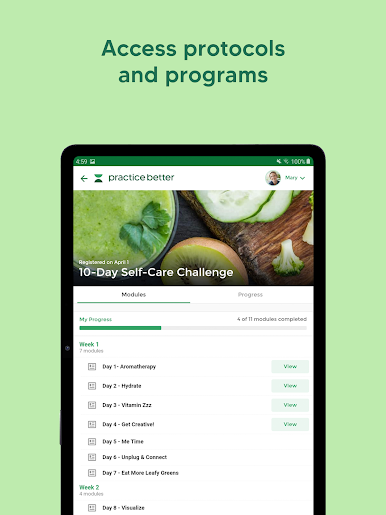
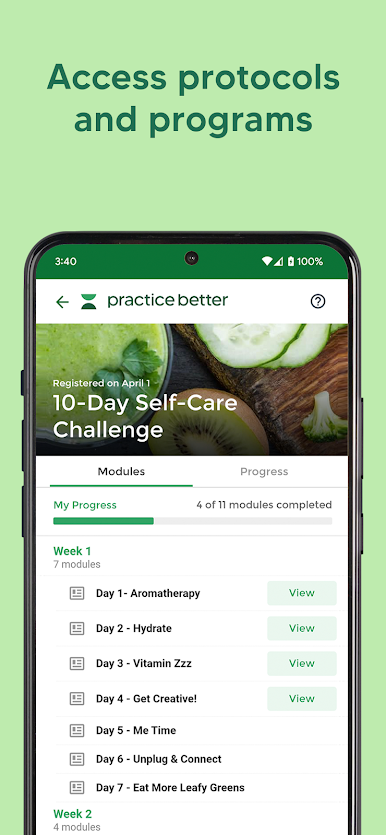
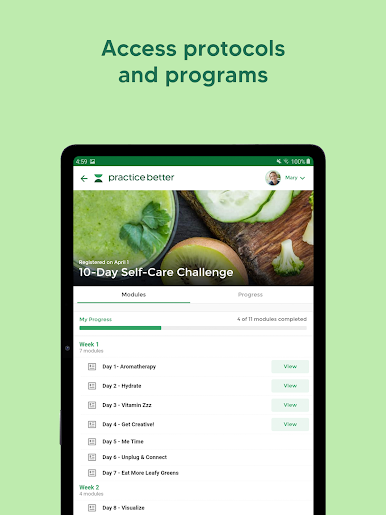
- Run wellness courses and programs
- Process invoices and payments
FOR CLIENTS
Access care from anywhere
Meet Practice Better - the wellness platform that lets you easily connect with your practitioner or coach. Stay connected with 24/7 access to your provider’s recommendations, programs, resources, and journals to help you reach your health and wellness goals!
- Easily book appointments
- Securely message your practitioner
- Join video sessions with your practitioner
- Log mood, food, and lifestyle entries
- Take and upload photos of meals
- Access recommendations
- Enroll in and complete wellness programs
Gioca Practice Better su PC. È facile iniziare.
-
Scarica e installa BlueStacks sul tuo PC
-
Completa l'accesso a Google per accedere al Play Store o eseguilo in un secondo momento
-
Cerca Practice Better nella barra di ricerca nell'angolo in alto a destra
-
Fai clic per installare Practice Better dai risultati della ricerca
-
Completa l'accesso a Google (se hai saltato il passaggio 2) per installare Practice Better
-
Fai clic sull'icona Practice Better nella schermata principale per iniziare a giocare

