


Aruba PEC
Gioca su PC con BlueStacks: la piattaforma di gioco Android, considerata affidabile da oltre 500 milioni di giocatori.

Pagina modificata il: Nov 3, 2025
Run Aruba PEC on PC or Mac
Get freedom from your phone’s obvious limitations. Use Aruba PEC, made by Aruba S.p.A., a Communication app on your PC or Mac with BlueStacks, and level up your experience.
About the App
Aruba PEC brings all your certified email needs right to your phone or tablet, making it easy to keep an eye on everything—no matter where you are. Whether you’re juggling messages for work, keeping tabs on invoices, or just want to check in quickly, this Communication app by Aruba S.p.A. is designed to keep things straightforward and stress-free. Expect reliable tools that help organize your inbox, support for managing multiple mailboxes, and a smooth setup whether you’re on the go or sitting comfortably with BlueStacks.
App Features
-
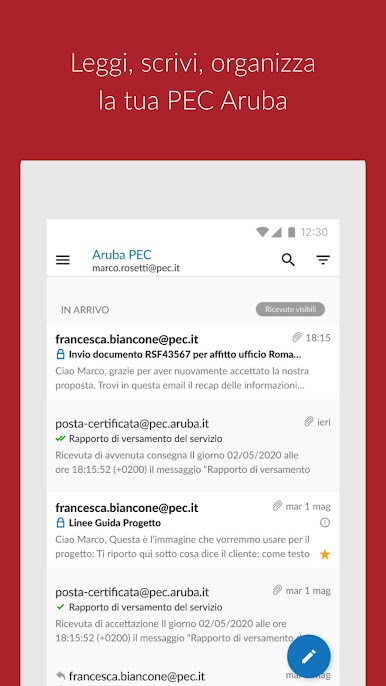
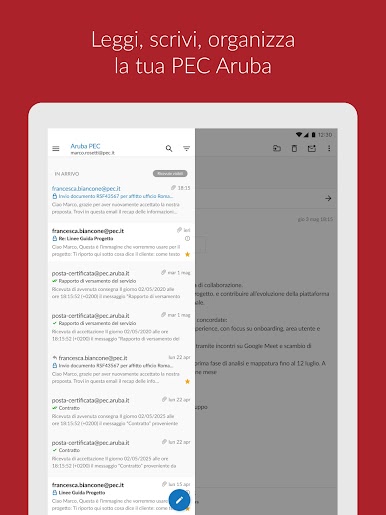
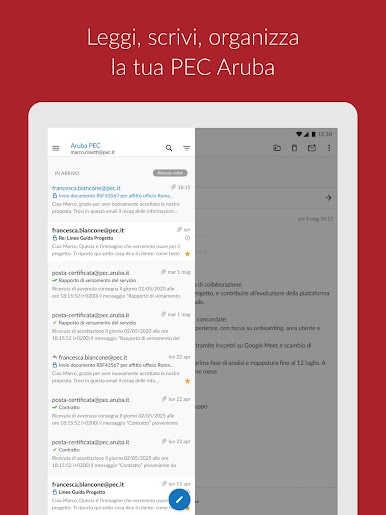
Instant Message Preview
See the contents of your emails right away—skip the hassle of opening extra files or digging through envelopes. -
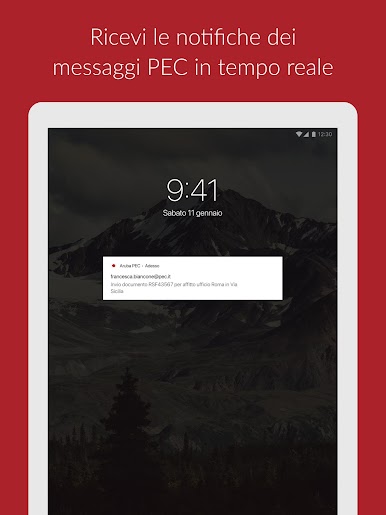
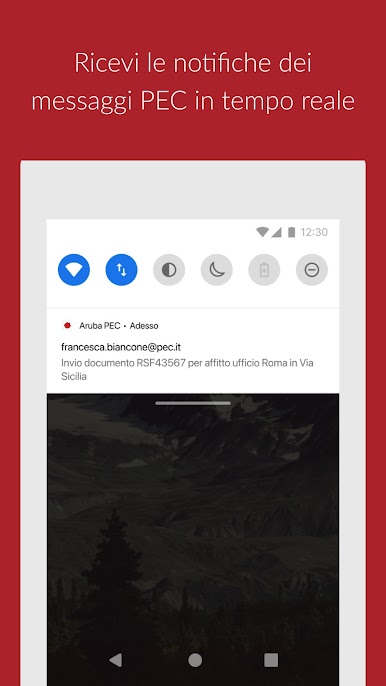
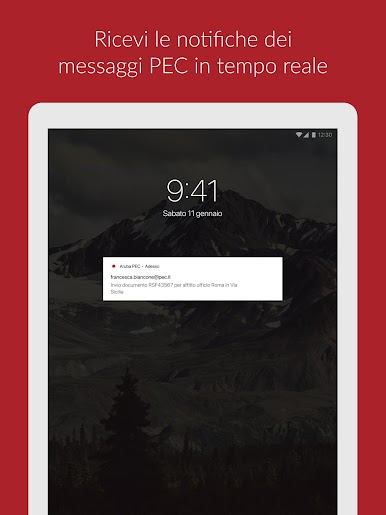
Smart Notifications
Stay in the loop with real-time alerts for incoming PEC messages. You control which notifications pop up, so you decide what gets your attention. -
Easy Invoice Handling
Got invoices sent to your certified mail? You can open and read them in a format that makes sense—no need for extra hassle or conversions. -
Multiple Account Support
Switch between several PEC mailboxes in one spot. It’s super handy if you’re managing messages for personal, work, or other accounts all at once. -
Custom Message Labels
Each email gets a clear tag, so you instantly know if it’s a certified email, notification, or invoice. No more guessing. -
Attachment Sharing
Attach your documents and send them off straight from the app. It’s a breeze when you need to share files on the fly. -
Fast Search Tool
Looking for a specific message? Use the built-in search function to quickly track down what you need. -
Integrated Contacts
Pick contacts straight from your phone’s address book, and forget about manual entries or updates. The app keeps up so you don’t have to.
You can even try out Aruba PEC using BlueStacks for a bigger screen experience, keeping all your communication organized right at your fingertips.
Switch to BlueStacks and make the most of your apps on your PC or Mac.
Gioca Aruba PEC su PC. È facile iniziare.
-
Scarica e installa BlueStacks sul tuo PC
-
Completa l'accesso a Google per accedere al Play Store o eseguilo in un secondo momento
-
Cerca Aruba PEC nella barra di ricerca nell'angolo in alto a destra
-
Fai clic per installare Aruba PEC dai risultati della ricerca
-
Completa l'accesso a Google (se hai saltato il passaggio 2) per installare Aruba PEC
-
Fai clic sull'icona Aruba PEC nella schermata principale per iniziare a giocare

