


Ambrogio Remote
Gioca su PC con BlueStacks: la piattaforma di gioco Android, considerata affidabile da oltre 500 milioni di giocatori.

Pagina modificata il: Oct 17, 2025
Play Ambrogio Remote on PC
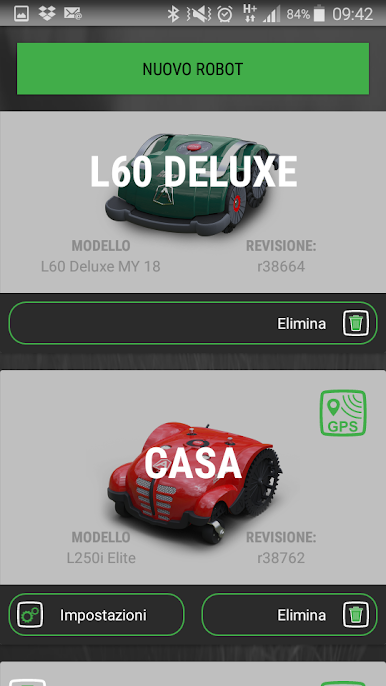
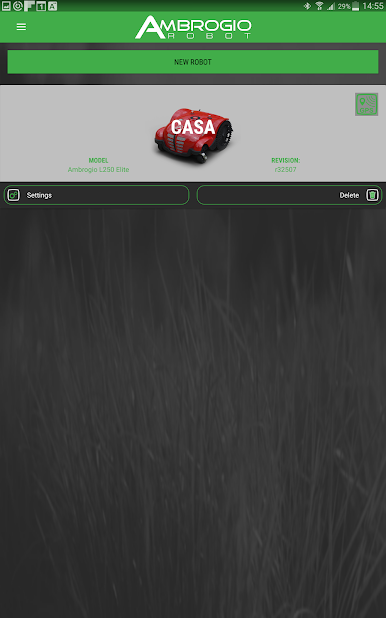
EASY SETTING – Easily set up all the settings directly from your smartphone.
BE UPDATE –Stay tuned with the latest updates and upgrade your Ambrogio directly through your App. Download manuals.
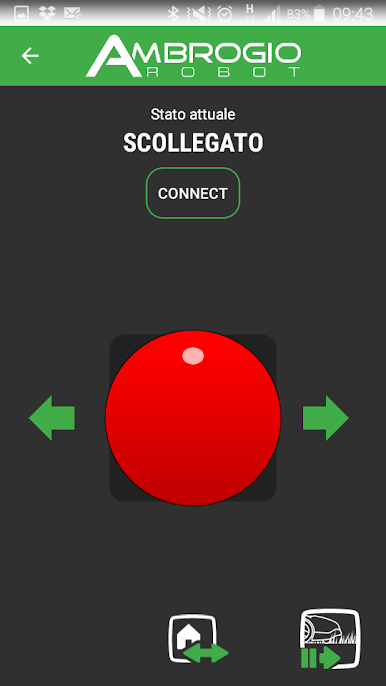
HAVE FUN – Drive Tech Robot manually through your garden and play with your family and friends.
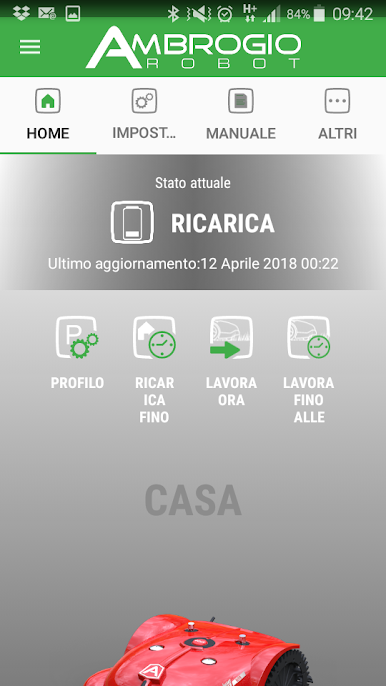
REMOTE CONTROL – For latest mower. Connect and interact with the robot every time and everywhere. Verify location isolate and/or work on specific areas of the garden, monitor the status of the robot and receive alerts when it comes out of the garden.
Gioca Ambrogio Remote su PC. È facile iniziare.
-
Scarica e installa BlueStacks sul tuo PC
-
Completa l'accesso a Google per accedere al Play Store o eseguilo in un secondo momento
-
Cerca Ambrogio Remote nella barra di ricerca nell'angolo in alto a destra
-
Fai clic per installare Ambrogio Remote dai risultati della ricerca
-
Completa l'accesso a Google (se hai saltato il passaggio 2) per installare Ambrogio Remote
-
Fai clic sull'icona Ambrogio Remote nella schermata principale per iniziare a giocare

