


ATmicro Database
Mainkan di PC dengan BlueStacks – platform Game-Game Android, dipercaya oleh lebih dari 500 juta gamer.

Run ATmicro Database on PC or Mac
What’s better than using ATmicro Database by IODEMA Srl? Well, try it on a big screen, on your PC or Mac, with BlueStacks to see the difference.
About the App
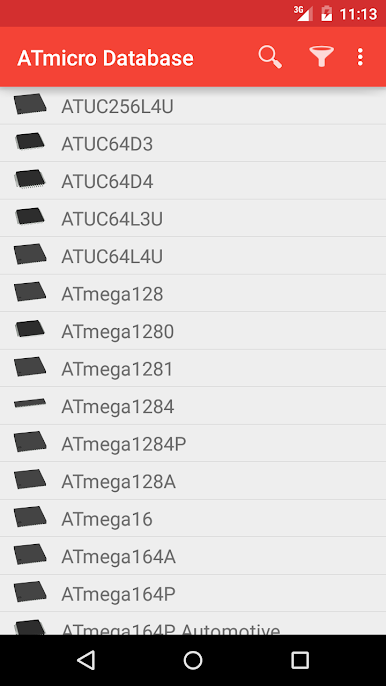
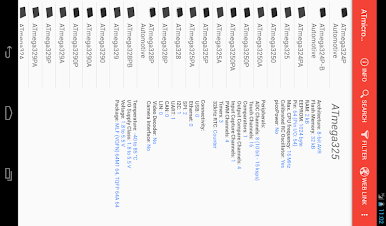
ATmicro Database is your pocket reference for Atmel and AVR microcontrollers. Pop it open to look up part characteristics fast, filter the list to what you actually need, and get on with your build or review without digging through giant PDFs. It’s a straightforward, fast Productivity tool from IODEMA Srl built for engineers, makers, and anyone comparing MCUs day to day.
App Features
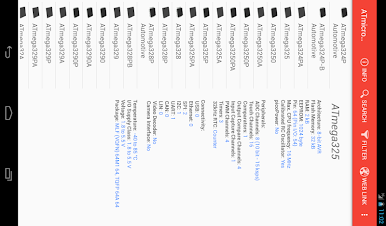
- Quick lookup: Search by name or code to jump straight to the microcontroller you’re after—no fuss, no wandering.
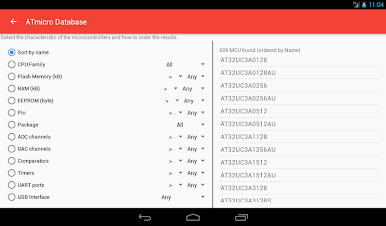
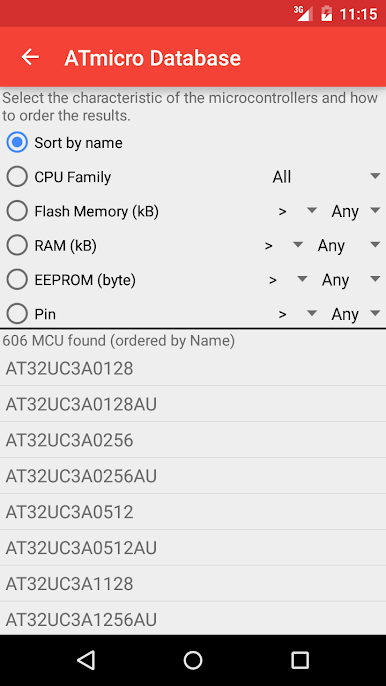
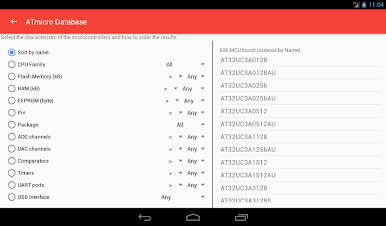
- Focused filters: Trim your list with easy-to-use filters so you can zero in on parts that match your requirements.
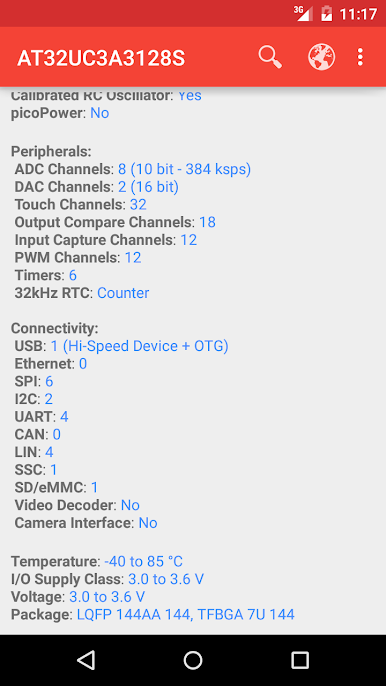
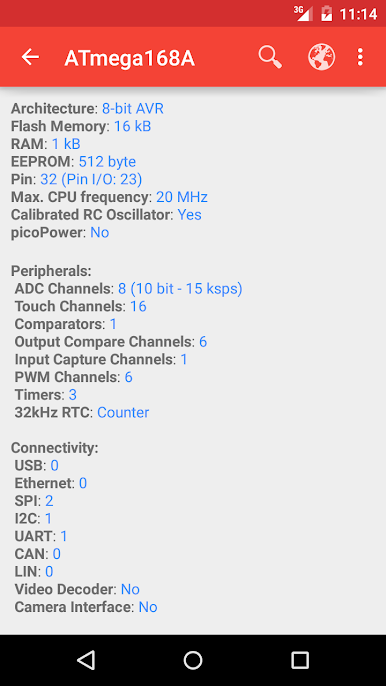
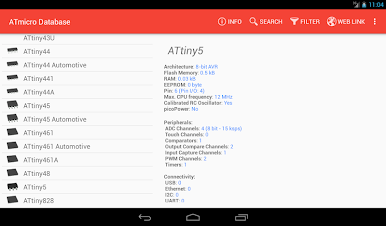
- Specs at a glance: View key characteristics and features in a clean, readable format that helps you decide faster.
- Electrodoc pairing: Uses handy integrations with Electrodoc, so if you’ve got it installed, the two tools play nicely together.
- Ad options: The app is ad-supported to keep it accessible. Want it distraction-free? Remove ads with a simple in-app purchase.
- Big-screen friendly: Prefer extra space for browsing specs? Run ATmicro Database on your desktop through BlueStacks for a roomier view.
- Trademark note: Atmel and AVR are trademarks of their respective owners; this app isn’t affiliated with Atmel Corporation.
BlueStacks gives you the much-needed freedom to experience your favorite apps on a bigger screen. Get it now.
Mainkan ATmicro Database di PC Mudah saja memulainya.
-
Unduh dan pasang BlueStacks di PC kamu
-
Selesaikan proses masuk Google untuk mengakses Playstore atau lakukan nanti
-
Cari ATmicro Database di bilah pencarian di pojok kanan atas
-
Klik untuk menginstal ATmicro Database dari hasil pencarian
-
Selesaikan proses masuk Google (jika kamu melewati langkah 2) untuk menginstal ATmicro Database
-
Klik ikon ATmicro Database di layar home untuk membuka gamenya

