


Segnapunti Freccette
Gioca su PC con BlueStacks: la piattaforma di gioco Android, considerata affidabile da oltre 500 milioni di giocatori.

Pagina modificata il: Sep 10, 2025
Play Darts Scorecard on PC or Mac
Bring your A-game to Darts Scorecard, the Sports game sensation from Appendroid. Give your gameplay the much-needed boost with precise game controls, high FPS graphics, and top-tier features on your PC or Mac with BlueStacks.
About the Game
Looking for an easy way to keep track of points while you play? Darts Scorecard by Appendroid is built for dart fans who want to focus on the game, not the math. This handy app lets you quickly record scores during all sorts of dart matches, whether you’re playing solo, challenging friends, or running a local mini-tournament. No fuss, just scorekeeping made simple for every dart lover.
Game Features
-
Plenty of Game Modes
Whether you’re into classic 301, tough 501, or prefer Cricket and Cut Throat, Darts Scorecard has all your favorite dart styles covered. You can mix things up with Flying Start, Double In/Double Out, or even Master Out. -
Flexible Setup
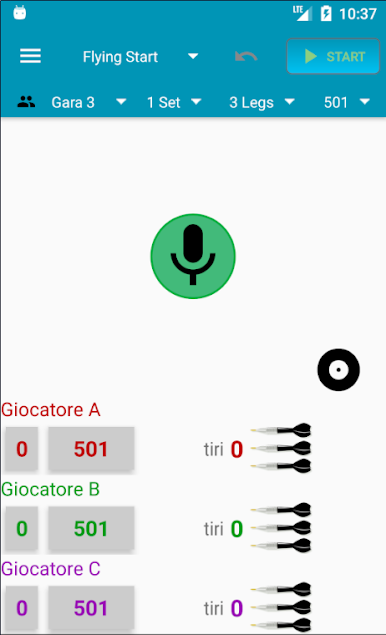
Supporting up to four players at a time, it’s easy to organize singles, doubles, or just keep an eye on everyone’s progress during a group game. -
Undo and Redo Mistakes
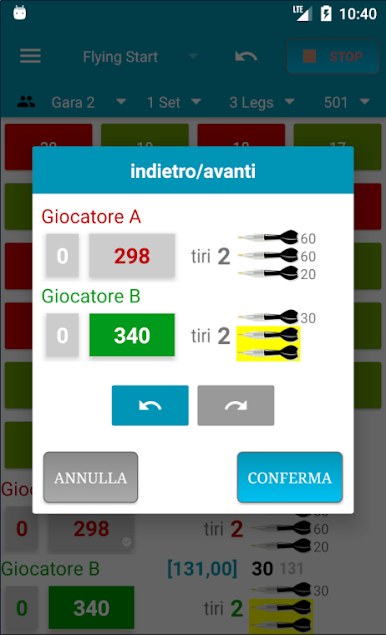
Hit the wrong button? No big deal—you can undo or redo score changes, so the numbers are always spot-on. -
Effortless Data Entry
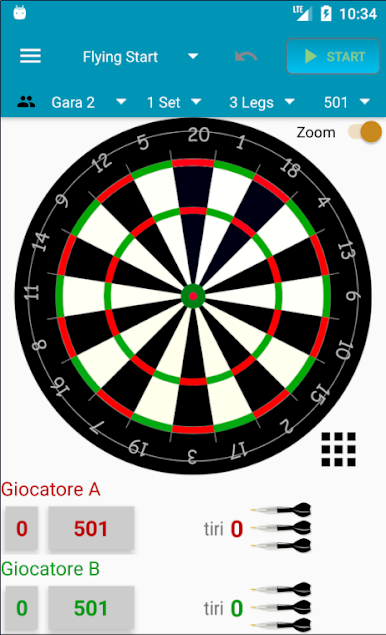
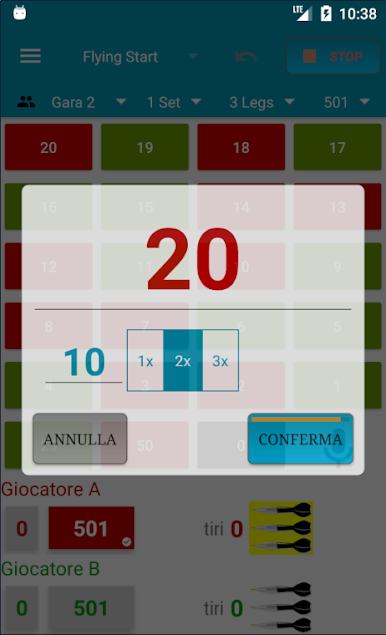
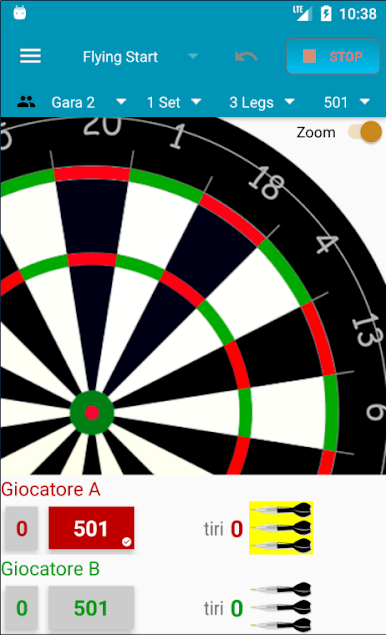
Enter your scores however it suits you: tap a target image, pick from a number grid, or even use voice commands. It’s all about whatever’s quickest for you. -
Handle Player Details with Ease
Want to use nicknames? You can swap out player names on the fly just by tapping—handy when you’ve got a crowd. -
Performance Tracking
Curious about how you’re improving? Check out your average throw and see your stats at a glance. -
Tip Closures
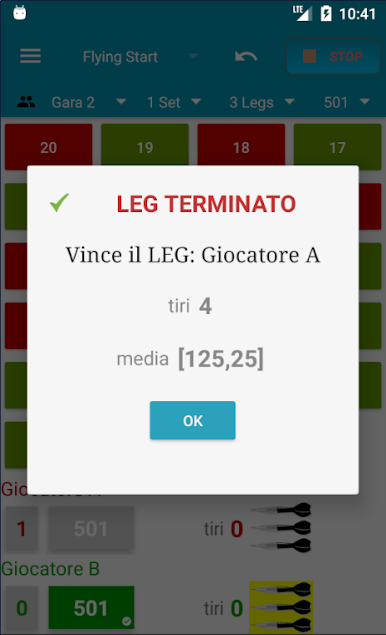
Quickly mark legs or sets as finished, so you start the next round without fuss. -
A Smooth Experience on PC
Prefer a bigger screen? Try playing with Darts Scorecard using BlueStacks for an even smoother scorekeeping experience.
No matter your style or skill level, this one makes scorekeeping the least of your worries on dart night.
Ready to top the leaderboard? We bet you do. Let precise controls and sharp visuals optimized on BlueStacks lead you to victory.


Gioca Segnapunti Freccette su PC. È facile iniziare.
-
Scarica e installa BlueStacks sul tuo PC
-
Completa l'accesso a Google per accedere al Play Store o eseguilo in un secondo momento
-
Cerca Segnapunti Freccette nella barra di ricerca nell'angolo in alto a destra
-
Fai clic per installare Segnapunti Freccette dai risultati della ricerca
-
Completa l'accesso a Google (se hai saltato il passaggio 2) per installare Segnapunti Freccette
-
Fai clic sull'icona Segnapunti Freccette nella schermata principale per iniziare a giocare

