


Transcriber para WhatsApp
Juega en PC con BlueStacks: la plataforma de juegos Android, en la que confían más de 500 millones de jugadores.

Página modificada el: Sep 8, 2025
Run Transcriber for WhatsApp on PC or Mac
Upgrade your experience. Try Transcriber for WhatsApp, the fantastic Social app from Mirko Dimartino, from the comfort of your laptop, PC, or Mac, only on BlueStacks.
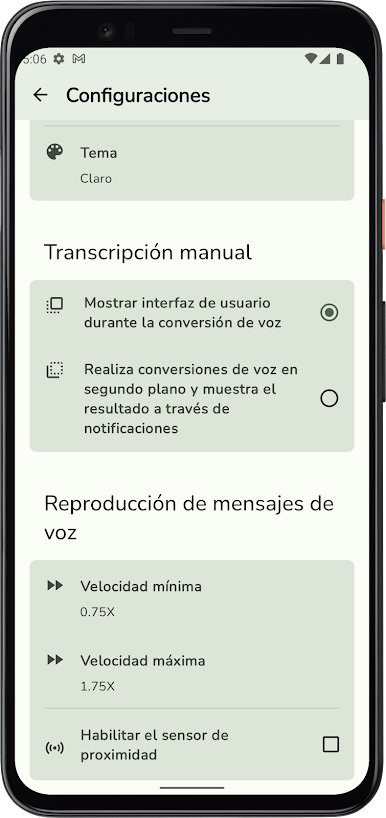
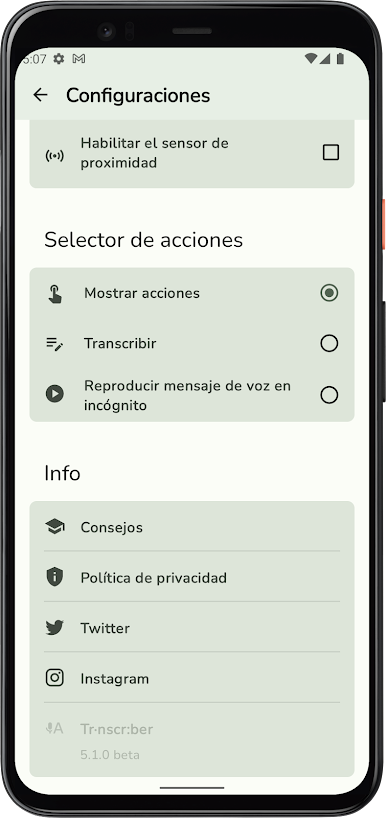
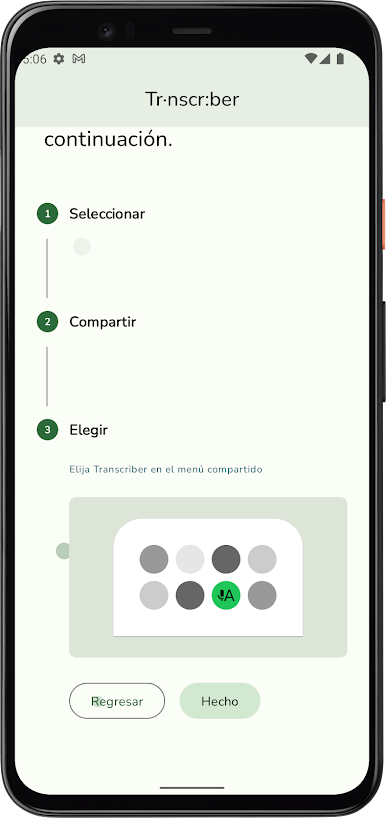
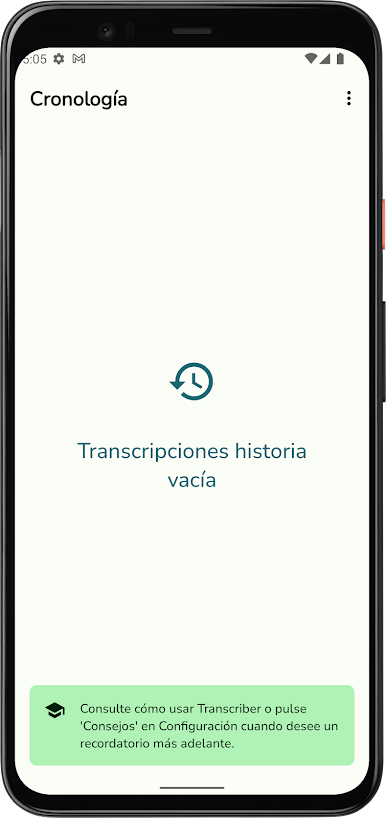
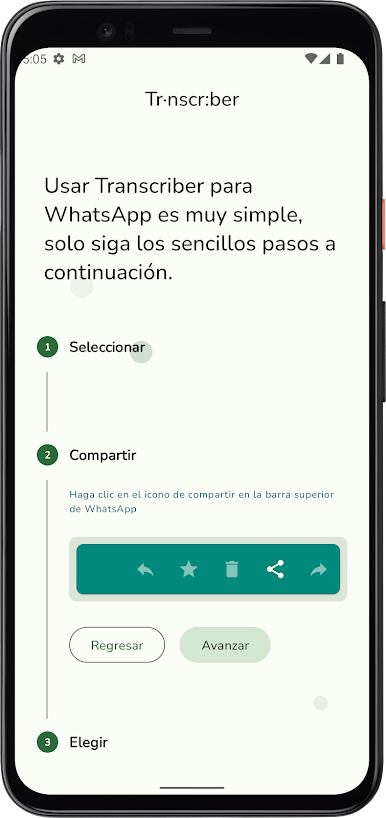
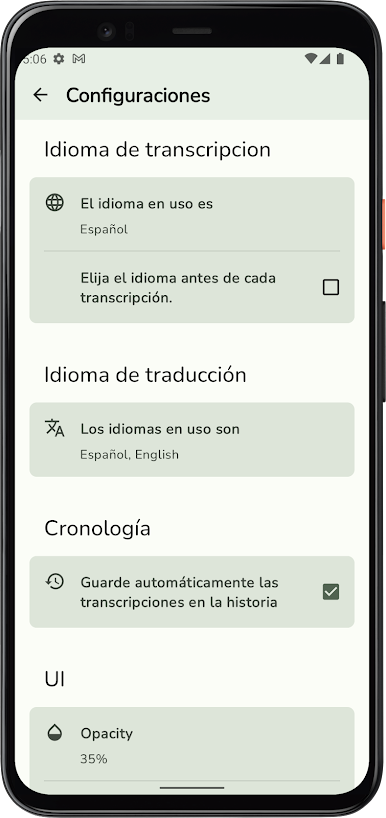
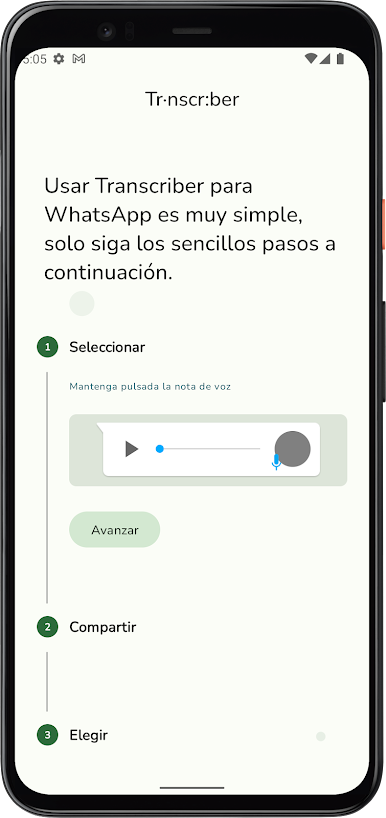
Transcriber for WhatsApp feels like one of those small tools that quietly fixes a daily hassle. It takes the voice notes people keep sending and turns them into text without making anyone press play, so there is no loud audio in a quiet room and no blue ticks telling the sender it was played. The idea is simple and it works well when sound is not ok, like on the train, at work, or late at night when everyone is sleeping. It even lets someone listen incognito if they still want to hear the clip, just without waking the app’s read receipts. The app also keeps people with hearing problems in mind, which is honestly great, because voice notes can be a wall when someone cannot hear them. The layout follows clean Material Design, big text, straightforward buttons, nothing confusing. It seems light on space and opens fast, so it does not feel like another heavy add-on.
Running it on a PC through BlueStacks makes long voice notes way easier to skim. The bigger screen is great for reading chunky transcripts, copying parts into replies, or saving a piece for later. Switching between WhatsApp and the transcript window is smooth, almost like using a tiny desktop utility. It is not trying to be flashy or fancy, it just gets the words out of the audio and stays out of the way. For anyone who gets a lot of voice messages but cannot always listen, or just prefers to read in peace, this does exactly what it says and saves a bit of time everyday.
Ready to experience Transcriber for WhatsApp on a bigger screen, in all its glory? Download BlueStacks now.
Juega Transcriber para WhatsApp en la PC. Es fácil comenzar.
-
Descargue e instale BlueStacks en su PC
-
Complete el inicio de sesión de Google para acceder a Play Store, o hágalo más tarde
-
Busque Transcriber para WhatsApp en la barra de búsqueda en la esquina superior derecha
-
Haga clic para instalar Transcriber para WhatsApp desde los resultados de búsqueda
-
Complete el inicio de sesión de Google (si omitió el paso 2) para instalar Transcriber para WhatsApp
-
Haz clic en el ícono Transcriber para WhatsApp en la pantalla de inicio para comenzar a jugar

