


Hiragana Memory Hint [English]
Gioca su PC con BlueStacks: la piattaforma di gioco Android, considerata affidabile da oltre 500 milioni di giocatori.

Pagina modificata il: Oct 22, 2025
Run Hiragana Memory Hint [English] on PC or Mac
Let BlueStacks turn your PC, Mac, or laptop into the perfect home for Hiragana Memory Hint [English], a fun Education app from The Japan Foundation.
About the App
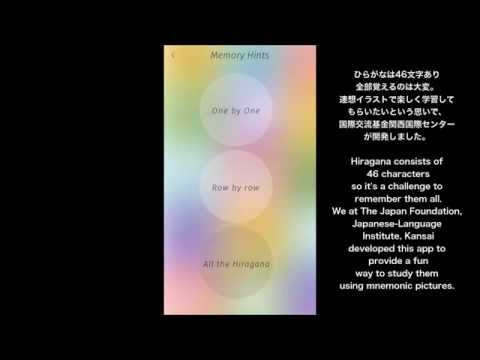
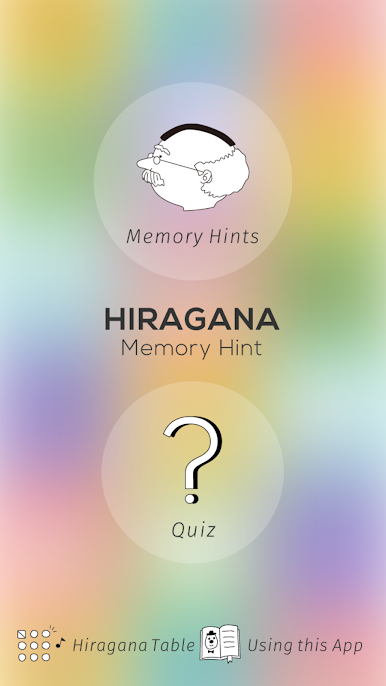
Hiragana Memory Hint [English] is all about making the first steps of learning Japanese super approachable—even if you’re starting from scratch. Picture this: you’re introduced to hiragana characters through memorable images, catchy sounds, and simple, bite-sized explanations that actually stick. Developed by The Japan Foundation, this education app doesn’t just teach you letters—it helps you truly remember them, so learning Japanese feels a little more like play, and a lot less intimidating.
App Features
-
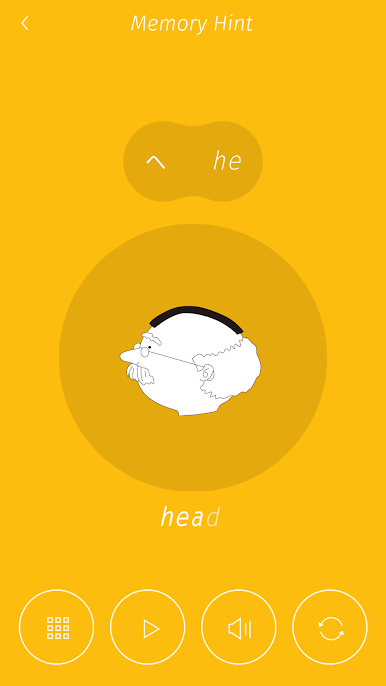
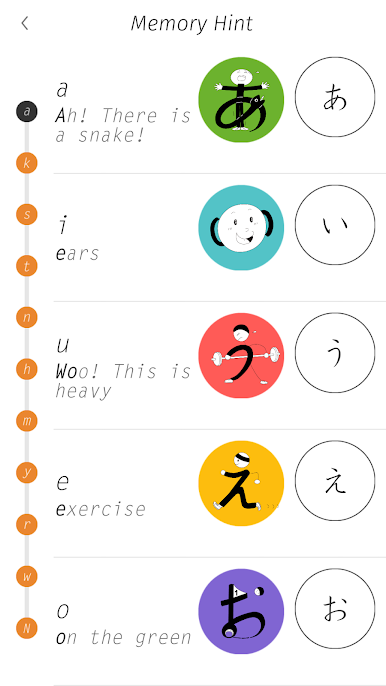
Mnemonic-Powered Learning
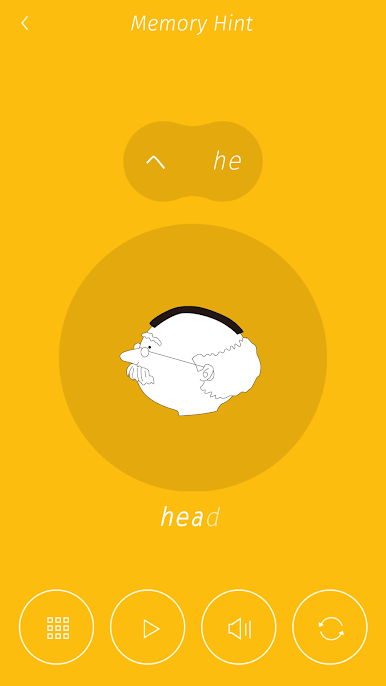
Each hiragana character comes paired with unforgettable pictures and handy animations that link images with sounds, giving you a fresh (and surprisingly fun) way to remember what you’ve learned. -
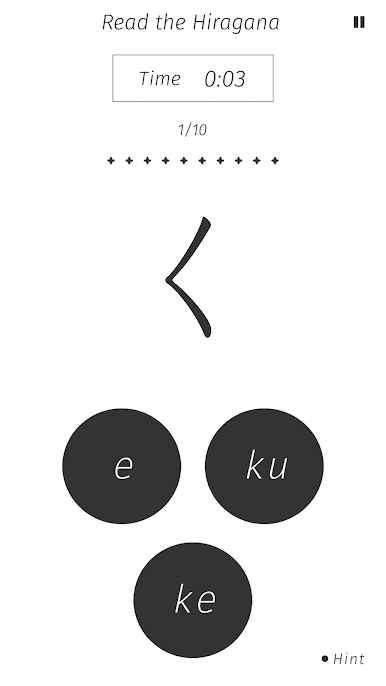
Interactive Quizzes
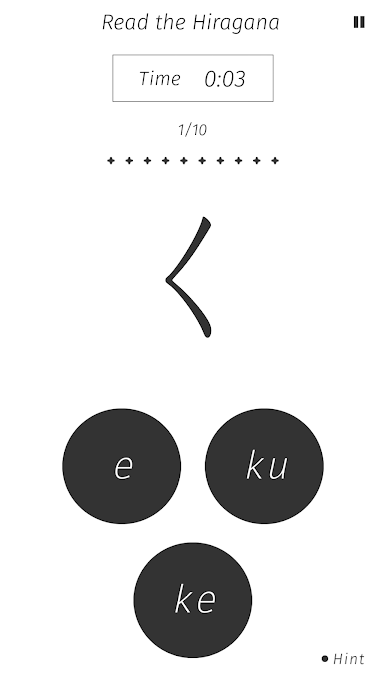
Challenge yourself with quick quizzes after each section. They’re built right into the app, so you can check right away if the new kana you picked up really landed. -
Easy-to-Follow Explanations
The app lays out the basics of the Japanese written language in a simple way, so you won’t get lost in grammar jargon or complicated rules. Just straightforward info about how hiragana fits into everything. -
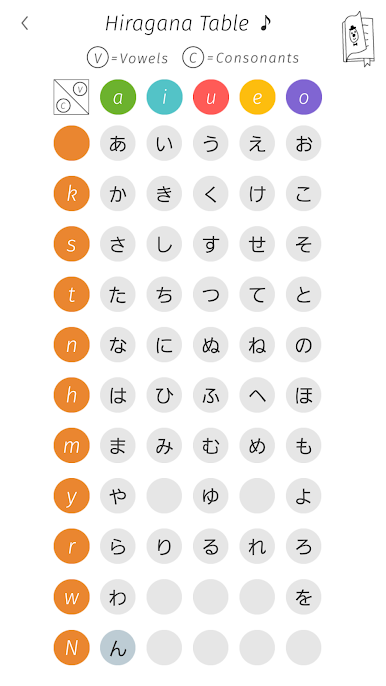
Tap-to-Listen Table
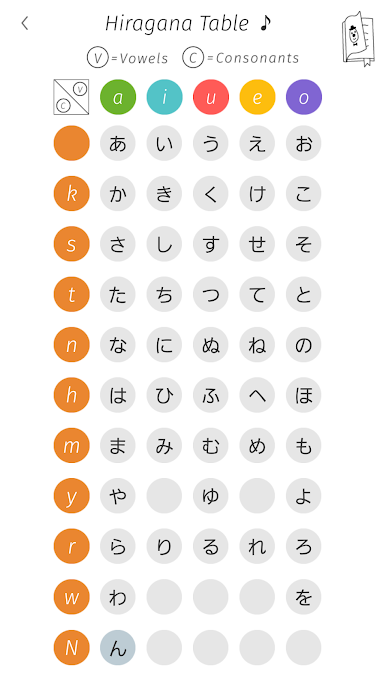
Unsure how a character sounds? There’s a tap-friendly hiragana table—just tap any character and you’ll hear its correct pronunciation. Handy for nailing your accent or just double-checking when you’re not sure.
Whether you’re flipping through on a phone or giving yourself more space to learn on a bigger screen with BlueStacks, Hiragana Memory Hint [English] is built to make your learning time count, even when you’ve only got a few minutes.
Switch to BlueStacks and make the most of your apps on your PC or Mac.
Gioca Hiragana Memory Hint [English] su PC. È facile iniziare.
-
Scarica e installa BlueStacks sul tuo PC
-
Completa l'accesso a Google per accedere al Play Store o eseguilo in un secondo momento
-
Cerca Hiragana Memory Hint [English] nella barra di ricerca nell'angolo in alto a destra
-
Fai clic per installare Hiragana Memory Hint [English] dai risultati della ricerca
-
Completa l'accesso a Google (se hai saltato il passaggio 2) per installare Hiragana Memory Hint [English]
-
Fai clic sull'icona Hiragana Memory Hint [English] nella schermata principale per iniziare a giocare

