


Kanji Memory Hint 3 [English]
Gioca su PC con BlueStacks: la piattaforma di gioco Android, considerata affidabile da oltre 500 milioni di giocatori.

Pagina modificata il: Oct 22, 2025
Run Kanji Memory Hint 3 [English] on PC or Mac
What’s better than using Kanji Memory Hint 3 [English] by The Japan Foundation? Well, try it on a big screen, on your PC or Mac, with BlueStacks to see the difference.
About the App
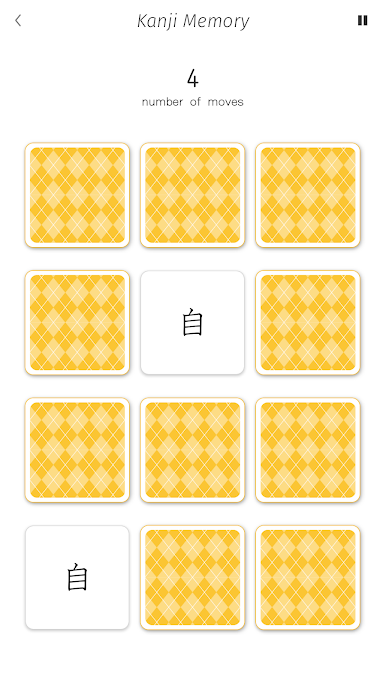
Learning Japanese kanji doesn’t have to be a slog. Kanji Memory Hint 3 [English] from The Japan Foundation makes it a whole lot more approachable—and fun. Whether you’re just starting out with Japanese or you’re brushing up on the basics, this education app uses quirky visuals and well-thought-out explanations to help you remember kanji without feeling overwhelmed. You can play through bite-sized games, listen to pronunciations, and see how each character works, all on your own pace.
App Features
-
Mnemonic Images & Animations
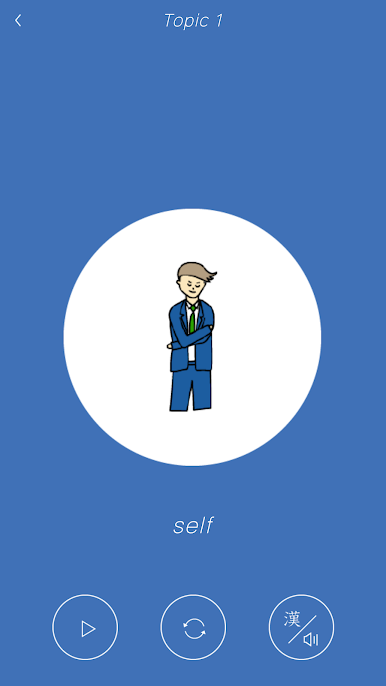
Tap into a memory boost with engaging pictures and animations for each character. Images help lock the meaning of kanji in your mind, making memorization less of a chore and more of a visual experience. -
Built-in Audio Support
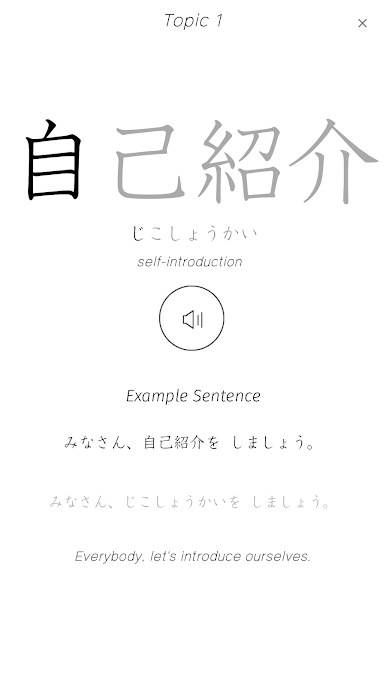
Curious how a kanji actually sounds? Every character comes with native audio—just tap to hear the correct pronunciation instantly, helpful whether you’re practicing on your phone or with BlueStacks. -
Short, Simple Practice Games
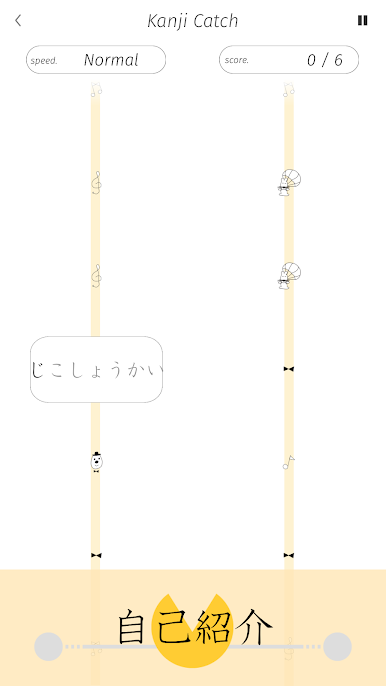
Test out what you’ve picked up with easy mini-games. They’re quick to play and a fun way to check if you remember meanings and pronunciations. -
Clear Explanations of Japanese Writing
Not sure what makes kanji different from other Japanese letters? The app breaks down the basics of the writing system, including how kana and kanji fit together, in straightforward language. -
Hands-On Kanji Table
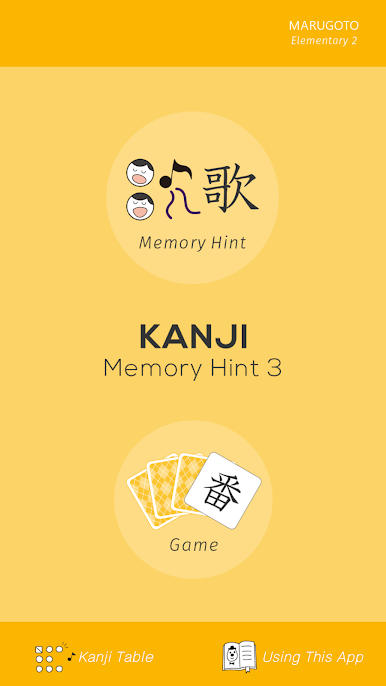
There’s a handy kanji table where you can tap, explore, and listen to each character—no more guessing or endless searches for readings.
Use it on your Android device or open it up via BlueStacks for a bigger screen when you want to study at your desk.
BlueStacks gives you the much-needed freedom to experience your favorite apps on a bigger screen. Get it now.

Gioca Kanji Memory Hint 3 [English] su PC. È facile iniziare.
-
Scarica e installa BlueStacks sul tuo PC
-
Completa l'accesso a Google per accedere al Play Store o eseguilo in un secondo momento
-
Cerca Kanji Memory Hint 3 [English] nella barra di ricerca nell'angolo in alto a destra
-
Fai clic per installare Kanji Memory Hint 3 [English] dai risultati della ricerca
-
Completa l'accesso a Google (se hai saltato il passaggio 2) per installare Kanji Memory Hint 3 [English]
-
Fai clic sull'icona Kanji Memory Hint 3 [English] nella schermata principale per iniziare a giocare

