


Portapapeles Pro
Juega en PC con BlueStacks: la plataforma de juegos Android, en la que confían más de 500 millones de jugadores.

Página modificada el: Nov 12, 2025
Run Clipboard Pro on PC or Mac
Why limit yourself to your small screen on the phone? Run Clipboard Pro, an app by CloudEx Inc., best experienced on your PC or Mac with BlueStacks, the world’s #1 Android emulator.
About the App
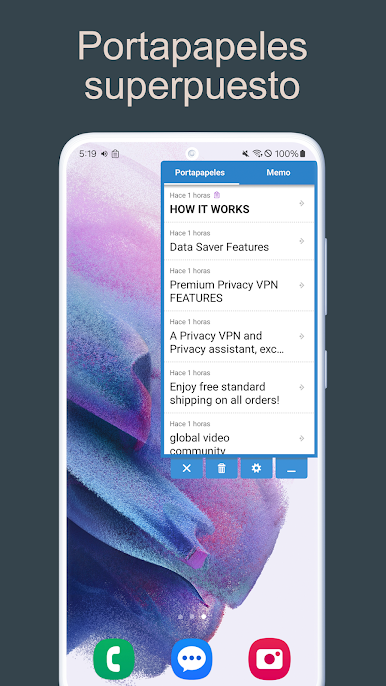
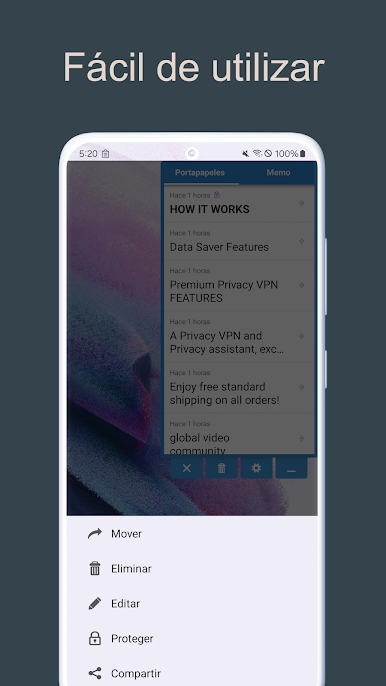
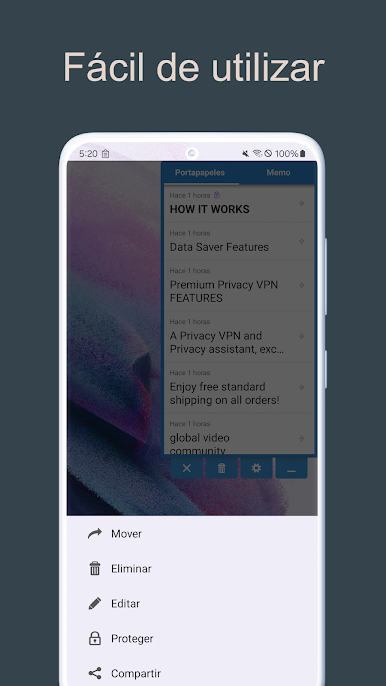
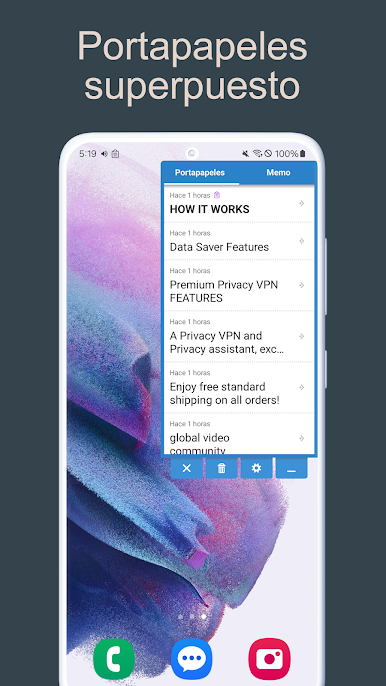
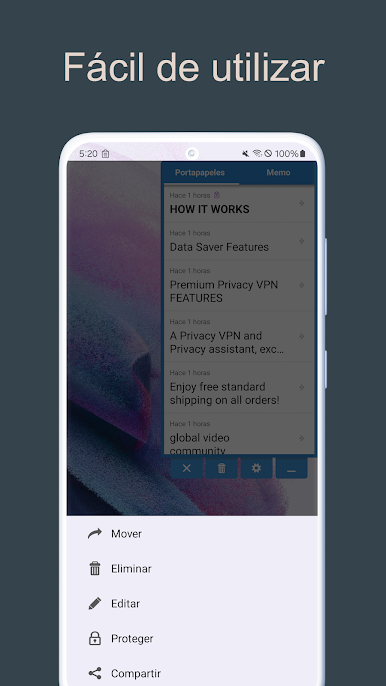
Clipboard Pro by CloudEx Inc. is your go-to Productivity app designed for seamless clipboard management. Expect easy usability with a handy overlay feature that keeps your copied texts just a tap away. Want to remember an article URL or a product name? Clipboard Pro’s got you covered. It’s even perfect for jotting down memos when you’re shopping or running errands.
App Features
-
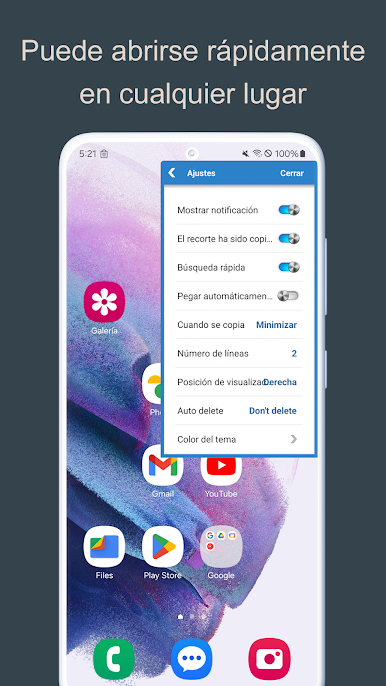
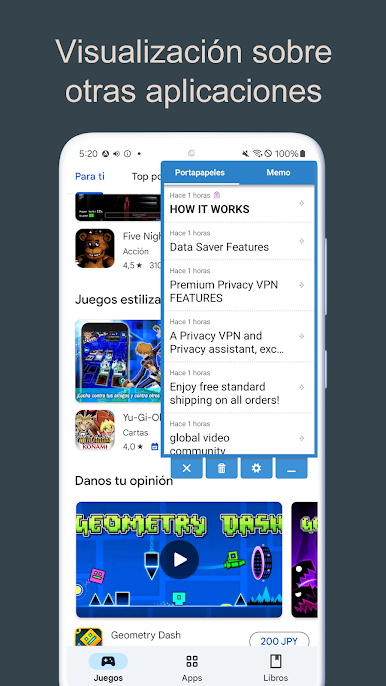
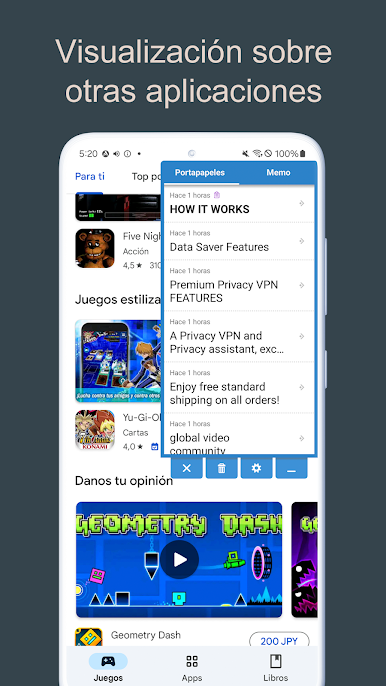
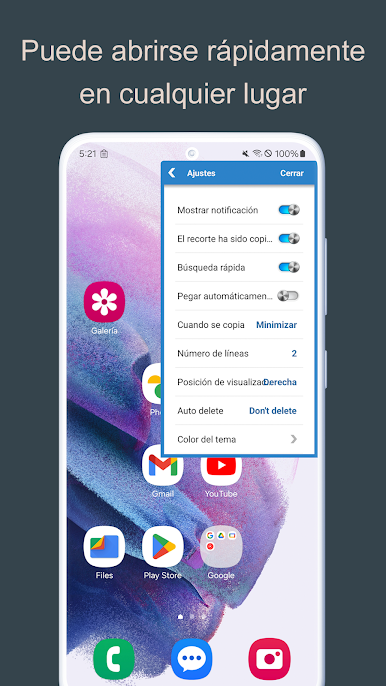
Overlay Display: Keep all your copied content readily accessible, as this feature lets Clipboard Pro appear over any app.
-
Auto Paste: Selecting an input field? The app recognizes it and automatically pastes your saved clip—convenience at its finest.
-
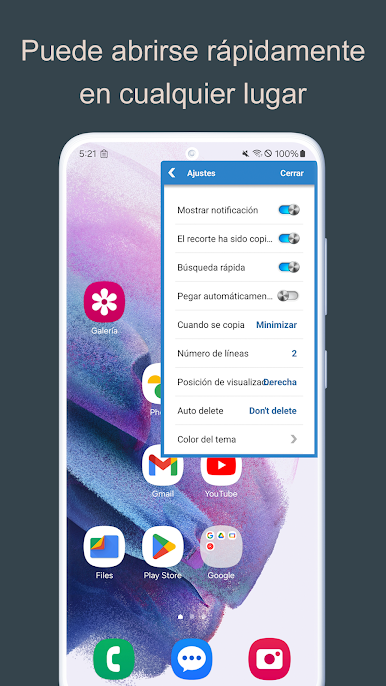
Floating Button: Need quick access? The movable floating button ensures you can open Clipboard Pro from anywhere on your screen.
-
Quick Search: Instantly search the web when you copy a new word or phrase.
-
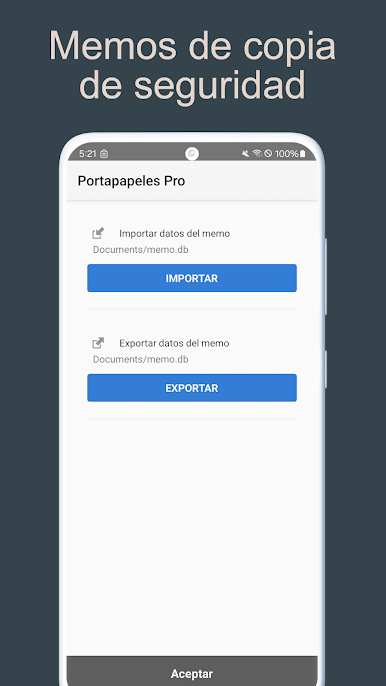
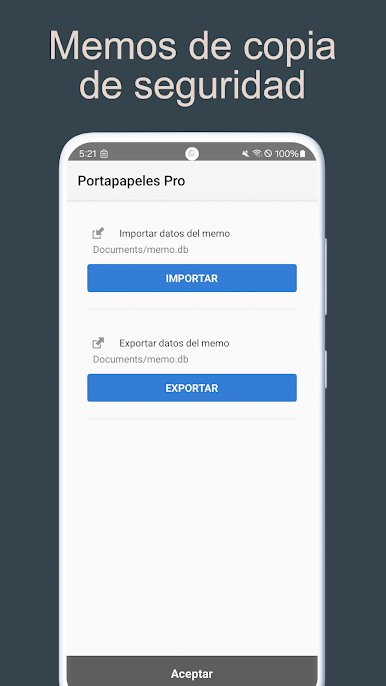
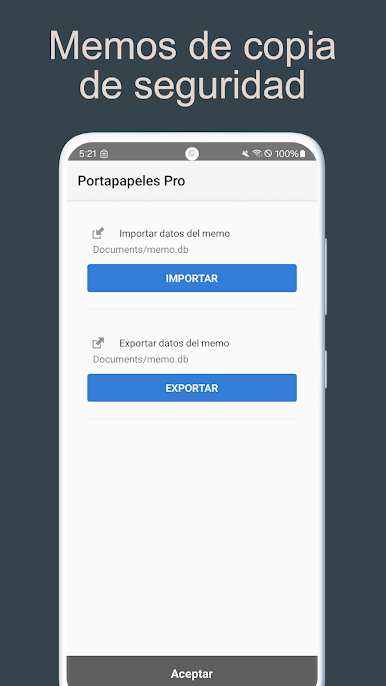
Import / Export: Easily backup your memos to keep your information secure.
-
Auto Delete: Set a time, and Clipboard Pro will clean up your clipboard by auto-deleting old clips.
Clipboard Pro harnesses accessibility services on Android 10 devices to smoothen clipboard actions but keeps your data private and secure. Enjoy an enhanced experience through BlueStacks on your PC or Mac.
Ready to experience Clipboard Pro on a bigger screen, in all its glory? Download BlueStacks now.
Juega Portapapeles Pro en la PC. Es fácil comenzar.
-
Descargue e instale BlueStacks en su PC
-
Complete el inicio de sesión de Google para acceder a Play Store, o hágalo más tarde
-
Busque Portapapeles Pro en la barra de búsqueda en la esquina superior derecha
-
Haga clic para instalar Portapapeles Pro desde los resultados de búsqueda
-
Complete el inicio de sesión de Google (si omitió el paso 2) para instalar Portapapeles Pro
-
Haz clic en el ícono Portapapeles Pro en la pantalla de inicio para comenzar a jugar

