

Juegos para niños de 2-5 años
Juega en PC con BlueStacks: la plataforma de juegos Android, en la que confían más de 500 millones de jugadores.

Página modificada el: Aug 21, 2025
Run Preschool Fun Educational Games for Kids Toddlers on PC or Mac
Get freedom from your phone’s obvious limitations. Use Preschool Fun Educational Games for Kids Toddlers, made by SAS Tech, a Education app on your PC or Mac with BlueStacks, and level up your experience.
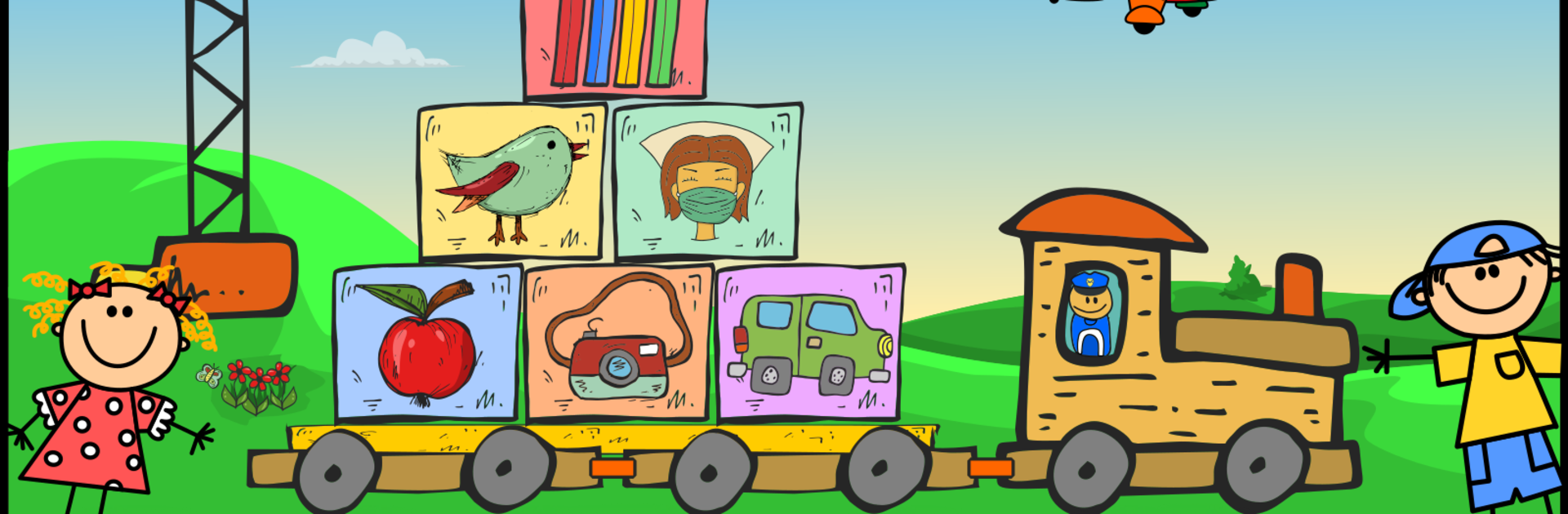
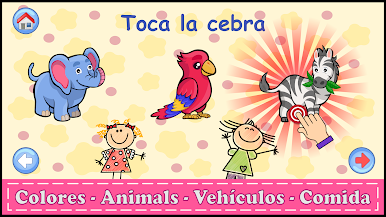
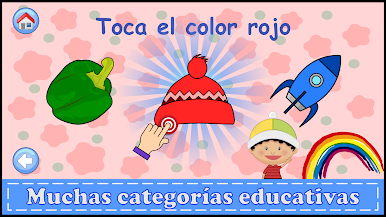
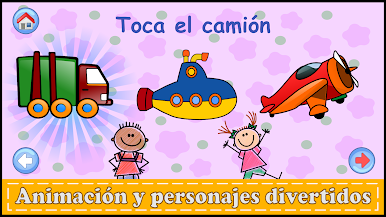
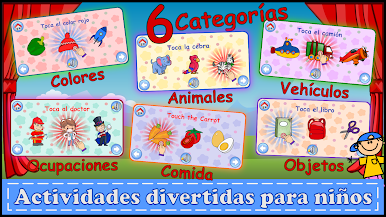
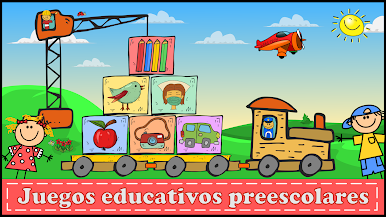
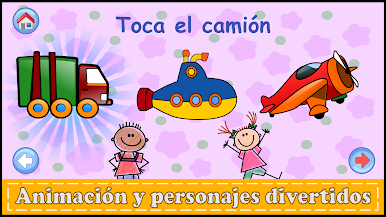
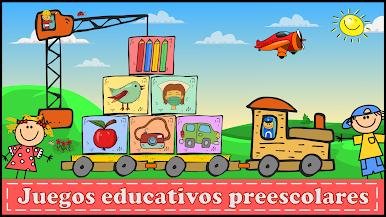
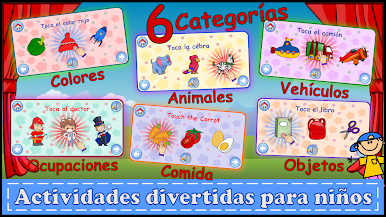
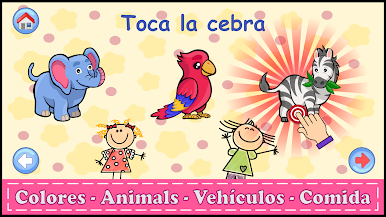
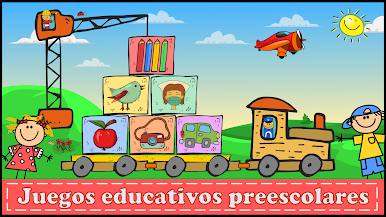
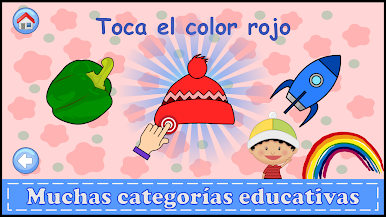
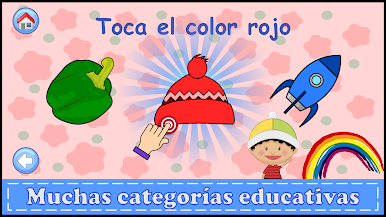
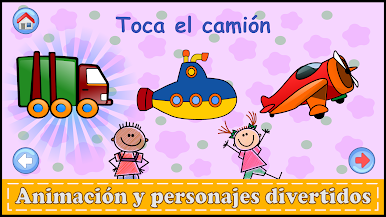
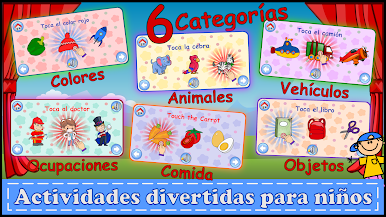
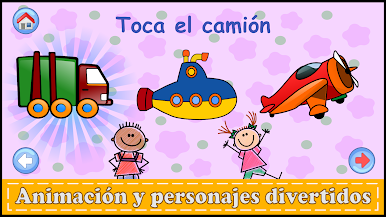
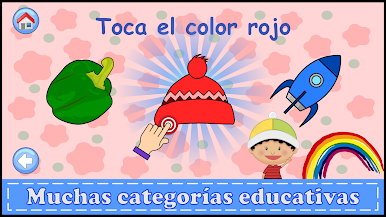
This app is basically a big collection of bright, simple games made for really young kids — think toddlers and preschoolers who are learning the names of things like colors, animals, vehicles, jobs, and food. Everything is really colorful and there are sounds and cute little animations that keep things lively. The way it’s set up, every game is dead simple to use, and the sound effects plus little voiceovers help little kids hear and repeat new words while they play. The app’s pretty generous with the topics too — not just animals and colors, but stuff like tools, sports gear, or different jobs like astronauts and chefs, so that can keep things feeling new even after playing for a while.
What stands out is how cheerful the whole thing looks. The pictures are big, everything is easy to tap, and the games gently guide kids along without throwing too much on the screen at once. The voices sound calm — not robotic — which is a nice touch for kids trying out new words. It’s also handy that there aren’t any hidden costs or fiddly menus, so when it’s on a PC with BlueStacks, letting a kid explore feels pretty low-stress. The app goes through all the classic learning stuff but wraps it in enough playful energy that it doesn’t feel like a chore, and switching from playing on a phone to a bigger screen actually makes the graphics and funny sound effects pop out even more. If someone’s looking for something to keep their little one engaged with early learning basics (without the usual app interruptions), this one’s easy to settle into.
Eager to take your app experience to the next level? Start right away by downloading BlueStacks on your PC or Mac.













Juega Juegos para niños de 2-5 años en la PC. Es fácil comenzar.
-
Descargue e instale BlueStacks en su PC
-
Complete el inicio de sesión de Google para acceder a Play Store, o hágalo más tarde
-
Busque Juegos para niños de 2-5 años en la barra de búsqueda en la esquina superior derecha
-
Haga clic para instalar Juegos para niños de 2-5 años desde los resultados de búsqueda
-
Complete el inicio de sesión de Google (si omitió el paso 2) para instalar Juegos para niños de 2-5 años
-
Haz clic en el ícono Juegos para niños de 2-5 años en la pantalla de inicio para comenzar a jugar

