


Learn AWS Tutorial Offline
Juega en PC con BlueStacks: la plataforma de juegos Android, en la que confían más de 500 millones de jugadores.

Página modificada el: Sep 27, 2022
Run Learn AWS Tutorial Offline on PC or Mac
What’s better than using Learn AWS Tutorial Offline by Incognito Inventions? Well, try it on a big screen, on your PC or Mac, with BlueStacks to see the difference.
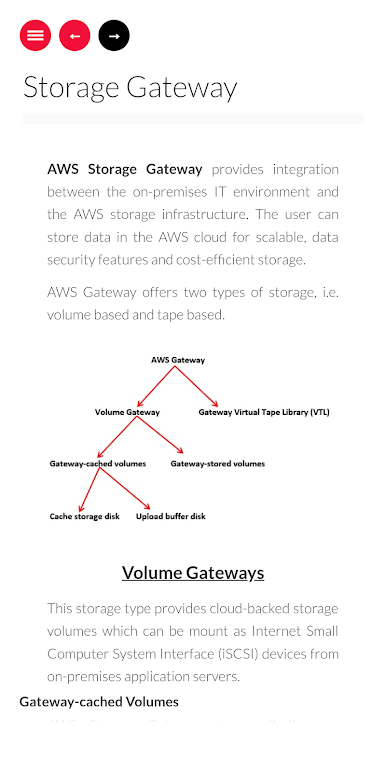
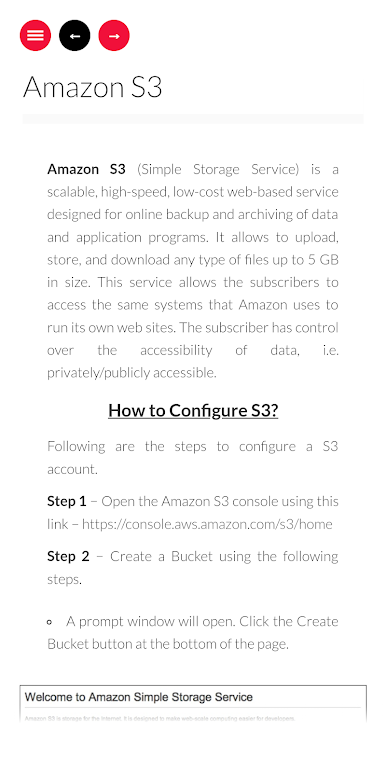
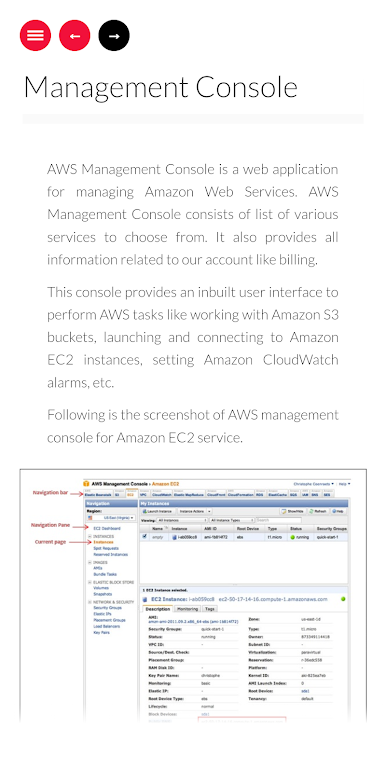
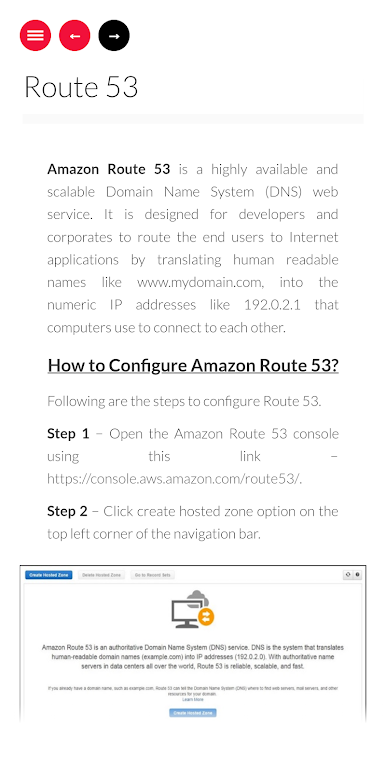
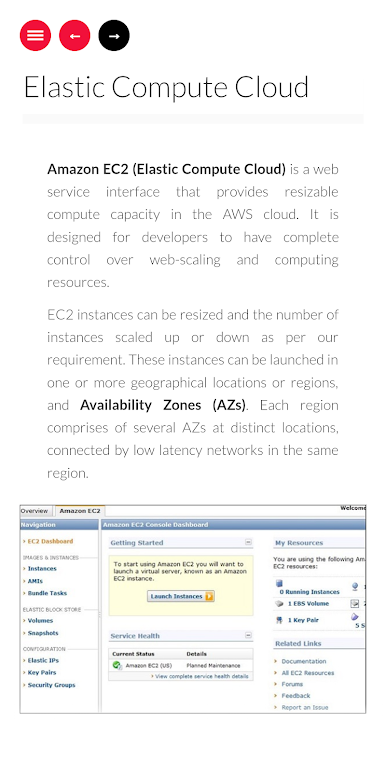
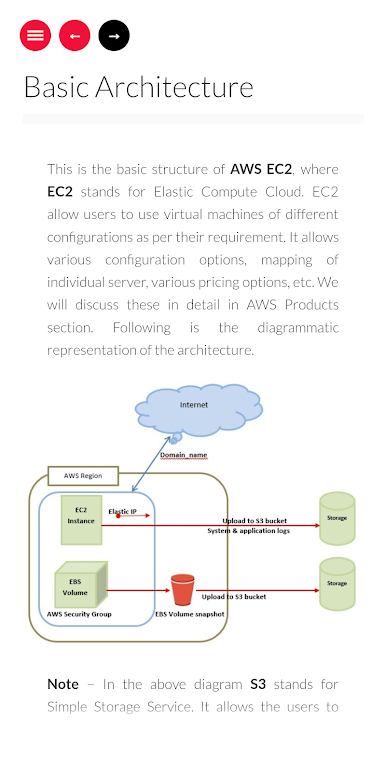
Learn AWS Tutorial Offline feels like a compact handbook that walks through Amazon Web Services in a slow, steady way. It is not fancy and does not pretend to be a magic course. The app lays things out from basics to advanced, so a newcomer can start with what AWS is, the console, accounts, cloud architecture, then move into the actual services. The list is long and tidy: EC2 and Auto Scaling, S3 and EBS, VPC and Route 53, Direct Connect, CloudFront, RDS and DynamoDB, Redshift, Kinesis, EMR, Data Pipeline, Lambda, even bits like WorkSpaces, SWF, and a note on the Console Mobile App. It also talks about object oriented ideas and programming, though it reads more like service concepts and how to use them rather than a strict coding language lesson.
The vibe is straightforward. Open a section, read a clear explanation, follow along step by step, then jump to the next topic. No fluff, no heavy graphics, and no distracting gimmicks. On a PC with BlueStacks, the bigger screen makes those long sections easier on the eyes, and scrolling through the menus with a mouse feels natural. Offline access is the main perk, so someone can study the basics or check a service overview without a connection. It suits learners who like structured notes and quick references, or anyone who wants a simple checklist of AWS services to study from without getting lost in marketing pages.
Switch to BlueStacks and make the most of your apps on your PC or Mac.

Juega Learn AWS Tutorial Offline en la PC. Es fácil comenzar.
-
Descargue e instale BlueStacks en su PC
-
Complete el inicio de sesión de Google para acceder a Play Store, o hágalo más tarde
-
Busque Learn AWS Tutorial Offline en la barra de búsqueda en la esquina superior derecha
-
Haga clic para instalar Learn AWS Tutorial Offline desde los resultados de búsqueda
-
Complete el inicio de sesión de Google (si omitió el paso 2) para instalar Learn AWS Tutorial Offline
-
Haz clic en el ícono Learn AWS Tutorial Offline en la pantalla de inicio para comenzar a jugar

