


Liv Dark - Substratum Theme
Juega en PC con BlueStacks: la plataforma de juegos Android, en la que confían más de 500 millones de jugadores.

Página modificada el: Jul 3, 2025
Play Liv Dark - Substratum Theme on PC
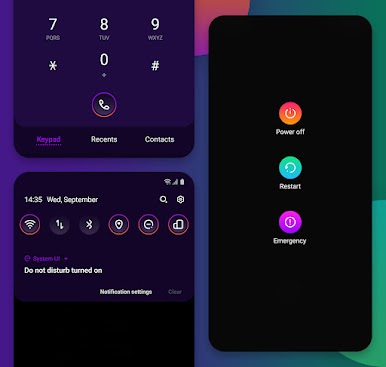
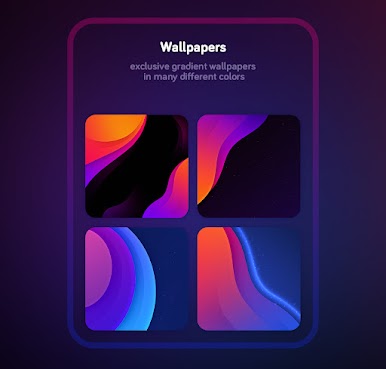
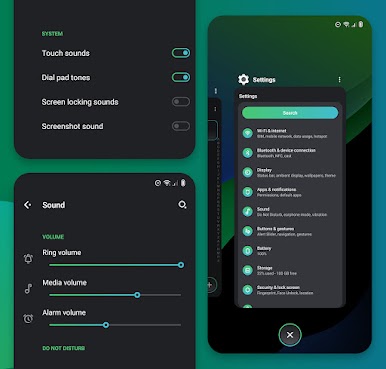
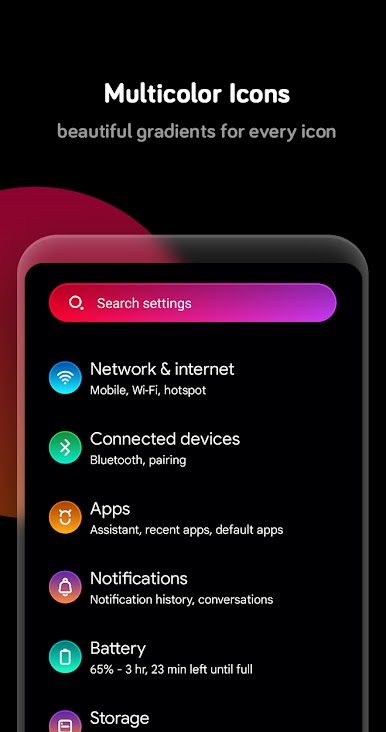
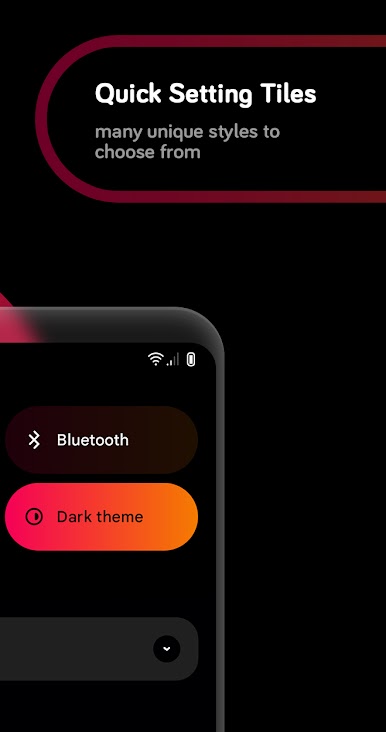
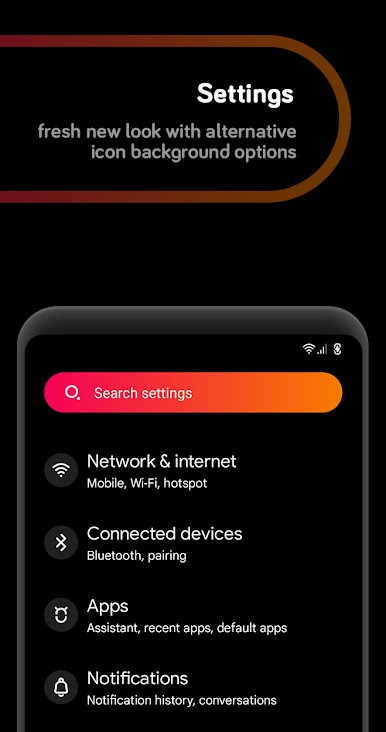
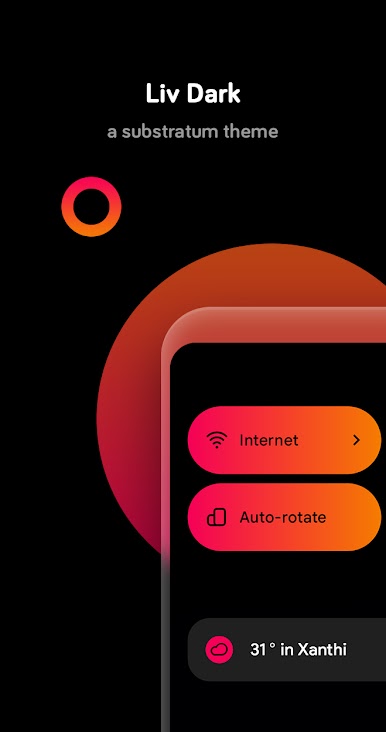
Liv Dark for Substratum is a wonderfully designed theme with gradients, pixel perfect ui components, and better material ui to give your phone a new, fresh, and modern appearance!
✔️ Works with
• Android 9/10/11/12/13 stock and custom roms
• Oxygenos 9/10/11/12/13
• Samsung 9/10/11
• Synergy OneUI
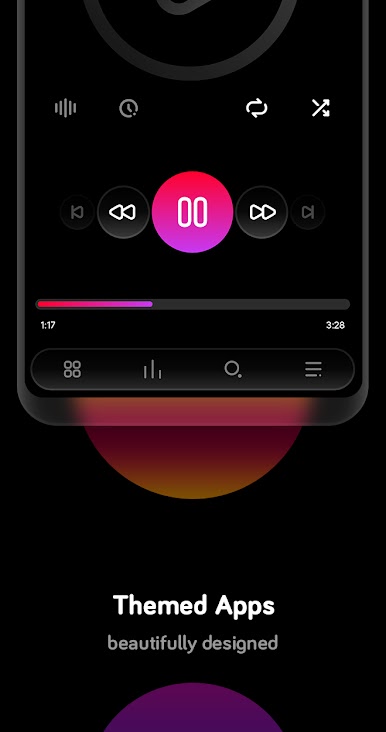
🔹 Themed apps
http://bit.ly/2mcnC9D
❓ HELP
• Gradient quick settings tiles don't work on stock android 10, oneui3.1 and oxygenos 10-11
• Oxygenos Pie users, enable dark theme from settings > display and set the accent color to white. Oxygenos 10 users set the accent to default color
• Please do not write your bug/suggestion reports in the reviews, instead contact me via email or use the telegram support group link below
• Want full black backgrounds everywhere instead of dark for your amoled screen? Select the amoled background option from android system overlay
• Screenshots shown above are from oxygenos, oneui and custom rom aosp. Theme might look different with not so popular roms
🔵 Telegram support group: http://bit.ly/39L7SQ3
✉️ Contact: giannisgn89@gmail.com
✨ Follow: https://bit.ly/2A8yngX
Juega Liv Dark - Substratum Theme en la PC. Es fácil comenzar.
-
Descargue e instale BlueStacks en su PC
-
Complete el inicio de sesión de Google para acceder a Play Store, o hágalo más tarde
-
Busque Liv Dark - Substratum Theme en la barra de búsqueda en la esquina superior derecha
-
Haga clic para instalar Liv Dark - Substratum Theme desde los resultados de búsqueda
-
Complete el inicio de sesión de Google (si omitió el paso 2) para instalar Liv Dark - Substratum Theme
-
Haz clic en el ícono Liv Dark - Substratum Theme en la pantalla de inicio para comenzar a jugar

