


Printer Thermal Bluetooth Mini
Mainkan di PC dengan BlueStacks – platform Game-Game Android, dipercaya oleh lebih dari 500 juta gamer.

Run Bluetooth Mini Thermal Printer on PC or Mac
Let BlueStacks turn your PC, Mac, or laptop into the perfect home for Bluetooth Mini Thermal Printer, a fun Productivity app from Mate Technologies.
About the App
Ever find yourself needing to print a receipt or label on the go, straight from your phone? Bluetooth Mini Thermal Printer, designed by Mate Technologies, puts smooth, fuss-free mobile printing right in your hands. Whether you’re running a pop-up shop or just want to generate neat, custom receipts, this app makes it easy to connect with most Bluetooth or USB thermal printers and whip up exactly the documents you need—labels, transaction receipts, or just about anything else.
App Features
-
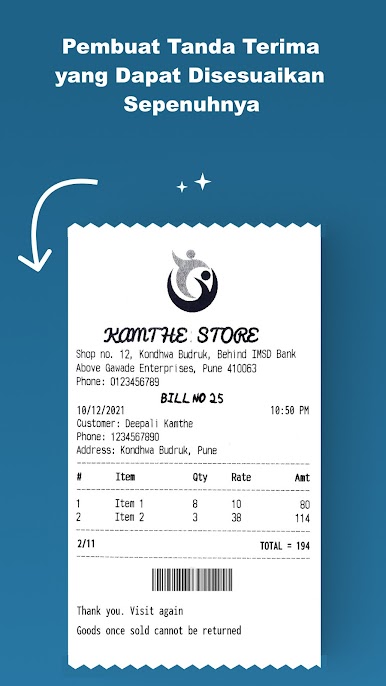
Custom Receipt & Label Designer:
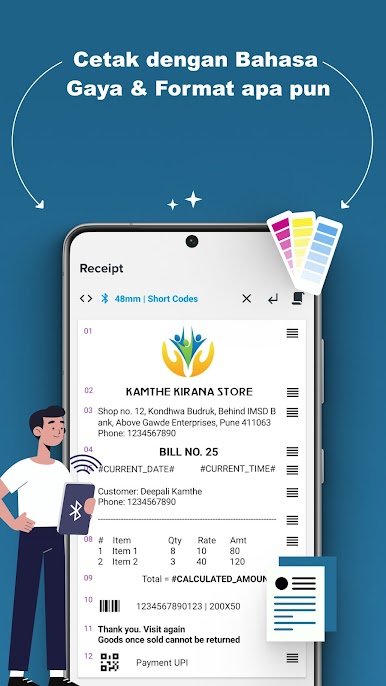
Build receipts and labels just the way you want. Add text, pop in images, include barcodes or QR codes—heck, even toss in PDF files or tables if you need them. -
Multilingual & Format Options:
Not just locked to English; feel free to print receipts in whatever language you need. Play around with fonts, sizes, styles, and layouts to get your receipts looking just right. -
Rich Content Support:
Want to print a logo from your gallery? Maybe snap a quick product shot and put it on the receipt? You can attach images, crop and rotate, and handle PDFs all within the app. -
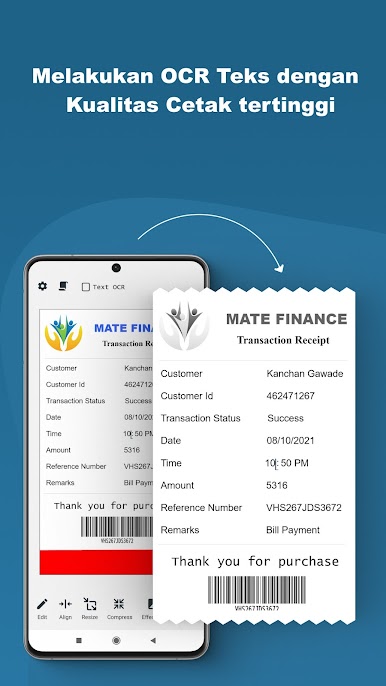
Smart Bank Receipts with OCR:
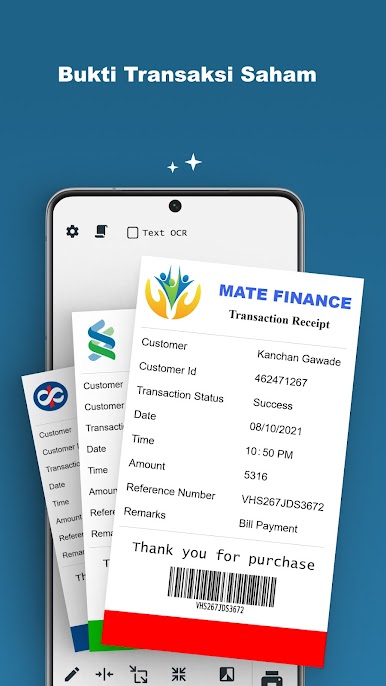
Say goodbye to squinting at blurry records. The built-in OCR means you can create crystal-clear bank payment receipts and process text directly from images. -
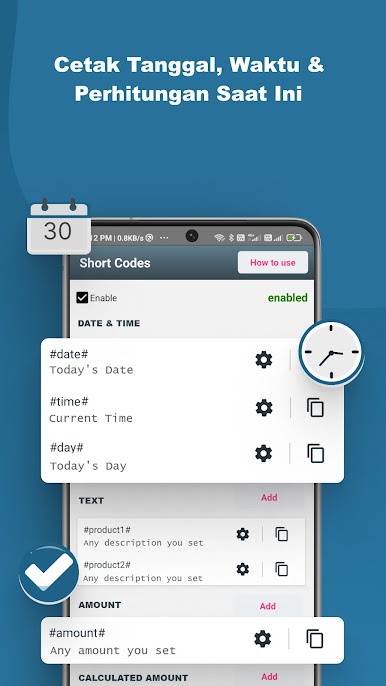
Timestamp & Calculations:
Add date, time, and amount fields that update automatically. Useful for managing quick transactions when you’re busy. -
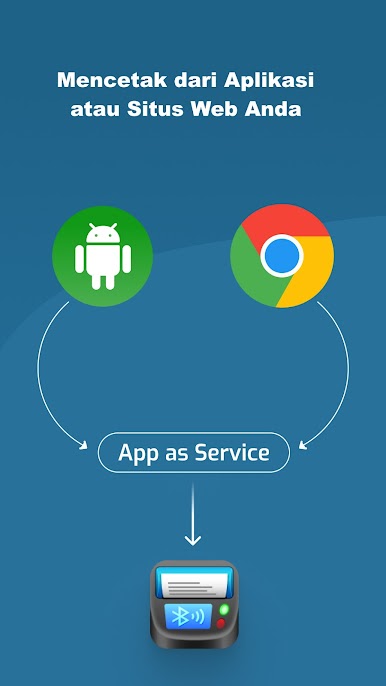
Universal Printer Compatibility:
Works with almost any Bluetooth or USB thermal printer that supports ESC POS commands, so you’re not limited to a specific brand or device. -
Quick History Access:
Need to look up something you printed last week? Just check the app’s print history for any past receipt or label. -
Print, Preview, Share:
Before you hit print, preview the layout to make sure it’s spot on. Once it’s good, print instantly, then share as a PDF or image—whichever works best for your workflow.
And if you’re using BlueStacks, managing your thermal printing needs from your desktop is just as convenient.
BlueStacks brings your apps to life on a bigger screen—seamless and straightforward.

Mainkan Printer Thermal Bluetooth Mini di PC Mudah saja memulainya.
-
Unduh dan pasang BlueStacks di PC kamu
-
Selesaikan proses masuk Google untuk mengakses Playstore atau lakukan nanti
-
Cari Printer Thermal Bluetooth Mini di bilah pencarian di pojok kanan atas
-
Klik untuk menginstal Printer Thermal Bluetooth Mini dari hasil pencarian
-
Selesaikan proses masuk Google (jika kamu melewati langkah 2) untuk menginstal Printer Thermal Bluetooth Mini
-
Klik ikon Printer Thermal Bluetooth Mini di layar home untuk membuka gamenya

