


N3 Listening
Gioca su PC con BlueStacks: la piattaforma di gioco Android, considerata affidabile da oltre 500 milioni di giocatori.

Pagina modificata il: Jan 31, 2025
Run N3 Listening on PC or Mac
Multitask effortlessly on your PC or Mac as you try out N3 Listening, a Education app by Mezon Studio on BlueStacks.
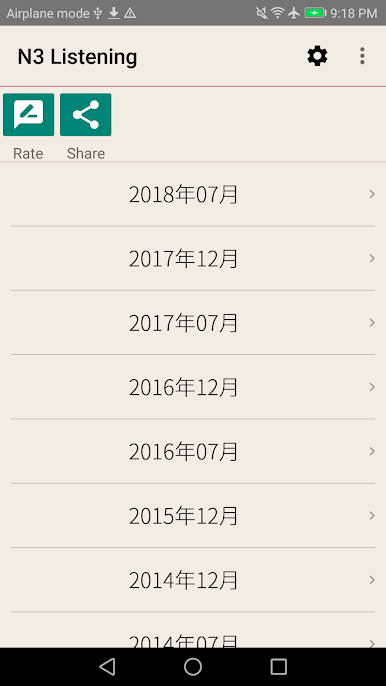
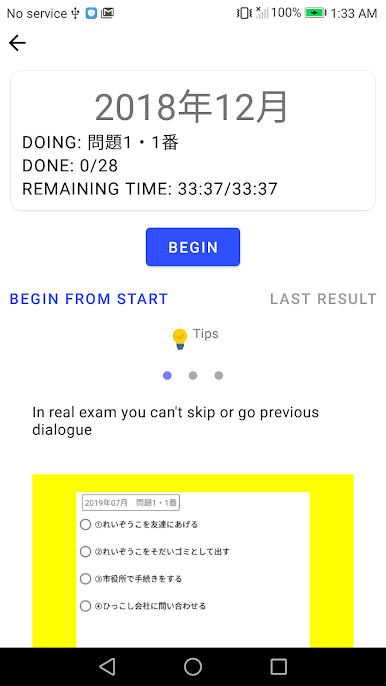
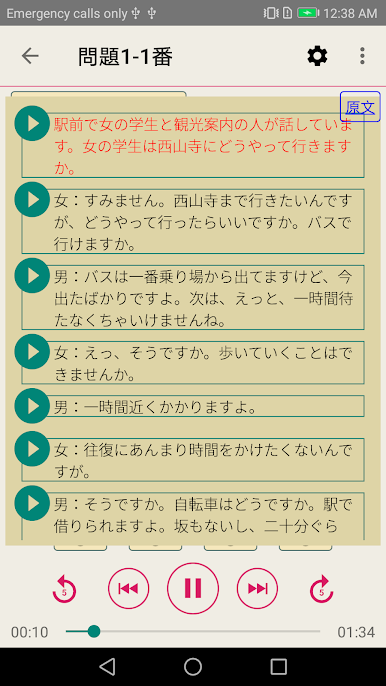
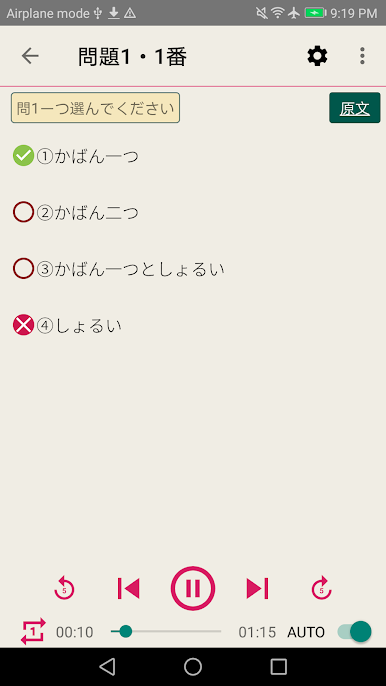
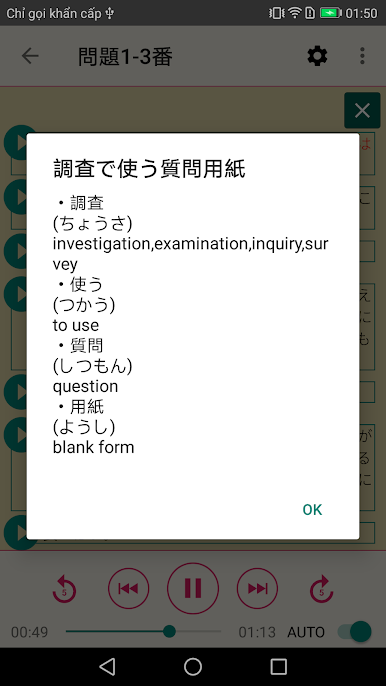
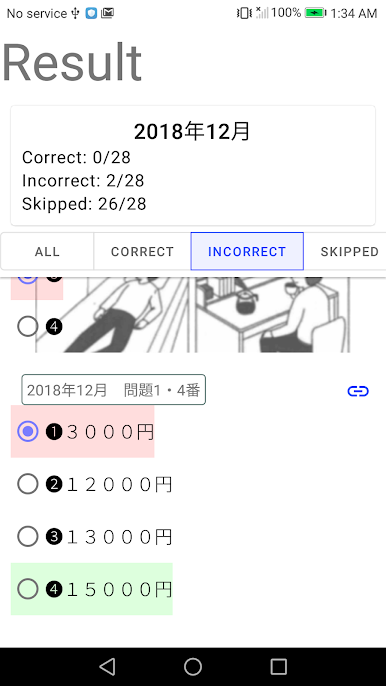
N3 Listening feels like a straight-to-business study app for anyone working toward JLPT N3. It gives past listening sections, so the audio clips sound like the real test, not classroom recordings. Someone hits play, answers the questions, then checks the built‑in answer key and the full script to see what was missed or misheard. No fluff, no complicated menus, just practice. It runs offline, which is nice when there is no signal or when they want a quick session on a train or between classes.
On a PC through BlueStacks, it is actually easier to use for longer study blocks. The bigger screen makes reading the scripts way more comfortable, and clicking around to replay lines or pause is smoother than tapping a small phone screen. The app does not try to teach grammar or walk anyone through strategies. It sticks to the past papers format and lets people figure out patterns by doing more sets. Audio comes in bite sized tracks, so they can repeat the tricky parts alot. It has a simple look that gets out of the way, which suits focused practice. If someone wants structured lessons, this is not that. If they want reliable listening drills with answers and scripts on hand, it does exactly that and does not make a fuss about it.
Switch to BlueStacks and make the most of your apps on your PC or Mac.


Gioca N3 Listening su PC. È facile iniziare.
-
Scarica e installa BlueStacks sul tuo PC
-
Completa l'accesso a Google per accedere al Play Store o eseguilo in un secondo momento
-
Cerca N3 Listening nella barra di ricerca nell'angolo in alto a destra
-
Fai clic per installare N3 Listening dai risultati della ricerca
-
Completa l'accesso a Google (se hai saltato il passaggio 2) per installare N3 Listening
-
Fai clic sull'icona N3 Listening nella schermata principale per iniziare a giocare

