


BIG SMS for Seniors
Juega en PC con BlueStacks: la plataforma de juegos Android, en la que confían más de 500 millones de jugadores.

Página modificada el: Dec 1, 2025
Run BIG SMS for Seniors on PC or Mac
Why limit yourself to your small screen on the phone? Run BIG SMS for Seniors, an app by BIG Launcher, best experienced on your PC or Mac with BlueStacks, the world’s #1 Android emulator.
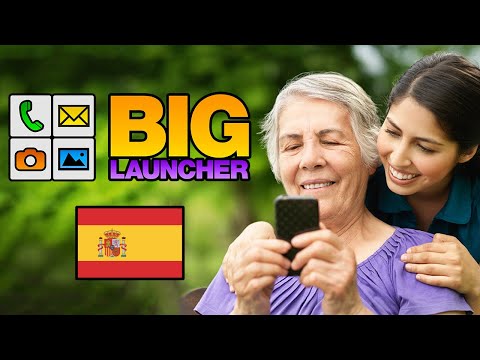
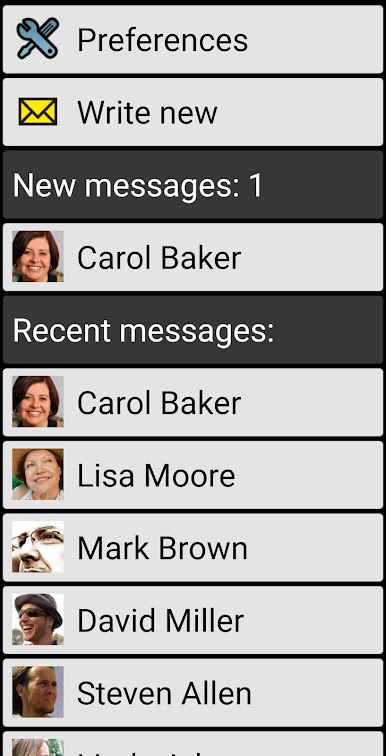
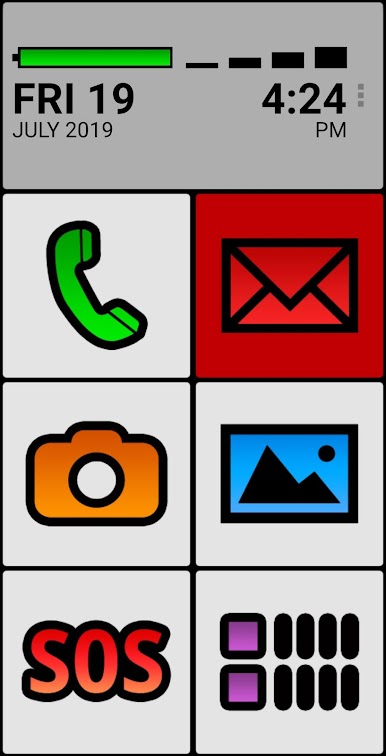
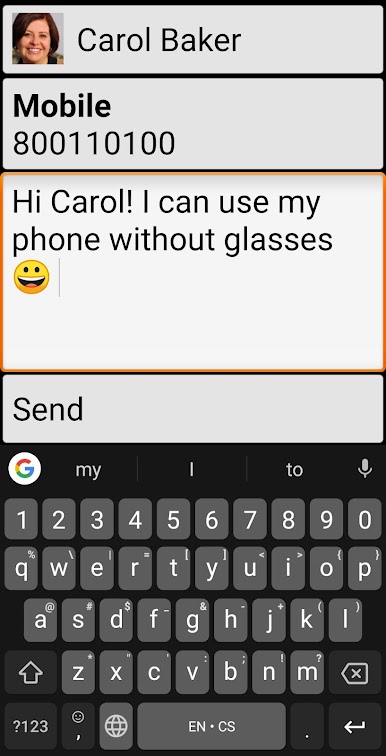
BIG SMS for Seniors is one of those apps that just makes sending texts way easier for anyone who struggles to see tiny fonts or wants something more straightforward. The messages show up huge on the screen, with bold colors that actually make the conversations way easier to read. Even replying is simple — no hunting around tiny buttons, just a clear, easy-to-use SMS editor that gets the job done. It’s especially helpful for folks who usually need glasses or have a hard time with regular phone apps, but honestly, anyone who’s ever squinted at a message could appreciate it.
Playing around with BIG SMS on PC through BlueStacks, everything’s even bigger and clearer. The app has high contrast themes and a few different font sizes, plus extra color themes and icon packs if someone wants to personalize things a bit. It’s set up for accessibility, too, so screen readers work great for those who need them, and there’s hardware keyboard support for people who don’t want to use a touchscreen. The catch is it doesn’t do picture or multimedia messages, so it’s just for regular text conversations. The free version lets someone see only the latest threads and there are a few other limits, but the main thing is that it just takes away the stress of reading or typing out messages on a cluttered or cramped screen. Feels pretty refreshing, honestly, especially for anyone who wants things simple and big without all the extra nonsense.
BlueStacks brings your apps to life on a bigger screen—seamless and straightforward.
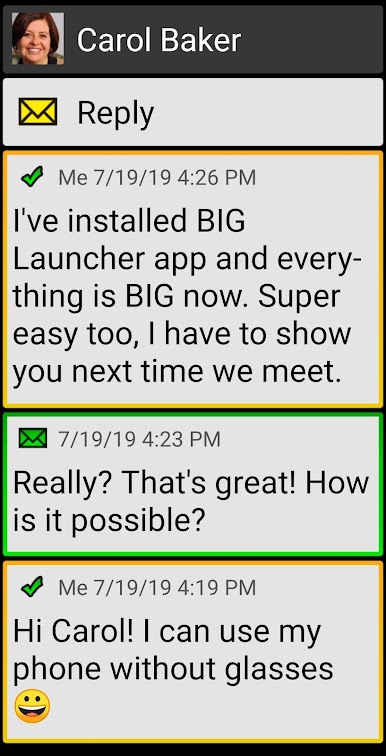
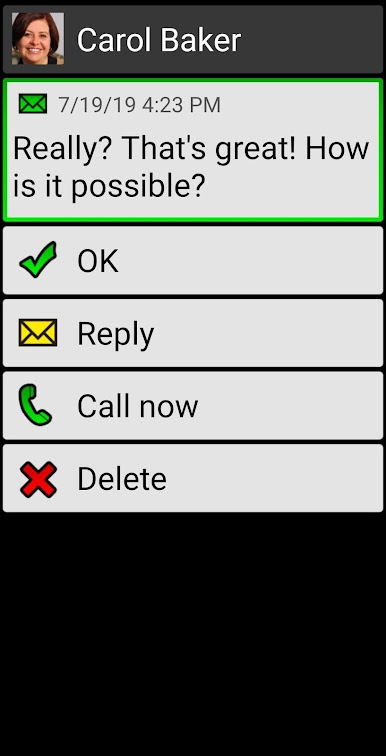
Juega BIG SMS for Seniors en la PC. Es fácil comenzar.
-
Descargue e instale BlueStacks en su PC
-
Complete el inicio de sesión de Google para acceder a Play Store, o hágalo más tarde
-
Busque BIG SMS for Seniors en la barra de búsqueda en la esquina superior derecha
-
Haga clic para instalar BIG SMS for Seniors desde los resultados de búsqueda
-
Complete el inicio de sesión de Google (si omitió el paso 2) para instalar BIG SMS for Seniors
-
Haz clic en el ícono BIG SMS for Seniors en la pantalla de inicio para comenzar a jugar

