


ProTool
Mainkan di PC dengan BlueStacks – platform Game-Game Android, dipercaya oleh lebih dari 500 juta gamer.

Play ProTool on PC
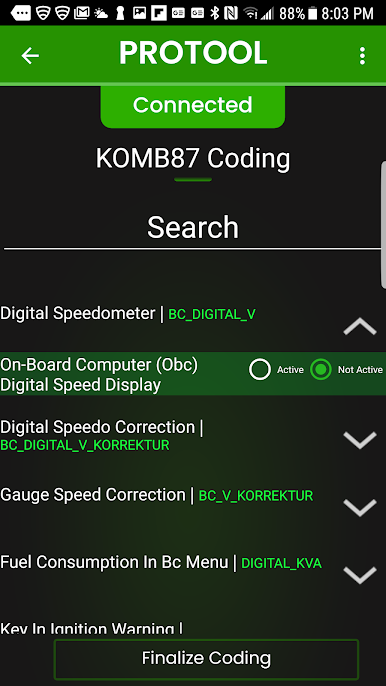
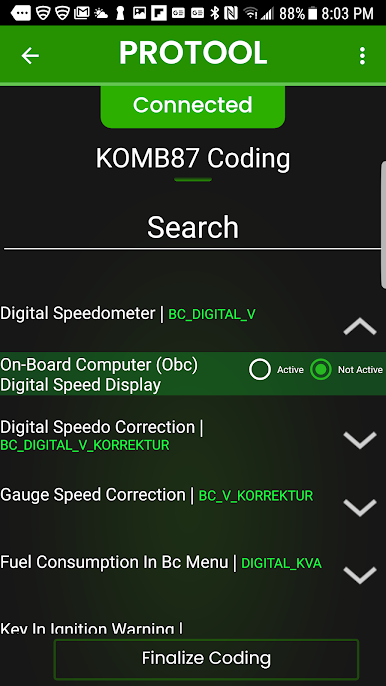
Fxx/Gxx/Ixx coding and diagnostic support now available!
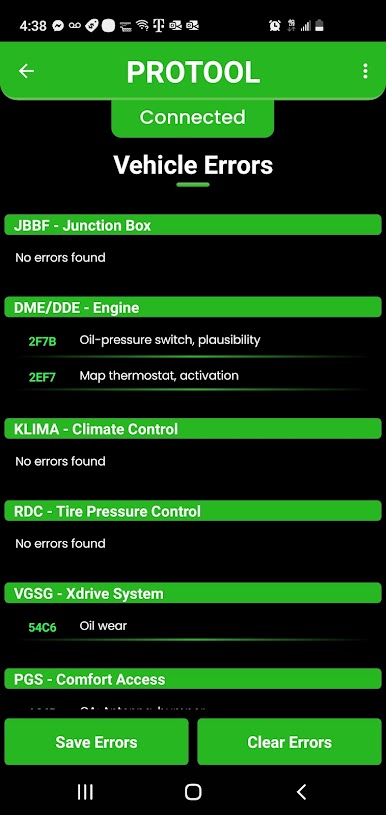
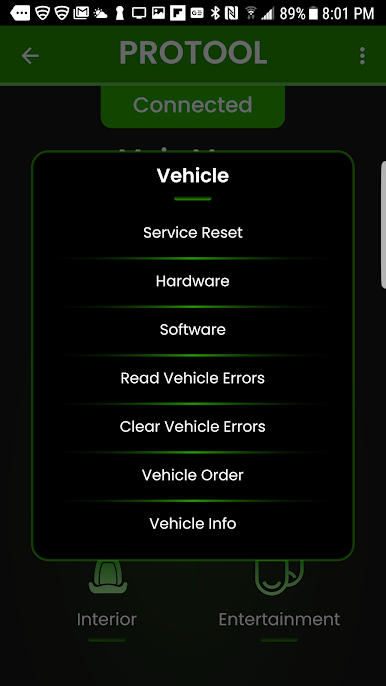
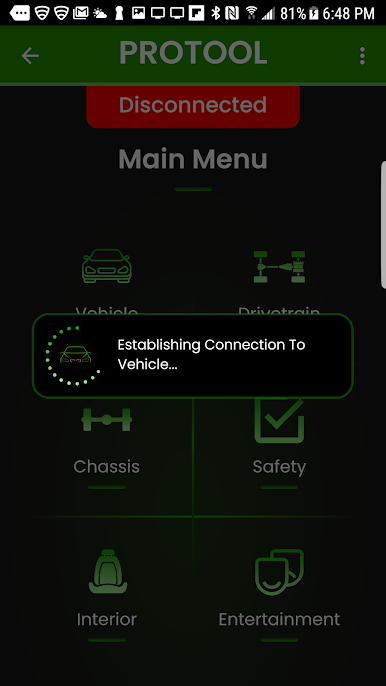
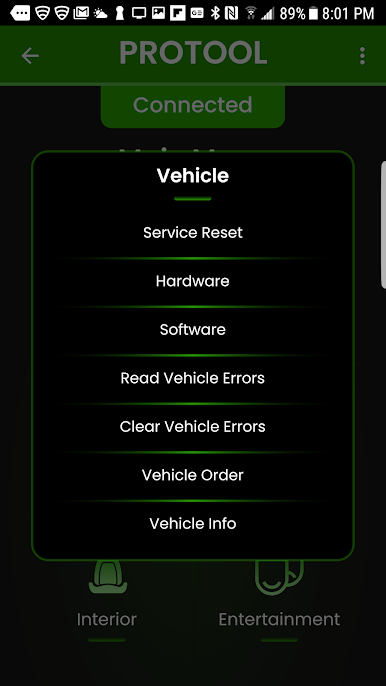
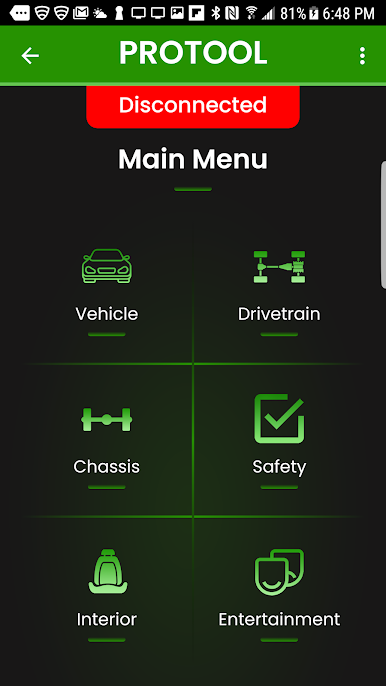
- Read & Clear Errors across ALL control units
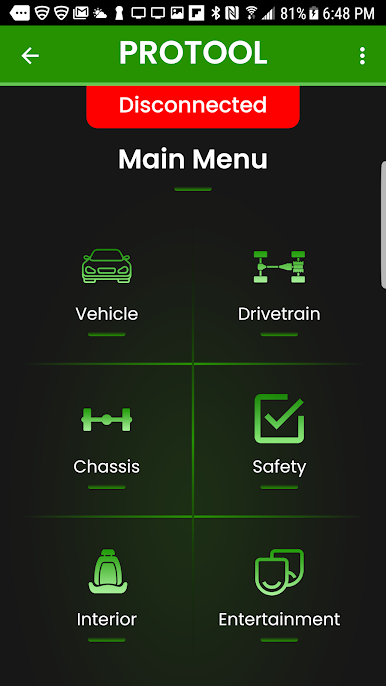
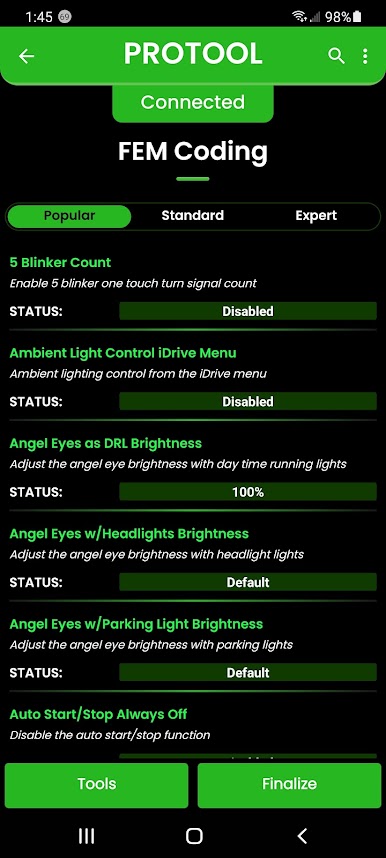
- Thousands of code-able features to personalize your car
- Code out errors from airbags to light warnings
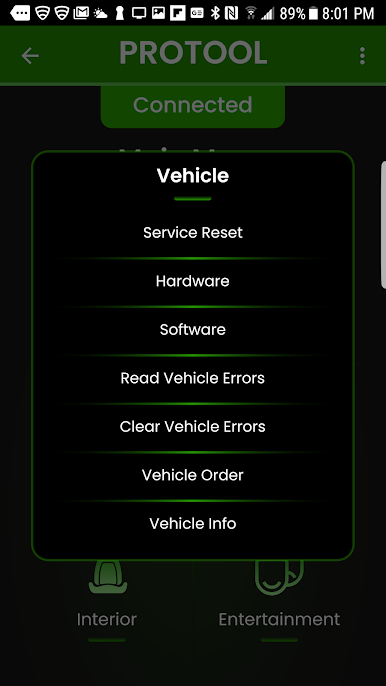
- Calibrate systems after replacing parts
- Code and Register new batteries
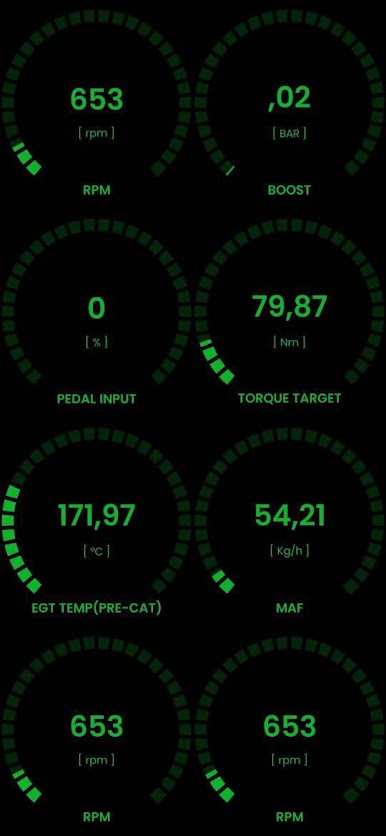
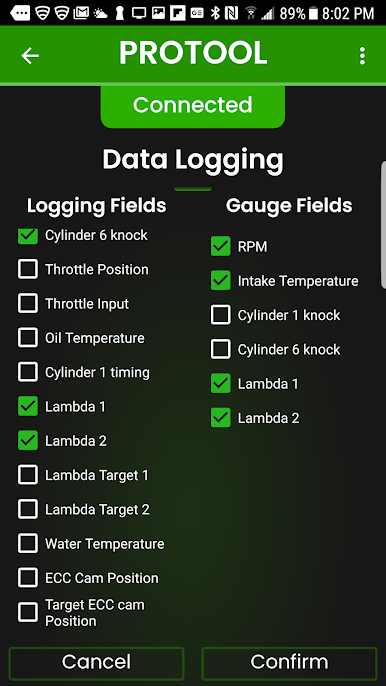
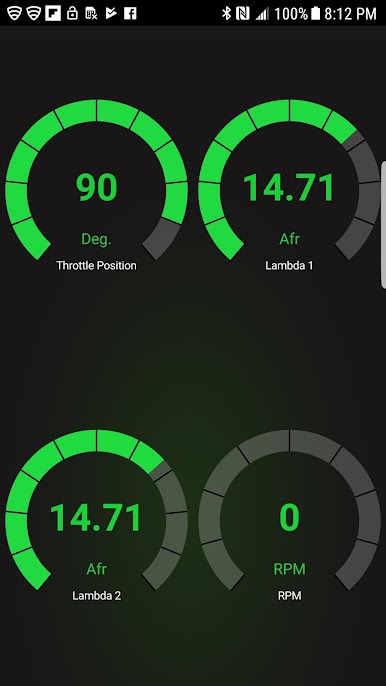
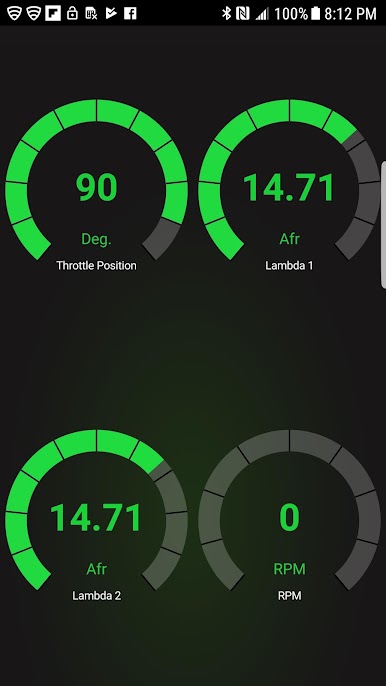
- View AND log live data in raw & gauge formats
- Reset control units
- Change ECU VIN numbers when swapping used parts
Compatible Adapters:
1) K-DCAN cable (For Fxx/Gxx/Ixx coding, only BimmerGeeks K-Dcan cables are permitted due to stability)
2) Thor and MHD wifi adapters
3) BimmerGeeks Bluetooth adapter
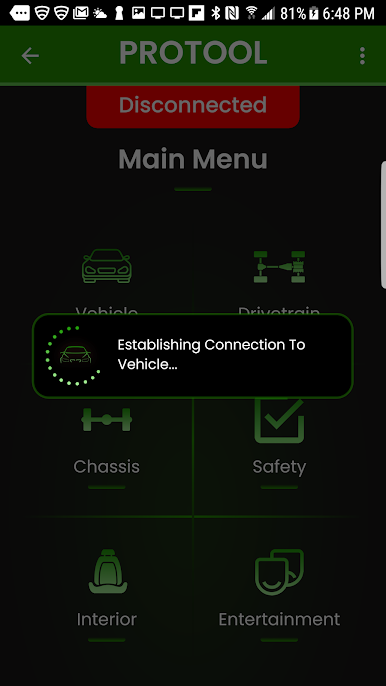
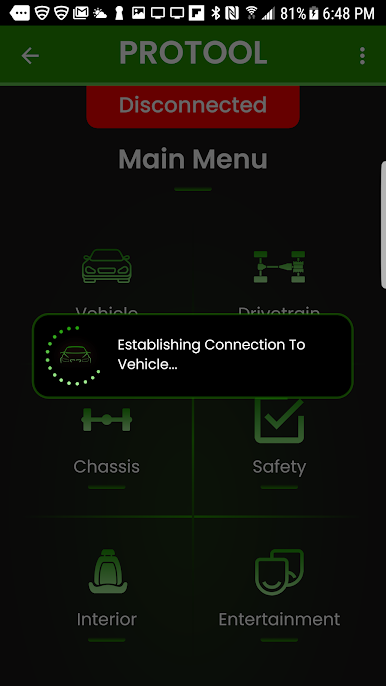
4) Enet cable
Check for updates regularly!
Mainkan ProTool di PC Mudah saja memulainya.
-
Unduh dan pasang BlueStacks di PC kamu
-
Selesaikan proses masuk Google untuk mengakses Playstore atau lakukan nanti
-
Cari ProTool di bilah pencarian di pojok kanan atas
-
Klik untuk menginstal ProTool dari hasil pencarian
-
Selesaikan proses masuk Google (jika kamu melewati langkah 2) untuk menginstal ProTool
-
Klik ikon ProTool di layar home untuk membuka gamenya

