


Cami Calculator
Mainkan di PC dengan BlueStacks – platform Game-Game Android, dipercaya oleh lebih dari 500 juta gamer.

Run Cami Calculator on PC or Mac
Upgrade your experience. Try Cami Calculator, the fantastic Tools app from Cami & Jun, from the comfort of your laptop, PC, or Mac, only on BlueStacks.
About the App
Cami Calculator is the kind of simple, easy-to-use tool everyone needs on hand—whether you’re managing your budget at home, tackling math homework, or crunching numbers at work. Made by Cami & Jun, this app puts straightforward calculations first while giving you a little room to make it your own. Expect an intuitive experience with buttons that are actually sized for real fingers, so you won’t keep hitting the wrong number.
App Features
-
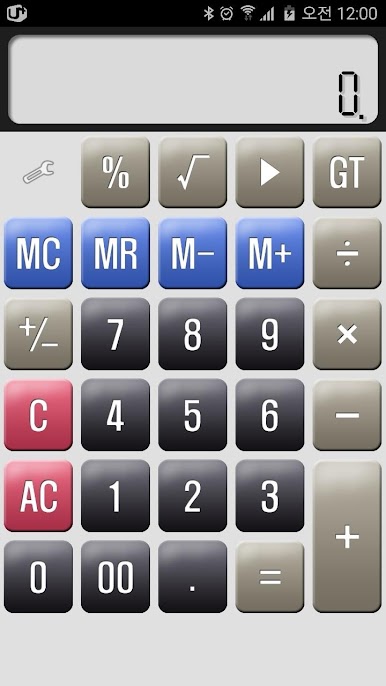
Big, Tappable Buttons
You won’t be squinting or fumbling around with tiny keys here. The buttons are generously sized, making it easy to punch in numbers fast, even when you’re rushing. -
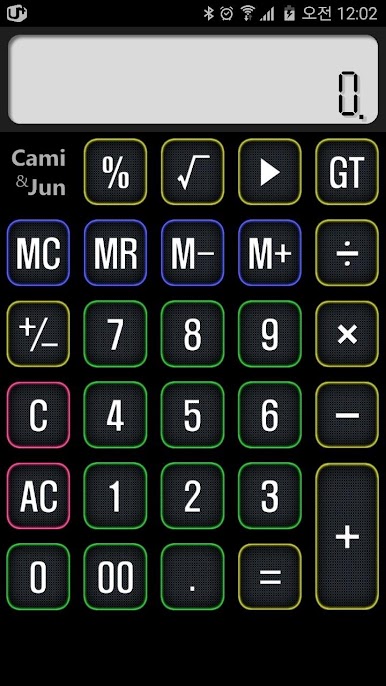
Customizable Button Themes
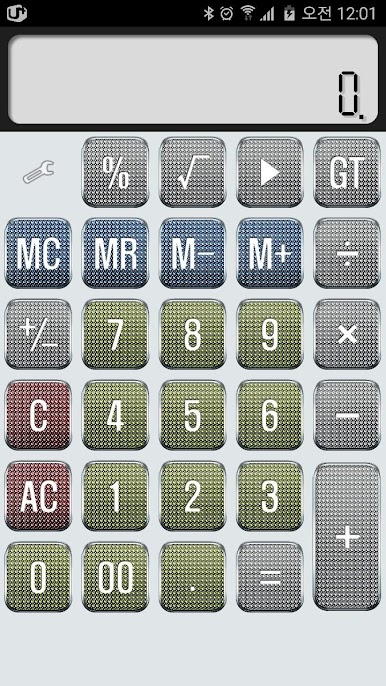
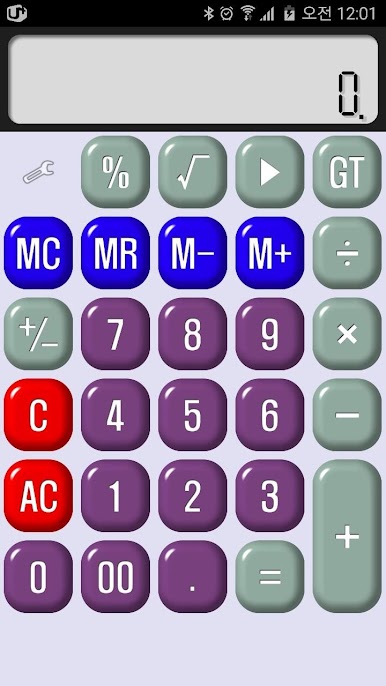
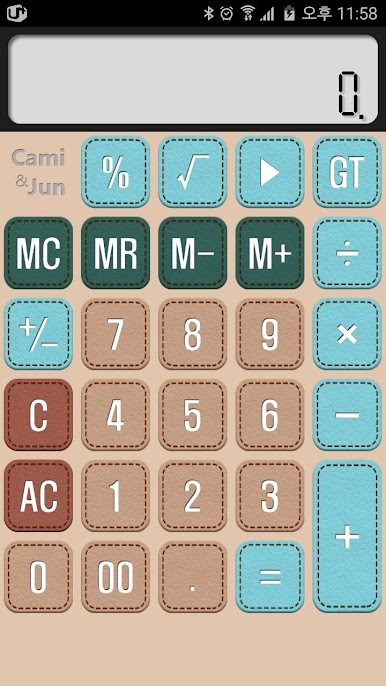
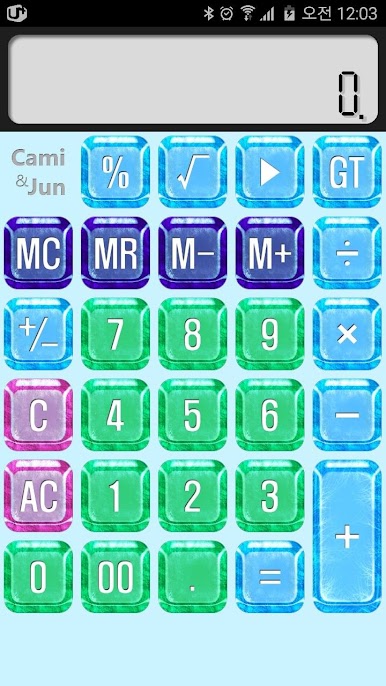
Like things to look a certain way? Switch up the calculator’s style anytime you want. Pick a button theme that fits your vibe or just change it to suit your mood—it’s totally up to you. -
Simple, Classic Design
If you’ve ever used a traditional calculator, you’ll feel right at home. The layout keeps everything familiar so there’s no learning curve—jump in and get calculating. -
Great for Everyday Use
Whether you’re doing simple adding and subtracting or need help solving something a little trickier, Cami Calculator is built to handle those daily number crunches without fuss. -
Runs Smoothly on BlueStacks
Want to use Cami Calculator on your PC? It works seamlessly if you’re running it on BlueStacks, giving you that mobile calculator feel right at your desk.
Big screen. Bigger performance. Use BlueStacks on your PC or Mac to run your favorite apps.
Mainkan Cami Calculator di PC Mudah saja memulainya.
-
Unduh dan pasang BlueStacks di PC kamu
-
Selesaikan proses masuk Google untuk mengakses Playstore atau lakukan nanti
-
Cari Cami Calculator di bilah pencarian di pojok kanan atas
-
Klik untuk menginstal Cami Calculator dari hasil pencarian
-
Selesaikan proses masuk Google (jika kamu melewati langkah 2) untuk menginstal Cami Calculator
-
Klik ikon Cami Calculator di layar home untuk membuka gamenya

