

Kanji Draw
Juega en PC con BlueStacks: la plataforma de juegos Android, en la que confían más de 500 millones de jugadores.

Página modificada el: Oct 26, 2025
Run Kanji Draw on PC or Mac
What’s better than using Kanji Draw by Lusil? Well, try it on a big screen, on your PC or Mac, with BlueStacks to see the difference.
About the App
Kanji Draw by Lusil makes learning to write Japanese feel hands-on and manageable. You’ll practice the right stroke order, test your memory, and actually see your progress as you go. It’s focused, no-frills study that fits perfectly in the Education genre and keeps your writing practice front and center.
App Features
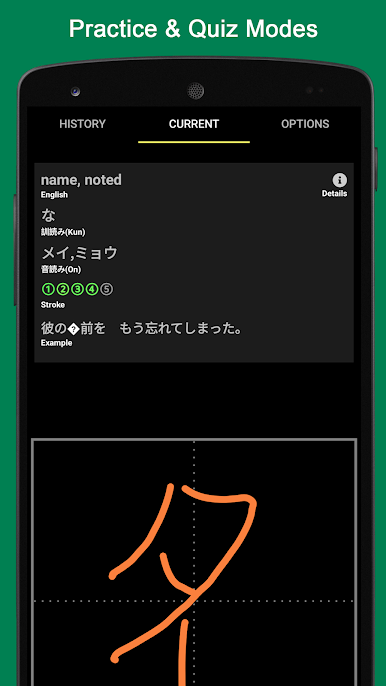
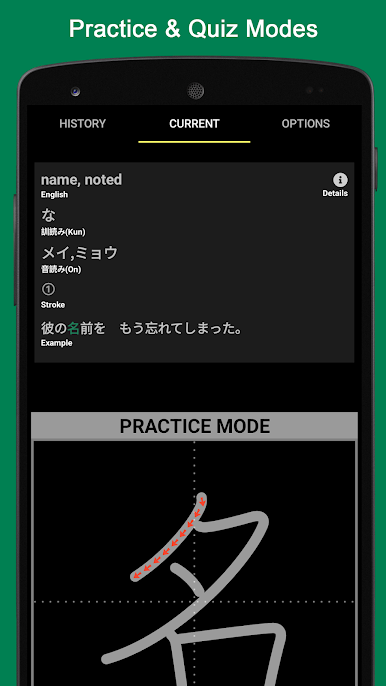
- Practice and Test: Swap between guided practice sessions and quick tests when you’re ready to check what stuck.
- Stroke Order Guidance: Follow the correct stroke direction and sequence, stepping through each part of a character at your own pace.
- Memory-Only Mode: Hide the template and try writing from scratch to see what you truly remember.
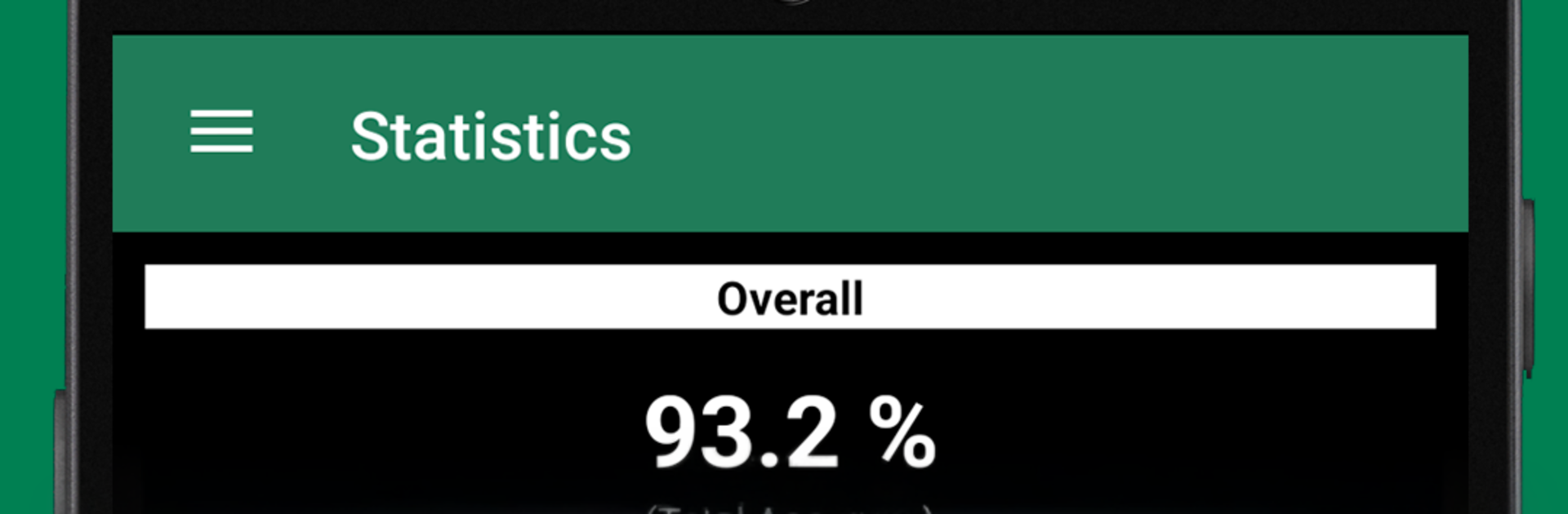
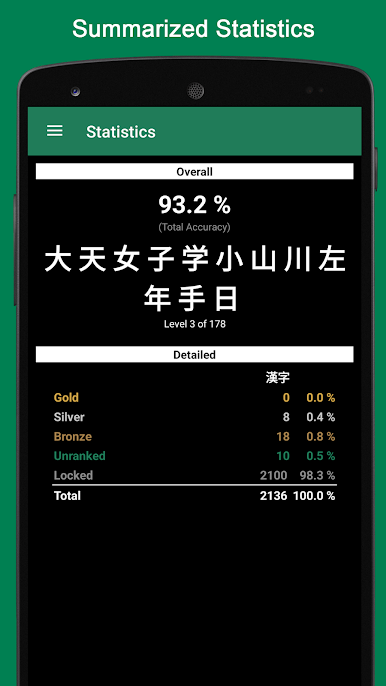
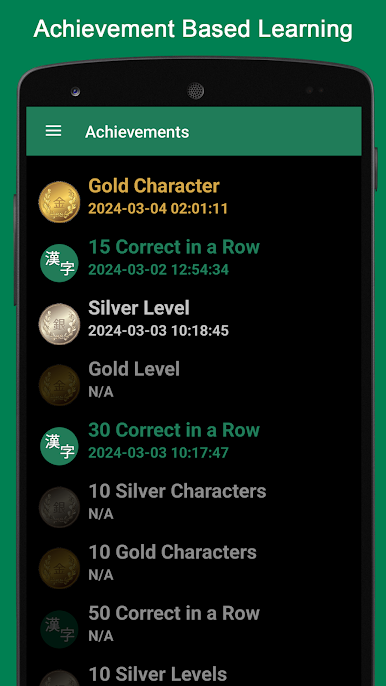
- Progress Stats and Goals: Track accuracy over time and work toward clear, attainable milestones.
- Smart Randomization: Characters rotate in a way that prioritizes what you miss more often and what you’re likely to see frequently.
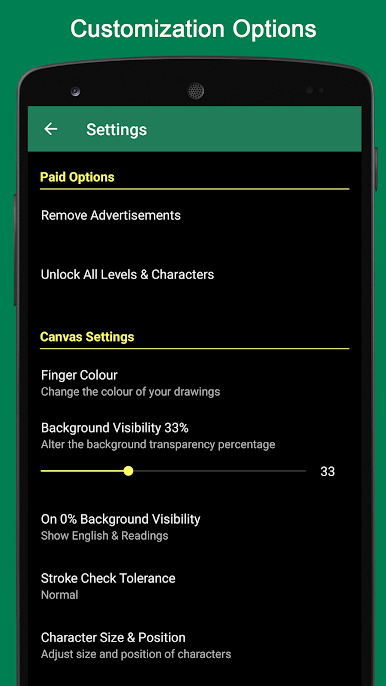
- Configurable Canvas: Adjust the drawing space so it matches how you like to write—bigger, smaller, or just different enough to feel right.
- Clean, Focused Experience: No clutter, just tools that help you write better and remember more.
- Great on Big Screens: Prefer extra room to practice? Kanji Draw also feels right at home on a computer when you run it with BlueStacks.
BlueStacks brings your apps to life on a bigger screen—seamless and straightforward.
Juega Kanji Draw en la PC. Es fácil comenzar.
-
Descargue e instale BlueStacks en su PC
-
Complete el inicio de sesión de Google para acceder a Play Store, o hágalo más tarde
-
Busque Kanji Draw en la barra de búsqueda en la esquina superior derecha
-
Haga clic para instalar Kanji Draw desde los resultados de búsqueda
-
Complete el inicio de sesión de Google (si omitió el paso 2) para instalar Kanji Draw
-
Haz clic en el ícono Kanji Draw en la pantalla de inicio para comenzar a jugar

