


NZ Topo50 Offline - South
Juega en PC con BlueStacks: la plataforma de juegos Android, en la que confían más de 500 millones de jugadores.

Página modificada el: Dec 8, 2025
Play NZ Topo50 Offline - South on PC
Ideal for back country navigation without cell phone access. Popular with trampers, walkers, bikers, runners, hunters, search and rescue, Te Araroa walkers.
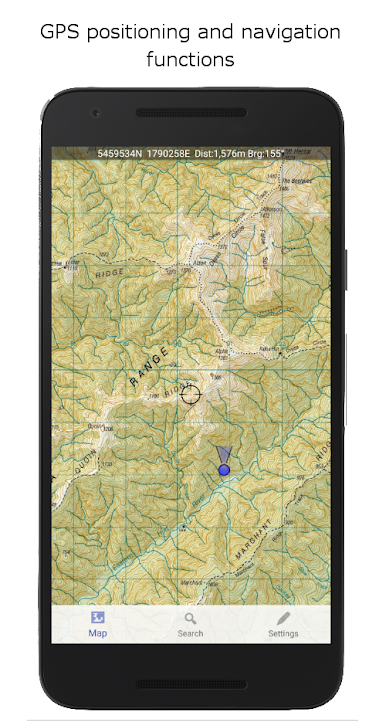
Navigation functions includes GPS positioning, track logging, user waypoints, orientation (compass), altitude and speed display, distance and bearing to points on the map, route creation, route following. Search for and zoom to named places and features on the map. Tracks and waypoints can be imported, exported, and shared in kml or gpx format.
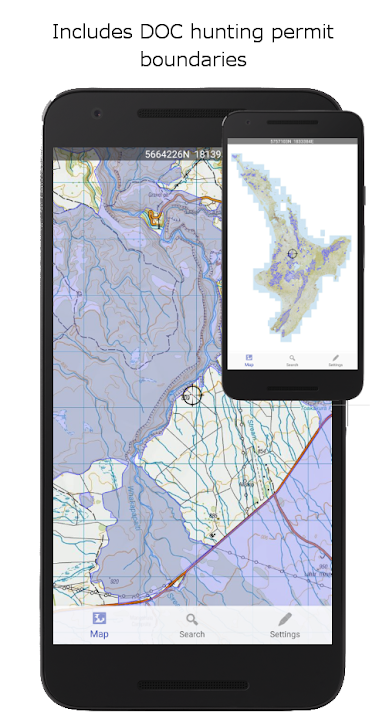
Overlays including DOC open permit hunting boundaries, Te Araroa tracks, and other data is included.
This app is built from the ground up to use the NZ national map grid, not the global average WGS84 datum commonly used which distorts the map. This is easy to spot. A true NZ grid will give you perfectly parallel gridlines when the LINZ map is projected onto it.
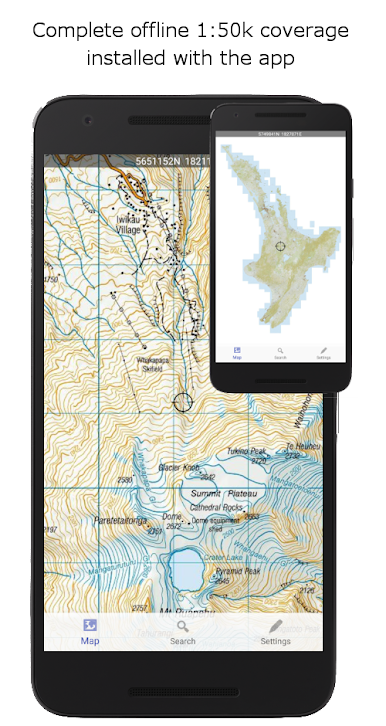
No internet or cellular phone connection is needed for full use of all the maps and navigation functions.
The storage space required for this app is reasonably large. Ensure you have sufficient space available.
Made in NZ.
Juega NZ Topo50 Offline - South en la PC. Es fácil comenzar.
-
Descargue e instale BlueStacks en su PC
-
Complete el inicio de sesión de Google para acceder a Play Store, o hágalo más tarde
-
Busque NZ Topo50 Offline - South en la barra de búsqueda en la esquina superior derecha
-
Haga clic para instalar NZ Topo50 Offline - South desde los resultados de búsqueda
-
Complete el inicio de sesión de Google (si omitió el paso 2) para instalar NZ Topo50 Offline - South
-
Haz clic en el ícono NZ Topo50 Offline - South en la pantalla de inicio para comenzar a jugar

