


Physics Toolbox Sensor Suite P
Mainkan di PC dengan BlueStacks – platform Game-Game Android, dipercaya oleh lebih dari 500 juta gamer.

Run Physics Toolbox Sensor Suite P on PC or Mac
Let BlueStacks turn your PC, Mac, or laptop into the perfect home for Physics Toolbox Sensor Suite P, a fun Tools app from Vieyra Software.
About the App
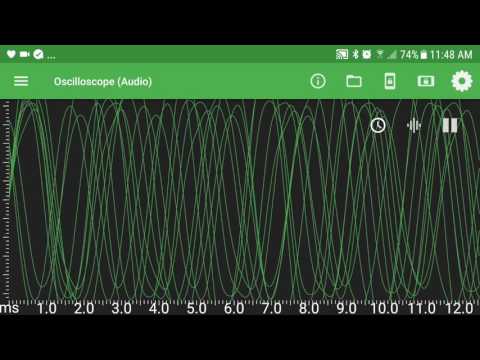
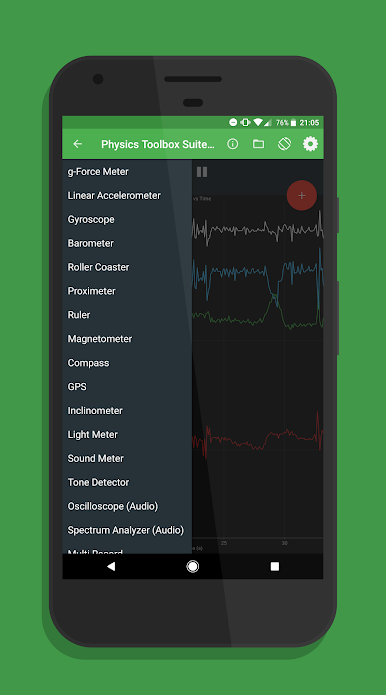
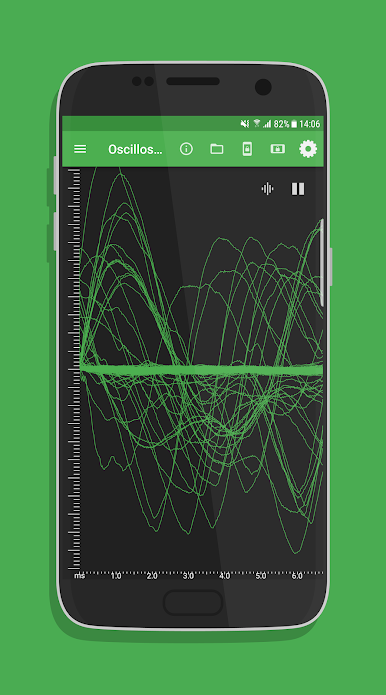
Physics Toolbox Sensor Suite P by Vieyra Software transforms your smartphone into a powerful data collection tool. Utilize the internal sensors of your device to gather insightful data, display it in real-time, and export .csv files for analysis. Expect a rich experience with a suite of kinematic, acoustic, light, magnetism, and other measurement tools right at your fingertips. Explore intuitive features perfect for both educational and experimental use, enhancing STEM learning.
App Features
- Kinematics Tools:
- G-Force Meter, Linear Accelerometer, and Gyroscope provide precise motion analysis.
-
Inclinometer and Protractor for angle and orientation measurements.
-
Acoustics and Light Analysis:
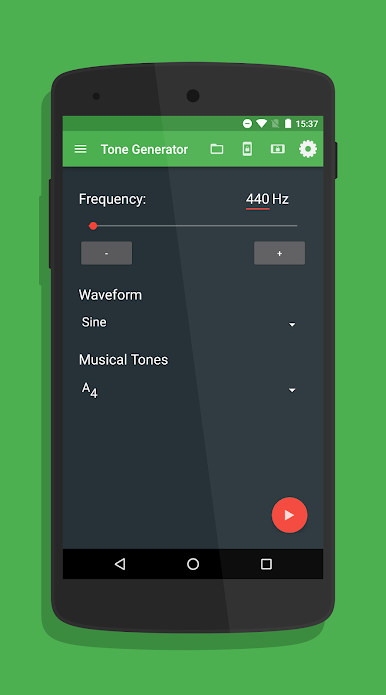
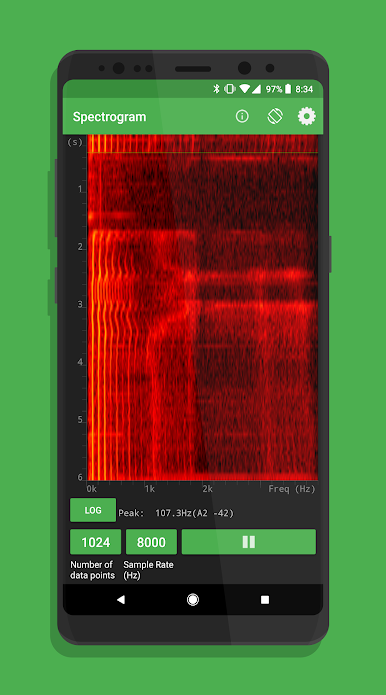
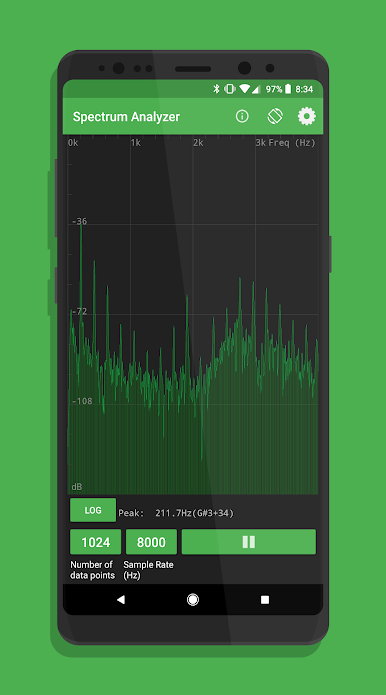
- Sound Meter and Tone Detector capture auditory data.
-
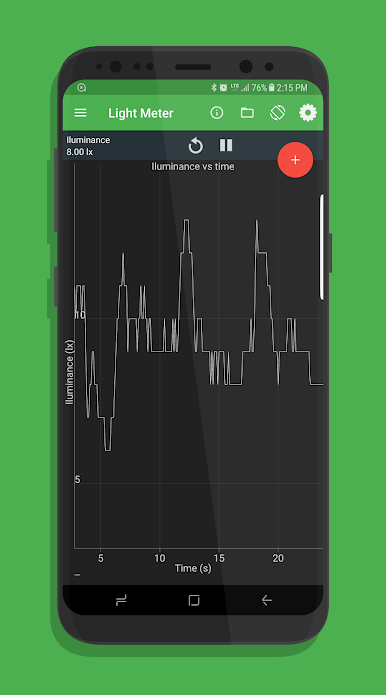
Light Meter and Color Detector assess environmental brightness and colors.
-
Magnetism and Miscellaneous:
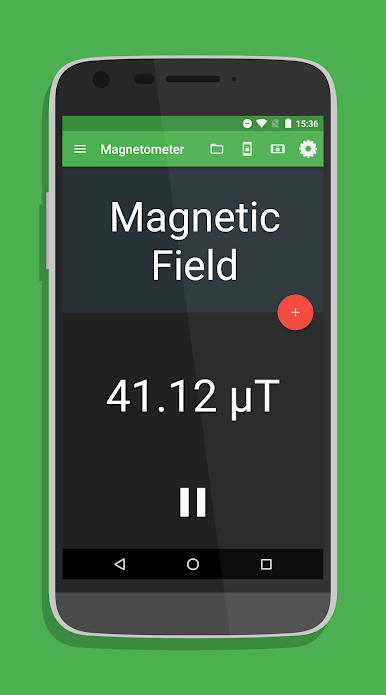
- Compass and Magnetometer monitor magnetic fields.
-
Barometer and GPS for atmospheric and geographical data collection.
-
Combination and Plotting:
- Multi Record and Dual Sensor for simultaneous data gathering.
-
Manual Data Plot for custom graph generation.
-
Custom Settings:
- Fine-tune data collection rate, display preferences, and sensor calibration.
- Ensure data protection and easy export via email, Google Drive, or Dropbox.
Monitor everything from academic experiments to everyday phenomena with the ease of BlueStacks on your PC or Mac.
BlueStacks gives you the much-needed freedom to experience your favorite apps on a bigger screen. Get it now.

Mainkan Physics Toolbox Sensor Suite P di PC Mudah saja memulainya.
-
Unduh dan pasang BlueStacks di PC kamu
-
Selesaikan proses masuk Google untuk mengakses Playstore atau lakukan nanti
-
Cari Physics Toolbox Sensor Suite P di bilah pencarian di pojok kanan atas
-
Klik untuk menginstal Physics Toolbox Sensor Suite P dari hasil pencarian
-
Selesaikan proses masuk Google (jika kamu melewati langkah 2) untuk menginstal Physics Toolbox Sensor Suite P
-
Klik ikon Physics Toolbox Sensor Suite P di layar home untuk membuka gamenya

