


NetShare+ Wifi tether
Juega en PC con BlueStacks: la plataforma de juegos Android, en la que confían más de 500 millones de jugadores.

Página modificada el: Apr 29, 2026
Juega NetShare+ Wifi tether en PC
Support android 6 and above
Work in android 6 and above in which hotspot / tethering features are blocked.Bypass tethering / hotspot block
Your tethering is completely hidden & undetectable.WiFi Repeater = WiFi To WiFi Tether
Create portable WiFi Hotspot while connected to WiFi network to share WiFi connection from your device to other devices as a WiFi Repeater.Fast WiFi Tethering
Using WiFi Tether which is more faster than Bluetooth, and C libraries to make WiFi Tether faster than ever.WiFi Extender
Extend weak WiFi signal Using your phone as a WiFi Extender.Facebook:
https://www.facebook.com/NetShareApp
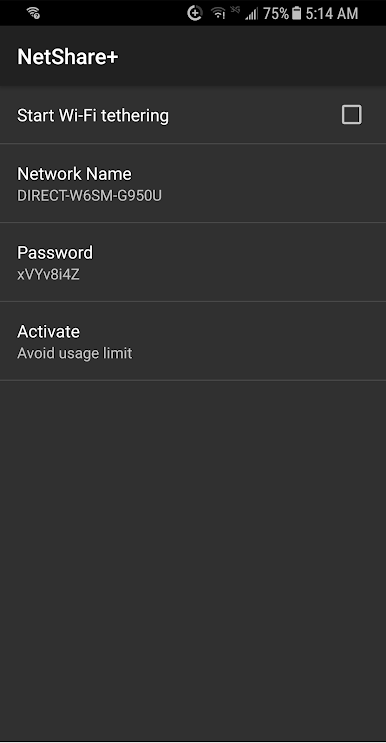
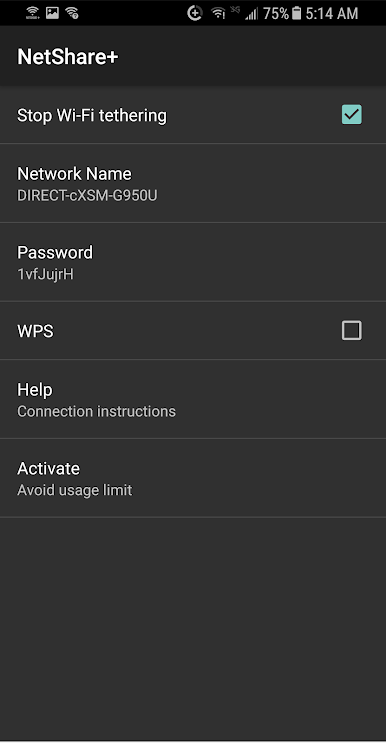
Juega NetShare+ Wifi tether en la PC. Es fácil comenzar.
-
Descargue e instale BlueStacks en su PC
-
Complete el inicio de sesión de Google para acceder a Play Store, o hágalo más tarde
-
Busque NetShare+ Wifi tether en la barra de búsqueda en la esquina superior derecha
-
Haga clic para instalar NetShare+ Wifi tether desde los resultados de búsqueda
-
Complete el inicio de sesión de Google (si omitió el paso 2) para instalar NetShare+ Wifi tether
-
Haz clic en el ícono NetShare+ Wifi tether en la pantalla de inicio para comenzar a jugar

