


Visualisator 5000 Pro
Mainkan di PC dengan BlueStacks – platform Game-Game Android, dipercaya oleh lebih dari 500 juta gamer.

Run Visualisator 5000 Pro on PC or Mac
Multitask effortlessly on your PC or Mac as you try out Visualisator 5000 Pro, a Music & Audio app by Nils Desle on BlueStacks.
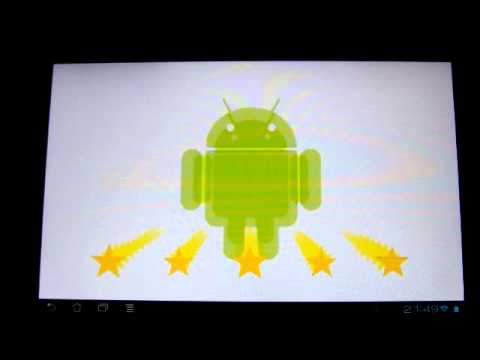
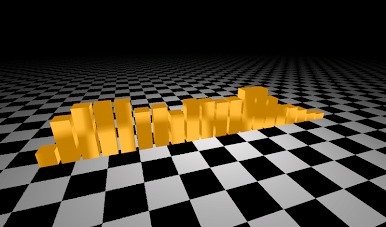
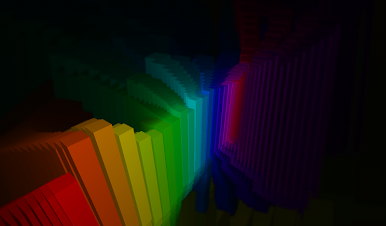
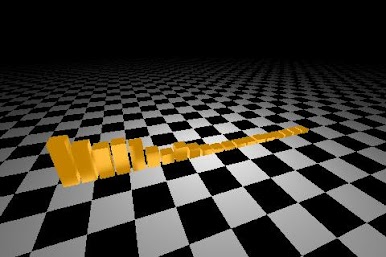
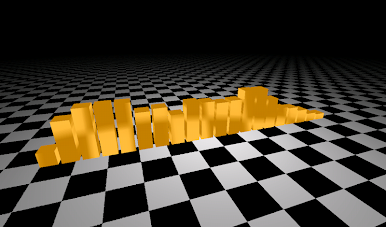
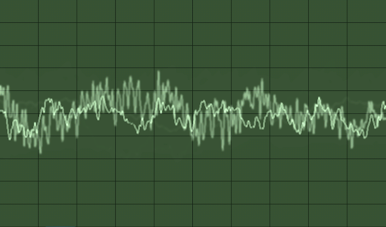
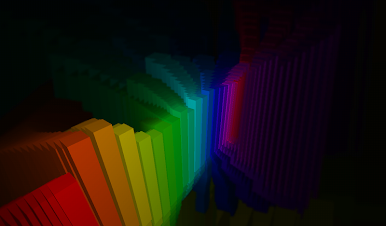
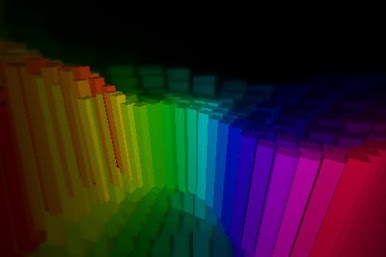
Visualisator 5000 Pro is a music visualizer that turns a playlist into moving color and shape. Start any regular Android player in the background, open the app, and it reacts to the beat right away with 2D and 3D patterns that feel snappy and smooth. Quiet parts glide, heavy drums kick the screen into motion. On PC through BlueStacks, the bigger screen really helps show off the details, and it is easy to leave it running on the side while doing other stuff.
It works with most players that use the standard Android audio system and can keep playing in the background, or it can listen through the microphone instead. That part is neat for a living room speaker, a small gig, or whatever is playing in the room. The Pro version removes ads, adds a bunch more presets, currently 26 in total, which is 13 more than the free set, and it can run as a live wallpaper if someone wants constant visuals. Styles range from clean geometric lines to full on trippy tunnels and starfields, and switching between them is quick, no fuss. There are not a ton of menus to fight, which keeps it about the music. The app also mentions that it sends anonymous usage stats to help improve things later, worth noting if privacy settings matter to someone.
Ready to experience Visualisator 5000 Pro on a bigger screen, in all its glory? Download BlueStacks now.















Mainkan Visualisator 5000 Pro di PC Mudah saja memulainya.
-
Unduh dan pasang BlueStacks di PC kamu
-
Selesaikan proses masuk Google untuk mengakses Playstore atau lakukan nanti
-
Cari Visualisator 5000 Pro di bilah pencarian di pojok kanan atas
-
Klik untuk menginstal Visualisator 5000 Pro dari hasil pencarian
-
Selesaikan proses masuk Google (jika kamu melewati langkah 2) untuk menginstal Visualisator 5000 Pro
-
Klik ikon Visualisator 5000 Pro di layar home untuk membuka gamenya

