


Soko++
Juega en PC con BlueStacks: la plataforma de juegos Android, en la que confían más de 500 millones de jugadores.

Página modificada el: Jul 20, 2025
Play Soko++ on PC or Mac
Join millions to experience Soko++, an exciting Puzzle game from Joris Wit. With BlueStacks App Player, you are always a step ahead of your opponent, ready to outplay them with faster gameplay and better control with the mouse and keyboard on your PC or Mac.
About the Game
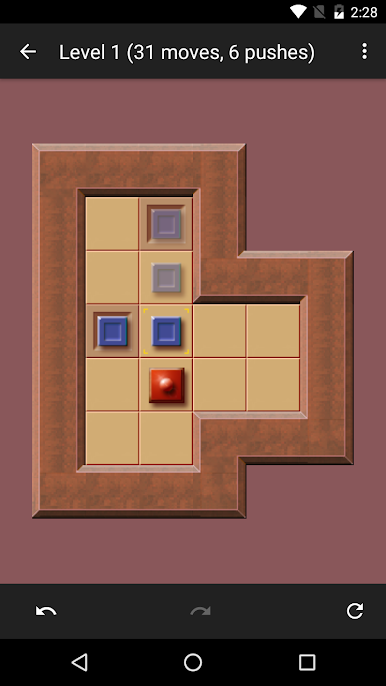
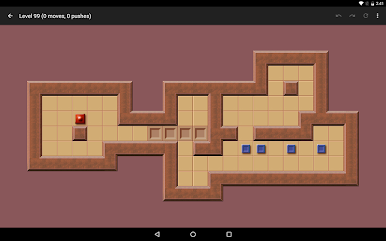
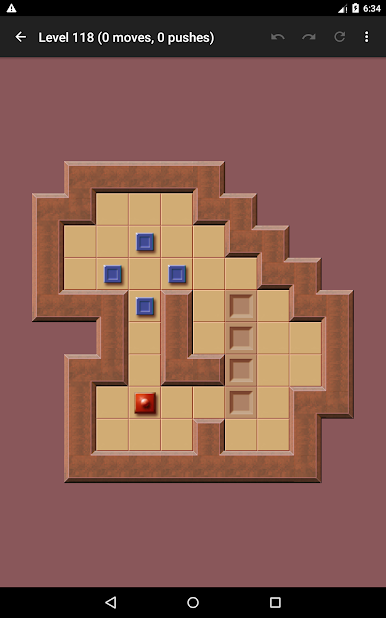
Soko++ puts a fresh spin on classic box-pushing brain teasers, wrapped up in a sleek, touch-friendly package. This isn’t your ordinary puzzle game—every move demands planning and patience, but you can take your time and enjoy thinking your way through each challenge. Whether you’re the type who likes to plot ahead or you tend to make bold moves and fix mistakes as you go, Soko++ has you covered.
Game Features
-
Touch-Ready Controls
Designed with touch screens in mind, you just tap and swipe to move boxes around. No fiddly controls or guessing—just point, push, and problem-solve. -
Unlimited Undo/Redo
Make a move you didn’t intend or want to try a wild strategy? Flip back through your steps or redo them as many times as you want, no pressure. -
Smart Hints
If you accidentally shove a box into a corner where it gets stuck, Soko++ gives you a friendly heads up, so you’re not left scratching your head wondering why the level can’t be finished. -
Loads of Puzzles & More
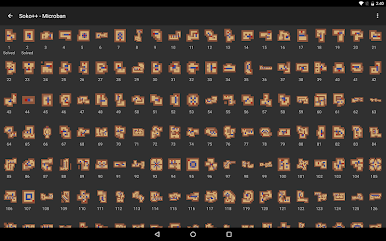
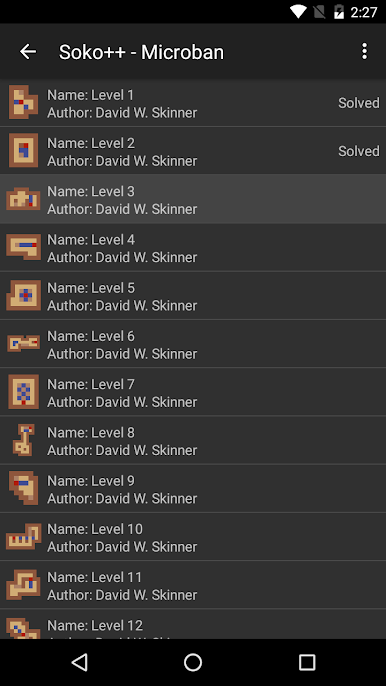
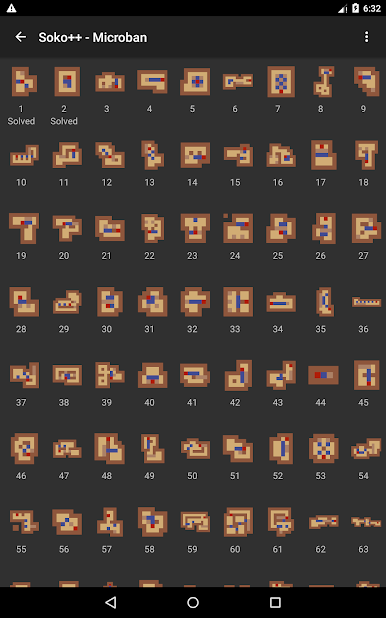
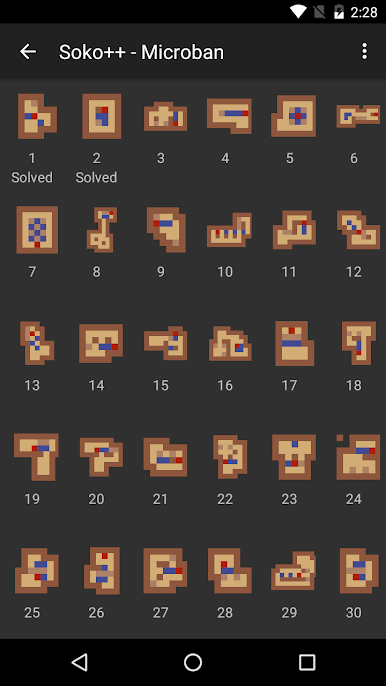
Right out of the gate, the game comes packed with a bunch of puzzle boards. Finished those? There’s a built-in browser for downloading extra levels, so you can always challenge yourself with something new. -
Solution Backups
You can save your progress and back up your solutions, making it easy to pick up where you left off or brag about your best puzzle-solving streak. -
Smooth Experience on BlueStacks
For those who love playing games on PC, Soko++ runs smoothly when you use BlueStacks—bigger screen, comfy controls, same satisfying puzzles.
Ready to top the leaderboard? We bet you do. Let precise controls and sharp visuals optimized on BlueStacks lead you to victory.
Juega Soko++ en la PC. Es fácil comenzar.
-
Descargue e instale BlueStacks en su PC
-
Complete el inicio de sesión de Google para acceder a Play Store, o hágalo más tarde
-
Busque Soko++ en la barra de búsqueda en la esquina superior derecha
-
Haga clic para instalar Soko++ desde los resultados de búsqueda
-
Complete el inicio de sesión de Google (si omitió el paso 2) para instalar Soko++
-
Haz clic en el ícono Soko++ en la pantalla de inicio para comenzar a jugar

