

SW FEA 2D Frame Analysis
Juega en PC con BlueStacks: la plataforma de juegos Android, en la que confían más de 500 millones de jugadores.

Página modificada el: Oct 29, 2025
Run SW FEA 2D Frame Analysis on PC or Mac
Multitask effortlessly on your PC or Mac as you try out SW FEA 2D Frame Analysis, a Productivity app by Softwel on BlueStacks.
About the App
Got a complex frame structure to analyze or just want to double-check your design as you draw? SW FEA 2D Frame Analysis gives engineers and students a flexible tool to set up, model, and calculate everything you need for 2D frames—all right from your device. You get a straightforward, graphical experience that lets you see your structures come to life on the screen, with calculations and diagrams available in real time. Planning a project, working on an assignment, or just curious about how loads affect your frame? This app makes it easy.
App Features
-
Intuitive Frame Building
Tap, drag, and drop to create your frame’s geometry. You can add or move nodes by hand, no need to type out endless coordinates unless you want to. -
Flexible Supports
Assign fixed, hinged, or roller supports anywhere you need—with roller supports, you can even set the angle, which comes in handy for those more creative structures. -
Loads of Load Options
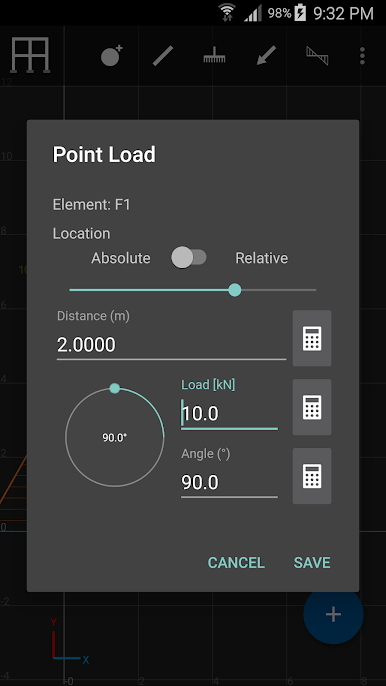
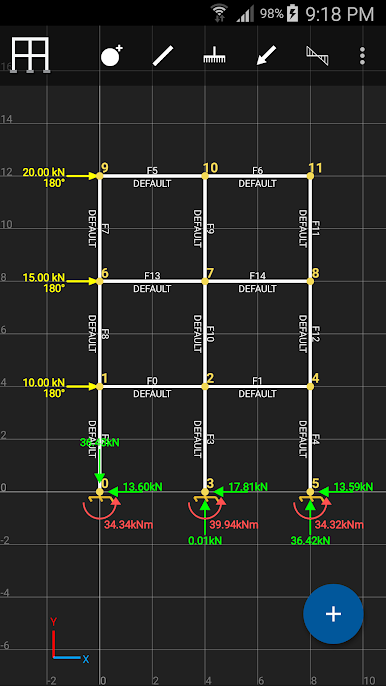
Place point loads on members or nodes, from any direction, and throw in moments too. Not enough? Use distributed loads—uniform or varying—at custom angles, for realistic load modeling. -
Pin Connections
Add internal pins to specific members to represent real-world joint behavior with a couple of taps. -
Fast Calculations
As soon as you make a change, the app recalculates internal forces, support reactions, and gives visual feedback. -
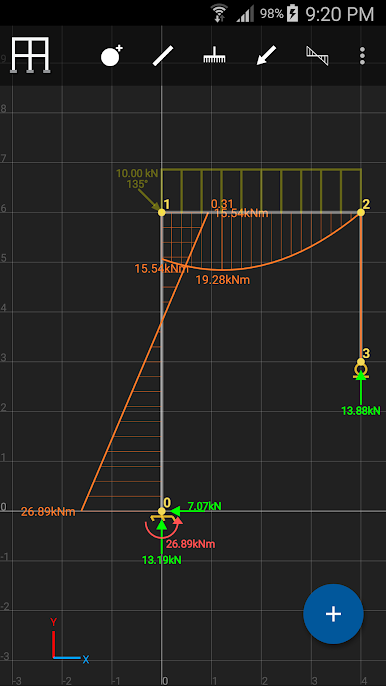
Detailed Diagrams and Visuals
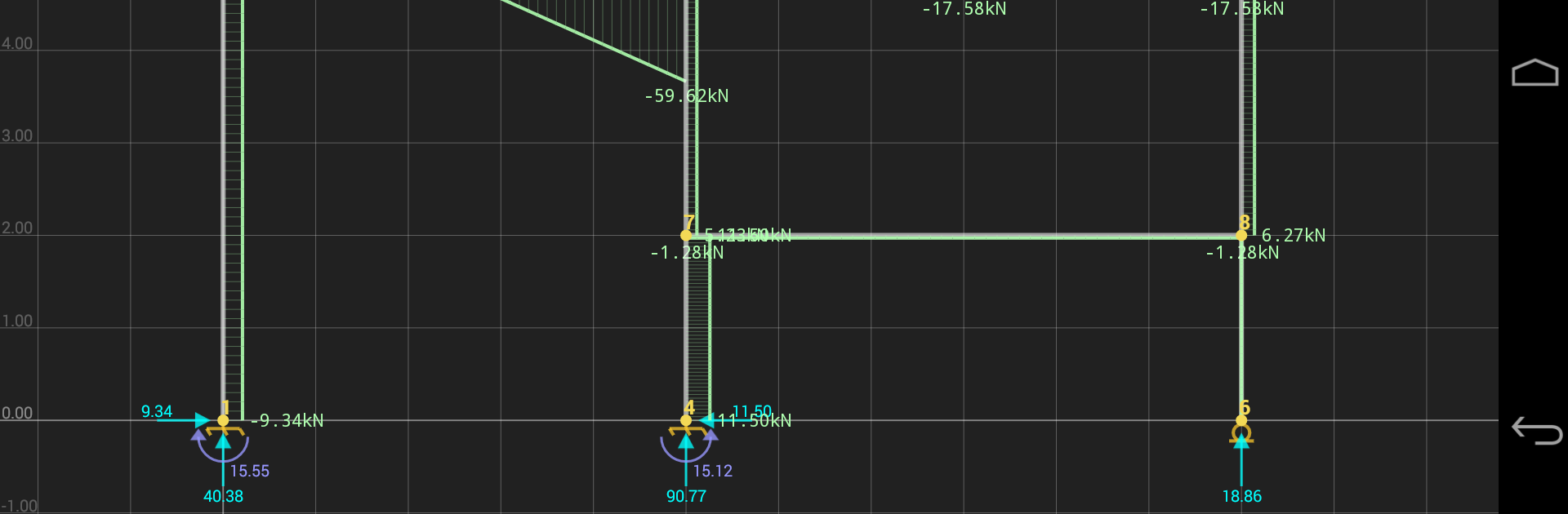
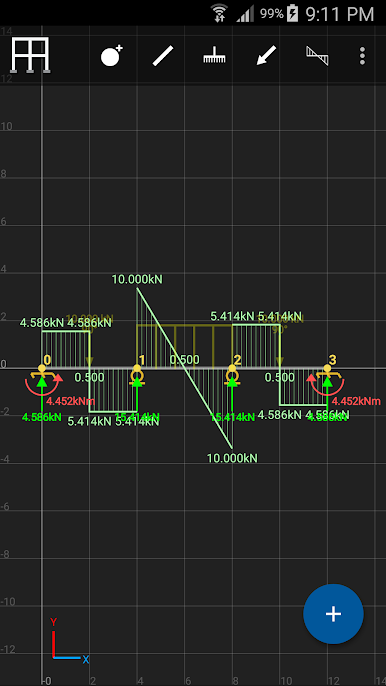
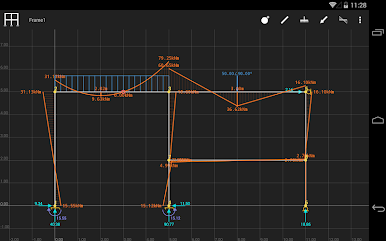
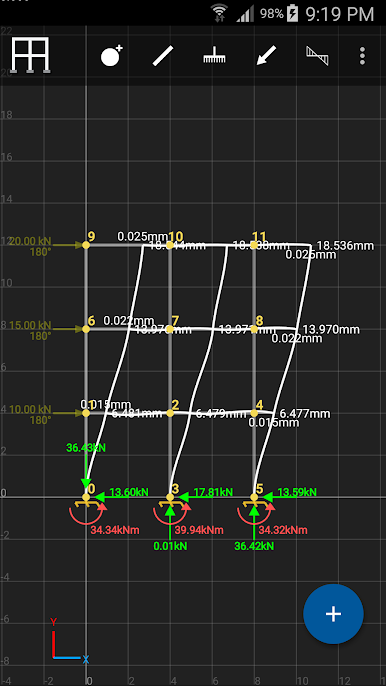
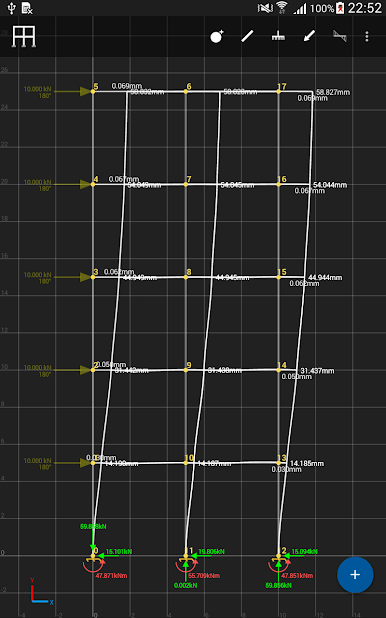
See axial force, shear, and bending moment diagrams pop up instantly. You’ll also get the deformed elastic curve and slope variation for a full picture. -
Individual Free Body Diagrams
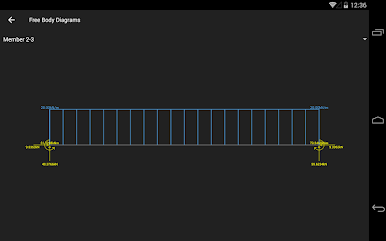
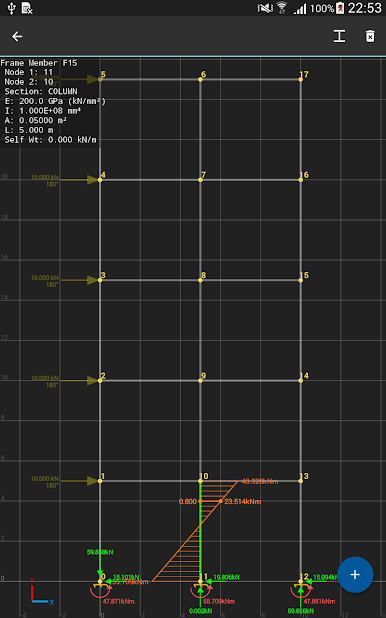
Need to focus on just one piece? You can pop out free body diagrams for individual members anytime. -
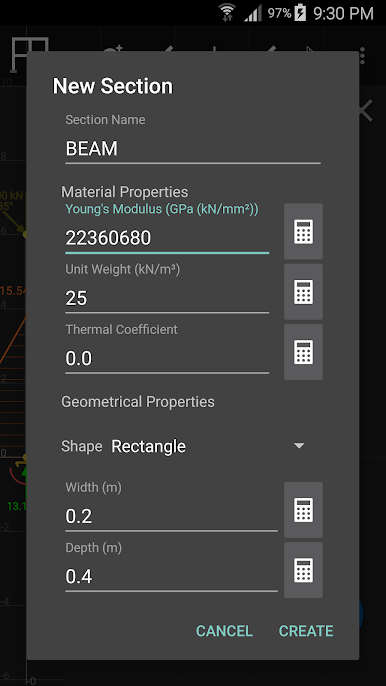
Section Property Customization
Change Young’s modulus, moment of inertia, cross-sectional area, and unit weight for each member. Tweak things till they’re just right. -
Unit Flexibility
Whether you prefer metric or imperial units, the choice is yours. -
Built-In Calculator
Doing quick math for input values? There’s a scientific calculator right inside the app. -
Save, Open, and Share
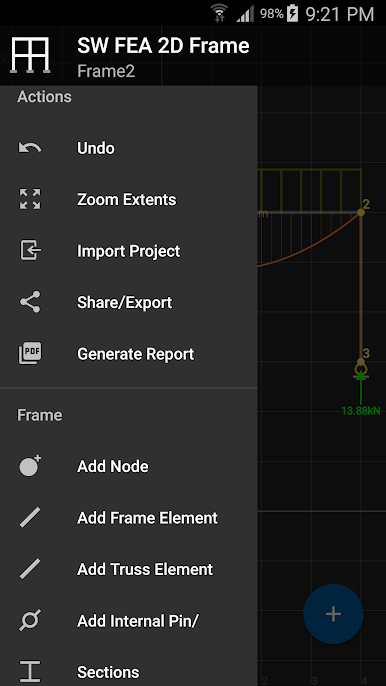
Save your frames, open them later, and easily share projects or export them as PDF reports. Handy for collaborating or turning in assignments. -
Handy Gestures
Use pinch-to-zoom and multi-touch controls for a smoother, closer look at your structure.
Running SW FEA 2D Frame Analysis on a bigger screen with BlueStacks can make all those diagrams and tweaks even easier to manage, especially if you’re deep in a complex project.
BlueStacks gives you the much-needed freedom to experience your favorite apps on a bigger screen. Get it now.

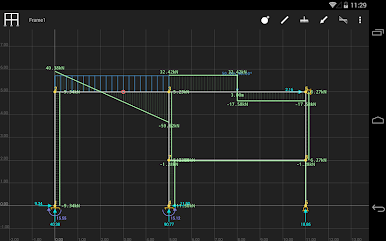
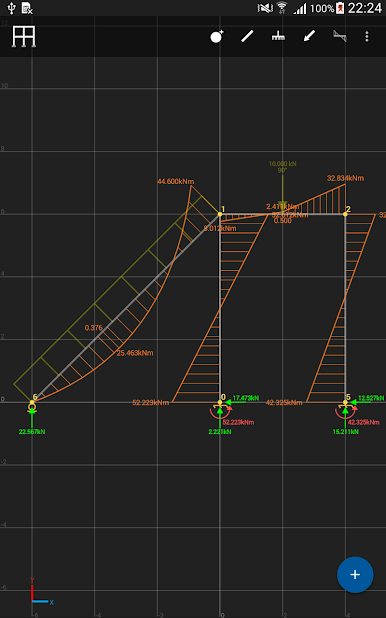
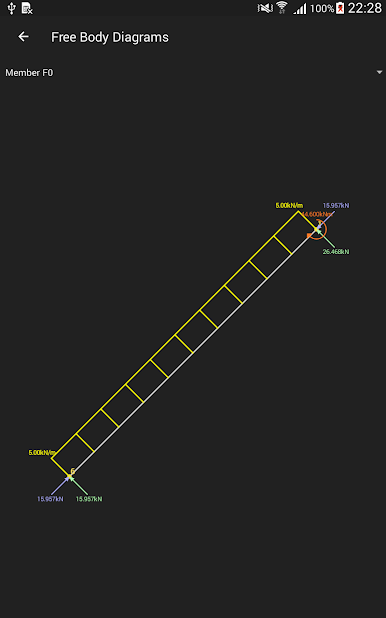
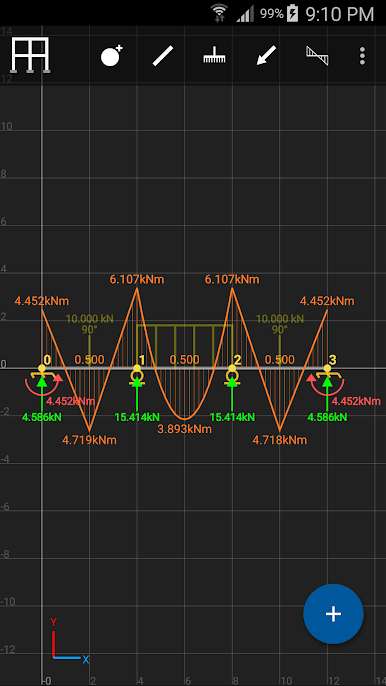
Juega SW FEA 2D Frame Analysis en la PC. Es fácil comenzar.
-
Descargue e instale BlueStacks en su PC
-
Complete el inicio de sesión de Google para acceder a Play Store, o hágalo más tarde
-
Busque SW FEA 2D Frame Analysis en la barra de búsqueda en la esquina superior derecha
-
Haga clic para instalar SW FEA 2D Frame Analysis desde los resultados de búsqueda
-
Complete el inicio de sesión de Google (si omitió el paso 2) para instalar SW FEA 2D Frame Analysis
-
Haz clic en el ícono SW FEA 2D Frame Analysis en la pantalla de inicio para comenzar a jugar

