


Aprenda el vocabulario en ingl
Juega en PC con BlueStacks: la plataforma de juegos Android, en la que confían más de 500 millones de jugadores.

Página modificada el: Nov 17, 2025
Play Learn English Vocabulary - Kid on PC or Mac
From the innovators and creators at Enes Aydın, Learn English Vocabulary – Kid is another fun addition to the World of Educational games. Go beyond your mobile screen and play it bigger and better on your PC or Mac. An immersive experience awaits you.
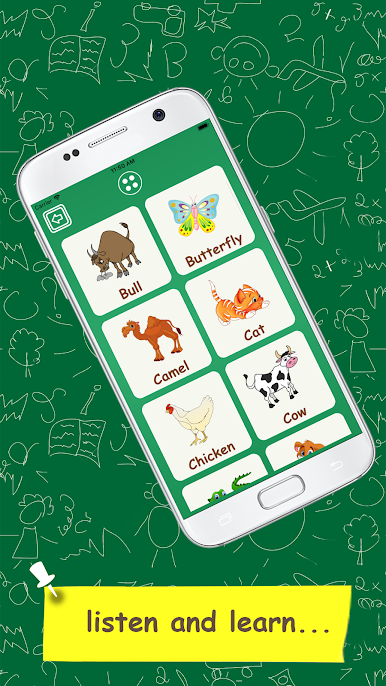
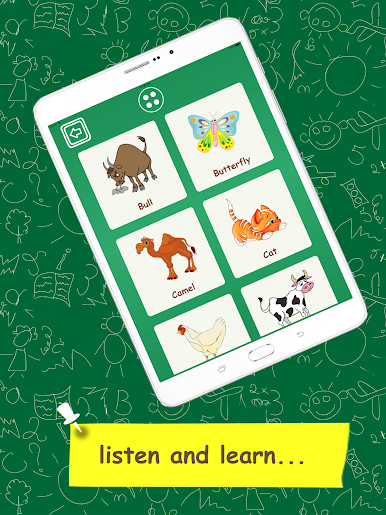
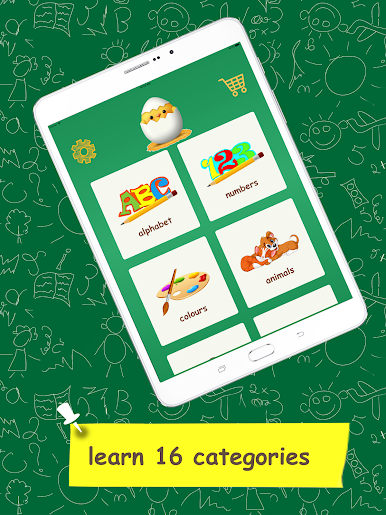
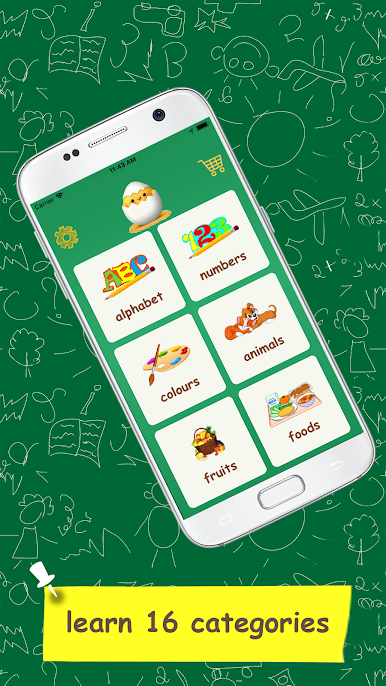
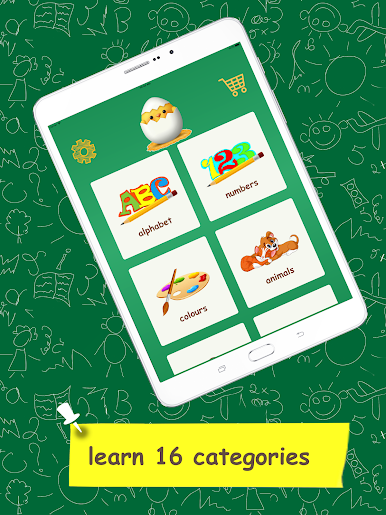
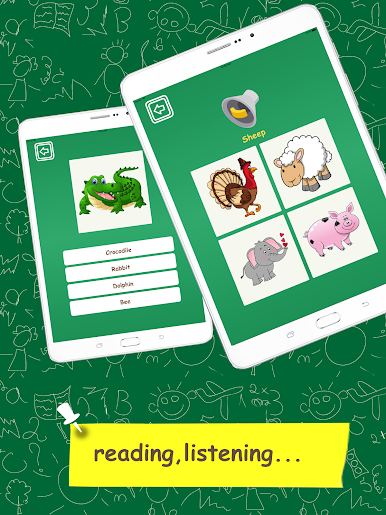
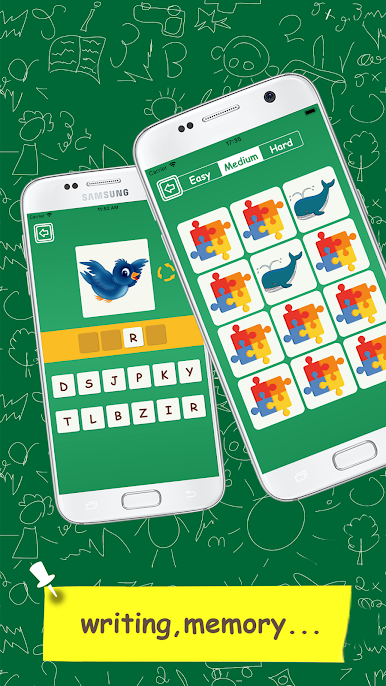
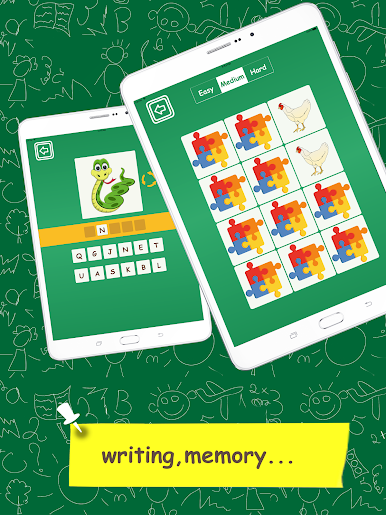
Learn English Vocabulary – Kid is a super simple, cheerful set of mini games that teaches basics without getting in the way. It feels built for very young learners, toddlers up to early grade school, and for absolute beginners. Big buttons, bright pictures, clear voice audio, that kind of thing. The topics are the usual essentials, alphabet and numbers, colours, animals and fruits, food, school and home items, jobs, shapes, body parts, vehicles, weather, verbs, tools, even countries. Pick a topic, jump into a quick round, move on when ready. No fuss.
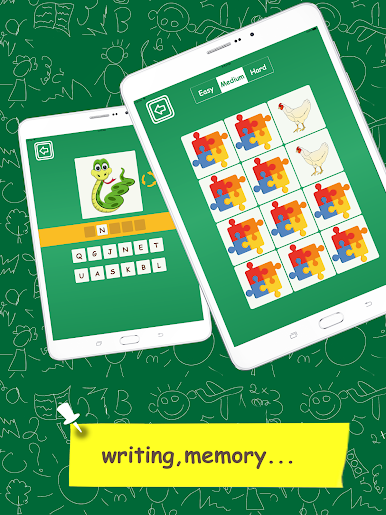
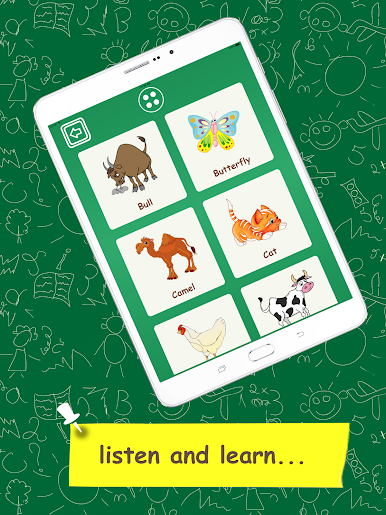
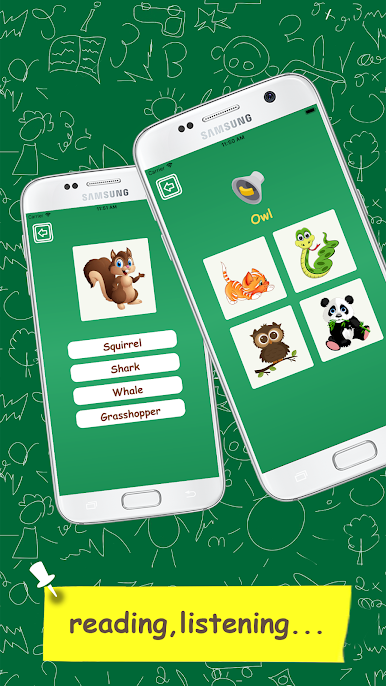
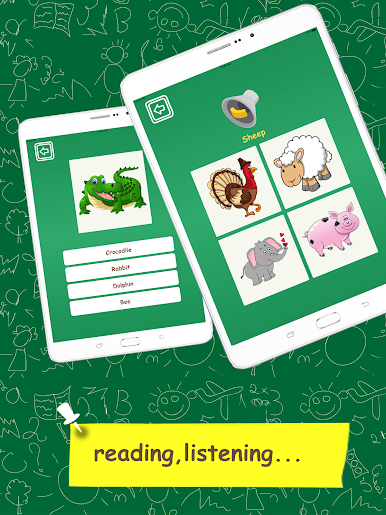
The activities rotate through a few styles so it does not feel stale. There is a listen and pick the right picture game, a look and choose the correct word game, a match the same picture memory round, and a simple typing bit where the player spells the word. On a PC with BlueStacks, the typing part is nicer since a keyboard makes spelling way less fussy, and the larger screen helps with reading the words under the images. The pace is relaxed, feedback is instant, and the pronunciation is very clear, which matters a lot for beginners. It stands out for being straightforward and repeatable, so kids can practice a set, hear the word again, and actually remember it rather than rush past it. There is not much to “beat”, it is more about steady practice with cute visuals and short sessions that do not drag.
Slay your opponents with your epic moves. Play it your way on BlueStacks and dominate the battlefield.



Juega Aprenda el vocabulario en ingl en la PC. Es fácil comenzar.
-
Descargue e instale BlueStacks en su PC
-
Complete el inicio de sesión de Google para acceder a Play Store, o hágalo más tarde
-
Busque Aprenda el vocabulario en ingl en la barra de búsqueda en la esquina superior derecha
-
Haga clic para instalar Aprenda el vocabulario en ingl desde los resultados de búsqueda
-
Complete el inicio de sesión de Google (si omitió el paso 2) para instalar Aprenda el vocabulario en ingl
-
Haz clic en el ícono Aprenda el vocabulario en ingl en la pantalla de inicio para comenzar a jugar

