


Realestate
Juega en PC con BlueStacks: la plataforma de juegos Android, en la que confían más de 500 millones de jugadores.

Página modificada el: Nov 17, 2025
Play Realestate on PC
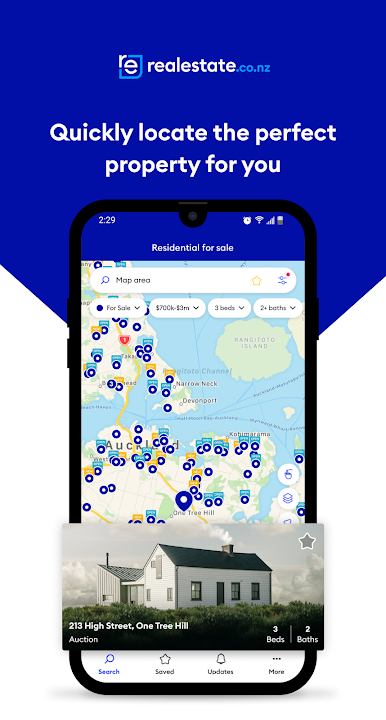
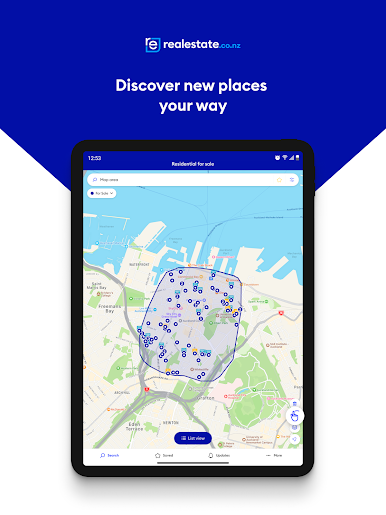
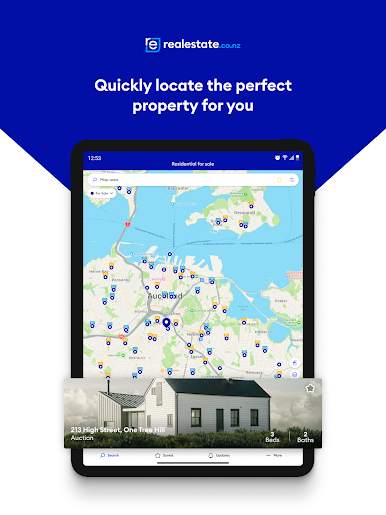
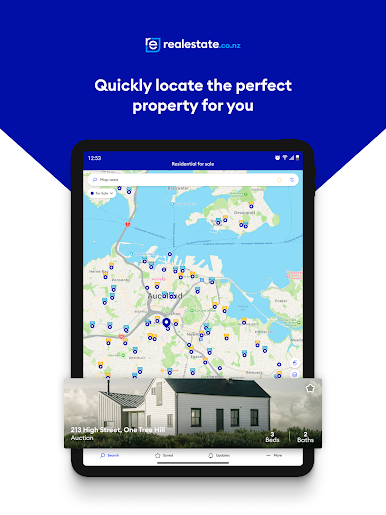
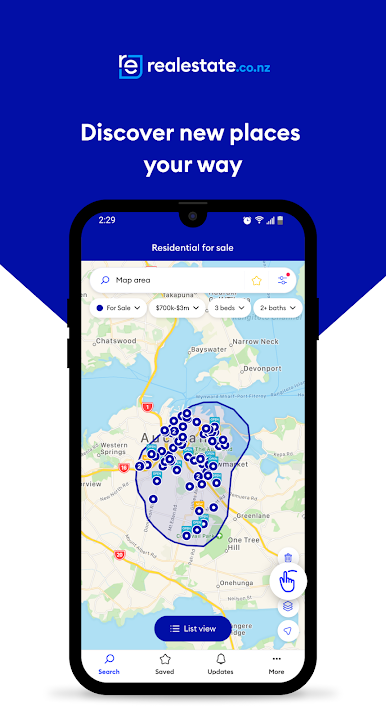
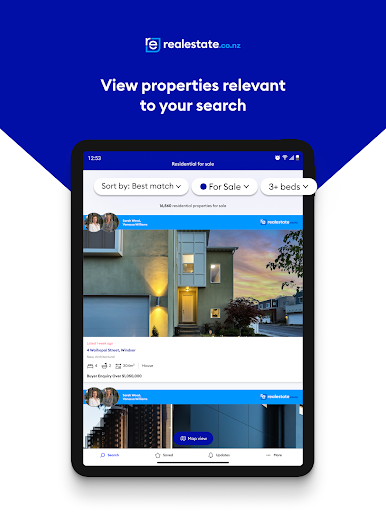
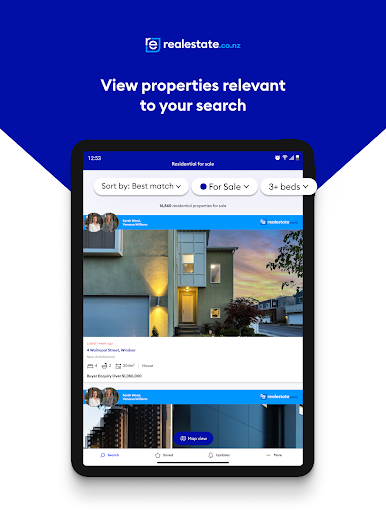
The app is a speedy and visually engaging tool that offers a second-to-none map search, insightful market data, and property commentary at your fingertips.
Whether you’re house hunting, looking to lease or buy a commercial property, searching for a rural lifestyle change, or somewhere to rent, you’ll have all the options at your fingertips.
Dedicated only to property, realestate.co.nz is the home for serious property seekers to find their perfect property faster.
On the realestate.co.nz app you can:
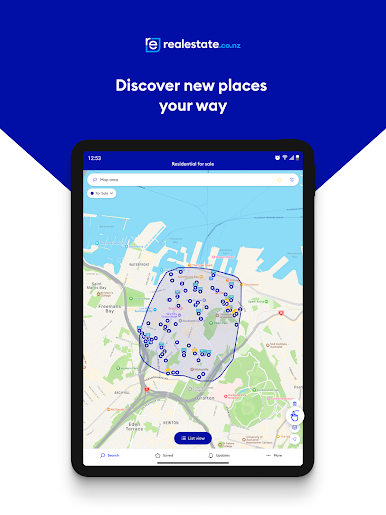
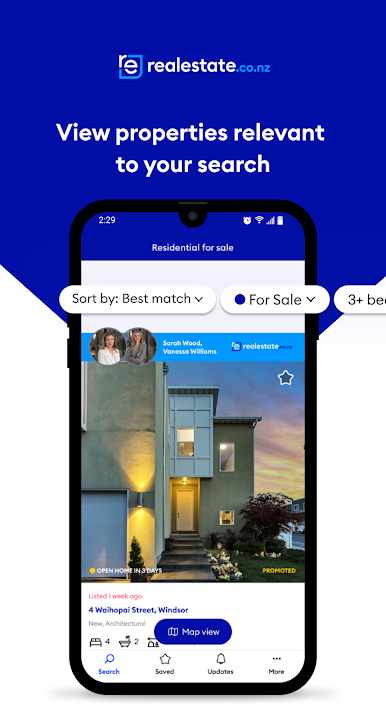
- Discover properties for sale, rent, or lease throughout New Zealand in a list or map view
- Tailor your search to almost any requirement
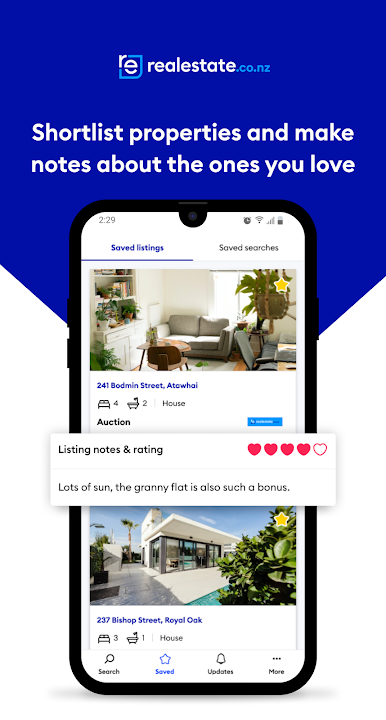
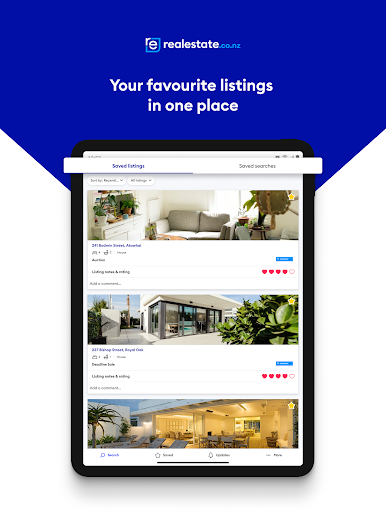
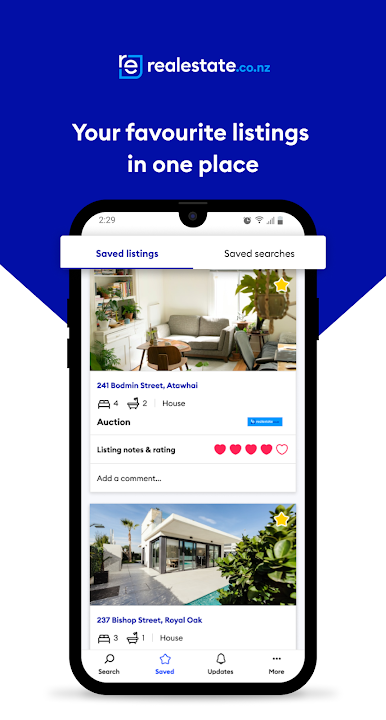
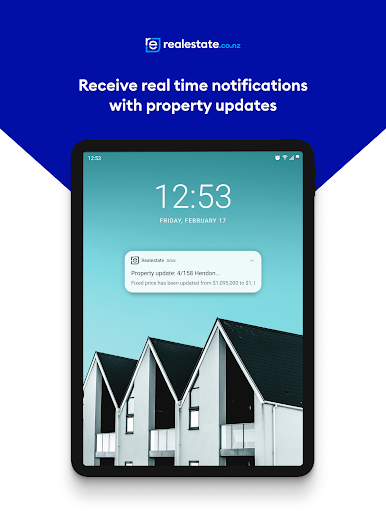
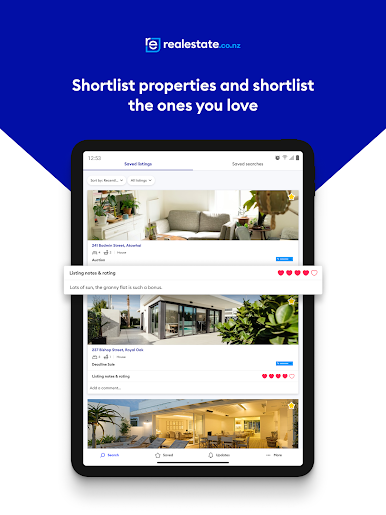
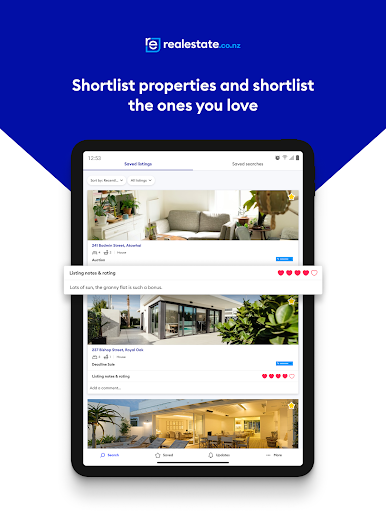
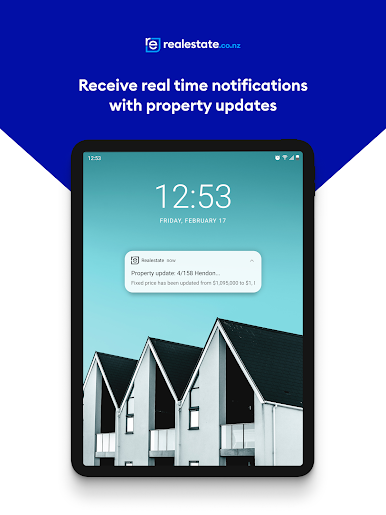
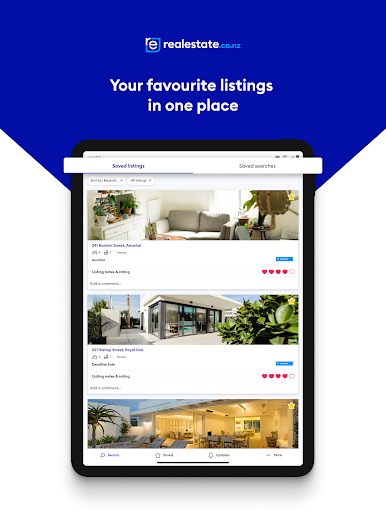
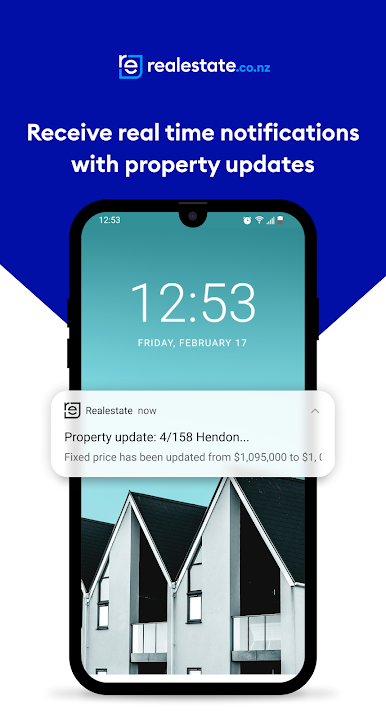
- Save your favourite properties in one easy-to-find place, be instantly updated on any changes, and keep track with a rating and notes option
- Add properties to an in-built open home calendar or straight to your personal calendar, and get directions for your next visit
- Use a mortgage calculator to check if the home fits your budge
Juega Realestate en la PC. Es fácil comenzar.
-
Descargue e instale BlueStacks en su PC
-
Complete el inicio de sesión de Google para acceder a Play Store, o hágalo más tarde
-
Busque Realestate en la barra de búsqueda en la esquina superior derecha
-
Haga clic para instalar Realestate desde los resultados de búsqueda
-
Complete el inicio de sesión de Google (si omitió el paso 2) para instalar Realestate
-
Haz clic en el ícono Realestate en la pantalla de inicio para comenzar a jugar

