


Dytective para la dislexia
Gioca su PC con BlueStacks: la piattaforma di gioco Android, considerata affidabile da oltre 500 milioni di giocatori.

Pagina modificata il: Nov 11, 2025
Run Dytective para la dislexia on PC or Mac
Why limit yourself to your small screen on the phone? Run Dytective para la dislexia, an app by Change Dyslexia, best experienced on your PC or Mac with BlueStacks, the world’s #1 Android emulator.
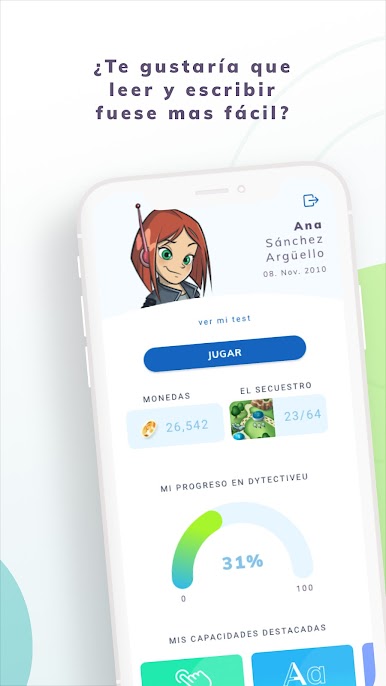
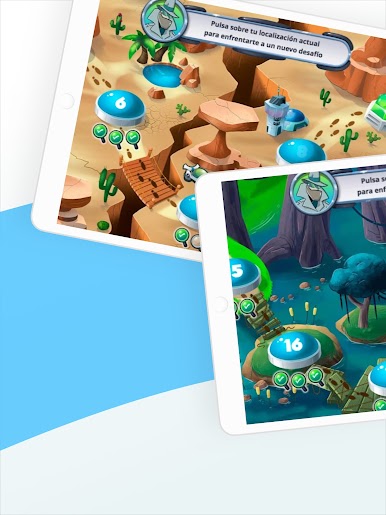
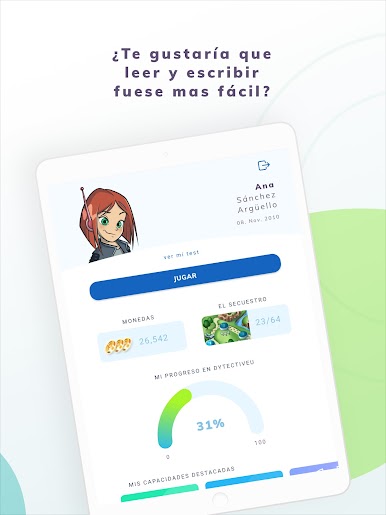
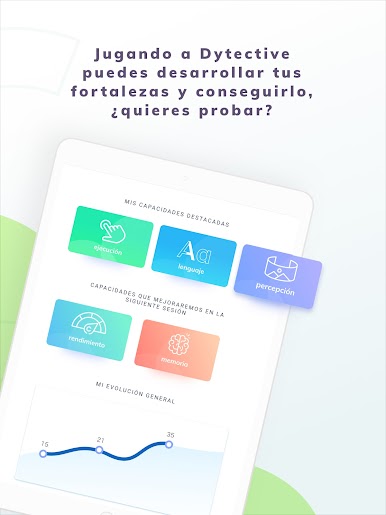
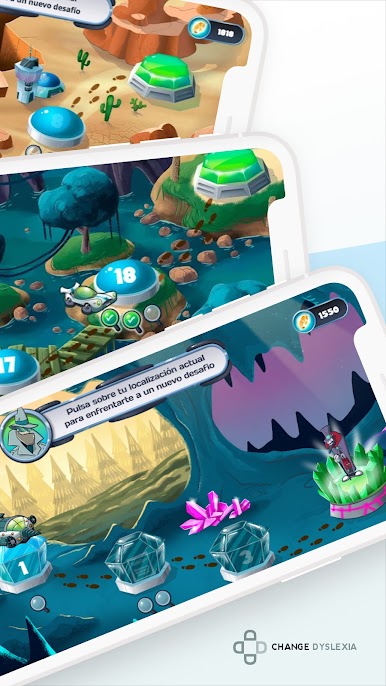
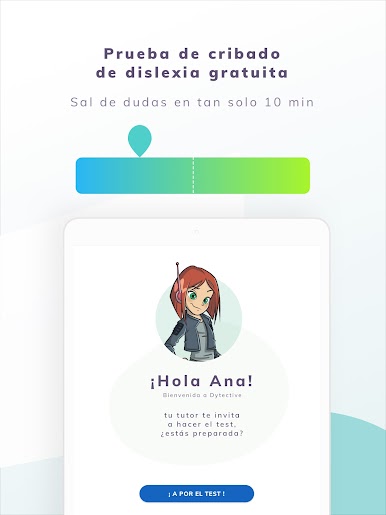
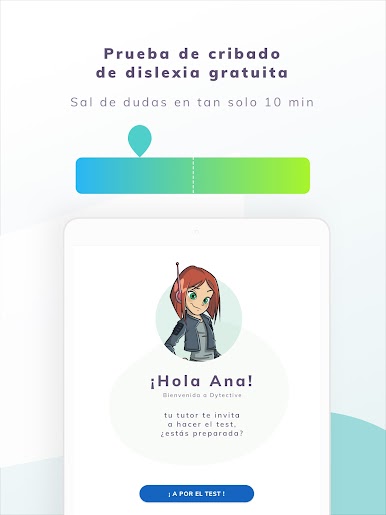
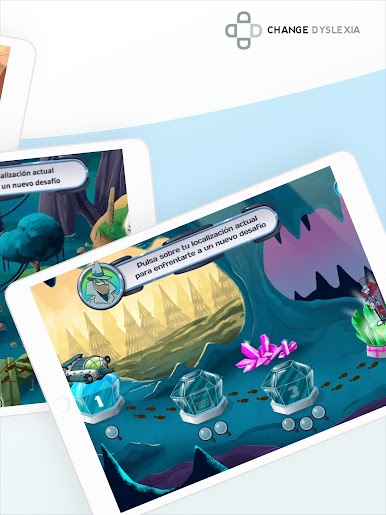
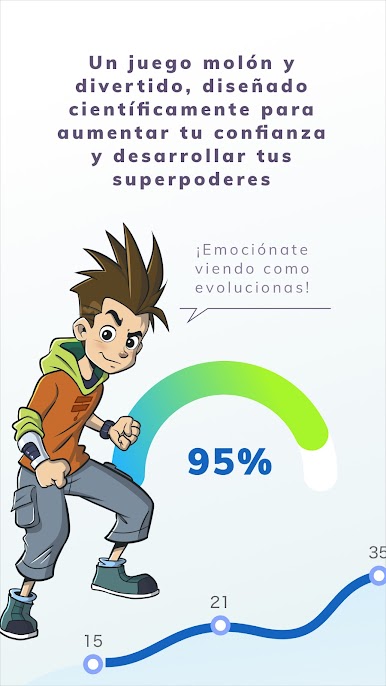
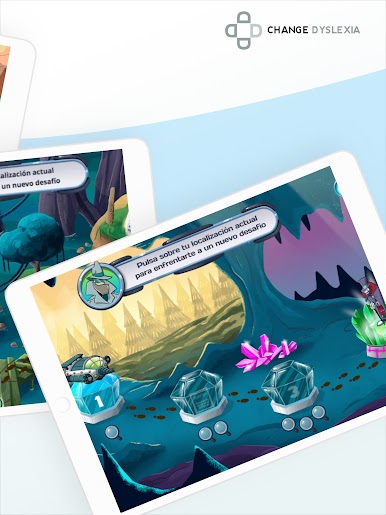
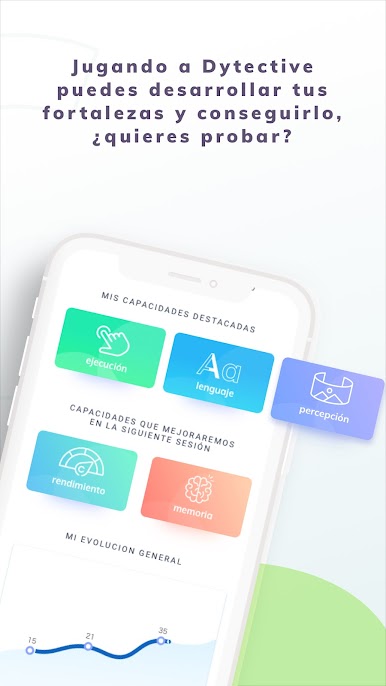
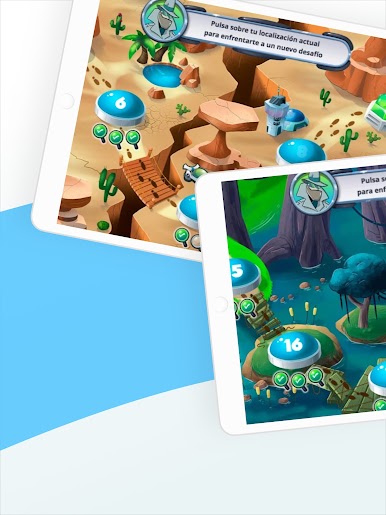
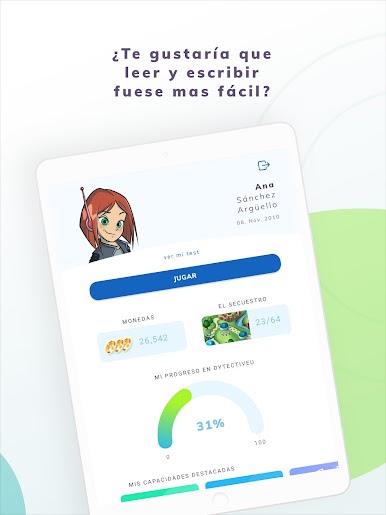
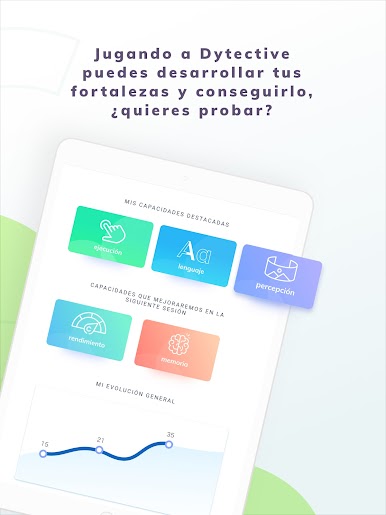
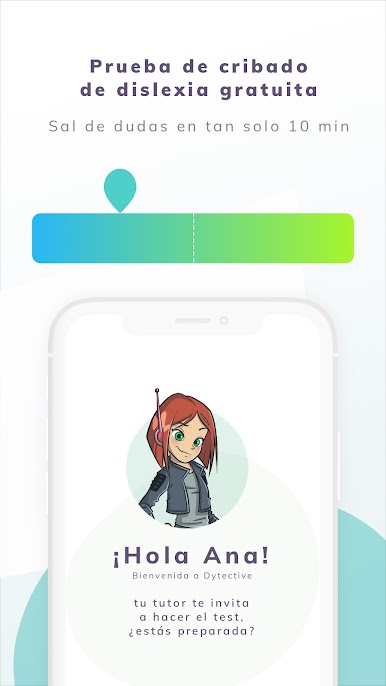
Dytective para la dislexia feels like a big collection of quick brain puzzles that quietly build reading and writing skills without turning it into homework. The app serves short sessions, usually 10 to 20 minutes, and it keeps things fresh by adapting to the player. There are a lot of variations, so the tasks do not repeat in a boring way, and the difficulty shifts based on strengths and weak spots. It nudges players to do four sessions per week, which makes sense because the training feels bite sized and steady rather than intense. There is also a simple 15 minute screening that flags possible reading and writing risk, and it explains that it is not a diagnosis, just a heads up.
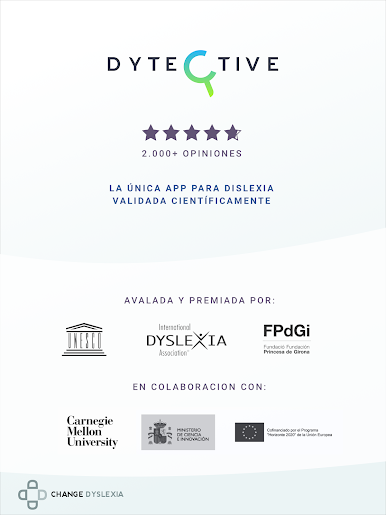
On PC with BlueStacks, the bigger screen really helps with small text, spacing, and focus, and the click controls feel clean. The tone is encouraging, not stressful, and the visuals are colorful without being loud. Families get options that let two people play under one plan, and the games run on their own so nobody needs to sit and supervise every minute. Therapists will probably like the automatic exercise customization and the auto generated reports, plus there is a way to show a professional profile to a large student base. Schools can roll it out with per student licenses, use the reporting tools to track progress, and rely on the built in personalization to save staff time. They lean on research and awards, which matters more to educators than to casual players, but it does explain why the design feels careful and methodical.
Switch to BlueStacks and make the most of your apps on your PC or Mac.




Gioca Dytective para la dislexia su PC. È facile iniziare.
-
Scarica e installa BlueStacks sul tuo PC
-
Completa l'accesso a Google per accedere al Play Store o eseguilo in un secondo momento
-
Cerca Dytective para la dislexia nella barra di ricerca nell'angolo in alto a destra
-
Fai clic per installare Dytective para la dislexia dai risultati della ricerca
-
Completa l'accesso a Google (se hai saltato il passaggio 2) per installare Dytective para la dislexia
-
Fai clic sull'icona Dytective para la dislexia nella schermata principale per iniziare a giocare

