


Palabra Salsa:conectar palabra
Juega en PC con BlueStacks: la plataforma de juegos Android, en la que confían más de 500 millones de jugadores.

Página modificada el: Oct 3, 2025
Play Word Sauce: Free Word Connect Puzzle on PC or Mac
Join millions to experience Word Sauce: Free Word Connect Puzzle, an exciting Word game from Clever Apps Pte. Ltd.. With BlueStacks App Player, you are always a step ahead of your opponent, ready to outplay them with faster gameplay and better control with the mouse and keyboard on your PC or Mac.
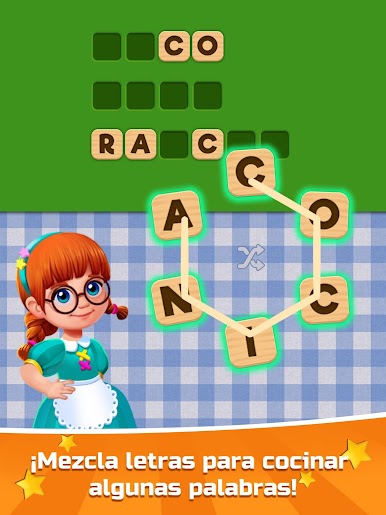
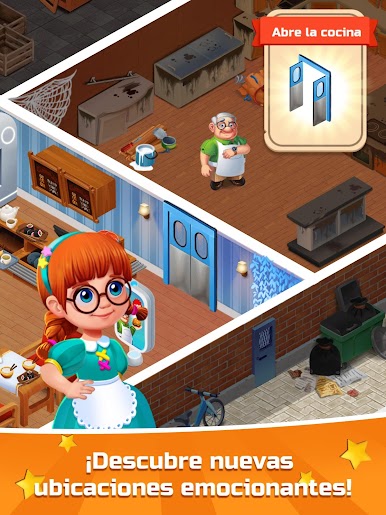
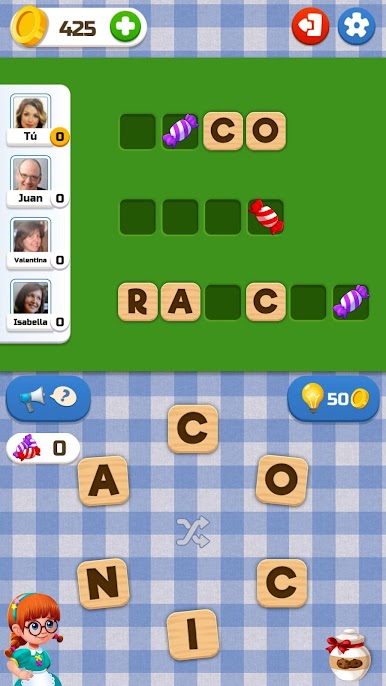
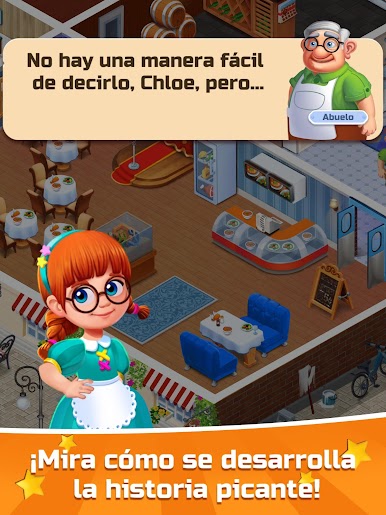
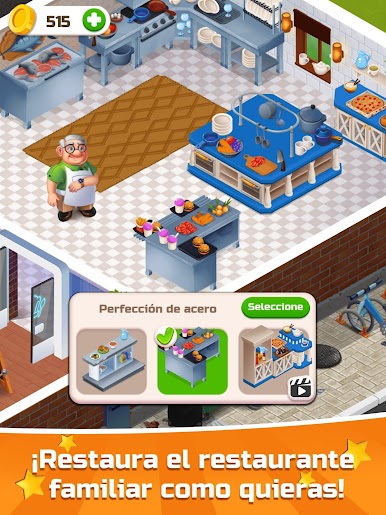
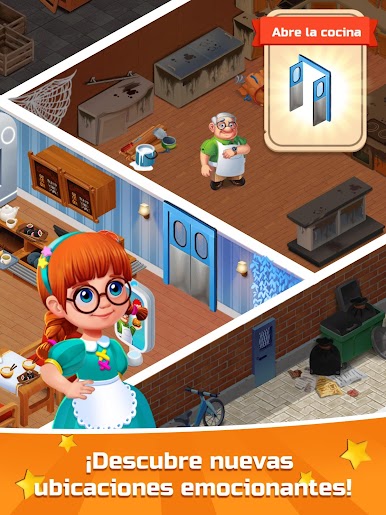
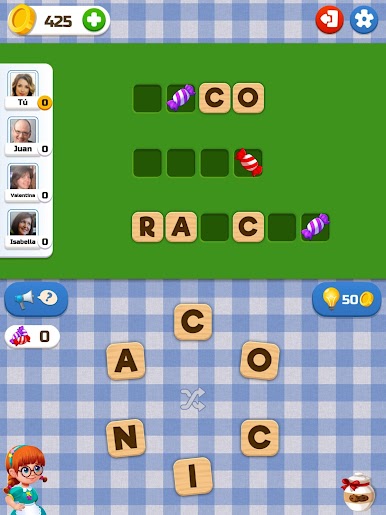
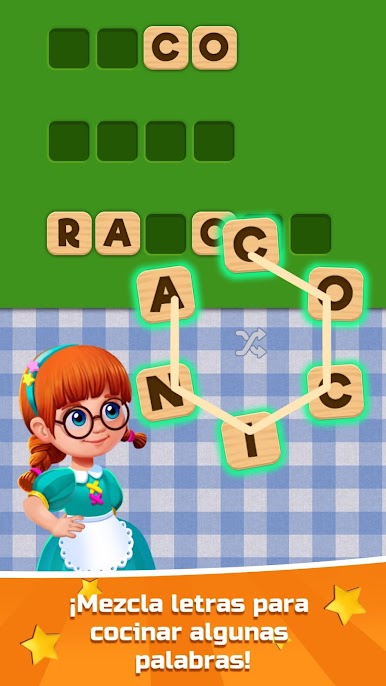
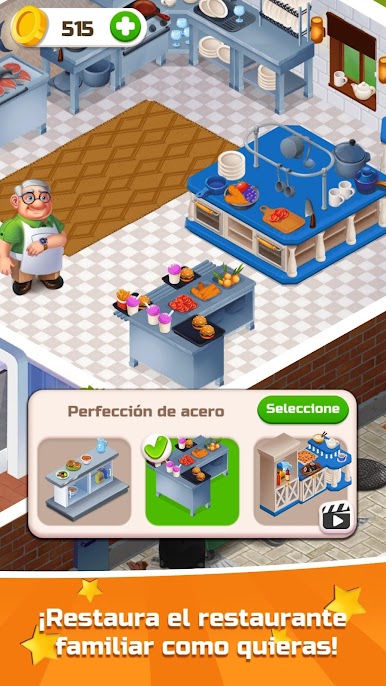
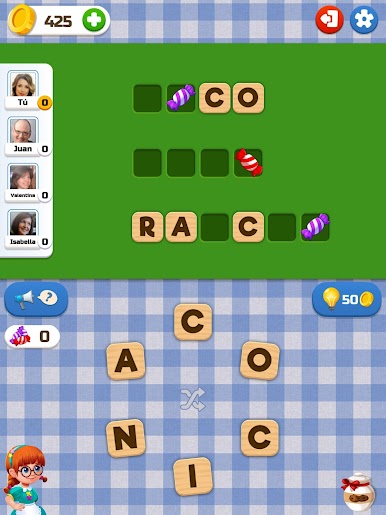
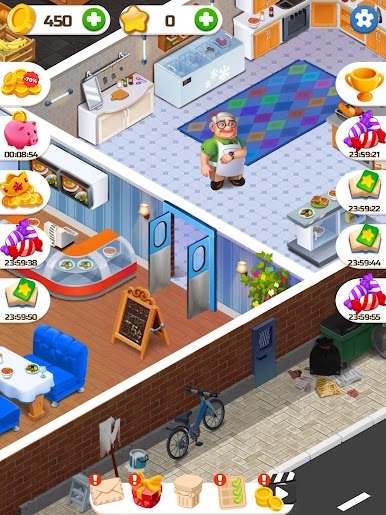
Word Sauce is a relaxed connect-the-letters puzzle with a cozy kitchen theme, the tiles look like little cookie chips and the board fills in like a mini crossword. The idea is simple, a circle of letters sits at the bottom, players draw a line to make a word, and those letters pop into the grid if it fits. It starts easy, then sneaks in trickier layouts and odd letter combos that make the brain work in a good way. It is the type of game that suits quick breaks, but it keeps tossing fresh boards so it is hard to stop after one.
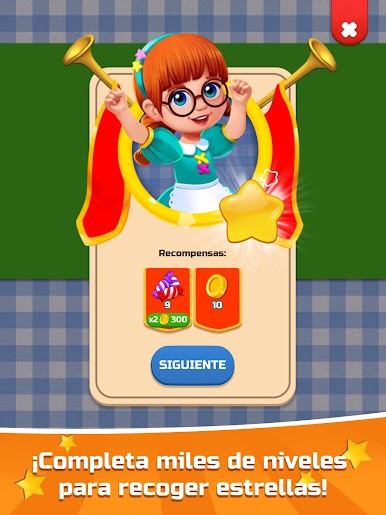
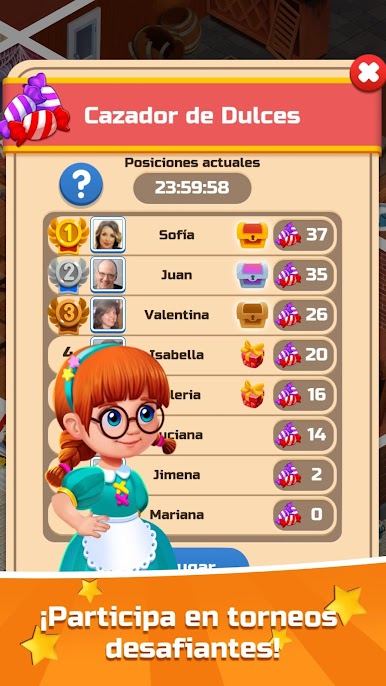
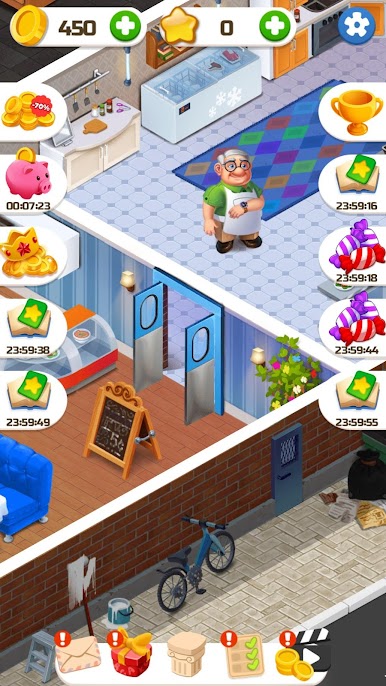
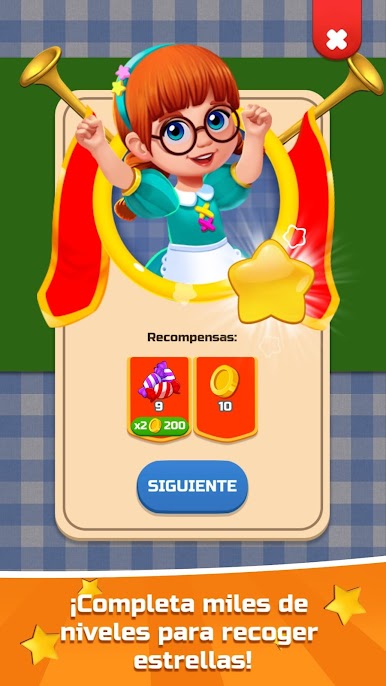
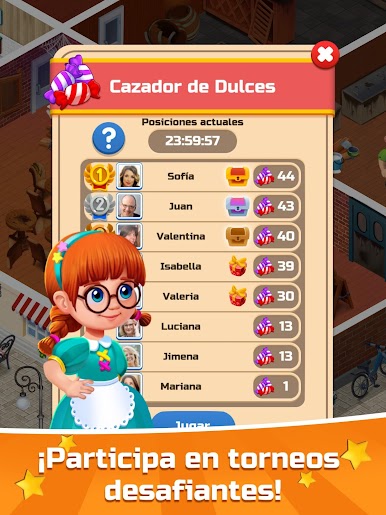
There are lots of tiny goals that feel nice to hit. Finding extra words that are not on the board gives bonus coins, which feed into hints when a puzzle stalls. Hints nudge the next letter or point the way, and there is even the option to ask a friend if someone is really stuck. There are daily prizes and little rewards for inviting friends, nothing complicated, just extra coins and boosts. On PC with BlueStacks, dragging letters with a mouse feels clean and precise, no fingers covering the tiles, and it runs smooth in a window next to other stuff. The whole thing is easy to understand, all ages can jump in, and the difficulty climbs gently without getting mean. It is light, a bit addictive, and strangely satisfying when a stubborn word finally clicks.
Slay your opponents with your epic moves. Play it your way on BlueStacks and dominate the battlefield.

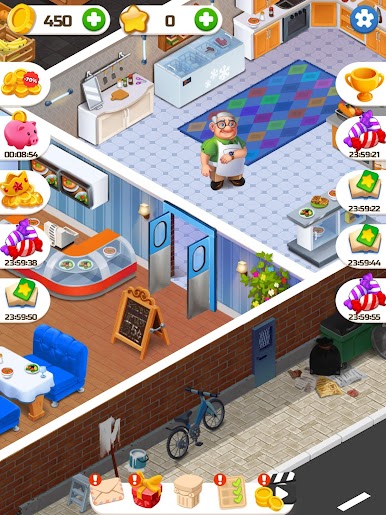
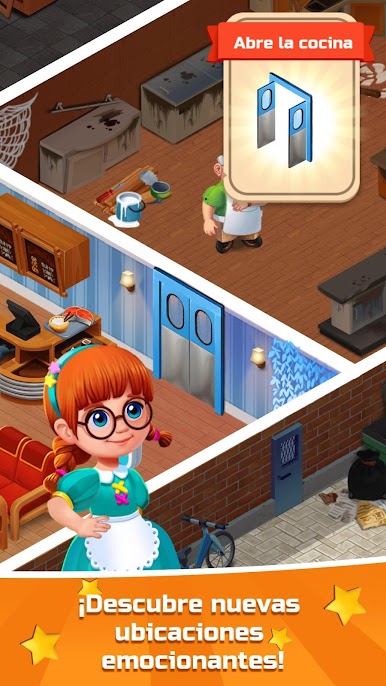
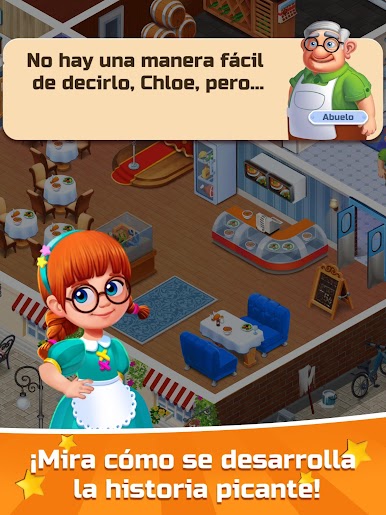
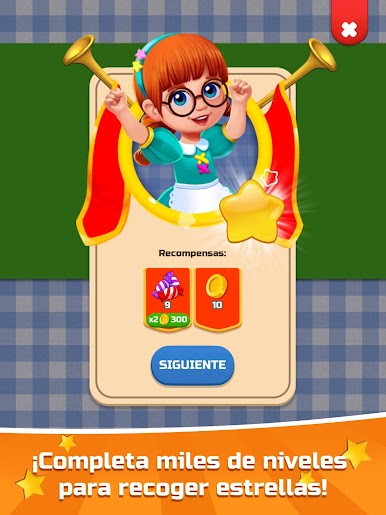
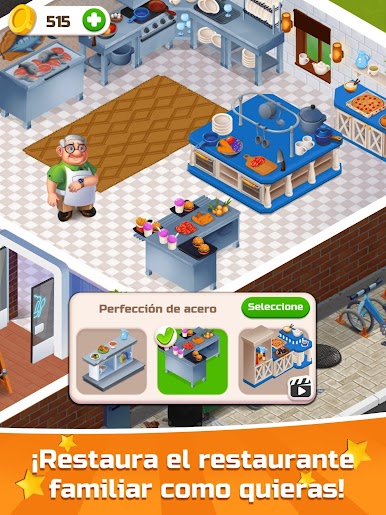
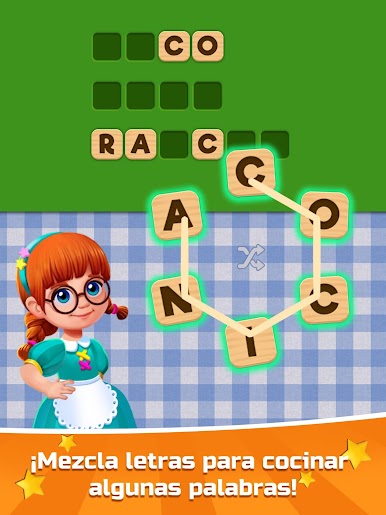
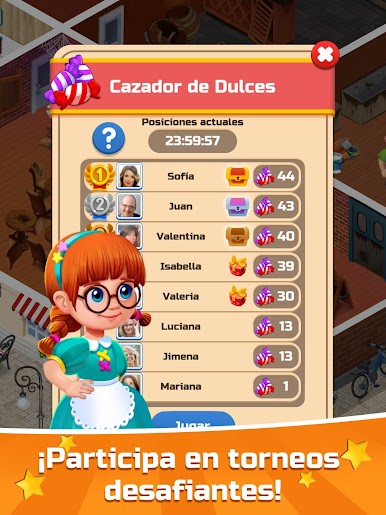
Juega Palabra Salsa:conectar palabra en la PC. Es fácil comenzar.
-
Descargue e instale BlueStacks en su PC
-
Complete el inicio de sesión de Google para acceder a Play Store, o hágalo más tarde
-
Busque Palabra Salsa:conectar palabra en la barra de búsqueda en la esquina superior derecha
-
Haga clic para instalar Palabra Salsa:conectar palabra desde los resultados de búsqueda
-
Complete el inicio de sesión de Google (si omitió el paso 2) para instalar Palabra Salsa:conectar palabra
-
Haz clic en el ícono Palabra Salsa:conectar palabra en la pantalla de inicio para comenzar a jugar

