


Классические книги
Mainkan di PC dengan BlueStacks – platform Game-Game Android, dipercaya oleh lebih dari 500 juta gamer.

Play Классические книги on PC
For convenience, classic books are distributed in the following collections:
- books of 20th century authors;
- books of authors of the 16-19 centuries;
- a classic about love;
- Russian classics;
- books for teenagers;
- adventure books;
- historical books;
- philosophical books.
In these collections you will find many favorite or familiar authors, as well as, for sure, discover something new. The Classic Books app is a great way to catch up and fill in your gaps in literature.
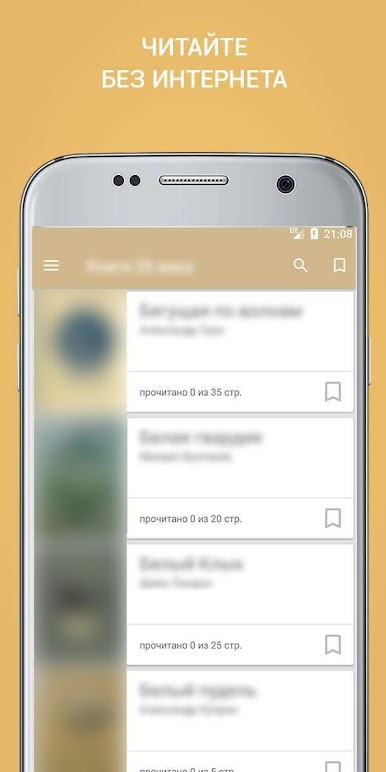
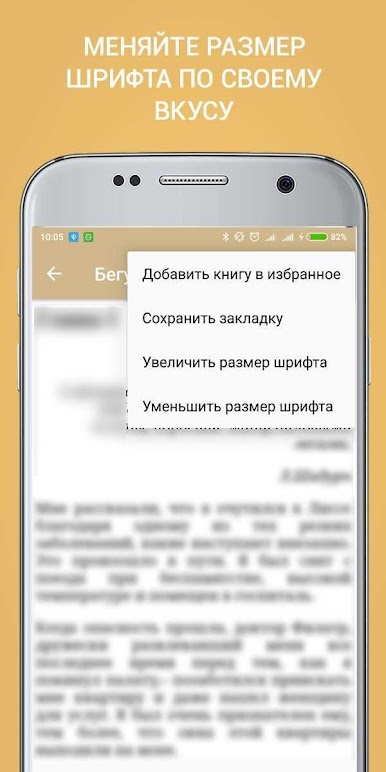
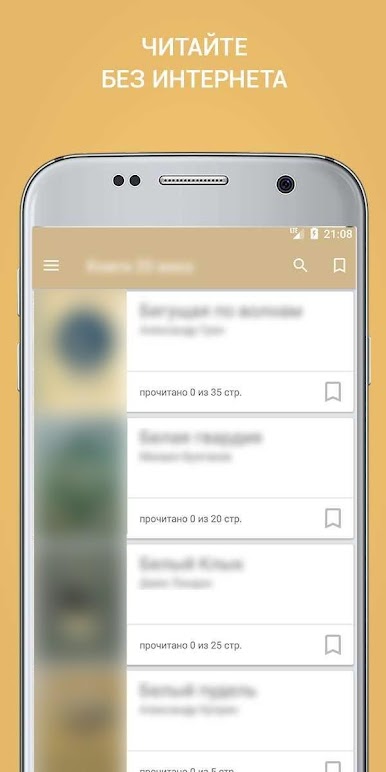
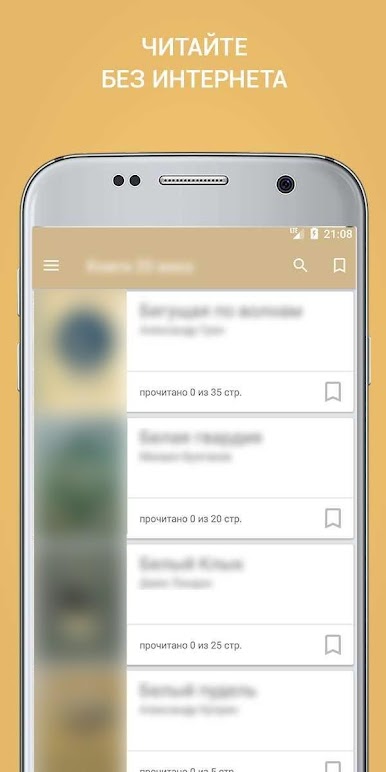
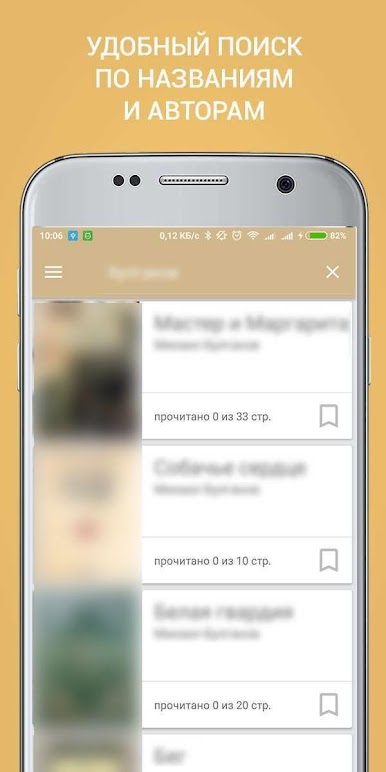
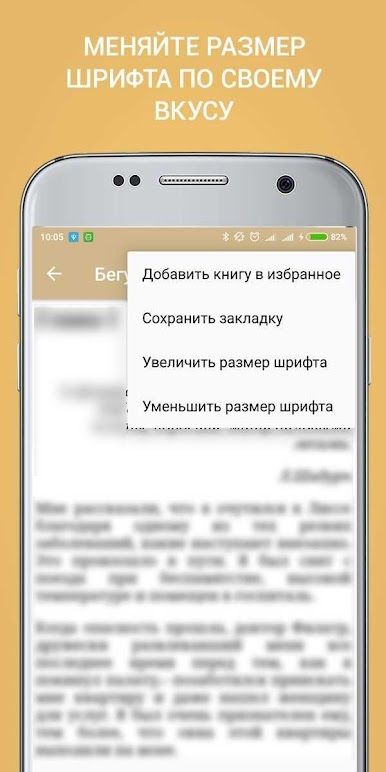
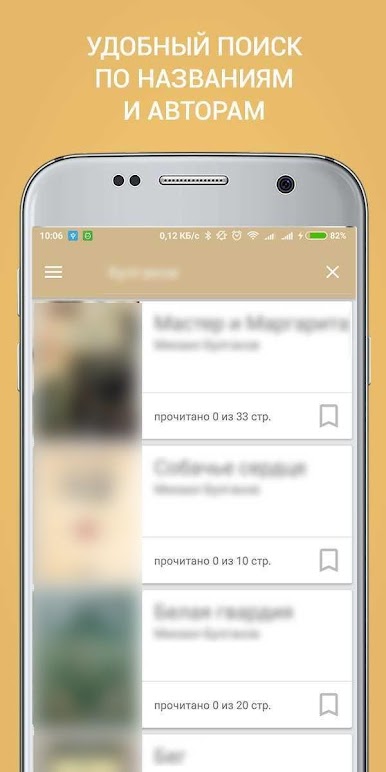
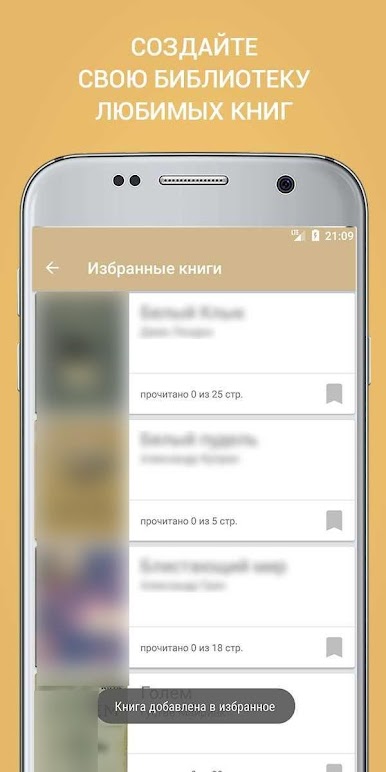
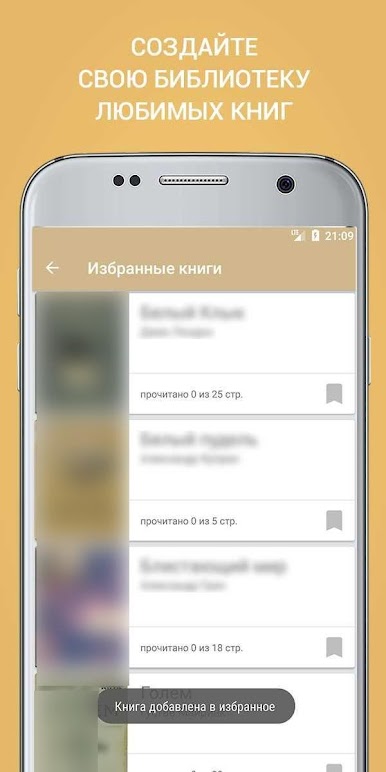
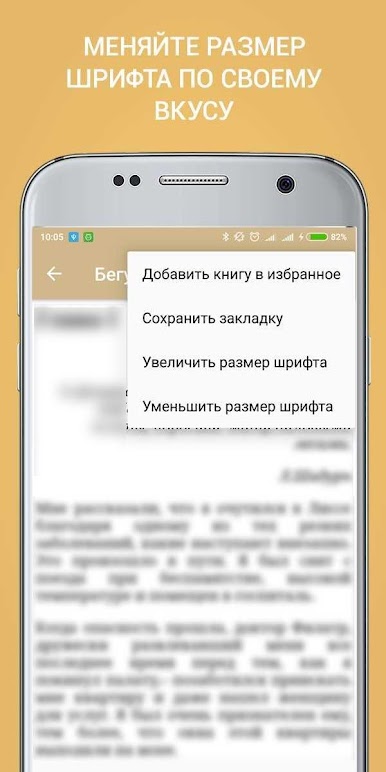
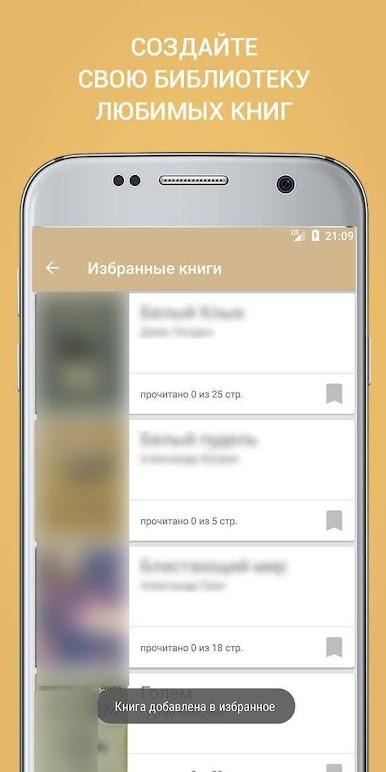
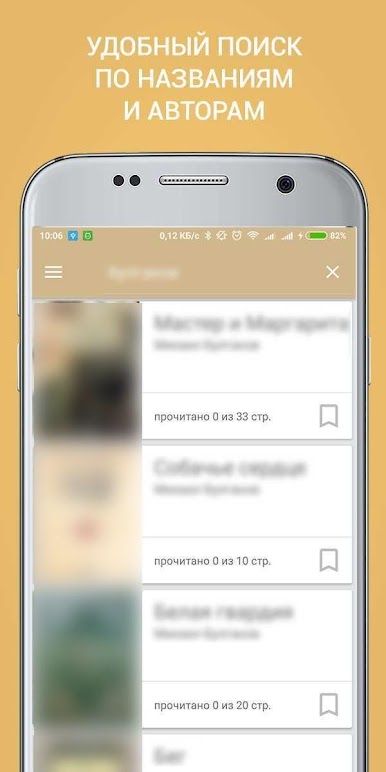
You will be able to maintain a list of selected books, use the convenient search by name and author. All books in the collection you can read for free and entirely in the full author's version. The application remembers your current reading progress and allows you to return to the last page of the book quickly and conveniently, you can also change the font size and color scheme to suit your eyes.

Mainkan Классические книги di PC Mudah saja memulainya.
-
Unduh dan pasang BlueStacks di PC kamu
-
Selesaikan proses masuk Google untuk mengakses Playstore atau lakukan nanti
-
Cari Классические книги di bilah pencarian di pojok kanan atas
-
Klik untuk menginstal Классические книги dari hasil pencarian
-
Selesaikan proses masuk Google (jika kamu melewati langkah 2) untuk menginstal Классические книги
-
Klik ikon Классические книги di layar home untuk membuka gamenya

