


MSF Tembo Learning
Juega en PC con BlueStacks: la plataforma de juegos Android, en la que confían más de 500 millones de jugadores.

Página modificada el: Apr 9, 2025
Run MSF Tembo Learning on PC or Mac
Upgrade your experience. Try MSF Tembo Learning, the fantastic Education app from Médicos Sin Fronteras, from the comfort of your laptop, PC, or Mac, only on BlueStacks.
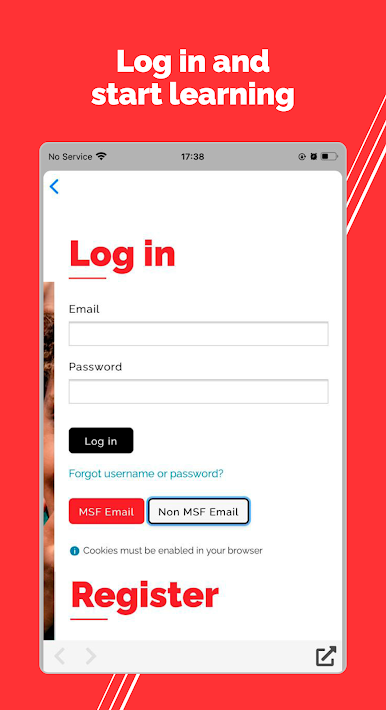
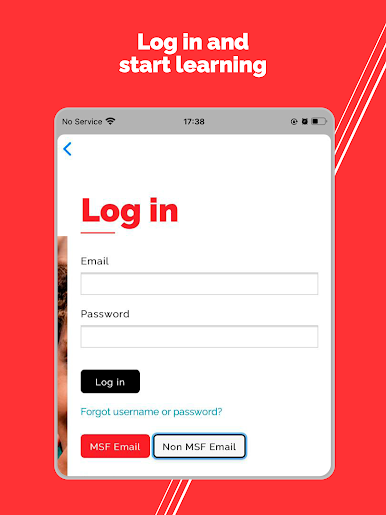
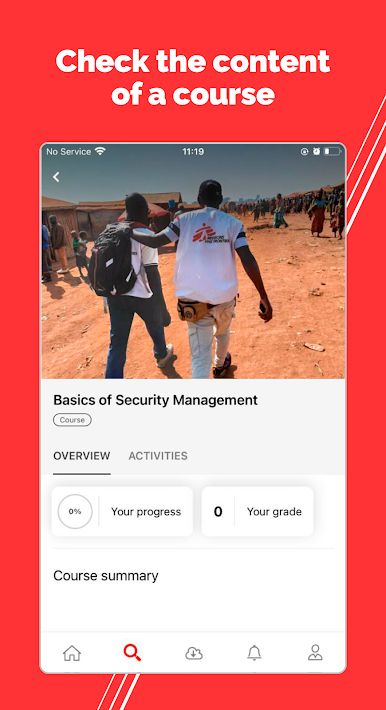
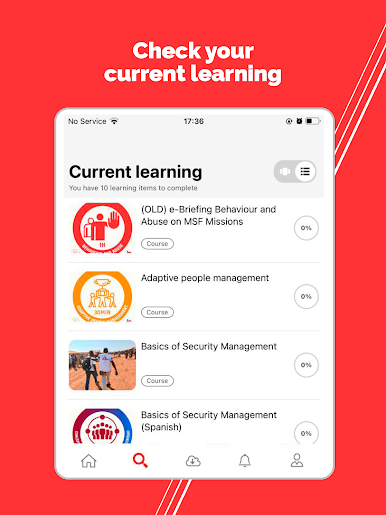
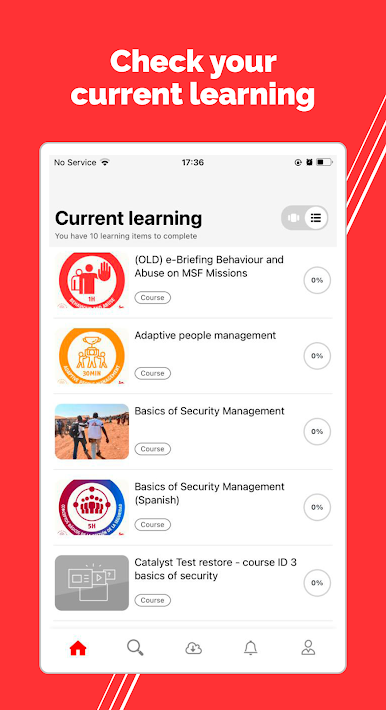
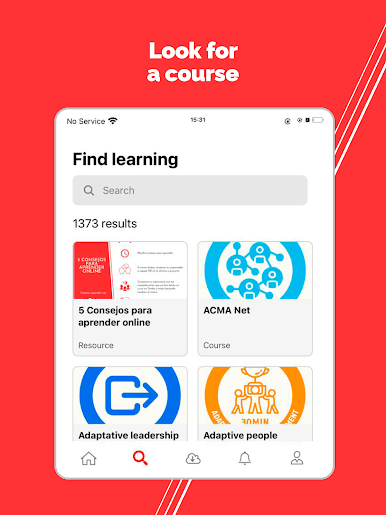
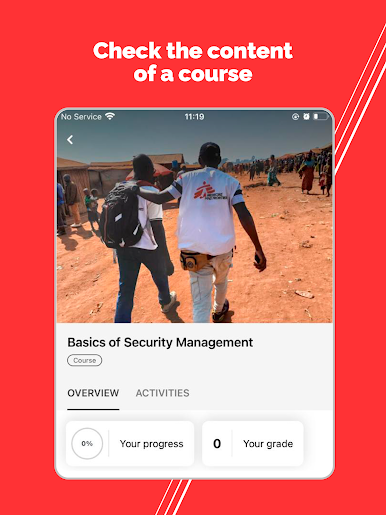
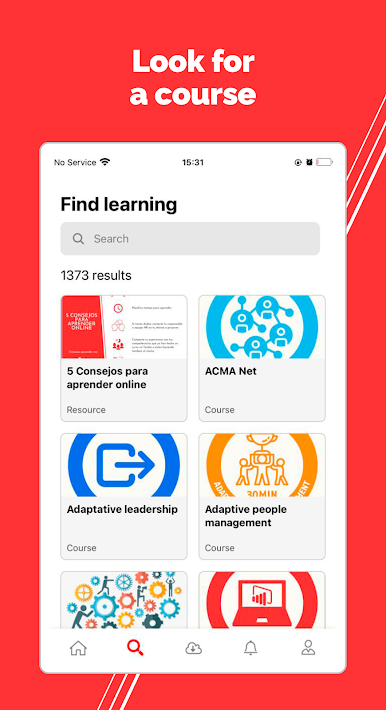
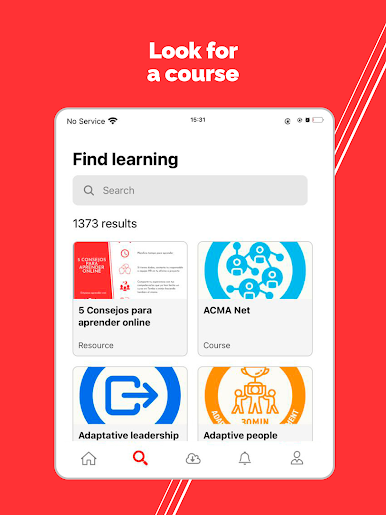
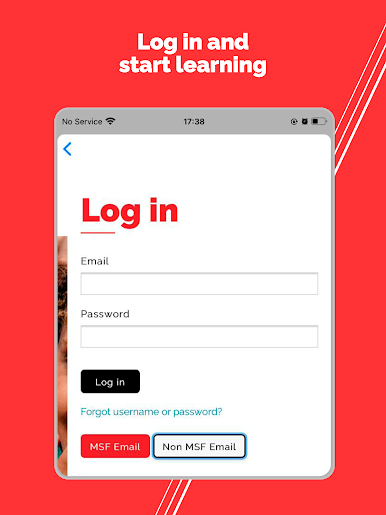
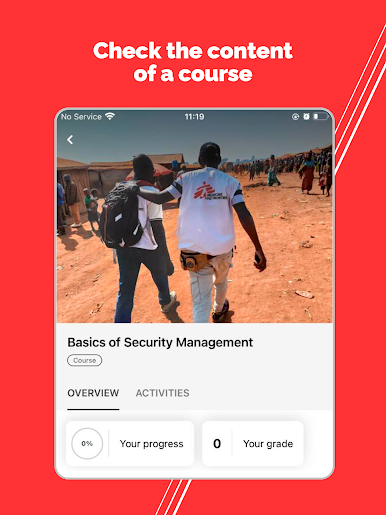
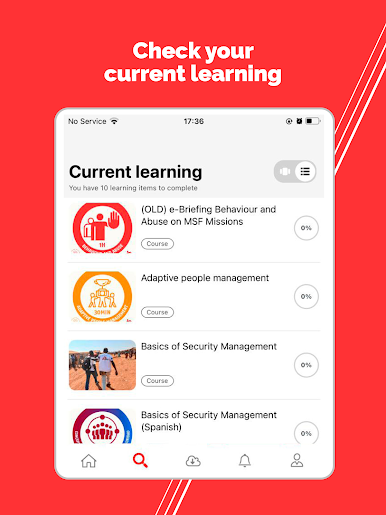
MSF Tembo Learning feels like a clean, calm hub for bite-size training and deeper courses, whether someone works with MSF or not. It opens to a simple library with short videos, little practice exercises, and handy job aids that explain stuff straight. Switching the interface to Arabic, English, French, or Spanish is quick, so it suits mixed teams or anyone brushing up on a second language. Most of the courses hand out digital badges or a certificate at the end, which is nice if a manager needs proof or if someone is building a learning record. The tone is very practical. It aims to help people do the work better right now, or get ready for the next role without fluff.
On a PC with BlueStacks, it feels smoother to browse and take notes. Scrolling through modules on a big monitor is easier than on a phone, and pausing a video to check a job aid on another window just makes sense. The catalog keeps growing as different MSF teams publish new material, so the app does not feel static. There is a mix of quick refreshers and longer, structured lessons, and it is easy to hop in for 5 minutes or spend an hour and finish something meaningful. Nothing flashy, just straightforward learning that respects time and attention.
Ready to experience MSF Tembo Learning on a bigger screen, in all its glory? Download BlueStacks now.
Juega MSF Tembo Learning en la PC. Es fácil comenzar.
-
Descargue e instale BlueStacks en su PC
-
Complete el inicio de sesión de Google para acceder a Play Store, o hágalo más tarde
-
Busque MSF Tembo Learning en la barra de búsqueda en la esquina superior derecha
-
Haga clic para instalar MSF Tembo Learning desde los resultados de búsqueda
-
Complete el inicio de sesión de Google (si omitió el paso 2) para instalar MSF Tembo Learning
-
Haz clic en el ícono MSF Tembo Learning en la pantalla de inicio para comenzar a jugar

