


نشان | نقشه و مسیریاب Neshan
Gioca su PC con BlueStacks: la piattaforma di gioco Android, considerata affidabile da oltre 500 milioni di giocatori.

Pagina modificata il: Nov 8, 2025
Play Neshan| Map & Navigation App on PC
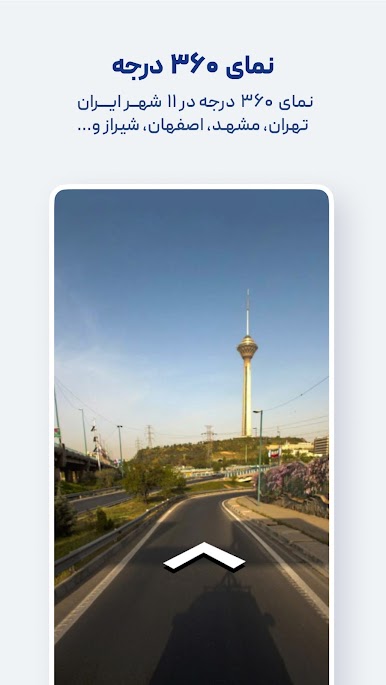
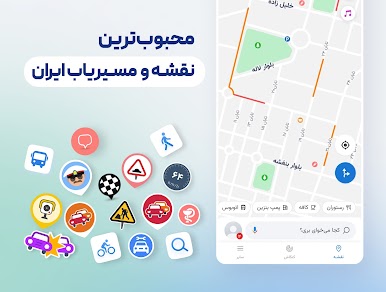
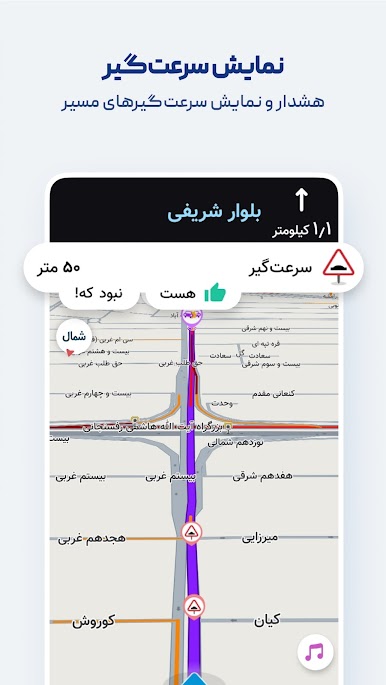
Features like displaying air pollution levels in cities with monitoring stations, warning about speed bumps, routing with traffic restriction and low-emission zone considerations, combined bus-and-metro navigation, motorcycle routing, and more have made Neshan the go-to choice for many Iranian users, including ride-hailing drivers on Snapp and Tapsi, offering unique advantages over other mapping and navigation services.
Key features and benefits of Neshan:
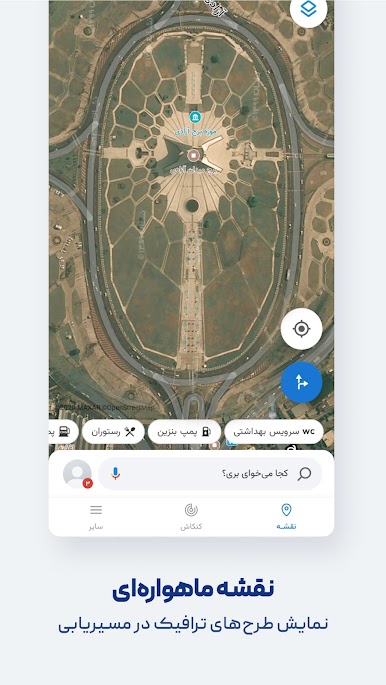
Maps of all cities and countries worldwide, powered by open and free OpenStreetMap data
Display of air pollution monitoring stations in all cities that have them
Detailed offline maps of all cities with live traffic information
Ability to choose the best and cheapest way to reach your destination with combined bus and metro routing
Global maps with navigation to any desired location
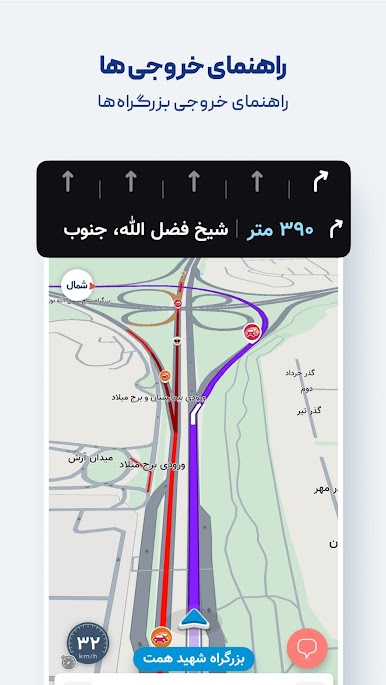
Persian voice guidance that speaks street names so you don’t need to look at the map
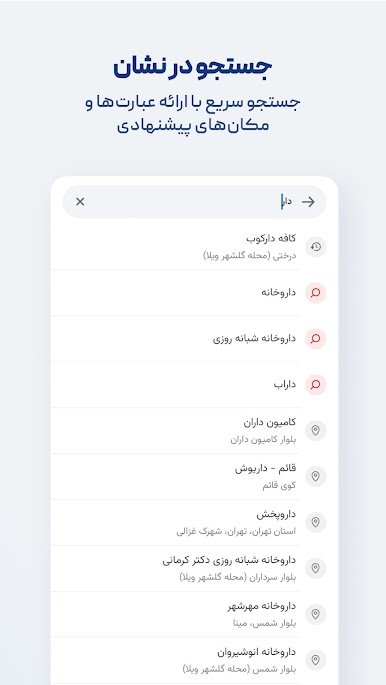
Find nearby public places such as restaurants, gas stations, ATMs, hotels, and more
Search without typing (Persian speech recognition)
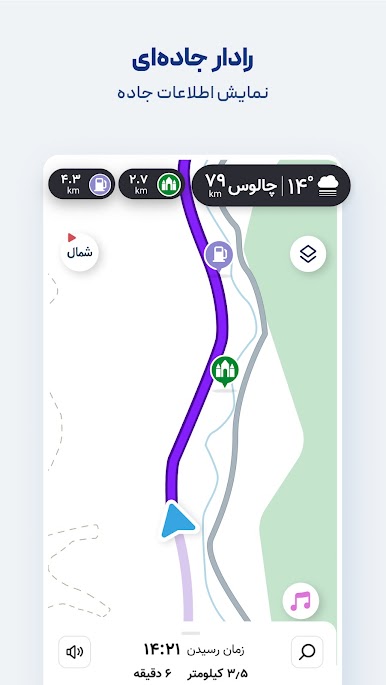
Routing that accounts for traffic restriction zones and low-emission zones, helping you avoid entering them unintentionally
Option to select direct routes in Neshan’s navigation settings
Alerts for police presence, speed cameras, speed bumps, and traffic
Accurate location detection using GPS
With Neshan maps and navigation, you’ll know your way anywhere.
Contact Neshan:
Email: support@neshan.org
Telegram Support: @neshan_admin
Instagram: instagram.com/neshan_nav
Gioca نشان | نقشه و مسیریاب Neshan su PC. È facile iniziare.
-
Scarica e installa BlueStacks sul tuo PC
-
Completa l'accesso a Google per accedere al Play Store o eseguilo in un secondo momento
-
Cerca نشان | نقشه و مسیریاب Neshan nella barra di ricerca nell'angolo in alto a destra
-
Fai clic per installare نشان | نقشه و مسیریاب Neshan dai risultati della ricerca
-
Completa l'accesso a Google (se hai saltato il passaggio 2) per installare نشان | نقشه و مسیریاب Neshan
-
Fai clic sull'icona نشان | نقشه و مسیریاب Neshan nella schermata principale per iniziare a giocare

