


RFE/RL
Gioca su PC con BlueStacks: la piattaforma di gioco Android, considerata affidabile da oltre 500 milioni di giocatori.

Pagina modificata il: Oct 27, 2025
Play RFE/RL on PC
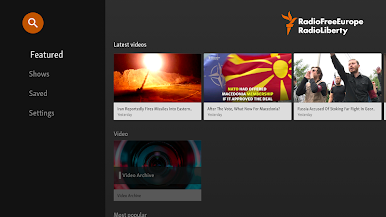
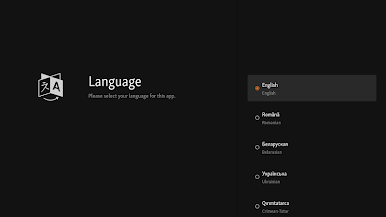
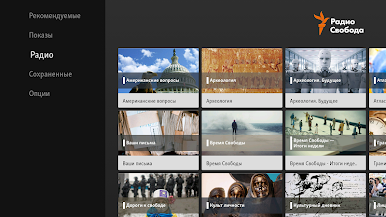
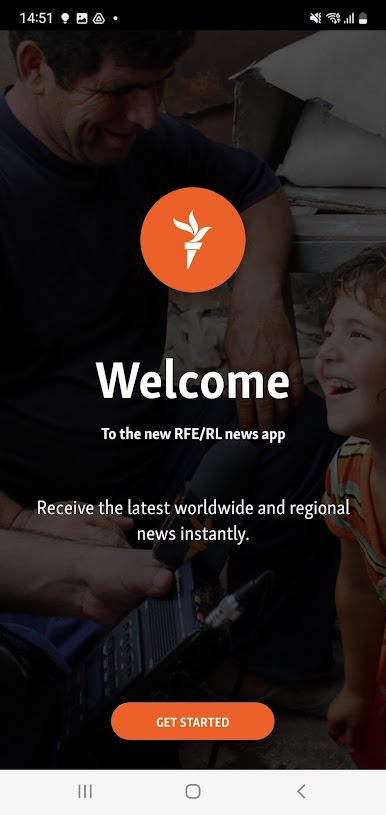
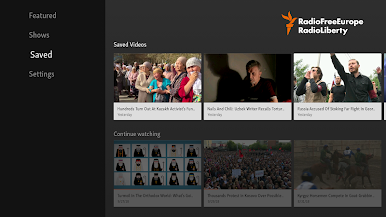
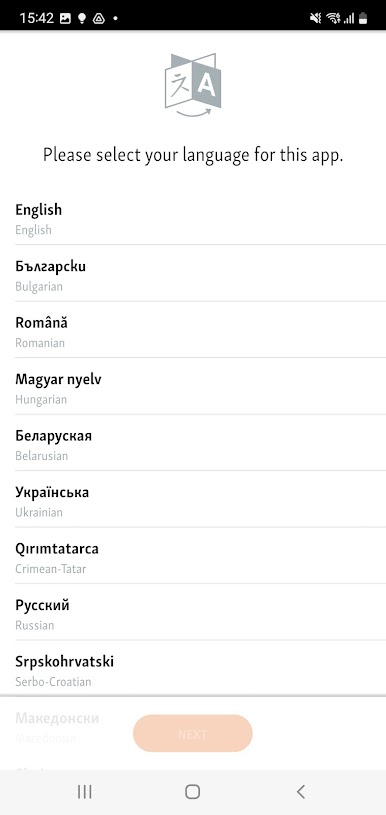
Get your news in 22 languages, covering 36 regions and countries in Europe and Asia, including Iran, Afghanistan, Pakistan, and Russia.
With over 400 full-time journalists, 750 freelancers, and 19 local bureaus, RFE/RL is one of the most comprehensive news operations in the world. RFE/RL operates in countries where a free press is banned by the government or not fully established. We provide what many people cannot get locally: uncensored news, responsible discussion and open debate.
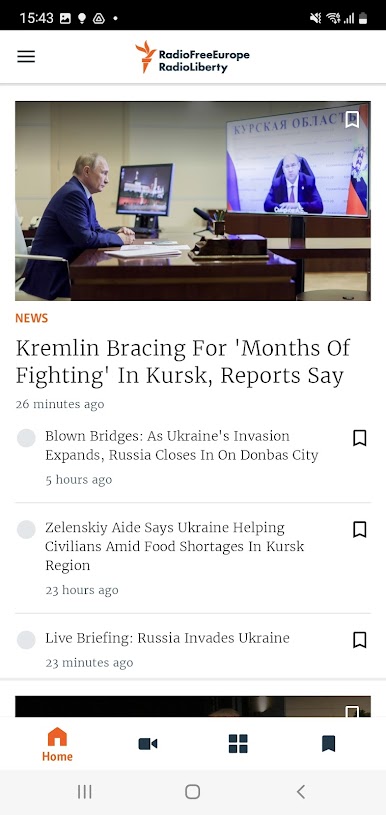
Get the latest, breaking news from RFE/RL and our global network of journalists.
Highlights:
– News in 22 languages
– Covering 36 regions and countries
– Customize your news by topic
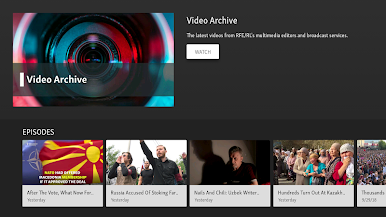
– Enjoy reading, listening and watching
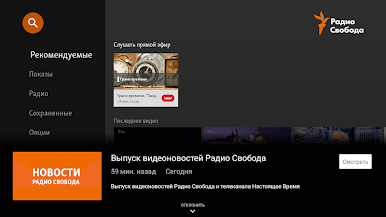
– Live broadcasts include audio, video and live blogs
– Read stories while listening to on-demand and live audio and video
– Breaking news push notifications
– Save download time and data costs by using the “Low-Bandwidth Mode”
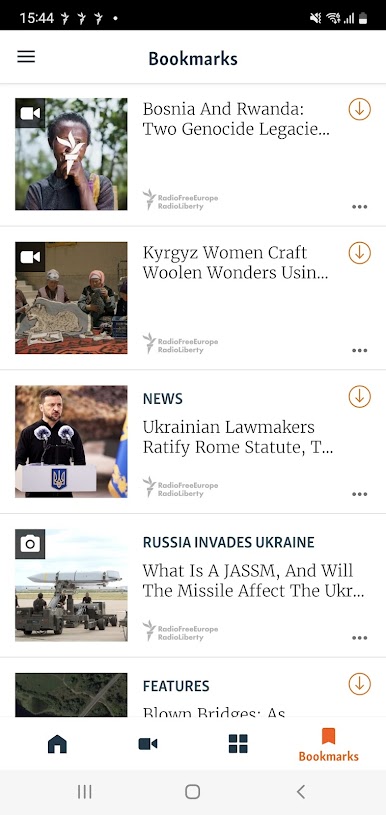
– Bookmark and download for offline reading, watching, and listening
– Share your favorite stories via e-mail, Twitter, Facebook and other platforms
– Send your photo, video, audio and text reports to RFE/RL
– Read the latest news on your Wear OS device
Have any questions, suggestions or problems with the app?
Please let us know: mobapps.rferl@gmail.com
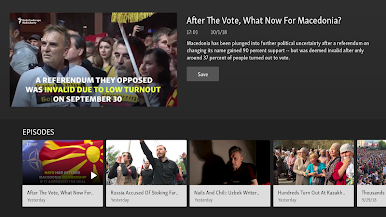
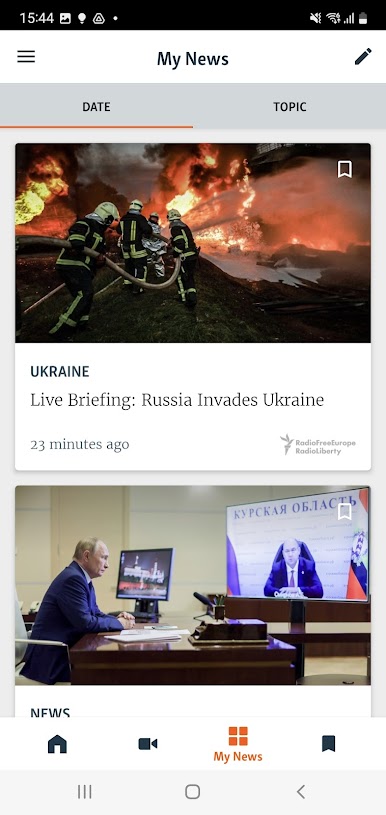
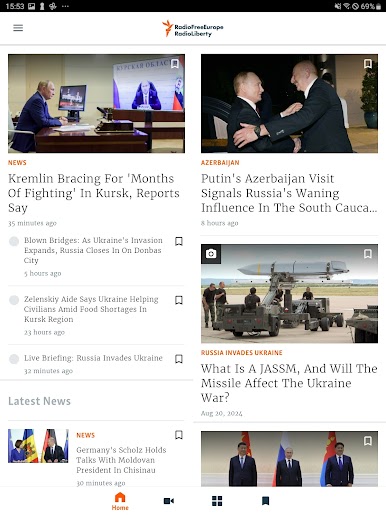
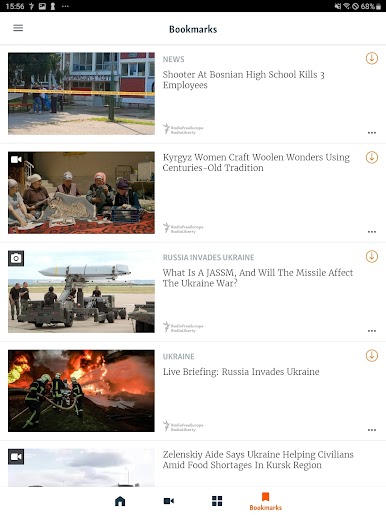
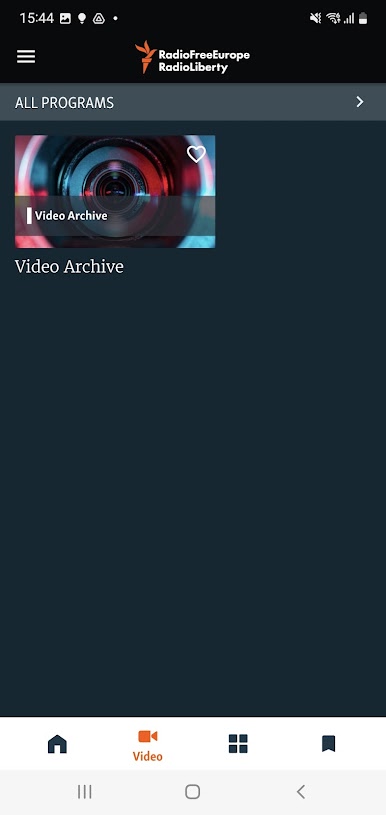
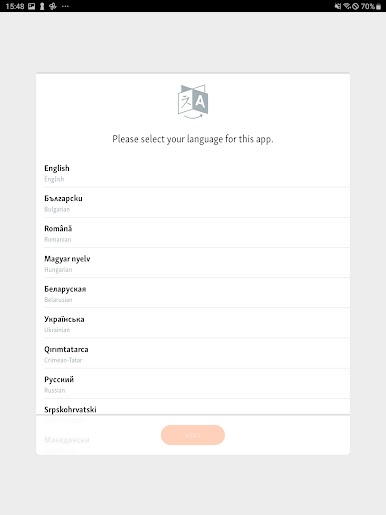
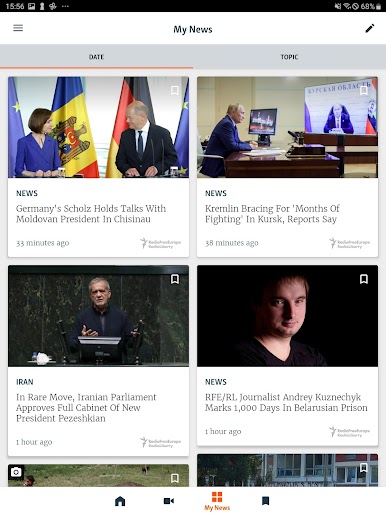
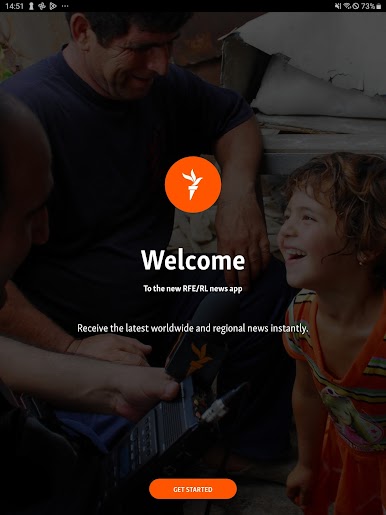
Gioca RFE/RL su PC. È facile iniziare.
-
Scarica e installa BlueStacks sul tuo PC
-
Completa l'accesso a Google per accedere al Play Store o eseguilo in un secondo momento
-
Cerca RFE/RL nella barra di ricerca nell'angolo in alto a destra
-
Fai clic per installare RFE/RL dai risultati della ricerca
-
Completa l'accesso a Google (se hai saltato il passaggio 2) per installare RFE/RL
-
Fai clic sull'icona RFE/RL nella schermata principale per iniziare a giocare

