


International calling - VINOTA
Mainkan di PC dengan BlueStacks – platform Game-Game Android, dipercaya oleh lebih dari 500 juta gamer.

Run International calling - VINOTA on PC or Mac
Multitask effortlessly on your PC or Mac as you try out International calling – VINOTA, a Communication app by VINOTA NETWORKS PTY LTD on BlueStacks.
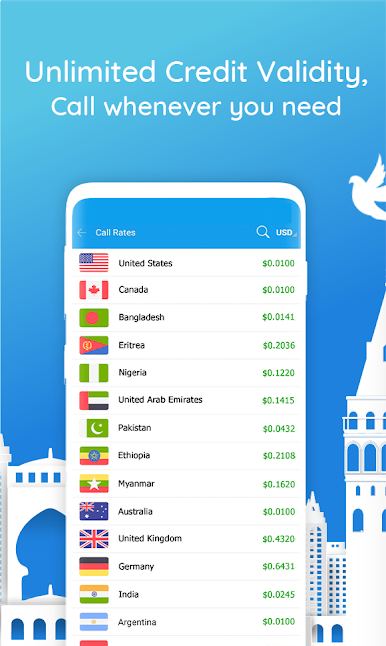
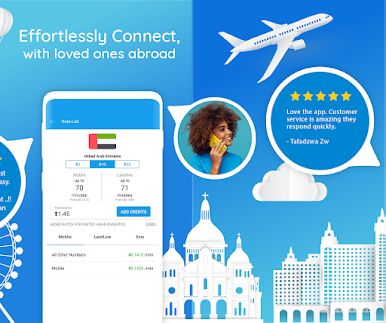
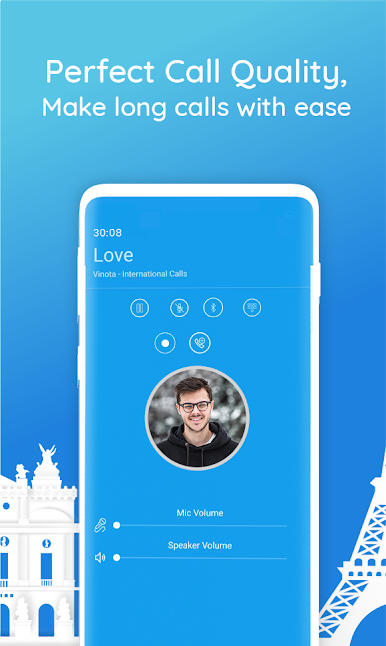
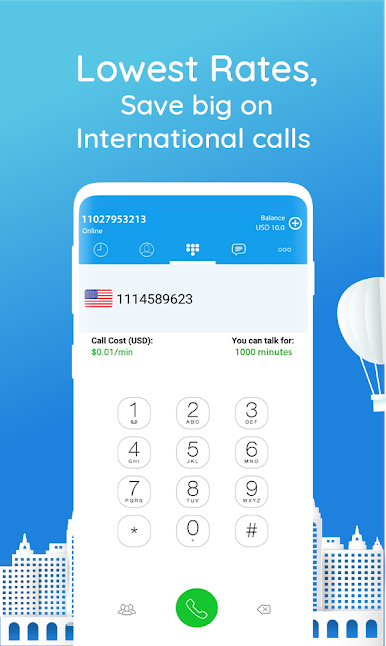
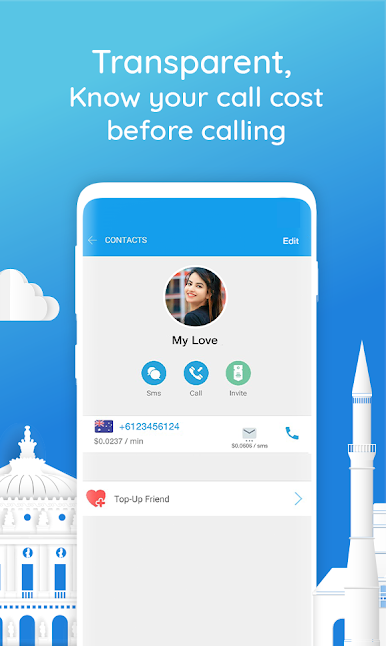
International calling – VINOTA feels like a no-nonsense calling and texting tool that focuses on saving money without making setup a chore. The dialer is clean and fast, and it shows the rate and estimated talk time right while a number is being entered, so users always know what a call will cost before they hit call. The first call is free to test the quality, there is no connection fee, and the credit does not expire, which is rare. There is also a simple referral perk for a bit of extra balance. It handles international SMS for cheap as well, so users can skip those pricey carrier texts when needed. Audio comes through very clear on a decent internet connection, and the app does not overload users with clutter or gimmicks. It is just voice and texts at low rates, across a ton of countries like the USA, Australia, Nigeria, the UAE, and more.
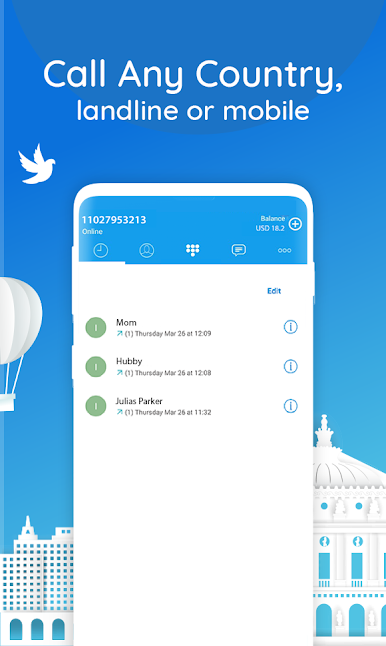
Running it on BlueStacks on a PC makes it easier to type long numbers and messages, and keeping it in a window while working is nice, too. Topping up credit is straightforward, and the app tries to be transparent about everything, from the live rate shown in the dialer to a proper call history that can be checked later. It is mobile VoIP, so it uses data rather than traditional minutes, which suits frequent international callers who want consistency and control over costs. No fancy extras, just clear calls, simple texting, and rates that feel fair.
BlueStacks brings your apps to life on a bigger screen—seamless and straightforward.


Mainkan International calling - VINOTA di PC Mudah saja memulainya.
-
Unduh dan pasang BlueStacks di PC kamu
-
Selesaikan proses masuk Google untuk mengakses Playstore atau lakukan nanti
-
Cari International calling - VINOTA di bilah pencarian di pojok kanan atas
-
Klik untuk menginstal International calling - VINOTA dari hasil pencarian
-
Selesaikan proses masuk Google (jika kamu melewati langkah 2) untuk menginstal International calling - VINOTA
-
Klik ikon International calling - VINOTA di layar home untuk membuka gamenya

