


Diarium: Diario personale
Gioca su PC con BlueStacks: la piattaforma di gioco Android, considerata affidabile da oltre 500 milioni di giocatori.

Pagina modificata il: Nov 25, 2025
Play Diarium: Journal, Diary on PC
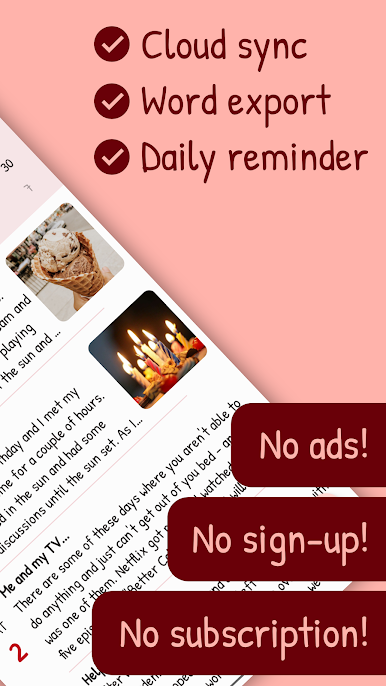
Diarium does not contain any ads or subscriptions.
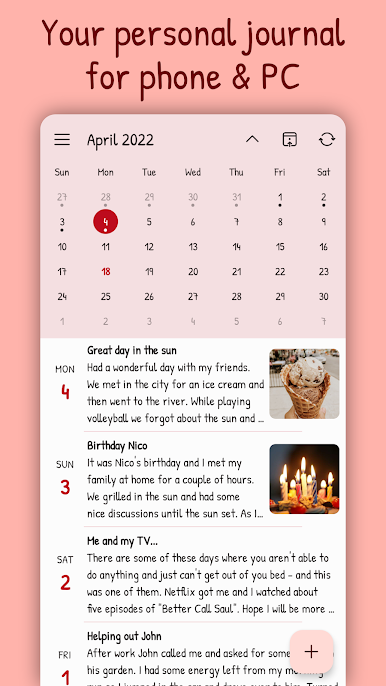
• Attach pictures, videos, audio recordings, files, tags, people, ratings or locations to your journal entries
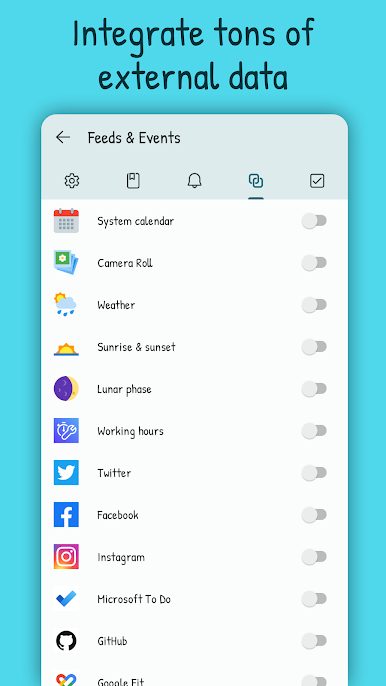
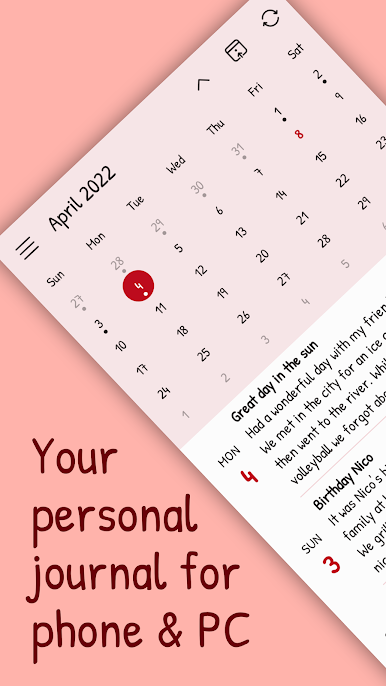
• Display of your calendar events, weather and other contextual data
• Integration of your social media activity (Facebook, Last.fm, Untappd, …) or fitness data (Google Fit, Fitbit, Strava, …)*
• Use bullet point lists & text formatting
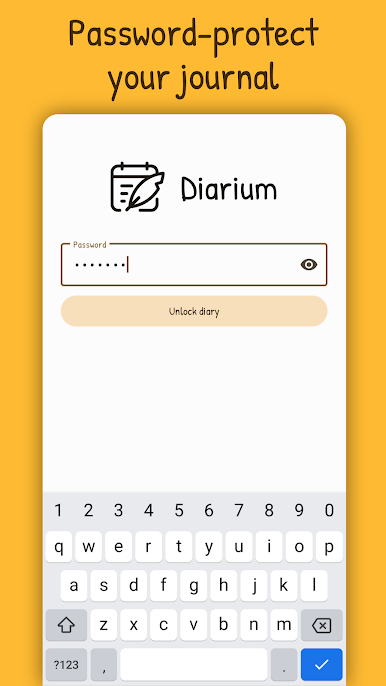
• Your data is safe: Lock your secret diary with password, PIN code or fingerprint
• Your data is under your control, offline and only accessible to you
• Cross-platform: Available for Android, Windows, iOS & macOS
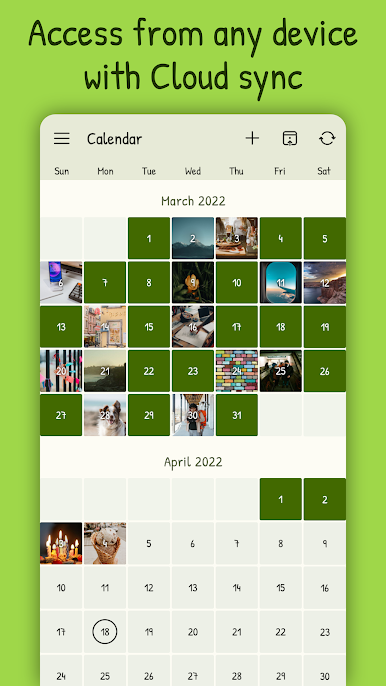
• Cloud Sync (OneDrive, Google Drive, Dropbox, iCloud, WebDAV) keeps your entries up-to-date on every device*
• Easy migration of your existing journal from other journaling apps like Diaro, Journey, Day One, Daylio & many more
• Personal diary: Pick a theme, color and font. Choose a cover picture for your entries
• Daily reminder notifications
• Backup your private journal with importing & exporting the database
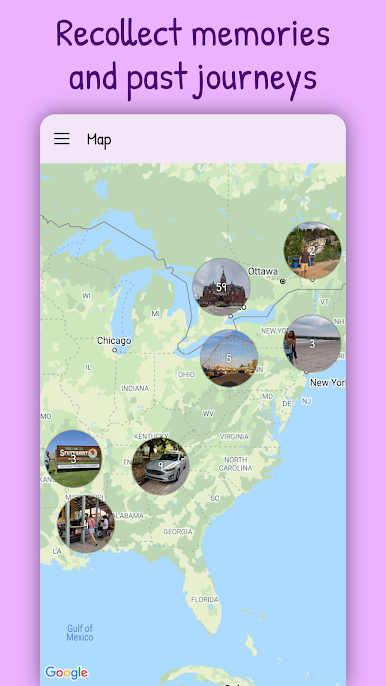
• Perfect travel diary: Revisit your journeys on the world map
• Track your mood with stars & tracker tags
• Flexible: use as gratitude journal, garden journal, bullet journal or travel journal
• Your diary entries can be exported as Word file (.docx + .html + .json + .txt)*
• Free journal app - better with the Pro version
* Pro version feature - Free 7 day trial period of the Pro version included. Pro version is a one-time-purchase, no subscription. License will be bound to App Store account. App licenses for other platforms need to be purchased separately.

Gioca Diarium: Diario personale su PC. È facile iniziare.
-
Scarica e installa BlueStacks sul tuo PC
-
Completa l'accesso a Google per accedere al Play Store o eseguilo in un secondo momento
-
Cerca Diarium: Diario personale nella barra di ricerca nell'angolo in alto a destra
-
Fai clic per installare Diarium: Diario personale dai risultati della ricerca
-
Completa l'accesso a Google (se hai saltato il passaggio 2) per installare Diarium: Diario personale
-
Fai clic sull'icona Diarium: Diario personale nella schermata principale per iniziare a giocare

