


Piano Beat: Music Game
Mainkan di PC dengan BlueStacks – platform Game-Game Android, dipercaya oleh lebih dari 500 juta gamer.

Play Piano Beat: Music Game on PC or Mac
Explore a whole new adventure with Piano Beat: Music Game, a Music game created by Dream Tiles Piano Game Studio. Experience great gameplay with BlueStacks, the most popular gaming platform to play Android games on your PC or Mac.
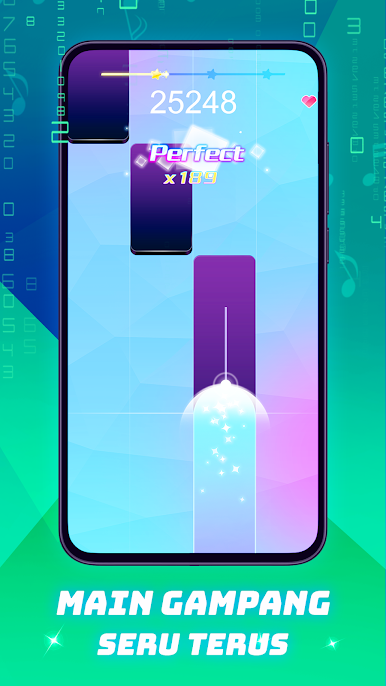
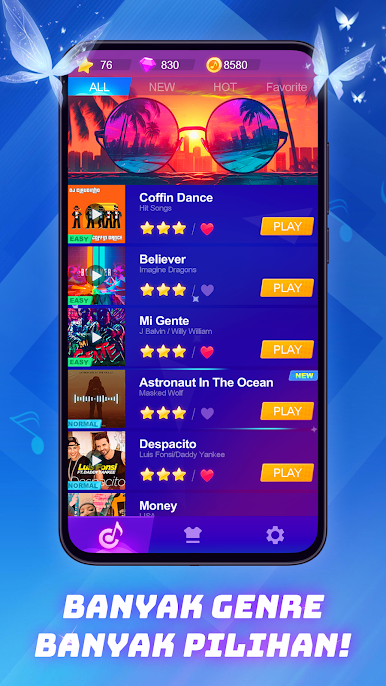
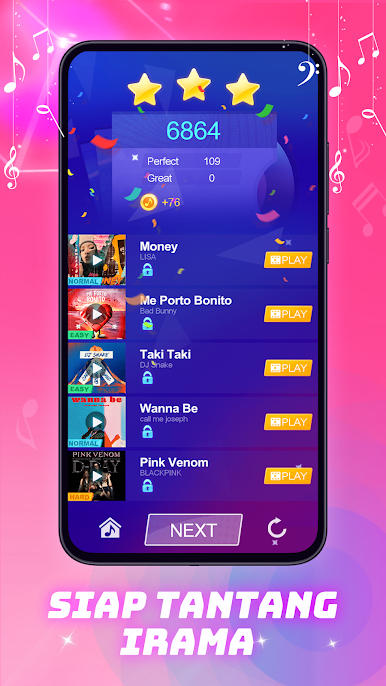
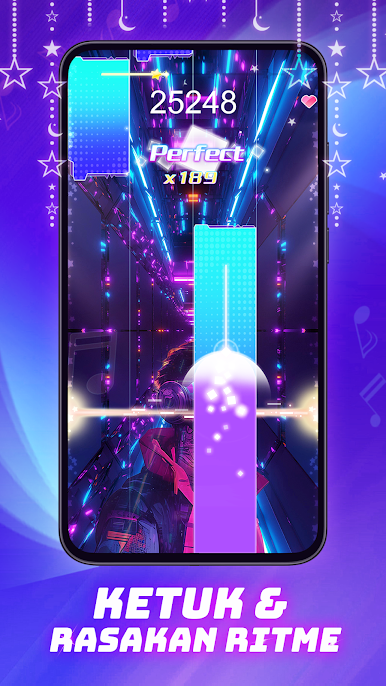
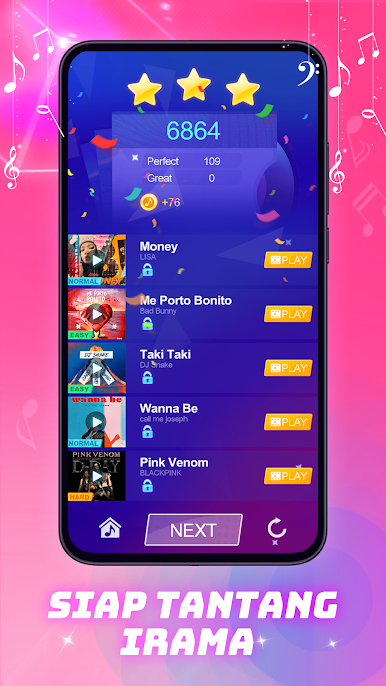
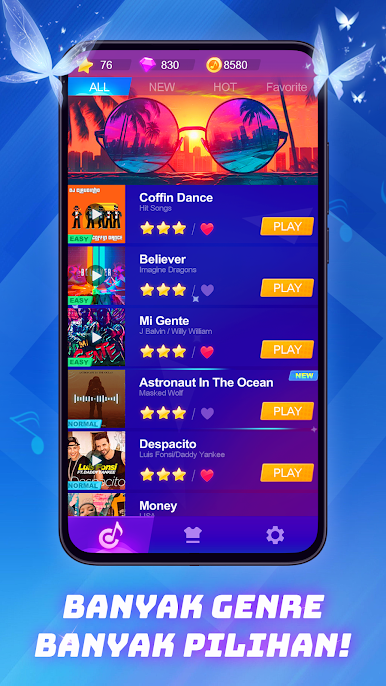
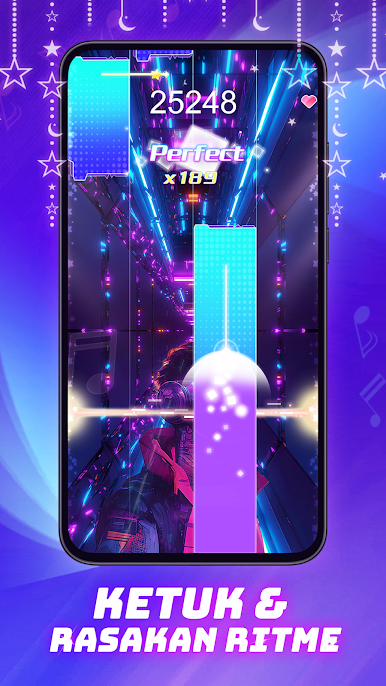
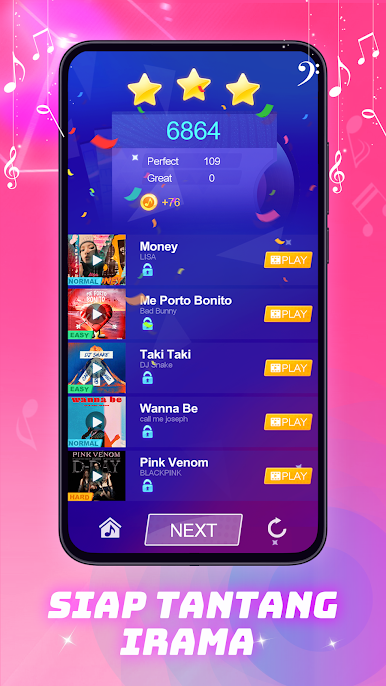
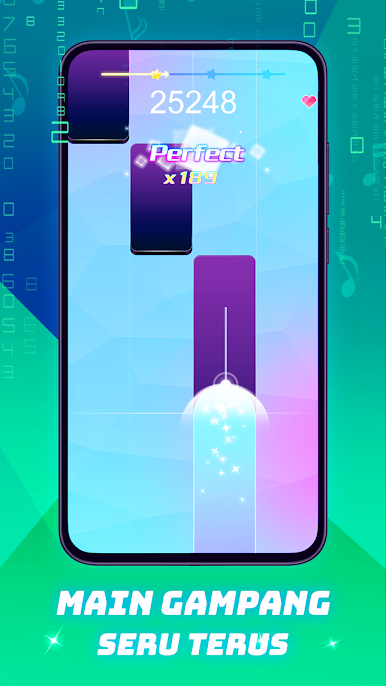
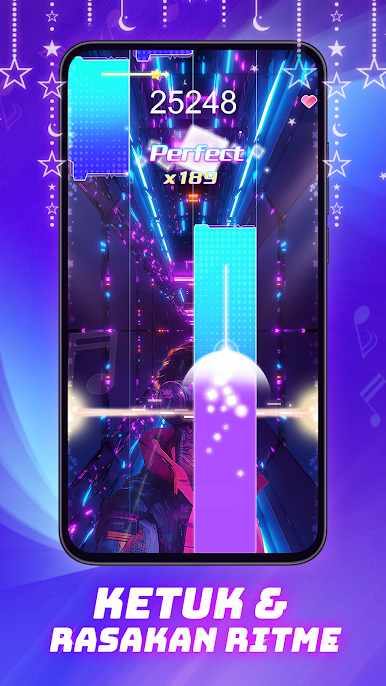
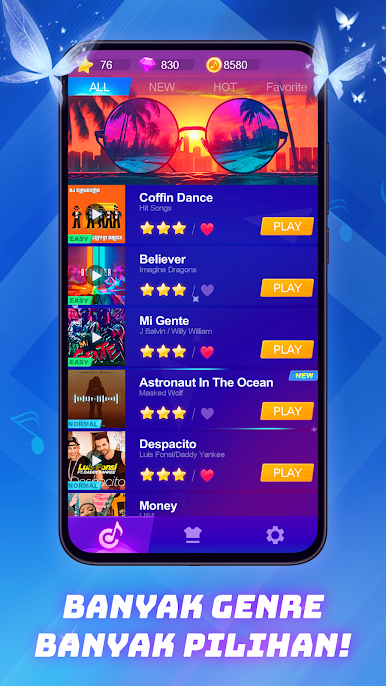
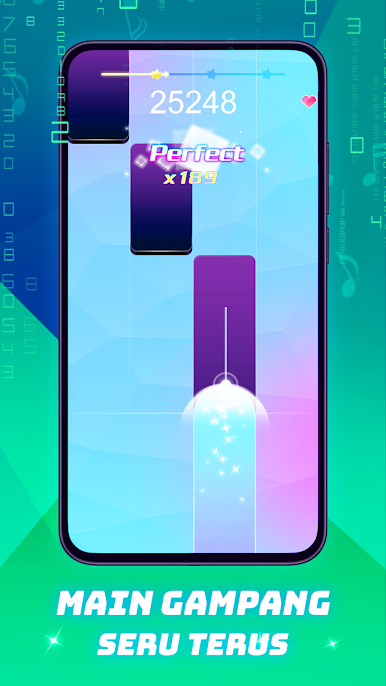
Piano Beat is one of those tile rhythm games where the song carries everything and the fingers just try to keep up. It throws streams of tiles that line up with the melody, and when players hit them cleanly the tune snaps into place, miss a beat and the combo shatters. Scoring climbs fast when the streak stays alive, and the game hands out gold for unlocking more tracks. The library jumps around a lot, old classical pieces sit next to pop and K‑pop, so someone always finds a couple favorites to grind. Visuals are bright without getting in the way, backgrounds pulse with the music and make a perfect run feel a bit louder than it is.
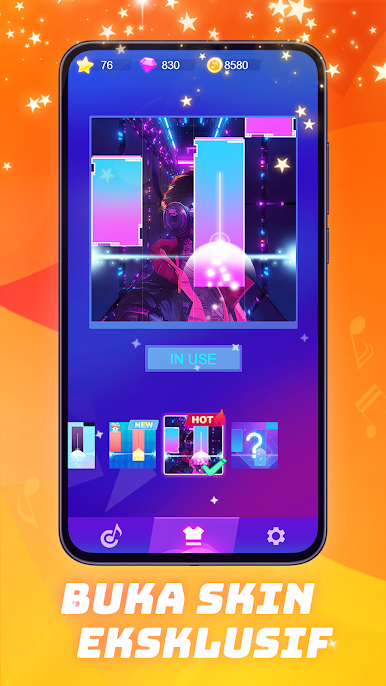
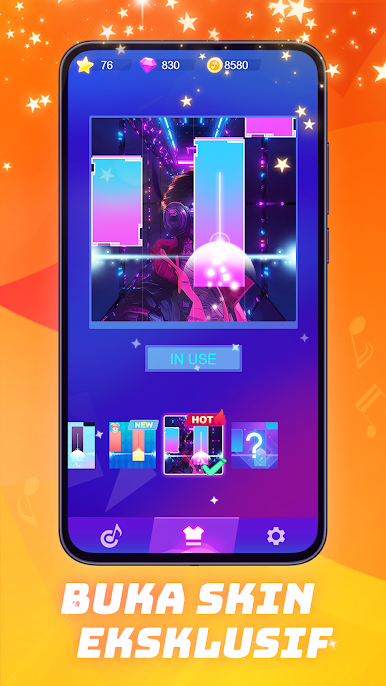
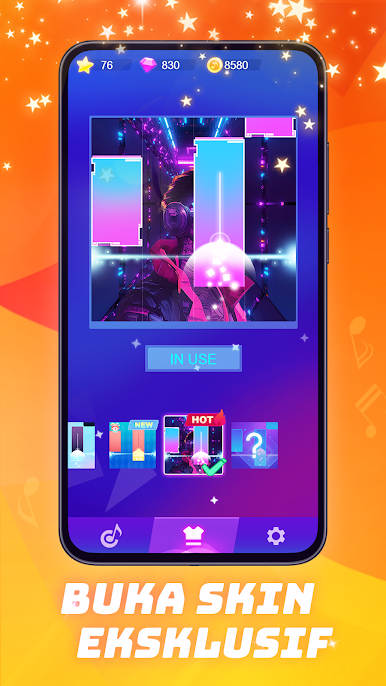
There are a few ways to play. Normal songs ramp from slow to fast and teach patterns, then Endless mode keeps pushing speed until a slip ends the run, it is pure “one more try” energy. There are real time matches that pit players side by side on the same track, which turns a simple song into nerves city because one miss can decide the result. Skins let players dress up the keys a bit, and it works offline so a train ride or a dead connection does not block it. On PC with BlueStacks the bigger screen makes reading patterns simpler, and mapping lanes to keys feels natural, arrow keys or A S D F both work fine. Timing windows start kind, later songs expect accuracy, but the feedback is crisp enough that improvement actually shows.
Ready to top the leaderboard? We bet you do. Let precise controls and sharp visuals optimized on BlueStacks lead you to victory.








Mainkan Piano Beat: Music Game di PC Mudah saja memulainya.
-
Unduh dan pasang BlueStacks di PC kamu
-
Selesaikan proses masuk Google untuk mengakses Playstore atau lakukan nanti
-
Cari Piano Beat: Music Game di bilah pencarian di pojok kanan atas
-
Klik untuk menginstal Piano Beat: Music Game dari hasil pencarian
-
Selesaikan proses masuk Google (jika kamu melewati langkah 2) untuk menginstal Piano Beat: Music Game
-
Klik ikon Piano Beat: Music Game di layar home untuk membuka gamenya

