


Tap Coloring - Color by Number
Mainkan di PC dengan BlueStacks – platform Game-Game Android, dipercaya oleh lebih dari 500 juta gamer.

Play Tap Coloring - Color by Number on PC or Mac
Tap Coloring – Color by Number brings the Casual genre to life, and throws up exciting challenges for gamers. Developed by EasyTechMobile, this Android game is best experienced on BlueStacks, the World’s #1 app player for PC and Mac users.
About the Game
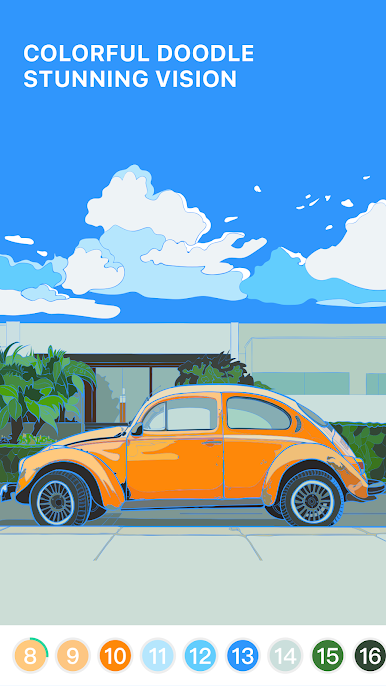
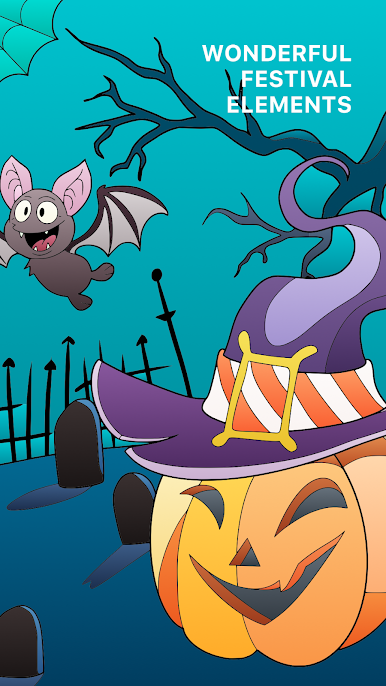
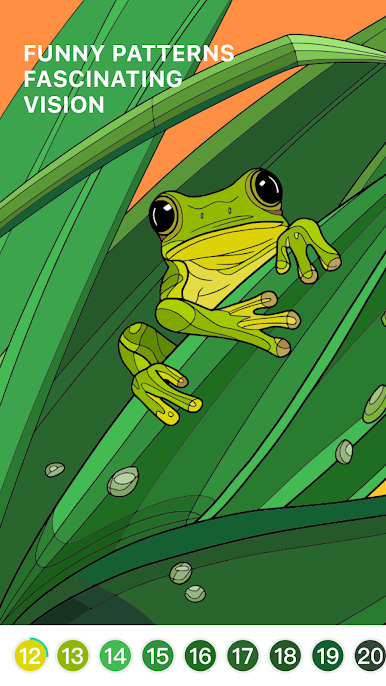
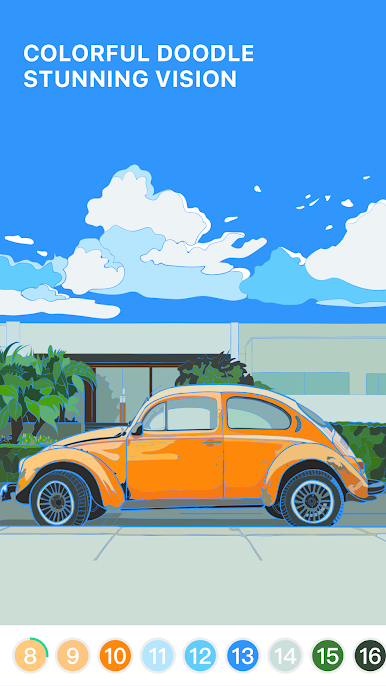
Tap Coloring – Color by Number is a calm, low-pressure way to unwind whenever you’ve got a minute. From EasyTechMobile, this Casual favorite hands you a big, varied gallery and lets you bring each picture to life one tap at a time. Pick a design, match the numbers to their colors, and watch the image fill in—simple, satisfying, and surprisingly hard to put down.
Game Features
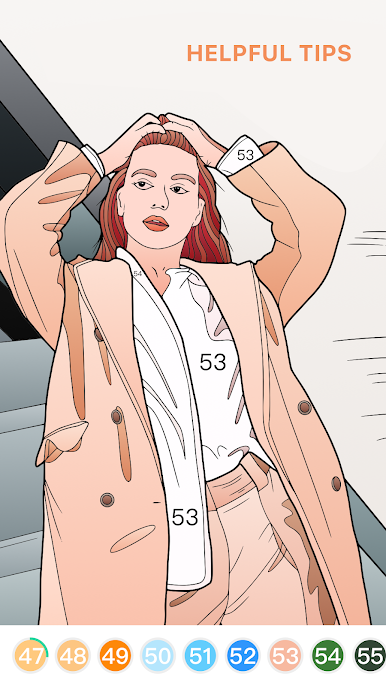
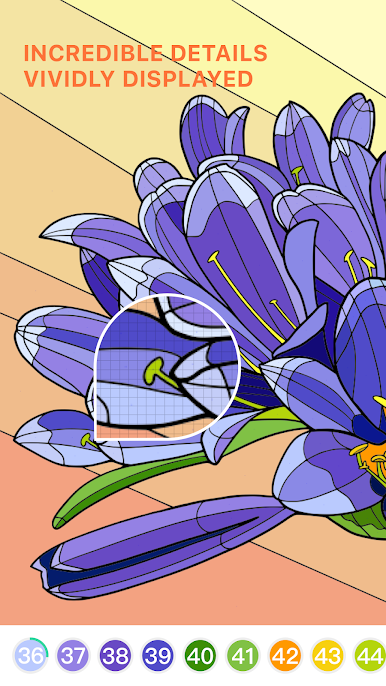
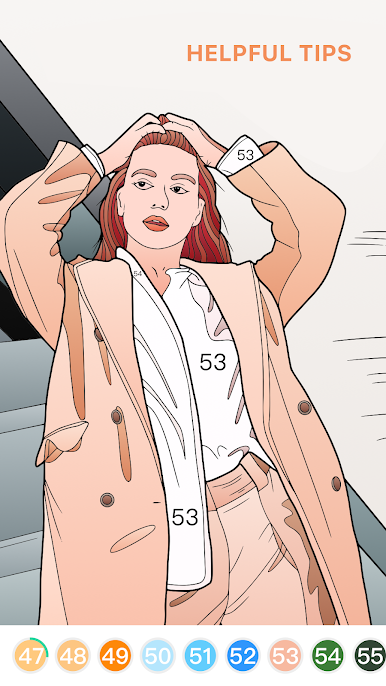
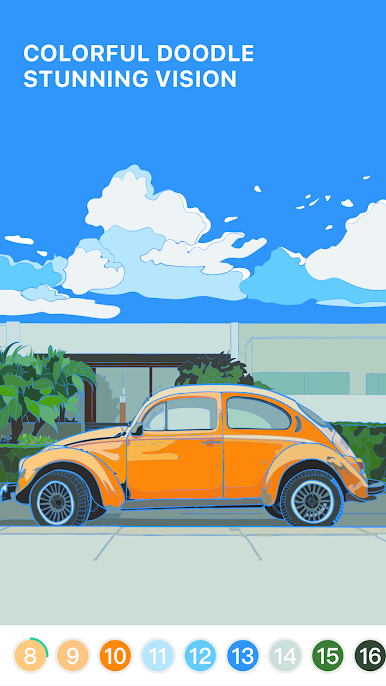
- Tap-to-color made easy: Every section is numbered; pick the matching color and fill the spaces. No learning curve, just tap and relax.
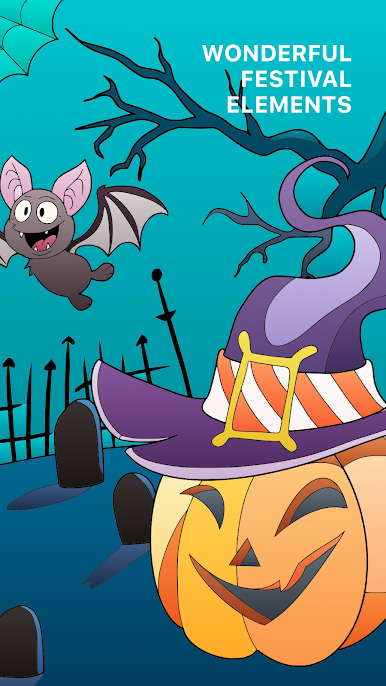
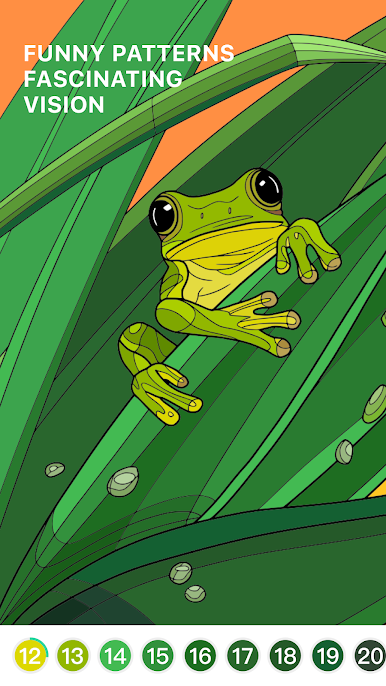
- Daily fresh art: New pictures pop up every day, so there’s always something different to paint—nature scenes, patterns, animals, fantasy, and more.
- Find-by-number tools: Select a number to highlight the spots you haven’t finished yet, perfect for wrapping up the last few details.
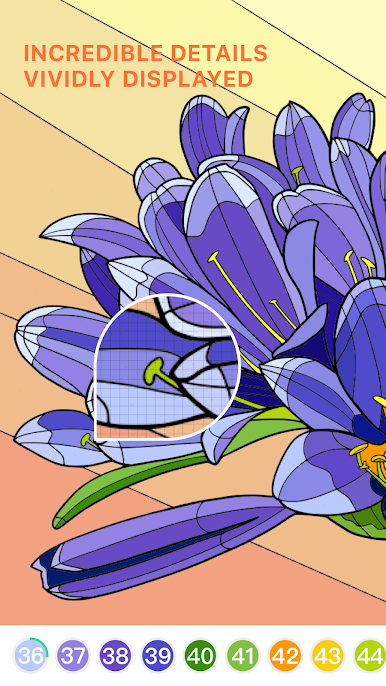
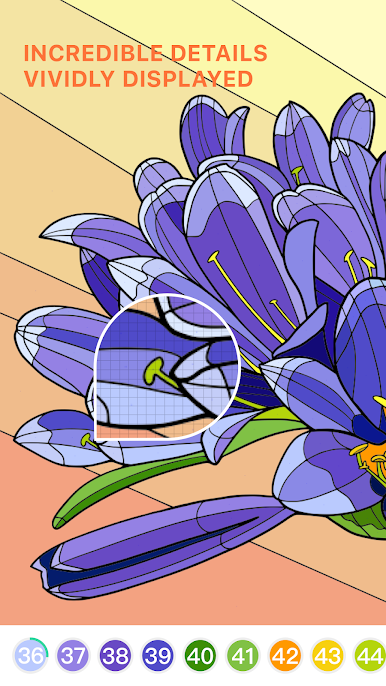
- Pinch-to-zoom control: Zoom in with two fingers to handle tiny areas without missing a single cell.
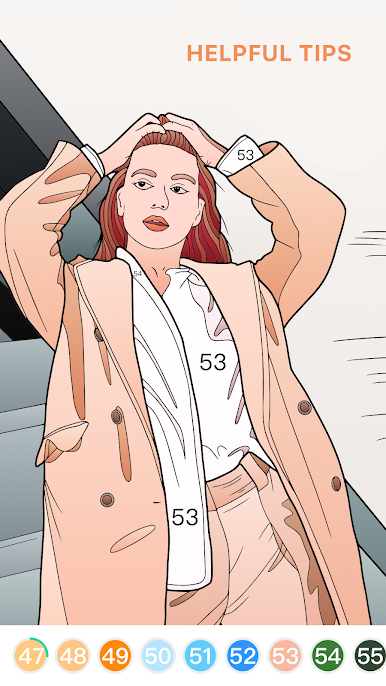
- Helpful hints: Can’t spot that last stray block? Use a hint to instantly zero in on it.
- Auto-save progress: Step away anytime; your artwork is saved and ready when you are.
- Clean, comfy interface: A tidy layout that keeps the focus on coloring without distractions.
- Share your creations: Save your finished pieces and show your friends your latest masterpiece.
- Stress-free pacing: Quick five-minute breaks or longer chill sessions—color at your speed.
- Optional big-screen coloring: Prefer a larger canvas and precise clicks? You can play on PC with BlueStacks while keeping the same tap-to-color feel.
Get ready for a buttery smooth, high-performance gaming action only on BlueStacks.




Mainkan Tap Coloring - Color by Number di PC Mudah saja memulainya.
-
Unduh dan pasang BlueStacks di PC kamu
-
Selesaikan proses masuk Google untuk mengakses Playstore atau lakukan nanti
-
Cari Tap Coloring - Color by Number di bilah pencarian di pojok kanan atas
-
Klik untuk menginstal Tap Coloring - Color by Number dari hasil pencarian
-
Selesaikan proses masuk Google (jika kamu melewati langkah 2) untuk menginstal Tap Coloring - Color by Number
-
Klik ikon Tap Coloring - Color by Number di layar home untuk membuka gamenya

