

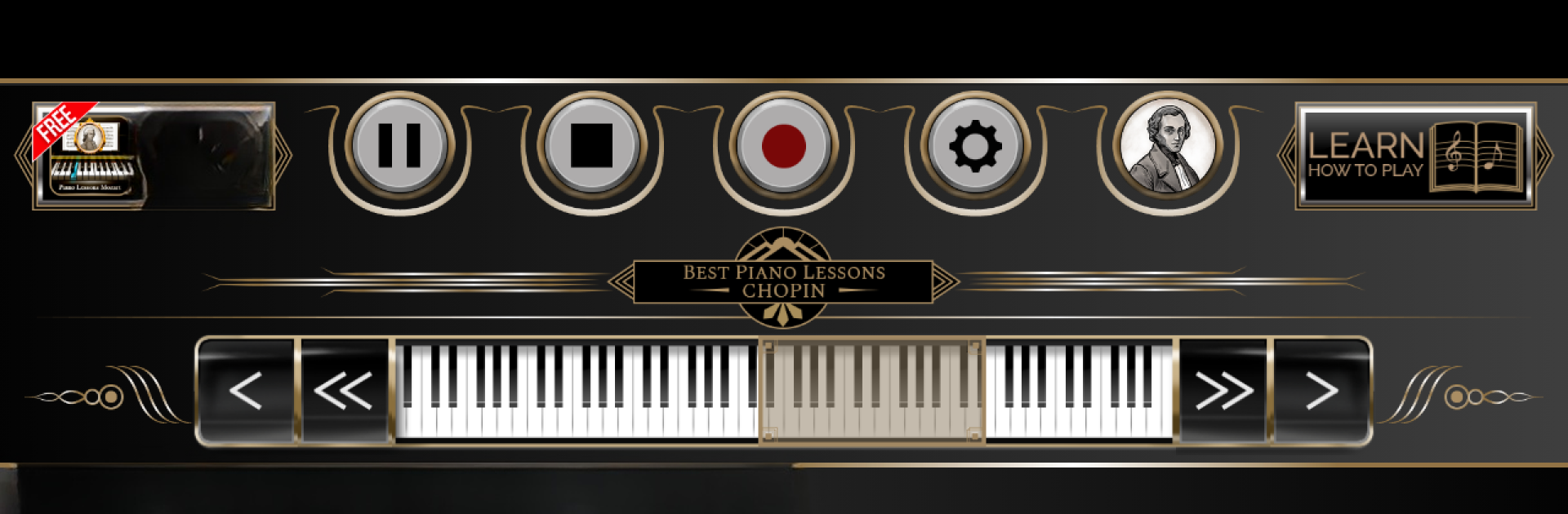
Lecciones de piano Chopin
Juega en PC con BlueStacks: la plataforma de juegos Android, en la que confían más de 500 millones de jugadores.

Página modificada el: Jul 31, 2024
Run Piano Lessons Chopin on PC or Mac
Let BlueStacks turn your PC, Mac, or laptop into the perfect home for Piano Lessons Chopin, a fun Music & Audio app from Beat Blend Labs.
About the App
Ever wanted to play Chopin but don’t know where to start? Piano Lessons Chopin lets you keep a world of classical music and hands-on lessons right in your pocket. Whether you’ve never touched a piano or you just want to practice on the go, you get a casual and friendly way to explore the piano and some truly legendary music. Expect a very hands-on vibe and a chance to hear and play along with songs you’ll actually recognize.
App Features
-
Classic Chopin Song List
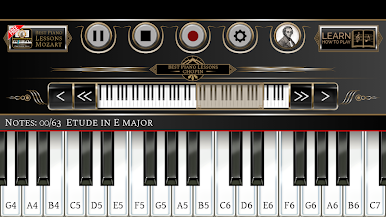
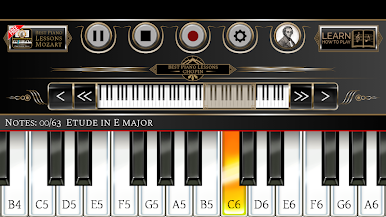
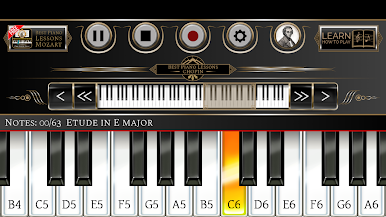
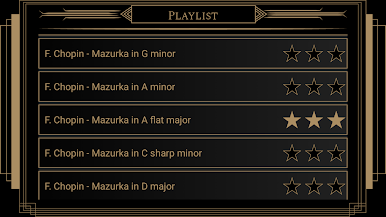
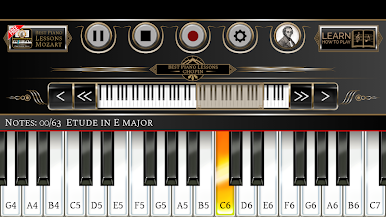
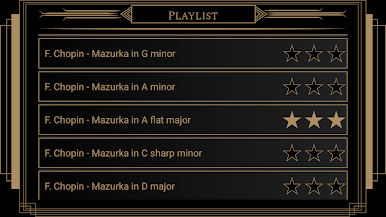
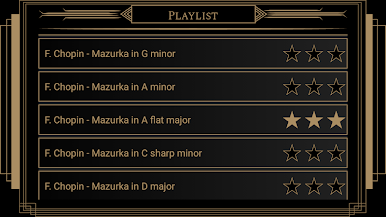
Test your skills or just enjoy pieces like “Etude in E major,” “Mazurka in G minor,” “Polonaise in A major,” and several more from Chopin’s repertoire. -
Guided Learning Mode
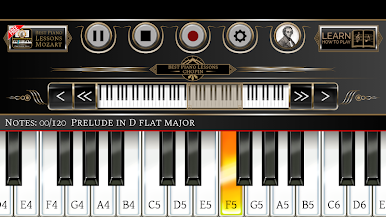
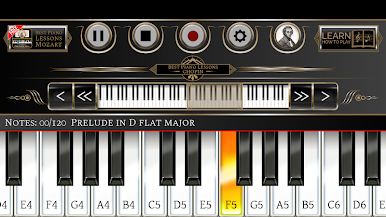
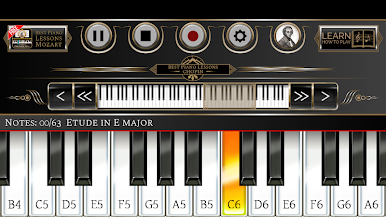
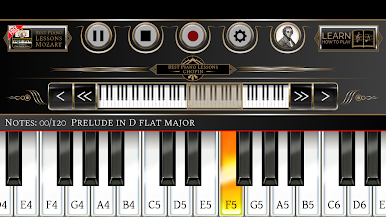
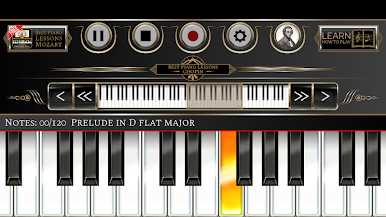
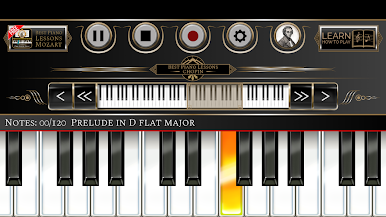
Just follow the highlighted keys—each step’s right there on the screen. Play sections, get rated, and try to pick up all three stars. -
Play and Record
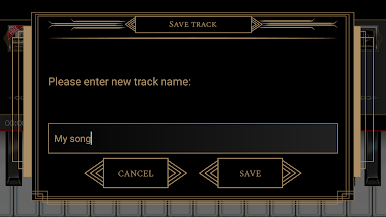
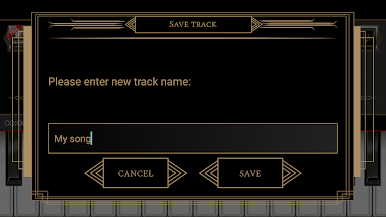
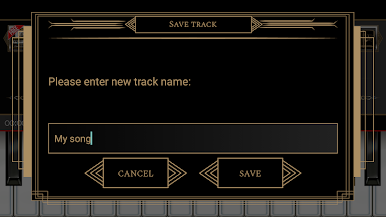
Not only can you explore songs by famous composers, but you can also record your own performances. Save your creations and play them back anytime. -
Cloud Playlist Sharing
Share your recorded songs with the Piano Lessons Chopin crowd. Upload your tracks, listen to other users, and check out their feedback. -
Flexible Keyboard Display
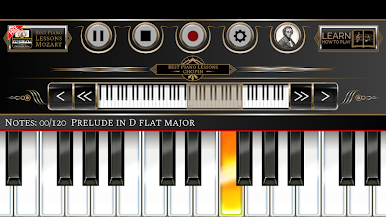
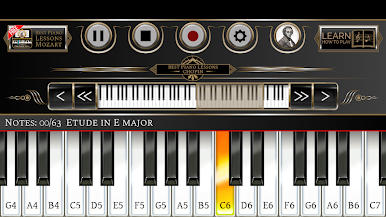
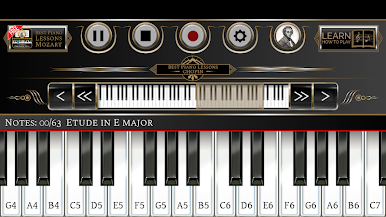
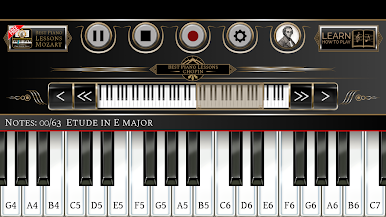
Adjust how many keys you see, anywhere from 10 to 24. Need to move higher or lower? The keyboard slides with just a tap, all the way by octave if you want. -
Free Play Keyboard
No rules, no stress—open up the app and just play whatever you like. Great for practicing or fooling around with ideas. -
Multitouch Support
Use multiple fingers at once, so you can really play songs the way they’re meant to sound. -
Works on All Screens
Whether you’re on a phone or a tablet, the app adapts to fit nicely and look sharp. -
Easy to Use—Any Level
Brand new to piano or know your way around the keys? Piano Lessons Chopin is set up to be enjoyable and encouraging for everyone. -
Subtle BlueStacks Perk
If you hop onto BlueStacks, you can run Piano Lessons Chopin on a much bigger screen for more room to see the keyboard and your songs.
Eager to take your app experience to the next level? Start right away by downloading BlueStacks on your PC or Mac.
Juega Lecciones de piano Chopin en la PC. Es fácil comenzar.
-
Descargue e instale BlueStacks en su PC
-
Complete el inicio de sesión de Google para acceder a Play Store, o hágalo más tarde
-
Busque Lecciones de piano Chopin en la barra de búsqueda en la esquina superior derecha
-
Haga clic para instalar Lecciones de piano Chopin desde los resultados de búsqueda
-
Complete el inicio de sesión de Google (si omitió el paso 2) para instalar Lecciones de piano Chopin
-
Haz clic en el ícono Lecciones de piano Chopin en la pantalla de inicio para comenzar a jugar

