

Time Zone Converter - World Ti
Mainkan di PC dengan BlueStacks – platform Game-Game Android, dipercaya oleh lebih dari 500 juta gamer.

Run Time Zone Converter - World Ti on PC or Mac
Multitask effortlessly on your PC or Mac as you try out Time Zone Converter – World Ti, a Tools app by Jester Dev on BlueStacks.
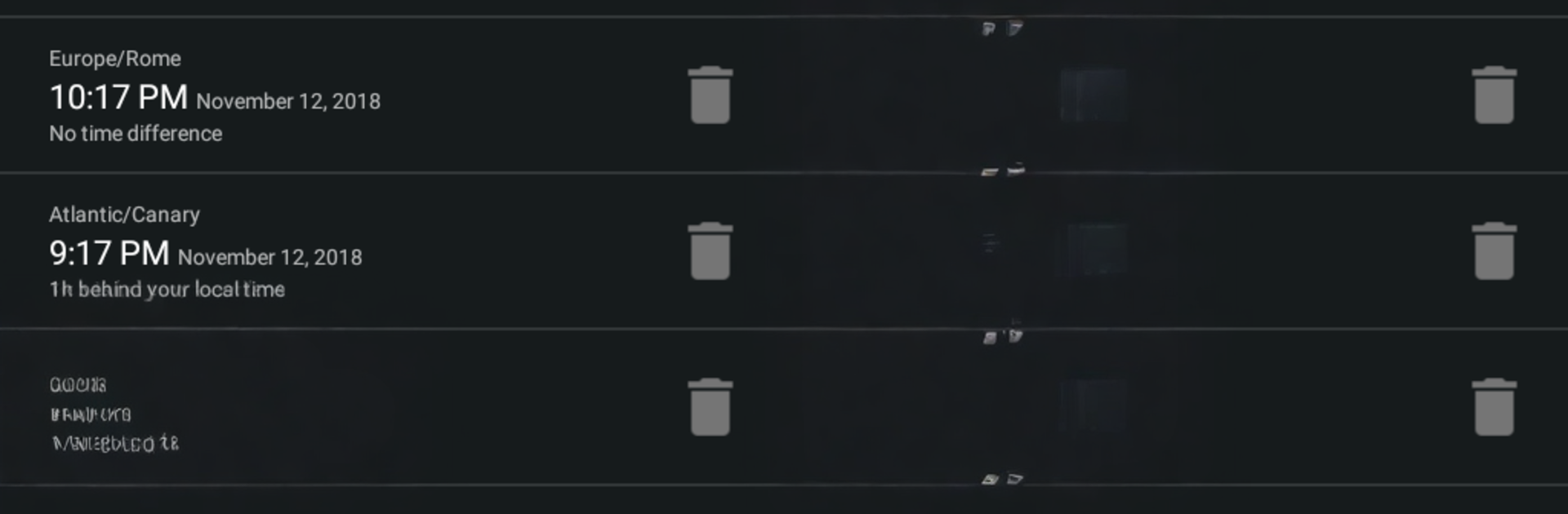
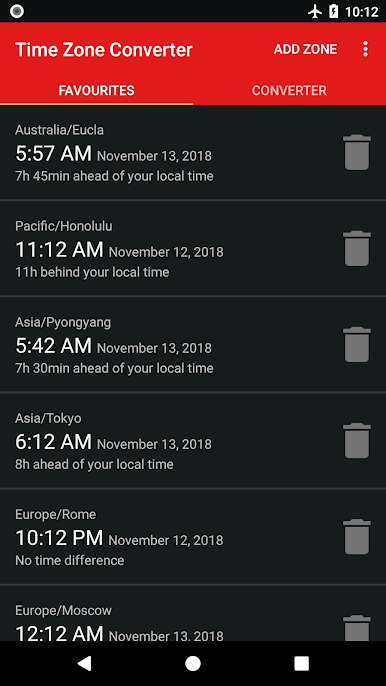
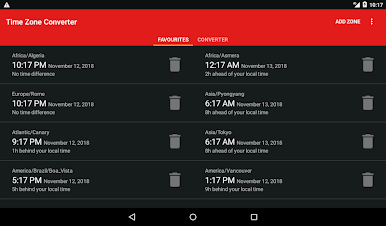
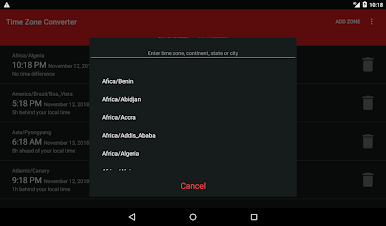
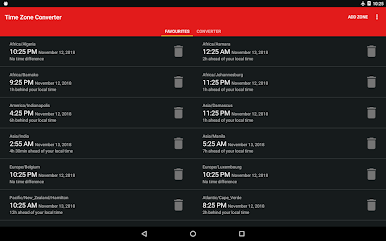
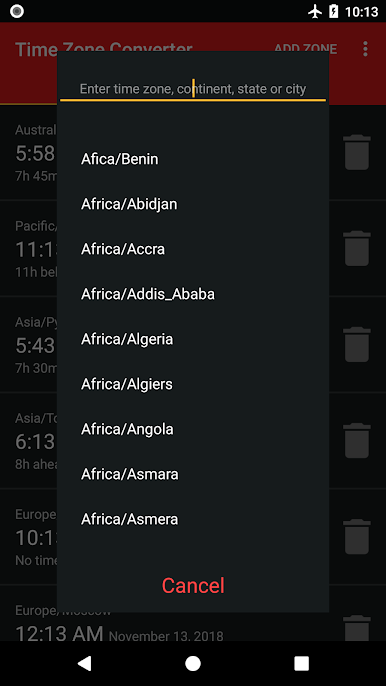
Time Zone Converter – World Ti feels like a no-nonsense world clock that actually helps instead of getting in the way. Open it, type a city or even a continent, and the local time just shows up. There are tons of locations, well over 500, so smaller places still appear. The layout stays clean and plain, so nothing is buried under menus, and it loads fast without weird delays.
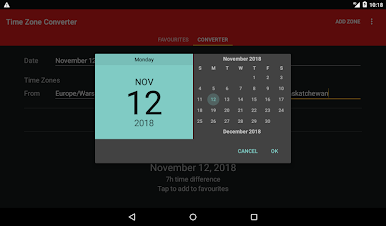
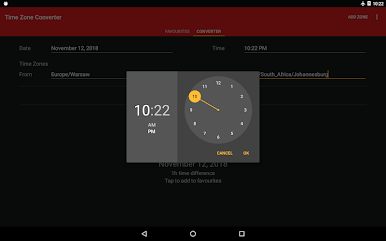
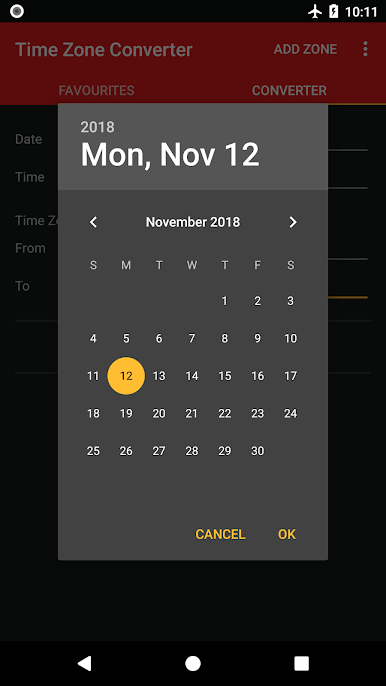
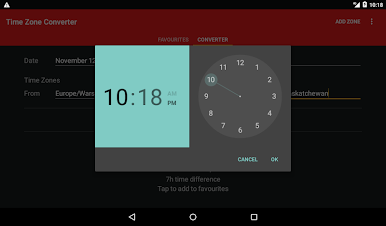
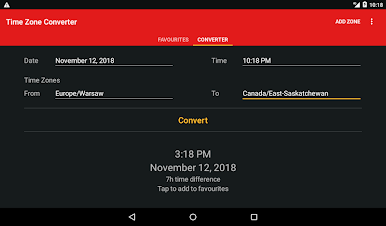
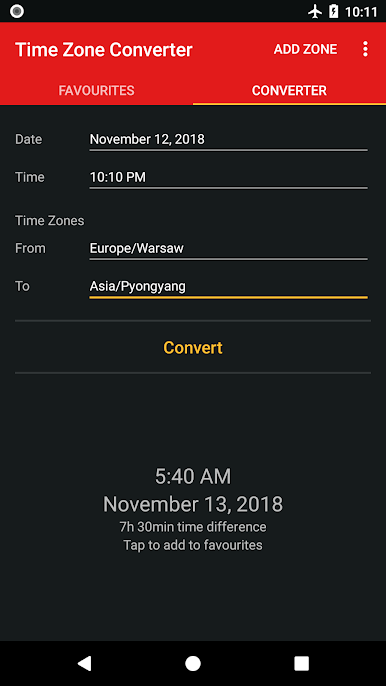
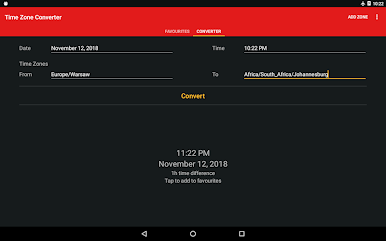
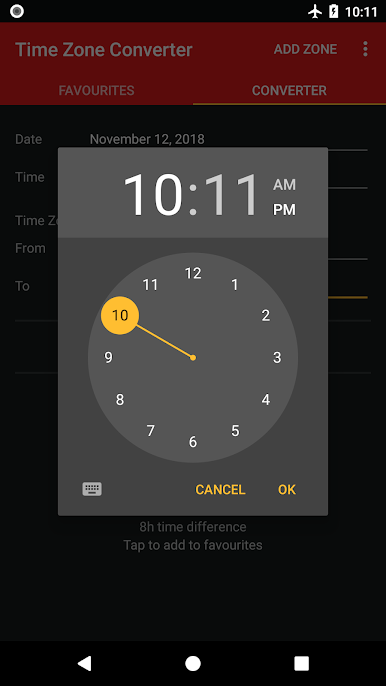
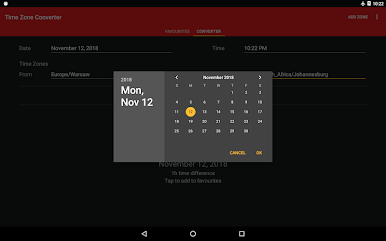
What stands out is how easy it is to plan across dates. Pick any date and time in one place, convert it to another, and the app handles the math quietly in the background. That makes scheduling online meetings way less guessy and calling family abroad a lot less awkward. A favorites list sits on the main screen, so regular cities live there for quick checks, and it really is offline, which is useful on flights or when signal drops. No paywalls or unlocks either, the features are just there after install.
On a PC through BlueStacks, it feels almost like a tidy board of clocks. Searching with a keyboard is faster, and seeing multiple cities on a bigger screen makes comparing times simple. It does what a time tool should do and avoids extra fluff. The only small catch is that it is best to add favorites early, otherwise the home screen feels a bit empty, but that is fixed in a couple taps.
BlueStacks gives you the much-needed freedom to experience your favorite apps on a bigger screen. Get it now.
Mainkan Time Zone Converter - World Ti di PC Mudah saja memulainya.
-
Unduh dan pasang BlueStacks di PC kamu
-
Selesaikan proses masuk Google untuk mengakses Playstore atau lakukan nanti
-
Cari Time Zone Converter - World Ti di bilah pencarian di pojok kanan atas
-
Klik untuk menginstal Time Zone Converter - World Ti dari hasil pencarian
-
Selesaikan proses masuk Google (jika kamu melewati langkah 2) untuk menginstal Time Zone Converter - World Ti
-
Klik ikon Time Zone Converter - World Ti di layar home untuk membuka gamenya

