


Kunci aplikasi - kunci kode
Mainkan di PC dengan BlueStacks – platform Game-Game Android, dipercaya oleh lebih dari 500 juta gamer.

Run Applock - lock apps - pin lock on PC or Mac
Multitask effortlessly on your PC or Mac as you try out Applock – lock apps – pin lock, a Tools app by Stolitomson VPN on BlueStacks.
About the App
Applock – lock apps – pin lock keeps your private stuff truly private without making your phone harder to use. It’s a clean, straightforward way to secure chats, photos, calls, and more with a quick PIN or pattern. Built by Stolitomson VPN in the Tools genre, it focuses on real-world protection you’ll actually use every day.
App Features
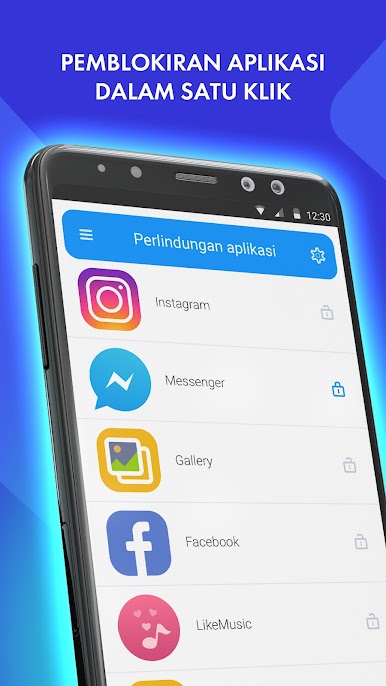
- Lock what matters: Put a PIN or pattern on apps like SMS, Facebook, WhatsApp, your gallery, contacts, and call logs so only you can open them.
- Keep kids and guests in check: Hand over your phone without worry—no peeking at albums, no reading messages, no tinkering with settings, and no surprise purchases.
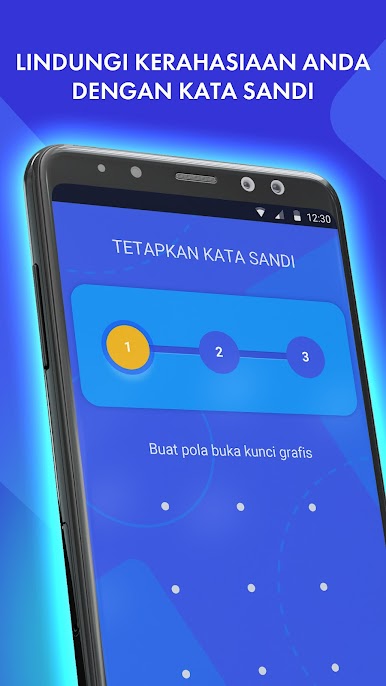
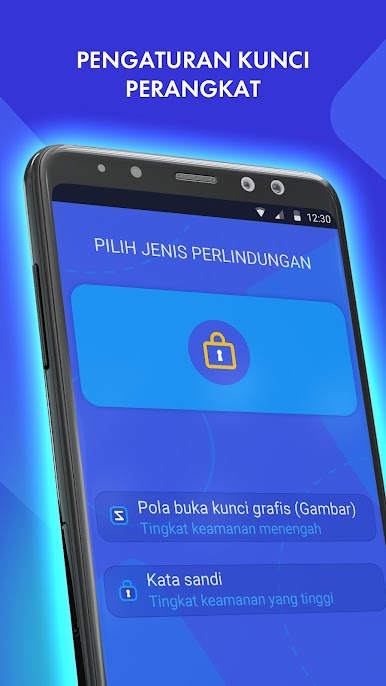
- PIN or pattern—your call: Prefer speed? Go with a pattern. Want something extra solid? Use a PIN. Pick the method that fits each app.
- Per‑app control: Mix and match your lock types across different apps to balance convenience and security the way you like.
- Forgot your code?: Use the built‑in recovery option to reset and get back in—only you can perform the reset.
- Anti‑guess protections: There’s a limit on failed attempts, helping block anyone trying to guess their way in.
- Respects your privacy: The app can use the AccessibilityService API to enforce protection. You’ll review and confirm it first, and the app doesn’t collect, process, store, or send your personal or device data to third parties.
- Nice on desktop, too: Prefer managing Android apps on your computer? It works smoothly with BlueStacks.
Switch to BlueStacks and make the most of your apps on your PC or Mac.
Mainkan Kunci aplikasi - kunci kode di PC Mudah saja memulainya.
-
Unduh dan pasang BlueStacks di PC kamu
-
Selesaikan proses masuk Google untuk mengakses Playstore atau lakukan nanti
-
Cari Kunci aplikasi - kunci kode di bilah pencarian di pojok kanan atas
-
Klik untuk menginstal Kunci aplikasi - kunci kode dari hasil pencarian
-
Selesaikan proses masuk Google (jika kamu melewati langkah 2) untuk menginstal Kunci aplikasi - kunci kode
-
Klik ikon Kunci aplikasi - kunci kode di layar home untuk membuka gamenya

