

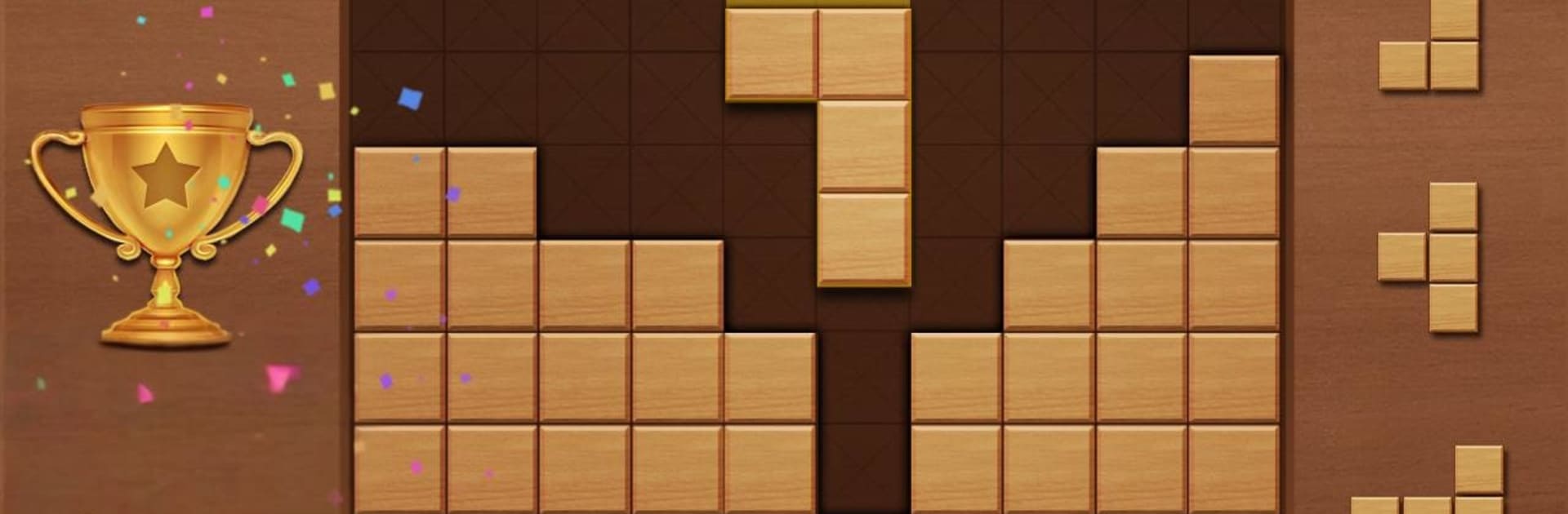
Block Puzzle - Jigsaw puzzles
Juega en PC con BlueStacks: la plataforma de juegos Android, en la que confían más de 500 millones de jugadores.

Página modificada el: Oct 21, 2025
Play Block Puzzle - Jigsaw puzzles on PC or Mac
Join millions to experience Block Puzzle – Jigsaw puzzles, an exciting Casual game from Red cat studio-focused puzzle game. With BlueStacks App Player, you are always a step ahead of your opponent, ready to outplay them with faster gameplay and better control with the mouse and keyboard on your PC or Mac.
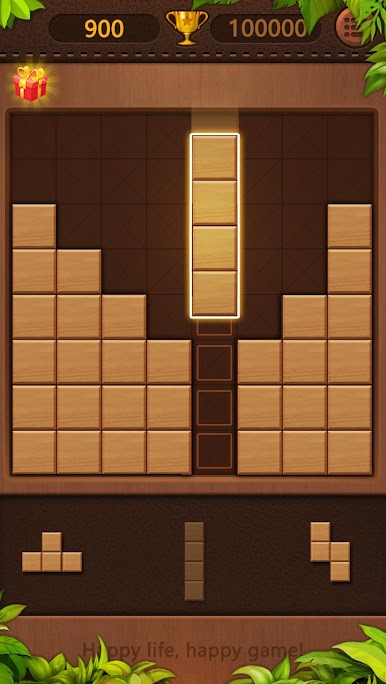
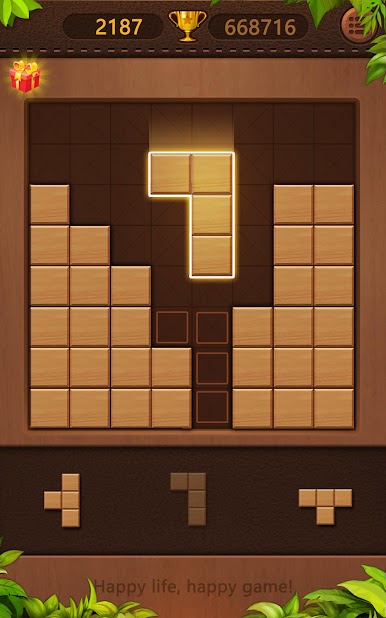
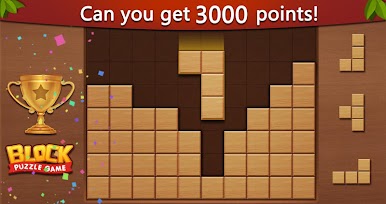
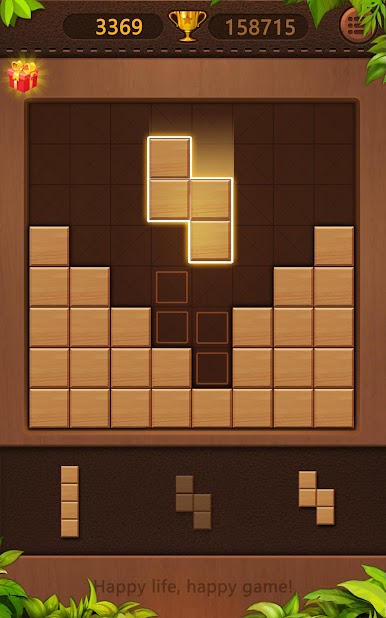
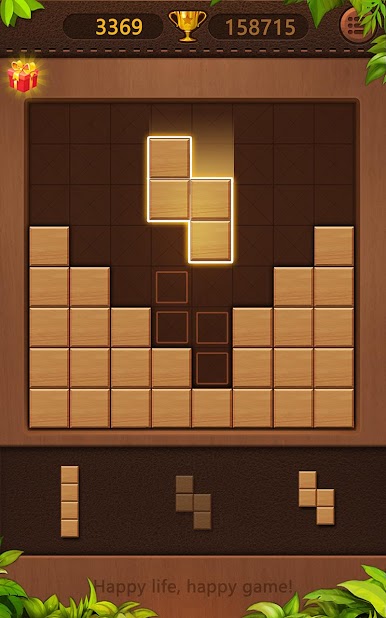
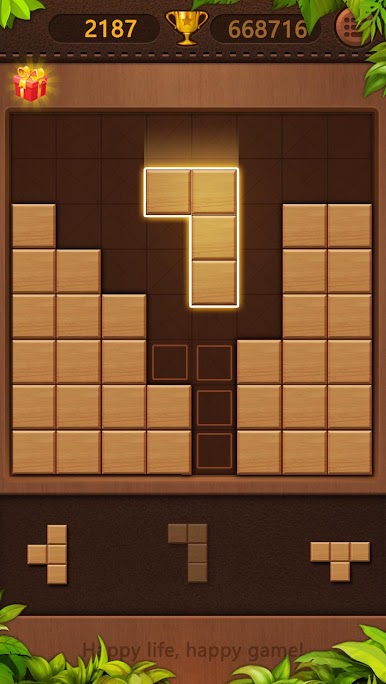
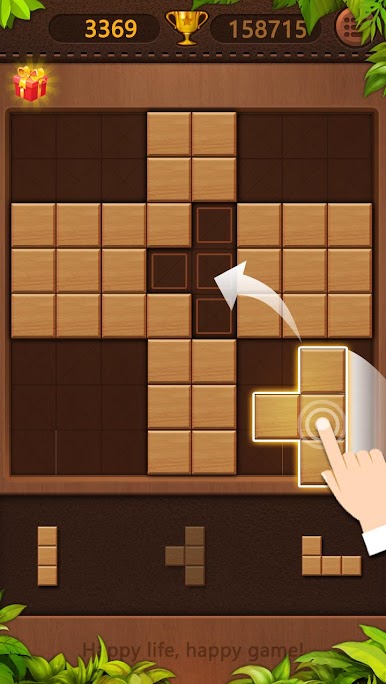
Block Puzzle – Jigsaw puzzles is that laid-back grid game where players drag little wood blocks onto a board and try to clear full rows or columns. No falling pieces or timers, just quiet brain work and those nice little pops when a line disappears. It looks simple, but it nudges for smart placement, planning a couple moves ahead so there is room for the weird shapes. The round ends when there is no space left, so squeezing out one more clear always feels good, and then chasing a higher score starts all over again.
It is not just the classic mode either. There is a My Block mode that lets blocks rotate and throws in a bomb, which shakes things up when the board gets tight. Jigsaw mode swaps the usual shapes for picture-style puzzles, so the board turns into a set of outlines to fill, more relaxed and a bit artsy. There is also a water sort puzzle on the side, pouring colors between glasses until each one is clean, a different kind of tidy satisfaction. Everything runs offline, so it is an easy time-killer on a commute or during a short break. On PC with BlueStacks, dragging pieces with a mouse feels extra clean, no fat-finger mistakes, and the bigger screen makes spotting gaps easier. It is family friendly, low pressure, and still manages to hook that just-one-more-try feeling.
Start your journey now. Download the game on BlueStacks, invite your friends, and march on a new adventure.
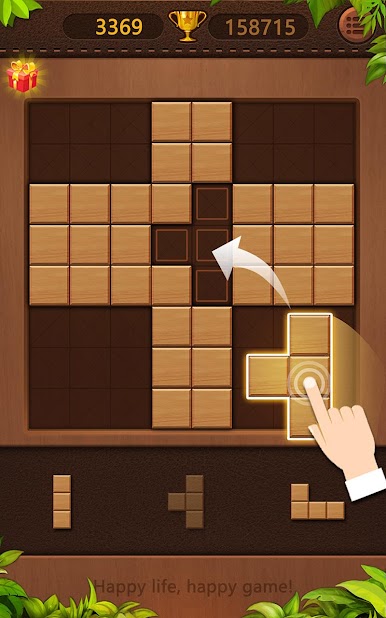
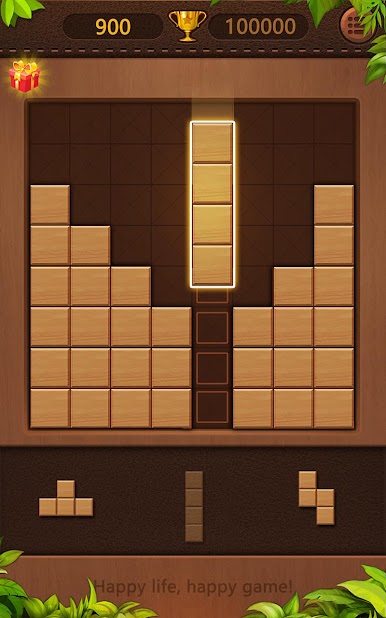
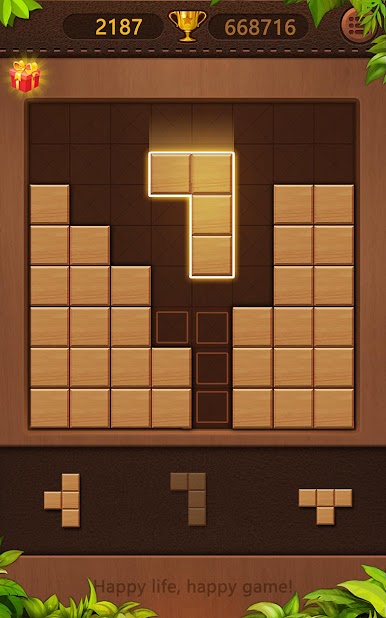
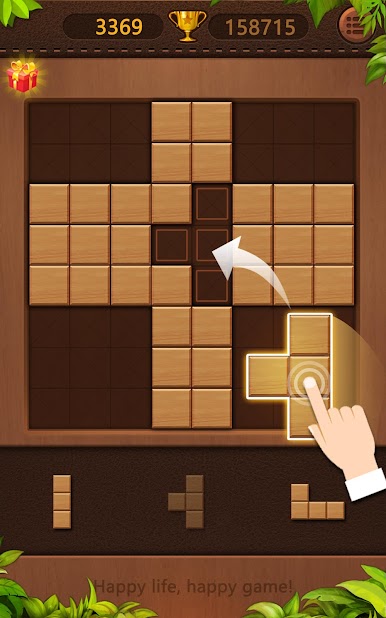
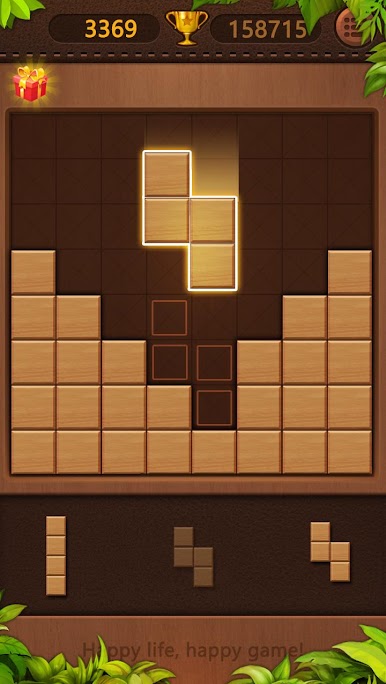
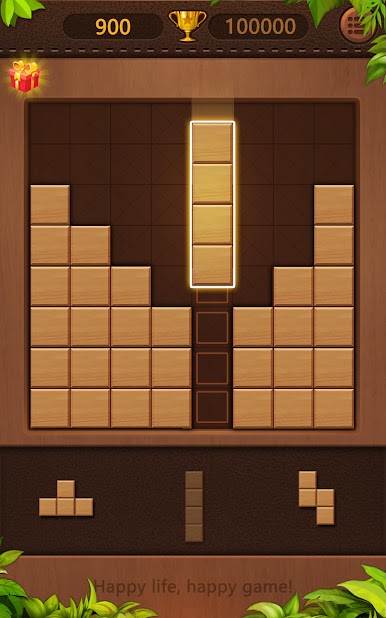
Juega Block Puzzle - Jigsaw puzzles en la PC. Es fácil comenzar.
-
Descargue e instale BlueStacks en su PC
-
Complete el inicio de sesión de Google para acceder a Play Store, o hágalo más tarde
-
Busque Block Puzzle - Jigsaw puzzles en la barra de búsqueda en la esquina superior derecha
-
Haga clic para instalar Block Puzzle - Jigsaw puzzles desde los resultados de búsqueda
-
Complete el inicio de sesión de Google (si omitió el paso 2) para instalar Block Puzzle - Jigsaw puzzles
-
Haz clic en el ícono Block Puzzle - Jigsaw puzzles en la pantalla de inicio para comenzar a jugar

