


AAC HLS Stream Player Zen
Juega en PC con BlueStacks: la plataforma de juegos Android, en la que confían más de 500 millones de jugadores.

Página modificada el: Aug 18, 2025
Play AAC HLS Stream Player Zen on PC
Simplicity, freedom, and harmony. Your audio player, your way.
👋 Welcome to AAC HLS Stream Player Zen, the app designed to give you a smooth, calming, and customizable listening experience.
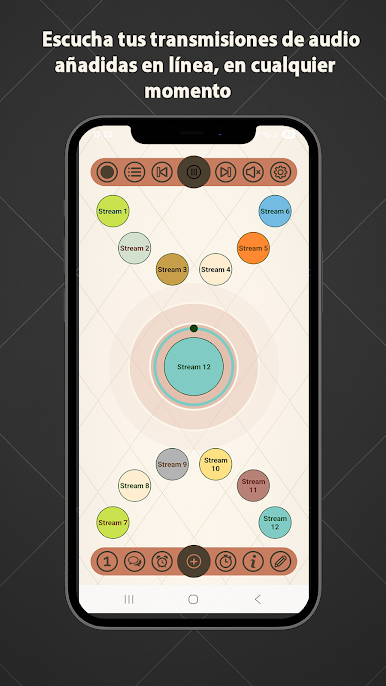
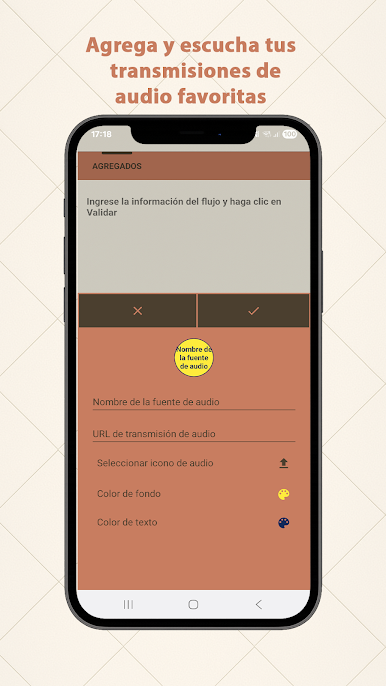
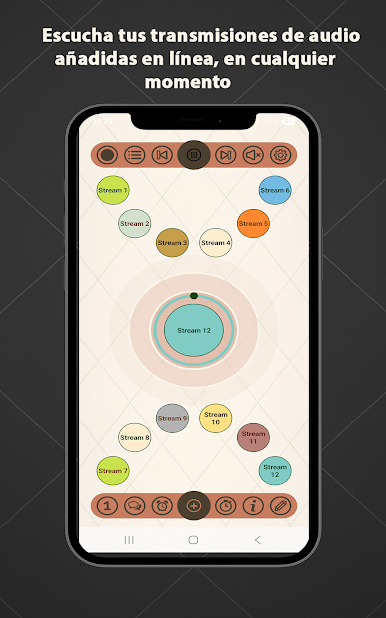
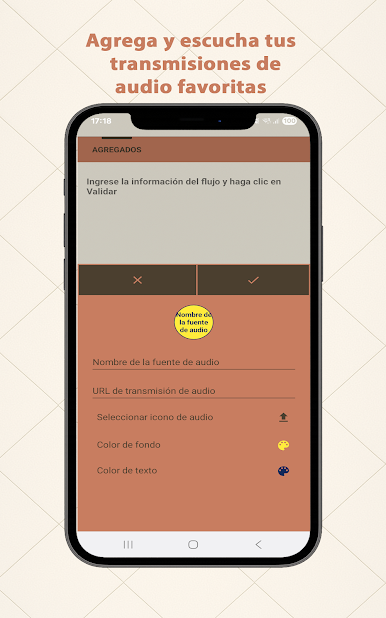
Add your own streams (FM, webradio, podcasts, HLS, AAC…) and enjoy powerful features to listen, record, or chat with other listeners — all in a clean, modern interface.
🚫 No built-in stations
• No preloaded content: you add your own streams.
• Supports AAC, HLS, FM, podcasts, and internet streams.
• Perfect for users who want freedom and control.
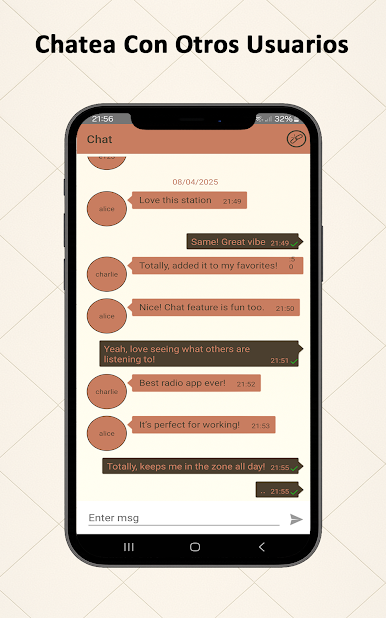
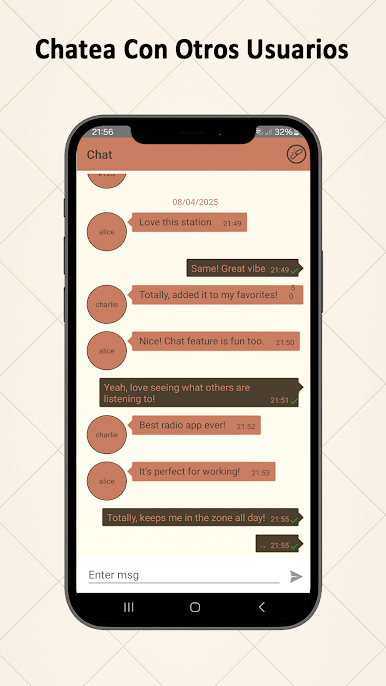
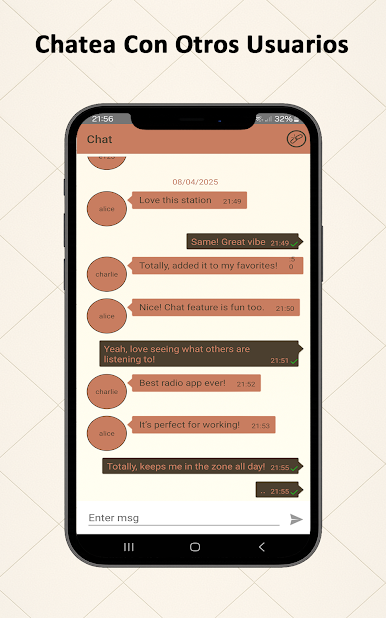
💬 Live Chat
• Talk with other users in real time.
• Share your thoughts and favorite tracks.
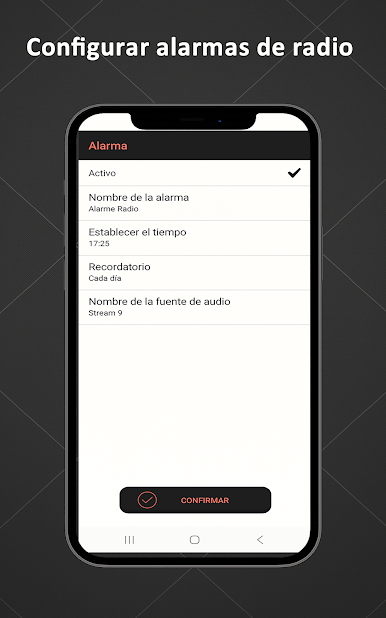
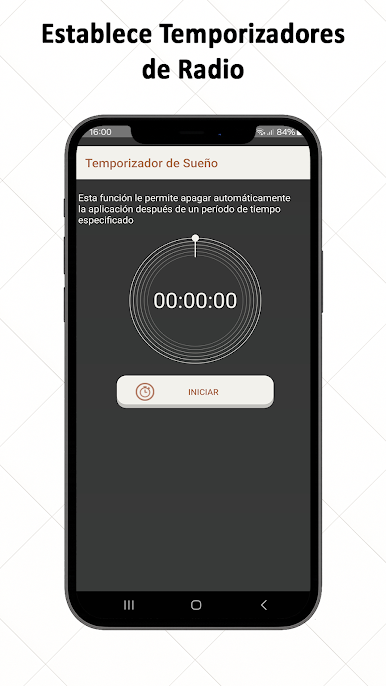
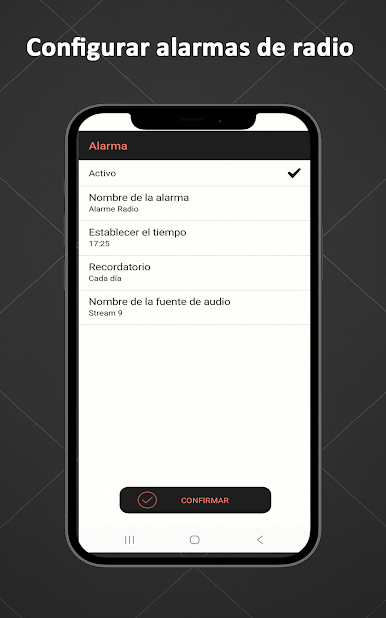
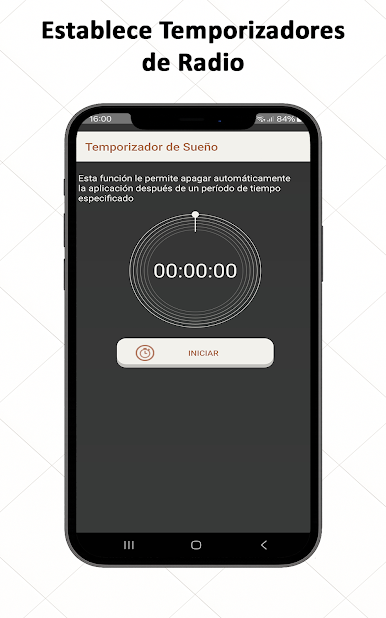
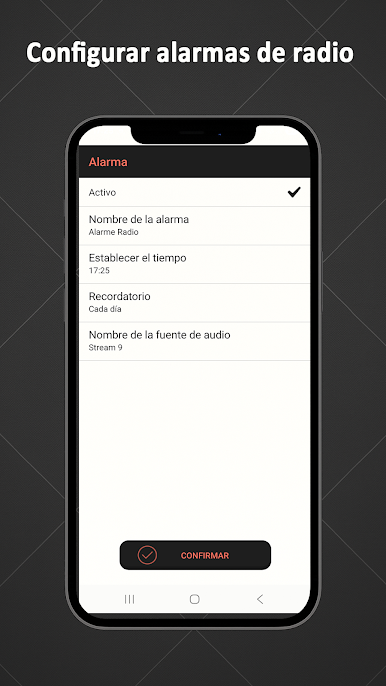
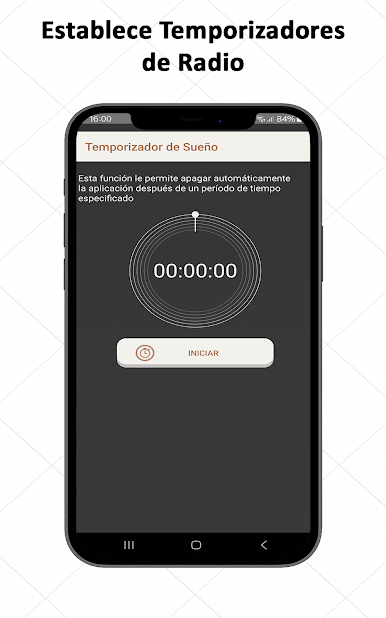
⏰ Alarm & Sleep Timer
• Wake up with your favorite station.
• Auto stop to fall asleep peacefully.
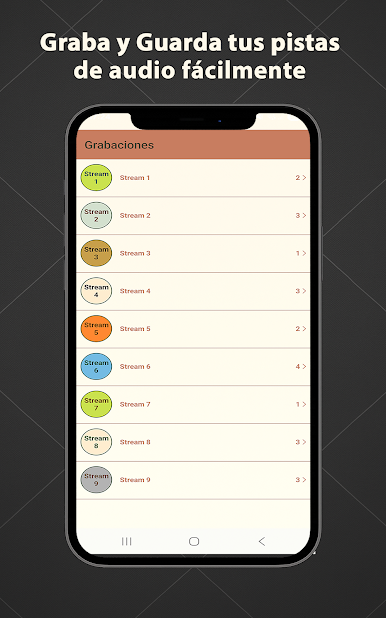
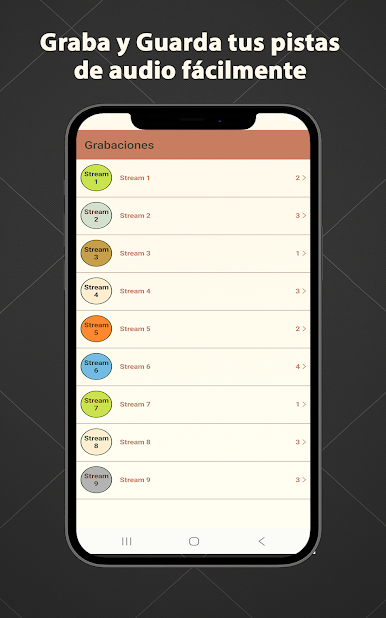
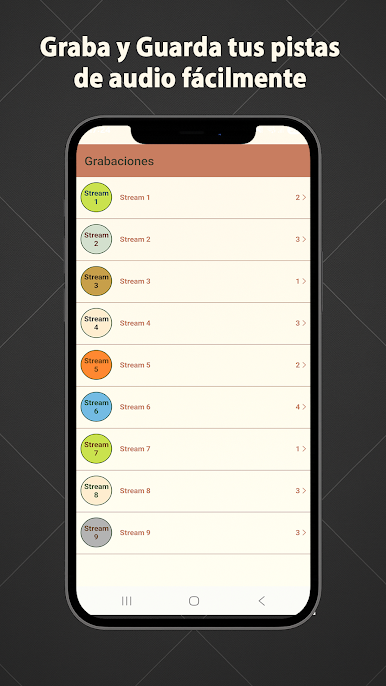
🔴 Recording feature
• Save your favorite audio instantly.
• Access recordings offline anytime.
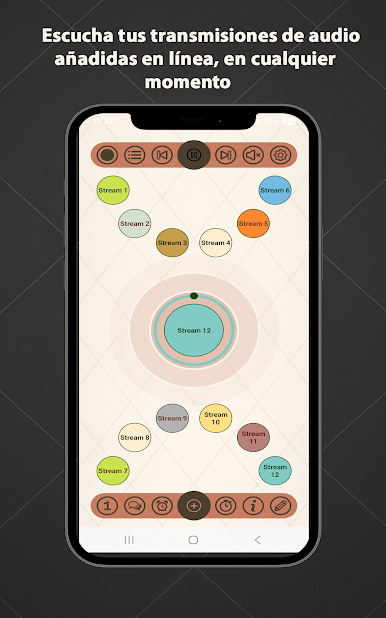
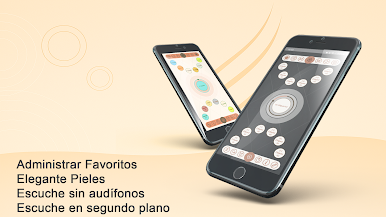
🎨 Zen & customizable interface
• Manage favorites easily.
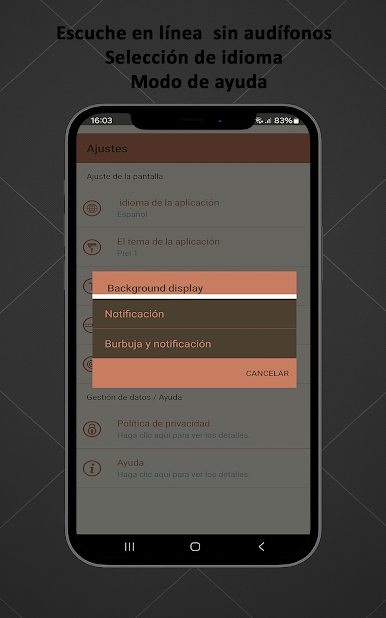
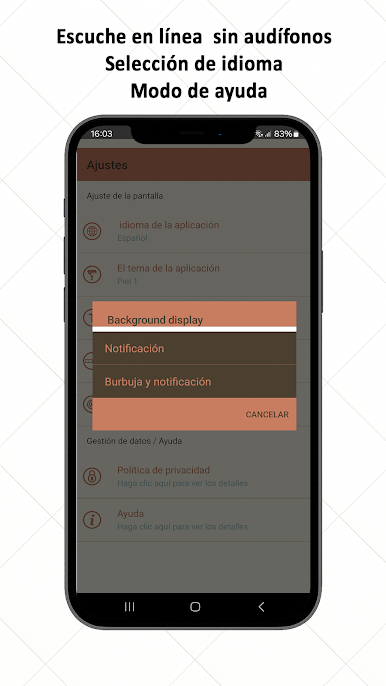
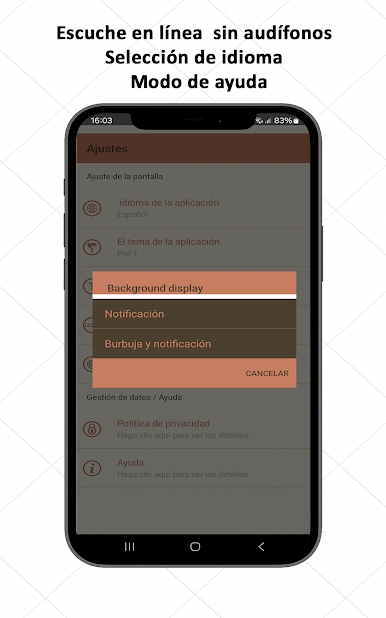
• Multiple languages: EN / FR / AR / ES.
• Minimalist and elegant themes.
❓ Why choose AAC HLS Stream Player Zen?
• 🆓 Free and independent.
• 🔓 Full freedom: your content, your rules.
• 🎯 Calm, modern, and complete audio player.
📲 Download AAC HLS Stream Player Zen now
and enjoy your personal audio streaming experience.
Juega AAC HLS Stream Player Zen en la PC. Es fácil comenzar.
-
Descargue e instale BlueStacks en su PC
-
Complete el inicio de sesión de Google para acceder a Play Store, o hágalo más tarde
-
Busque AAC HLS Stream Player Zen en la barra de búsqueda en la esquina superior derecha
-
Haga clic para instalar AAC HLS Stream Player Zen desde los resultados de búsqueda
-
Complete el inicio de sesión de Google (si omitió el paso 2) para instalar AAC HLS Stream Player Zen
-
Haz clic en el ícono AAC HLS Stream Player Zen en la pantalla de inicio para comenzar a jugar

